




 here!
I’m your shopping assistant for PC builds, upgrades, and everything tech.
Got questions? Ask away!
Start a conversation
here!
I’m your shopping assistant for PC builds, upgrades, and everything tech.
Got questions? Ask away!
Start a conversation



Any questions? Ask CelesteSM will help you find out quickly.
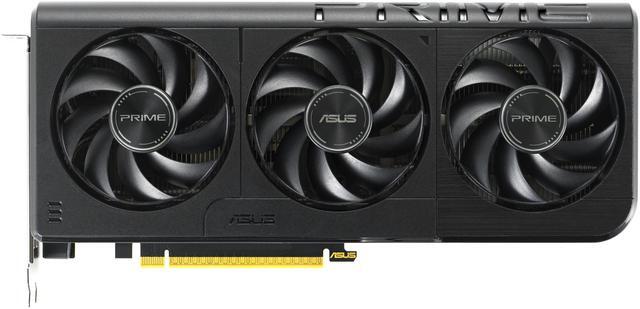
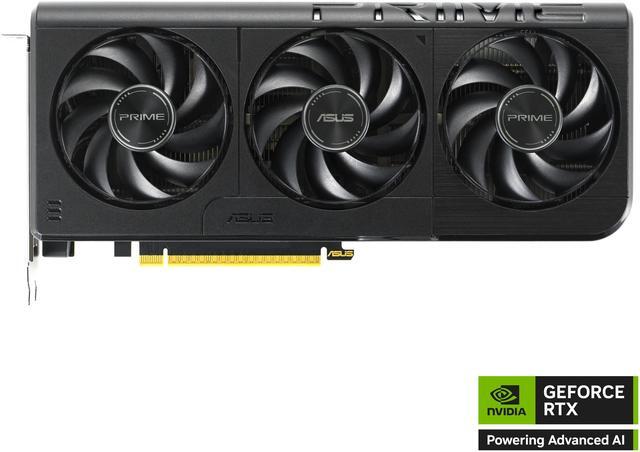
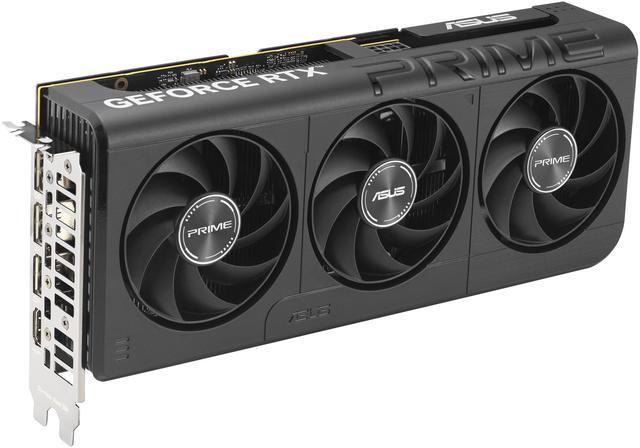
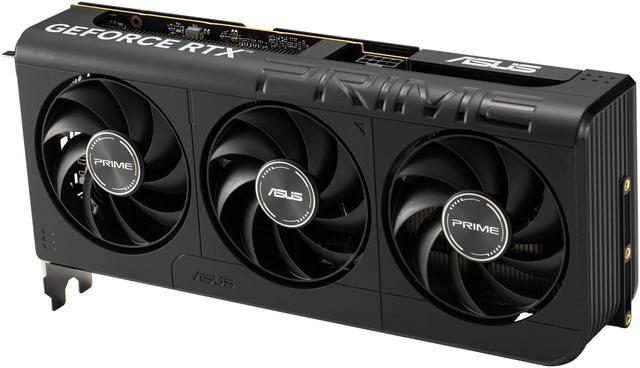
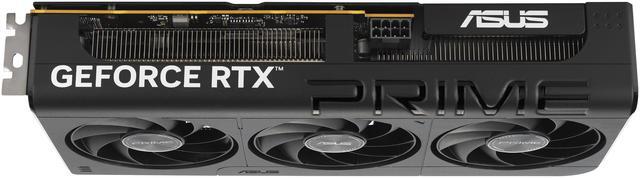
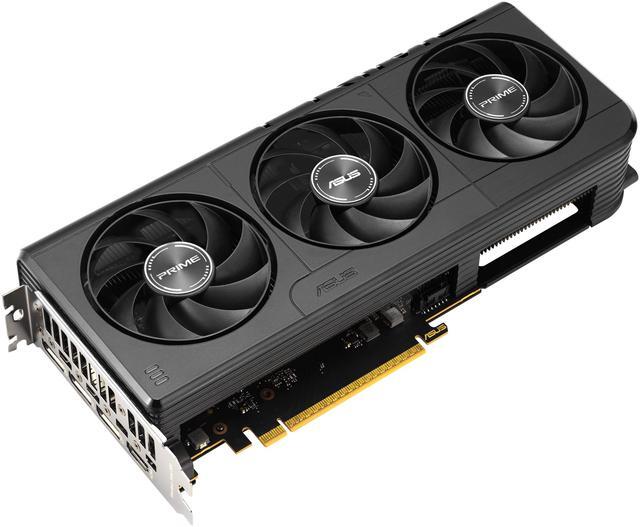
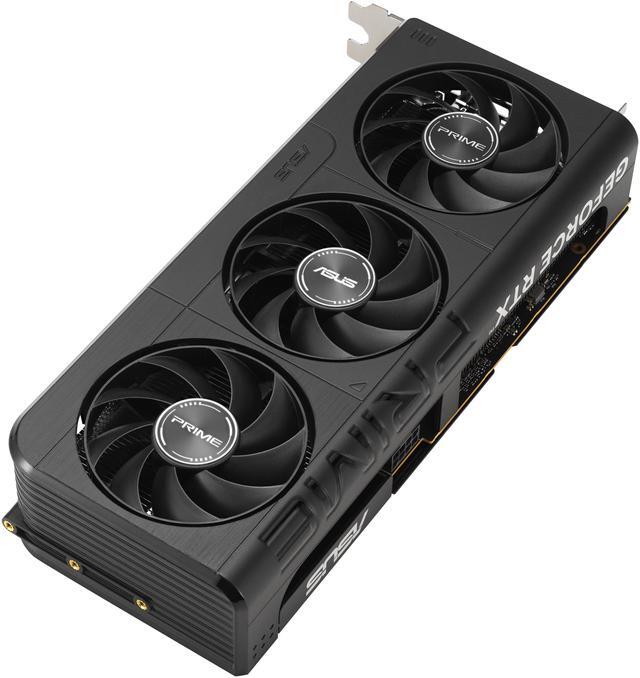
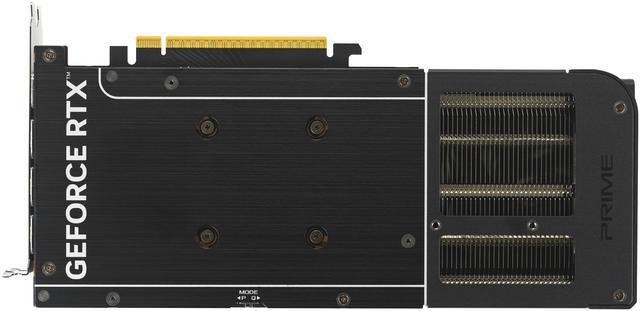
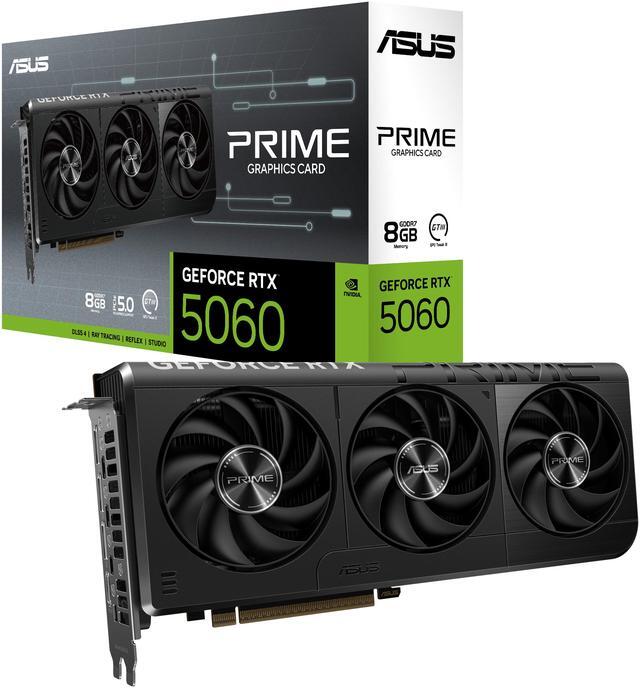
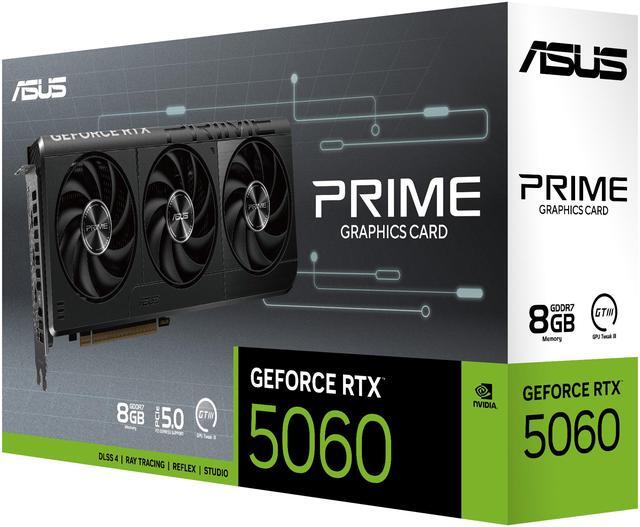
The ASUS Prime GeForce RTX 5060 8GB is a triple-fan ATX graphics card built for mainstream 1440p gaming, smooth 1080p high-refresh play, and everyday creator workloads for buyers who want a current-generation NVIDIA GPU with DisplayPort 2.1b and HDMI 2.1b connectivity.
| Attribute | Value |
|---|---|
| Best For | Mid‑range desktop gaming, VR, and creative workloads on PCIe-equipped desktops; supports up to 4 simultaneous displays |
| GPU And Core Count | NVIDIA GeForce RTX 5060 (GeForce RTX 50 Series) using Blackwell architecture with 3,840 CUDA cores |
| Memory Configuration | 8 GB GDDR7 memory on a 128‑bit bus with an effective memory clock of 28 Gbps |
| Clock And Performance | OC boost reported at 2527 MHz; internal listings also show default boost values of 2497 MHz and 2565 MHz; external clock fields list 2527 MHz |
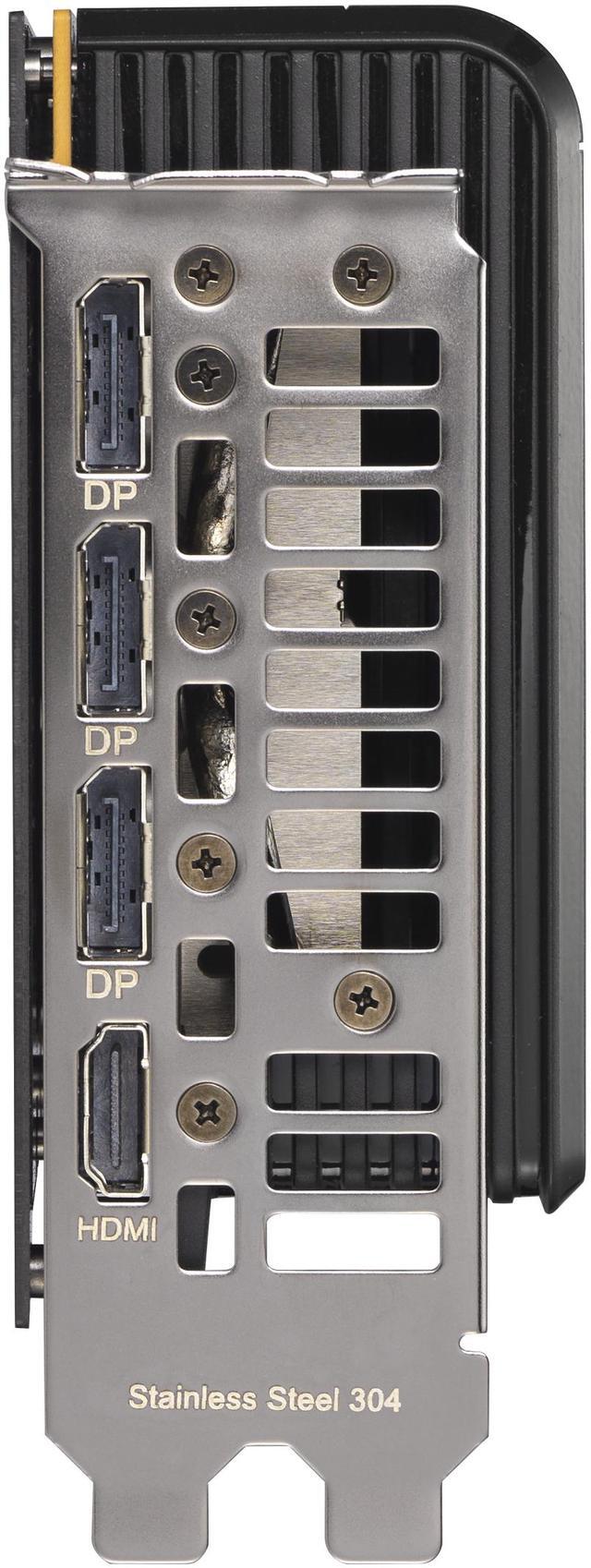
| Display Outputs | 1 × HDMI 2.1b and 3 × DisplayPort 2.1b (native HDMI/DisplayPort), supports up to 7680 × 4320 and 4 displays |
| Interface And Expansion | PCI Express 5.0 x8 interface (also referenced as PCI Express x16 in some listings) |
| Power And Cooling | Triple‑fan cooler (3 fans) with a single 8‑pin power connector; recommended system PSU 550W |
| Physical And Dimensions | Card: 268.3 × 120 × 50 mm (10.56 × 4.72 × 1.97 in); max GPU length 269 mm; 2.5‑slot width; item weight ~3 lb; package weight ~1.379 kg; package dimensions provided |
| APIs And Software Support | Supports DirectX 12 Ultimate and OpenGL 4.6; HDCP ready and VR ready |
| Compatibility And System | Designed for desktop systems with ATX form factor; does not support CrossFireX or SLI |
| Package Contents | Includes card and accessory pack (listed items: PRIME‑RTX5060‑8G, user manual, thank you card); sold as a single unit |
| Regulatory & Safety | Includes California Proposition 65 warning for cancer |
| Model Identifiers | ASUS PRIME‑RTX5060‑8G (Part Number 90YV0N11-M0AA00); manufacturer listed as ASUS, style name PRIME |
Q: RTX 5060 vs RTX 4060: which is the better buy for a new 1080p gaming PC?
A: The RTX 5060 is the better choice if you are building new and the price difference is reasonable. Officially, it moves to the Blackwell generation and adds DLSS 4 features including Multi Frame Generation, while reviews and community discussions generally treat it as a clear step up from the RTX 4060 for 1080p gaming. The trade-off is that both cards are still 8GB-class options, so the upgrade is most meaningful for buyers starting fresh or replacing an older GPU rather than for current RTX 4060 owners expecting a major tier jump.
Q: RTX 5060 or RTX 5060 Ti: when should you spend more on the Ti model?
A: Choose the RTX 5060 if your target is mainstream 1080p gaming and you want lower total system cost. Move up to the RTX 5060 Ti if you want more performance headroom, especially for heavier settings, longer-term use, or games where extra VRAM helps avoid larger frame-time drops. Reviews consistently place the Ti above the standard RTX 5060, and broader testing on 8GB cards also shows that memory limits become more noticeable as game demands increase.
Q: RTX 5060 vs Radeon RX 9060 XT: which one makes more sense?
A: The RTX 5060 makes more sense if you value NVIDIA's feature stack, especially DLSS 4 and Multi Frame Generation, or if your game mix favors ray tracing and NVIDIA-specific technologies. The Radeon RX 9060 XT is the stronger alternative if your priority is raw raster performance per dollar or if you want a 16GB option in this class. Across reviews, this comparison usually comes down to features and ray tracing on the NVIDIA side versus memory capacity and value positioning on the AMD side.
Q: Is RTX 5060 a worthwhile upgrade from RTX 4060 if you already own the older card?
A: Usually, the RTX 5060 is a sensible upgrade from an RTX 4060 only if the cost to switch is low or if you specifically want Blackwell features such as DLSS 4 and Multi Frame Generation. Community discussion and review coverage generally describe the gain as real but not transformational for existing RTX 4060 owners. If you want a more substantial upgrade in longevity or higher-resolution gaming, buyers often look one tier higher than the standard RTX 5060.
Q: Desktop RTX 5060 or RTX 5060 laptop GPU: which is better for portability-focused use?
A: Choose a desktop RTX 5060 like this ASUS card if performance consistency, cooling, and upgrade flexibility matter more than mobility. Choose an RTX 5060 laptop only when portability is the main requirement, because laptop implementations depend heavily on chassis size and power limits. Official NVIDIA positioning launches both under the same family, but in practice the desktop card is the better fit for fixed-location gaming setups and the laptop version is the better fit for travel, school, or space-saving use.
Q: Is this ASUS RTX 5060 8GB a good choice for 1080p gaming?
A: Yes. This card is a strong fit for 1080p gaming, especially for buyers moving up from older midrange GPUs. The main limitation is its 8GB of VRAM, so it is better suited to high or optimized settings at 1080p than to maxed-out settings in the newest, most demanding games.
Q: Is 8GB of VRAM enough, or should I buy a higher-tier card instead?
A: 8GB is usually enough for mainstream 1080p play, lighter creator workloads, and general GPU upgrades. It is a weaker fit if your priority is maximum texture settings, heavier AAA games over time, or more comfortable 1440p headroom. Buyers who want longer-term margin for newer games should compare it against cards with more VRAM.
Q: Is this card good for 1440p gaming?
A: It can handle some 1440p gaming, but that is not its safest buying case. Repeated buyer feedback on comparable RTX 5060 8GB cards points to good 1080p results and more noticeable limits at 1440p, mainly due to the 8GB memory capacity. If 1440p is your main target, this card is better viewed as an entry option than a high-headroom one.
Q: Will this card fit most mid-tower PCs and work with a typical power supply?
A: Usually yes, but it should be checked before purchase. This ASUS model is 268.3 mm long, 50 mm thick, uses 2.5 slots, and requires one 8-pin power connector with a 550W recommended PSU. That makes it easier to power than many higher-tier GPUs, but buyers still need to confirm case clearance, available slot space, and the 8-pin lead from the power supply.
Q: Who is this card most suitable for?
A: This card is most suitable for mainstream gamers, first-time GPU upgraders, and buyers who want a current-generation NVIDIA card for 1080p gaming, everyday creator tasks, and multi-monitor desktop use. It is less suitable for shoppers specifically chasing higher-end 1440p performance or extra VRAM for heavier future-proofing.
Q: Is the ASUS Prime RTX 5060 8GB a good buy for 1080p gaming?
A: Yes for 1080p-focused buyers who want a current-generation NVIDIA card and accept 8GB VRAM limits. Discussion around the RTX 5060 repeatedly frames it as a solid 1080p card, but not an ideal choice for buyers who want more long-term headroom for newer games or heavier texture settings.
Q: Who is this card most suitable for?
A: It is most suitable for mainstream desktop gamers building or upgrading a 1080p PC with a 550W-class PSU, one 8-pin power lead, and enough case space for a 269 mm, 2.5-slot card. It fits buyers who value modern display outputs and NVIDIA features, but it is less suitable for users specifically shopping for high-VRAM longevity.
Q: What are the main trade-offs of buying this RTX 5060 8GB model?
A: The main trade-offs are its 8GB VRAM capacity and x8 PCIe link. Repeated Reddit discussion treats 8GB as the biggest limitation for future game requirements, especially above 1080p or with heavier settings. The PCIe 5.0 x8 design is usually fine in newer systems, but it is a weaker fit for older platforms where bandwidth limits can matter more.
Q: Is this a good choice for 1440p gaming?
A: Not as a primary reason to buy it. This card can handle some 1440p use with reduced settings or upscaling, but the product information and discussion pattern both point more clearly to 1080p as the safer target. Buyers prioritizing consistent 1440p performance or more memory headroom should treat this as a compromise option.
Q: Should you buy this if you have an older motherboard or older PCIe platform?
A: Only with caution. This ASUS card uses a PCIe 5.0 x8 interface, and Reddit discussion around RTX 5060 cards repeatedly raises older-platform compatibility and bandwidth concerns. It can still work in older systems, but it is a better fit for newer builds than for buyers trying to maximize value in an aging platform.







