

Your Browsing History

Get Educated
Make informed decisions with expert advice. Learn More
100%

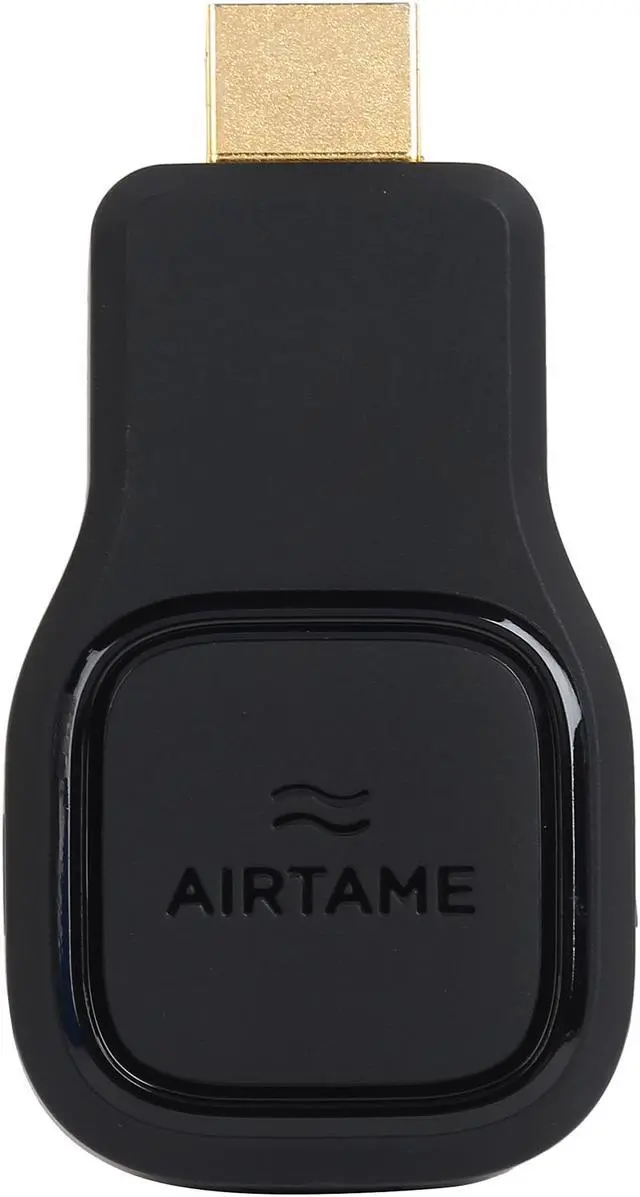

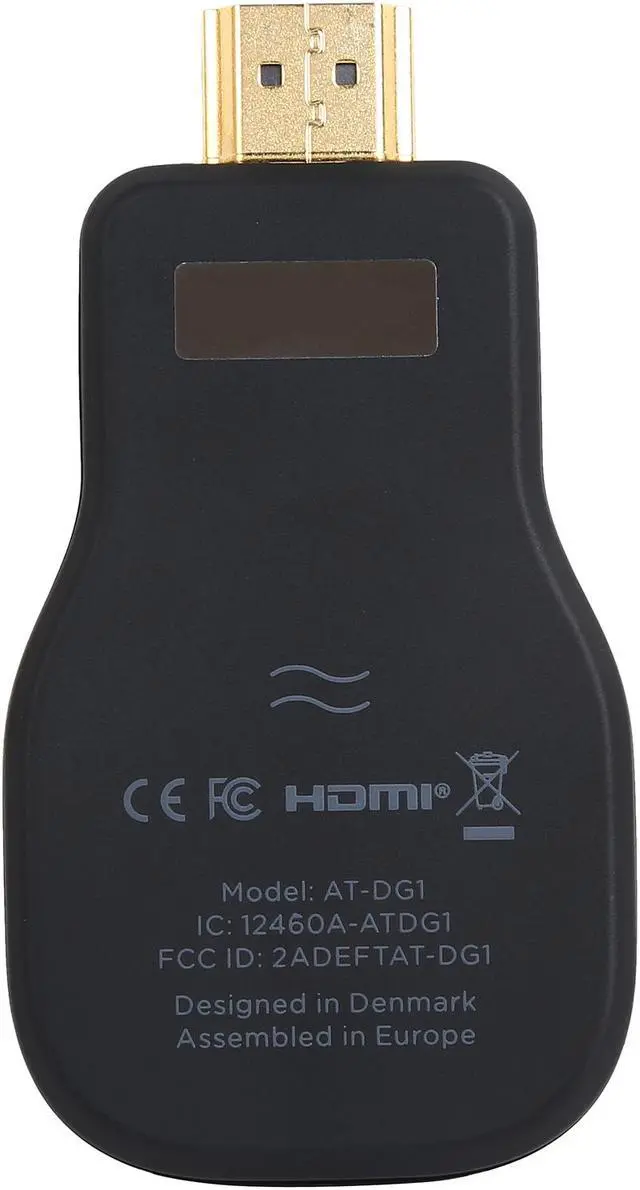

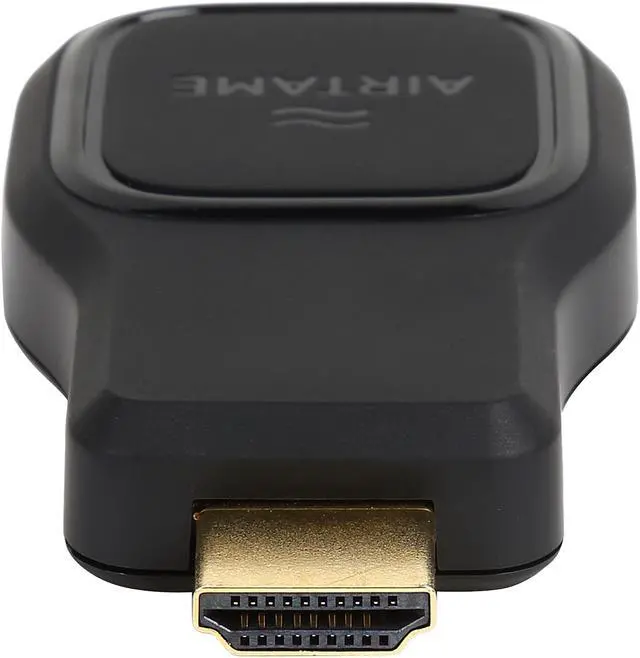
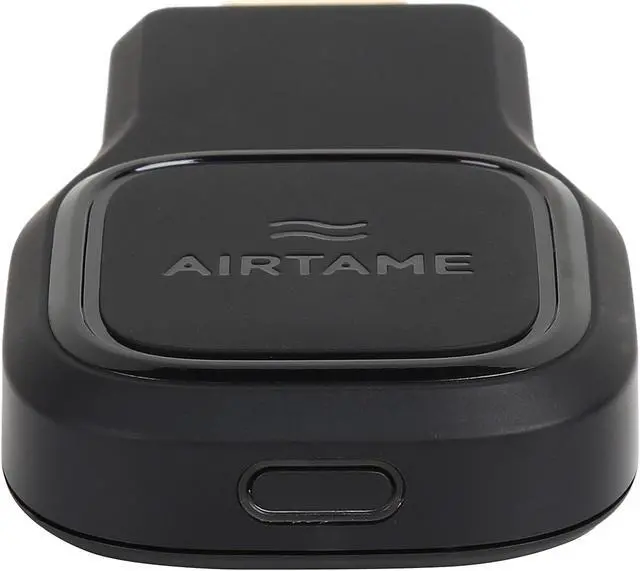

360°


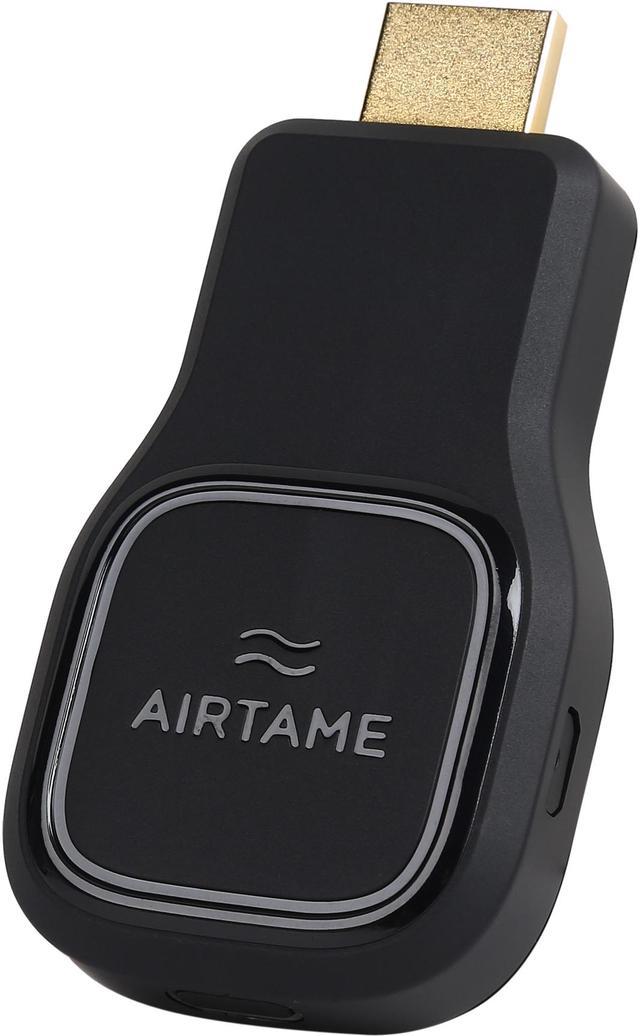
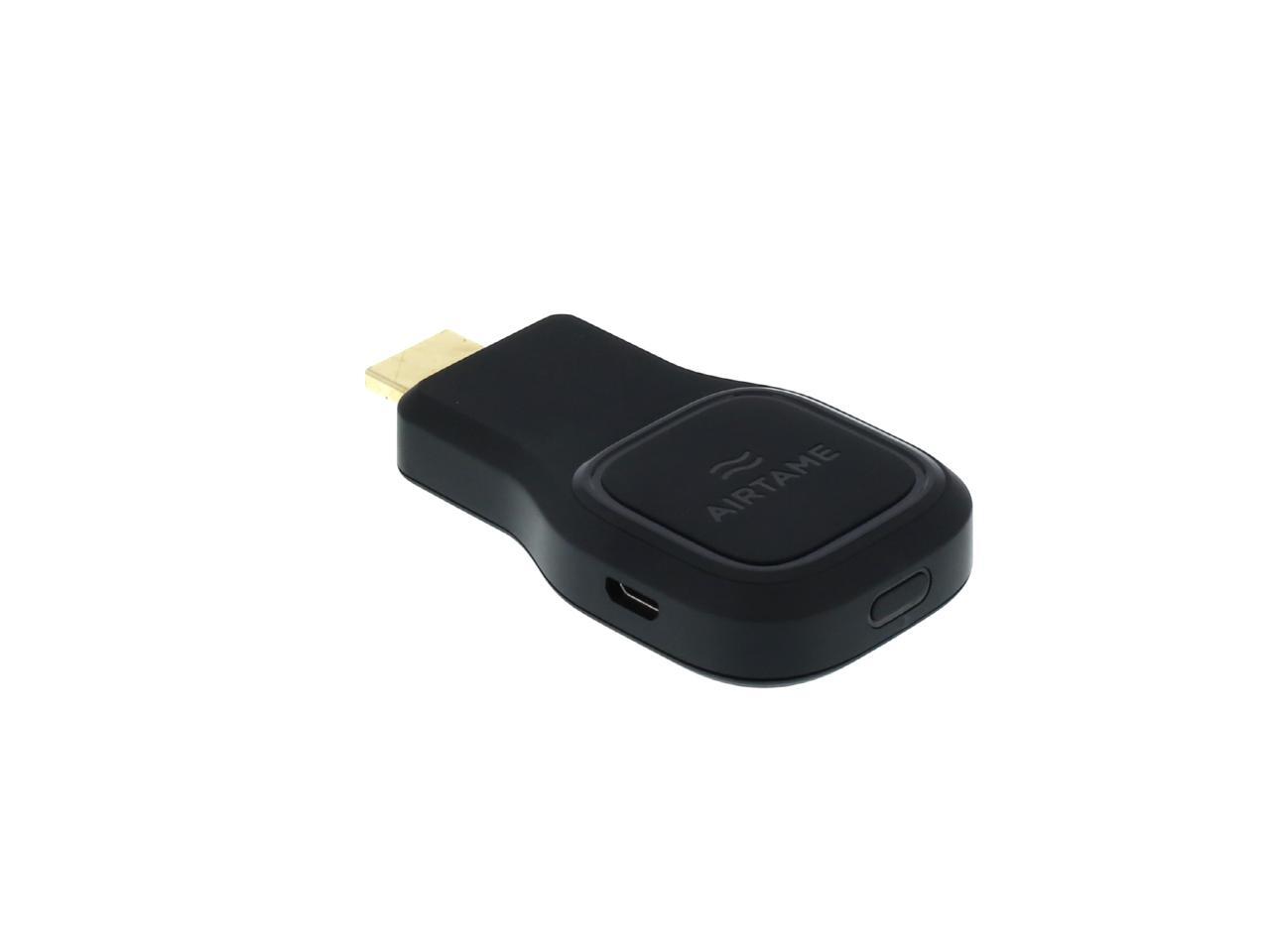
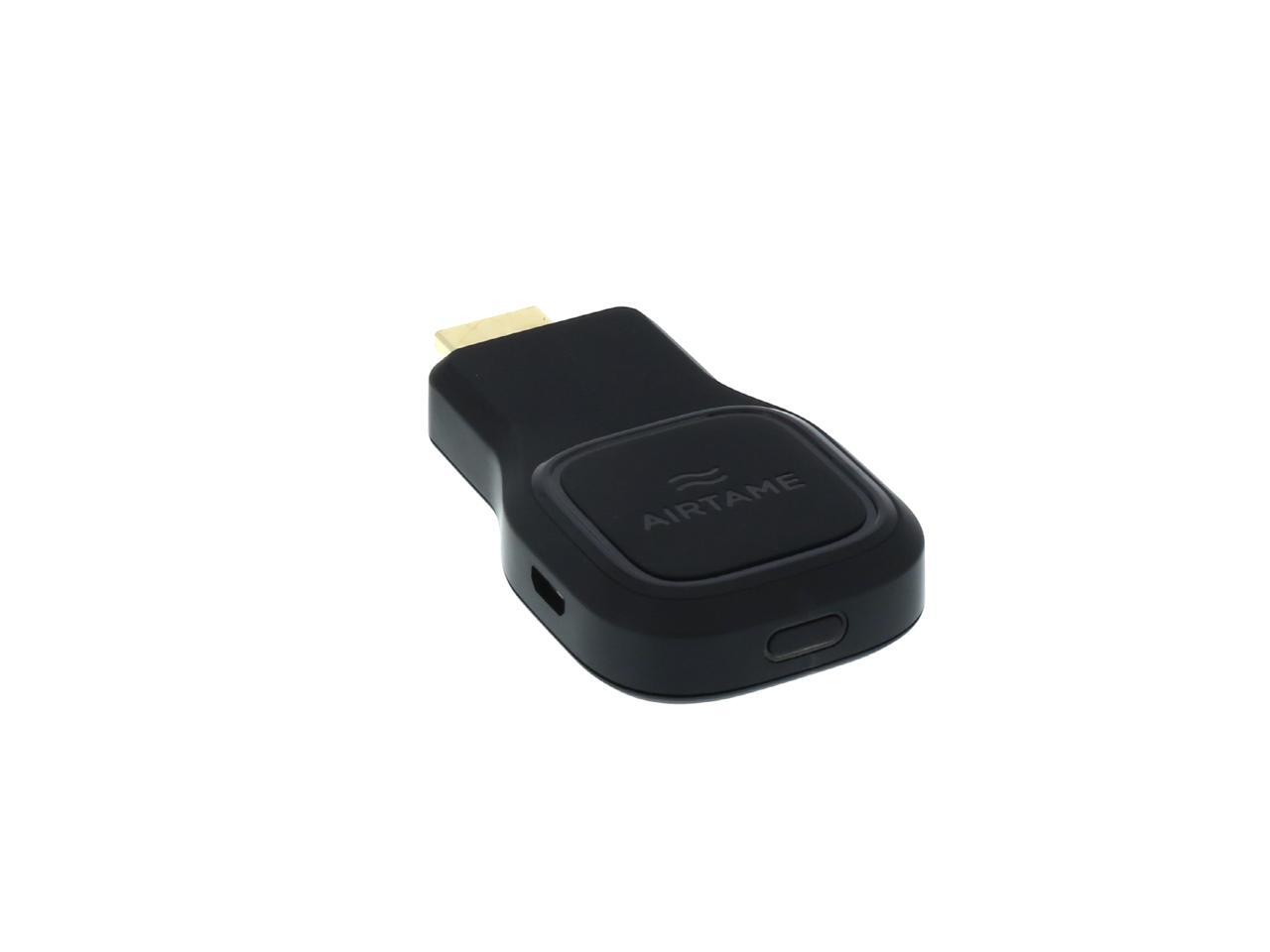
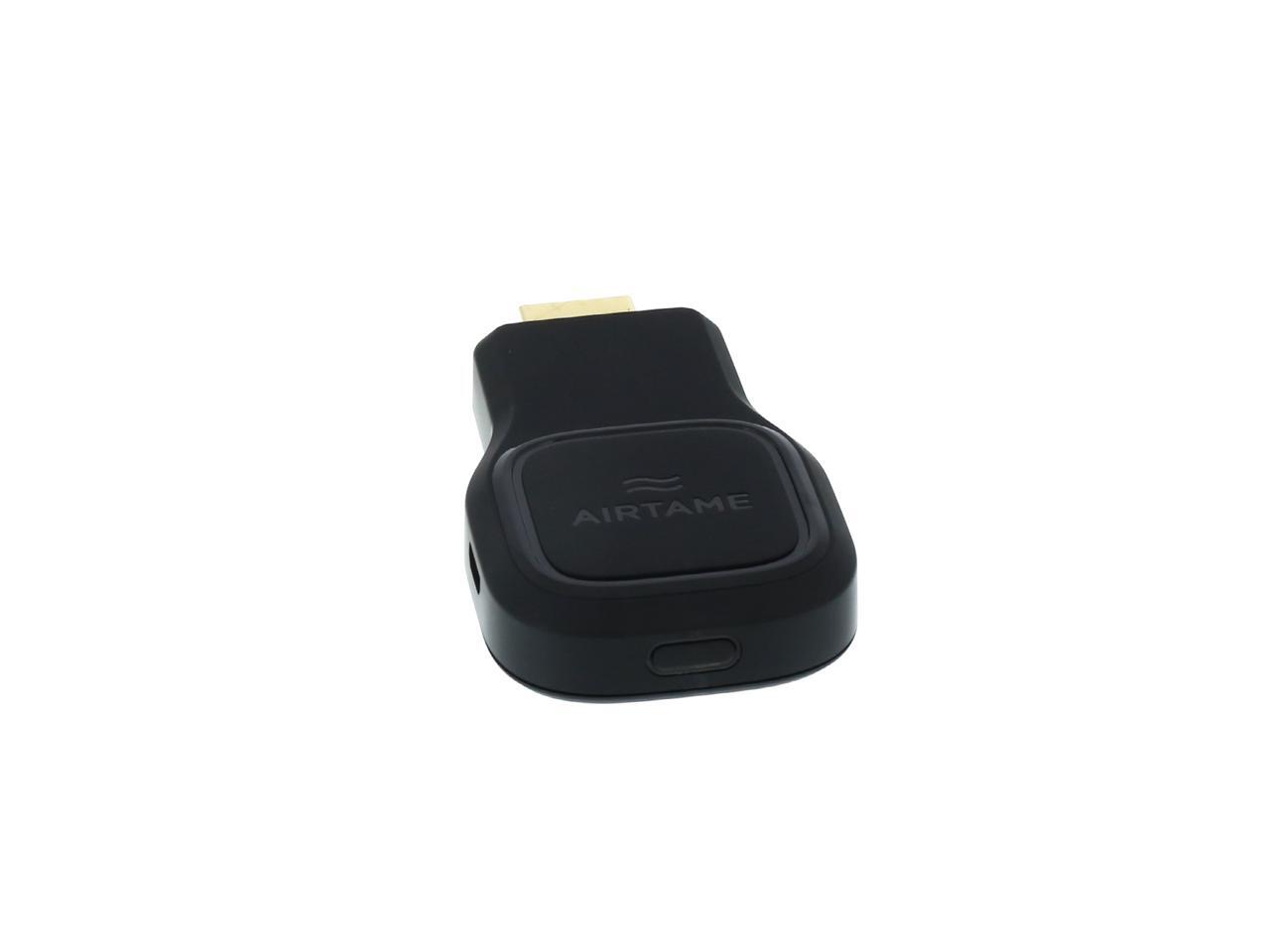
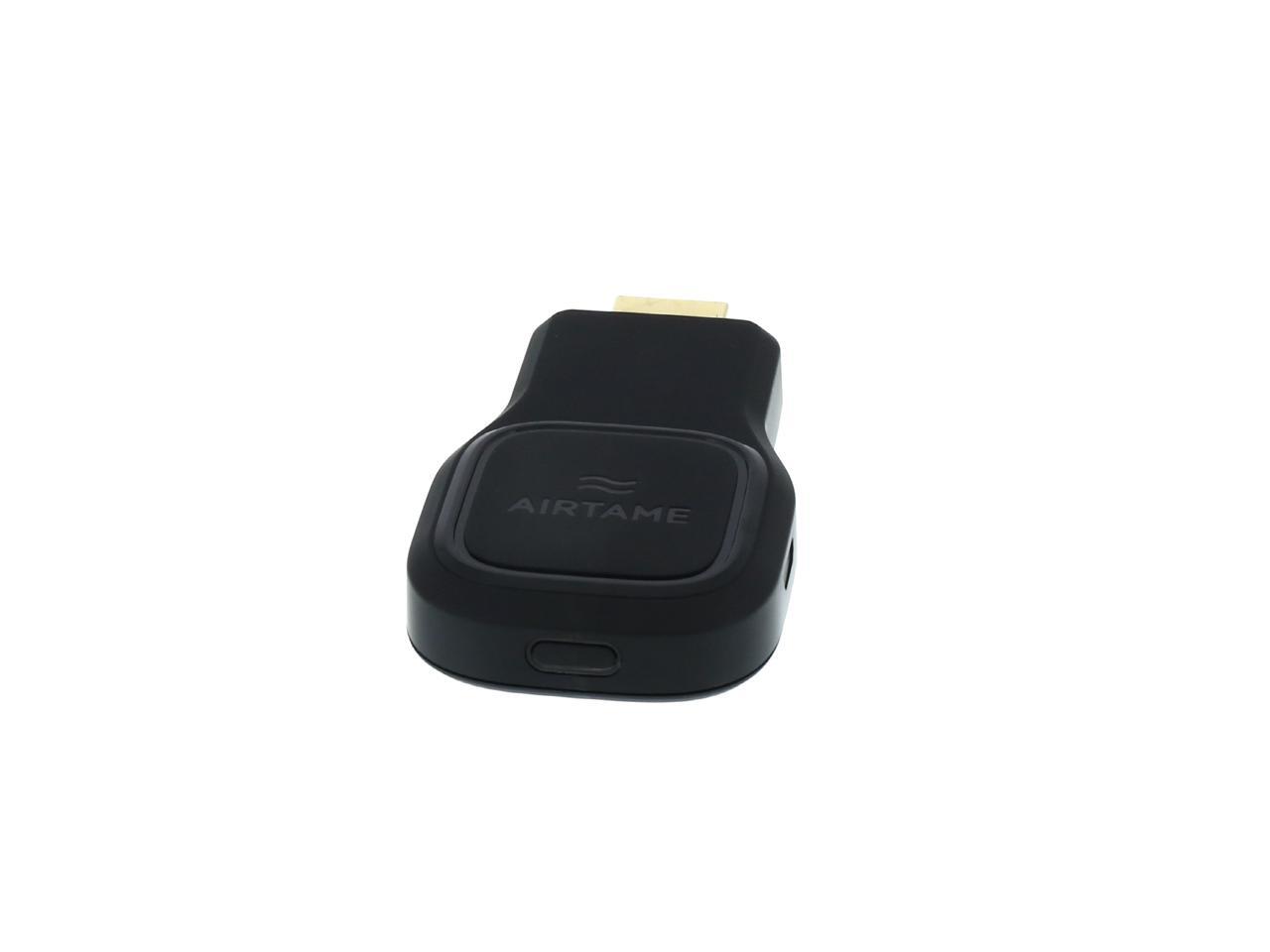
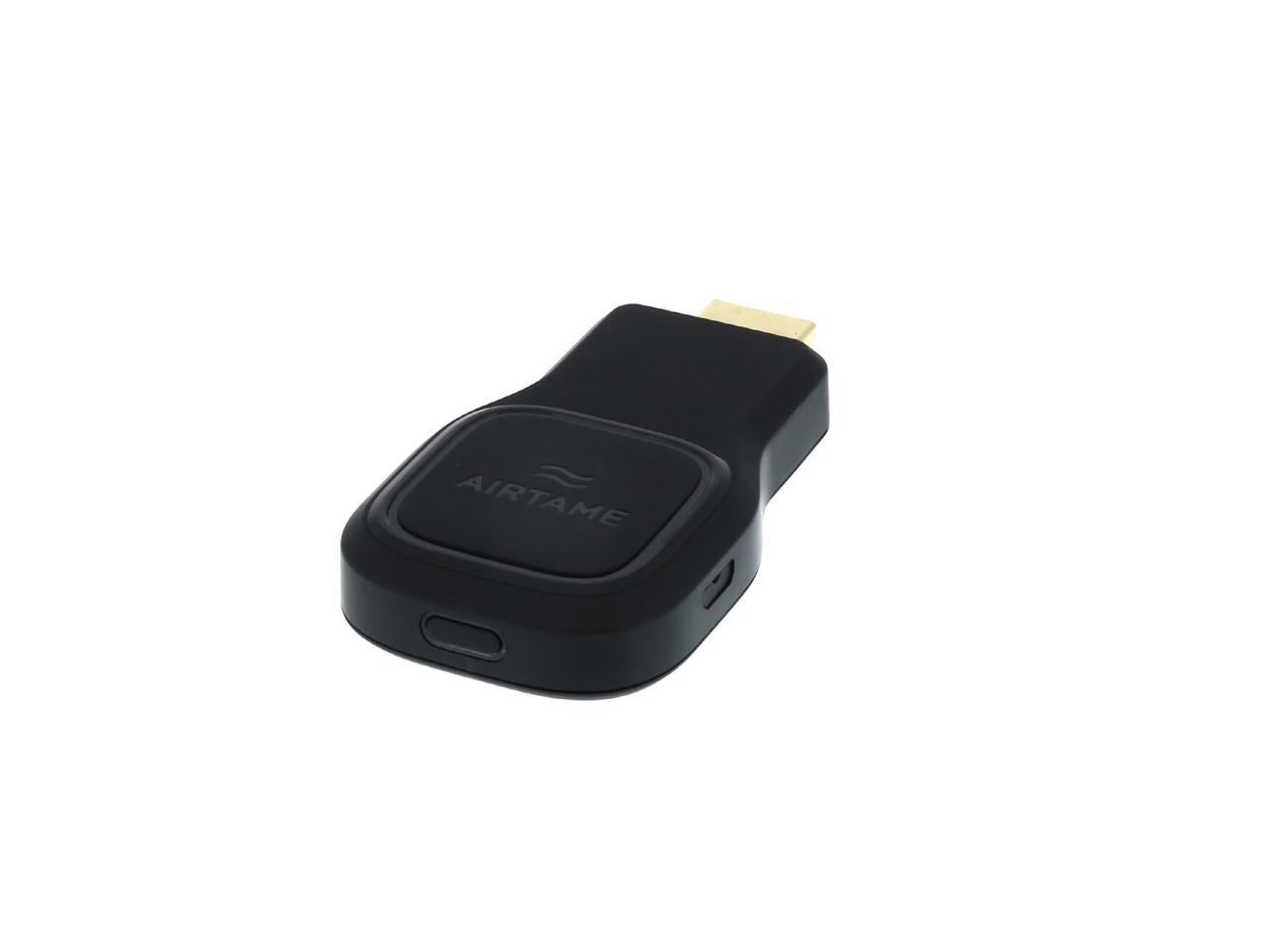
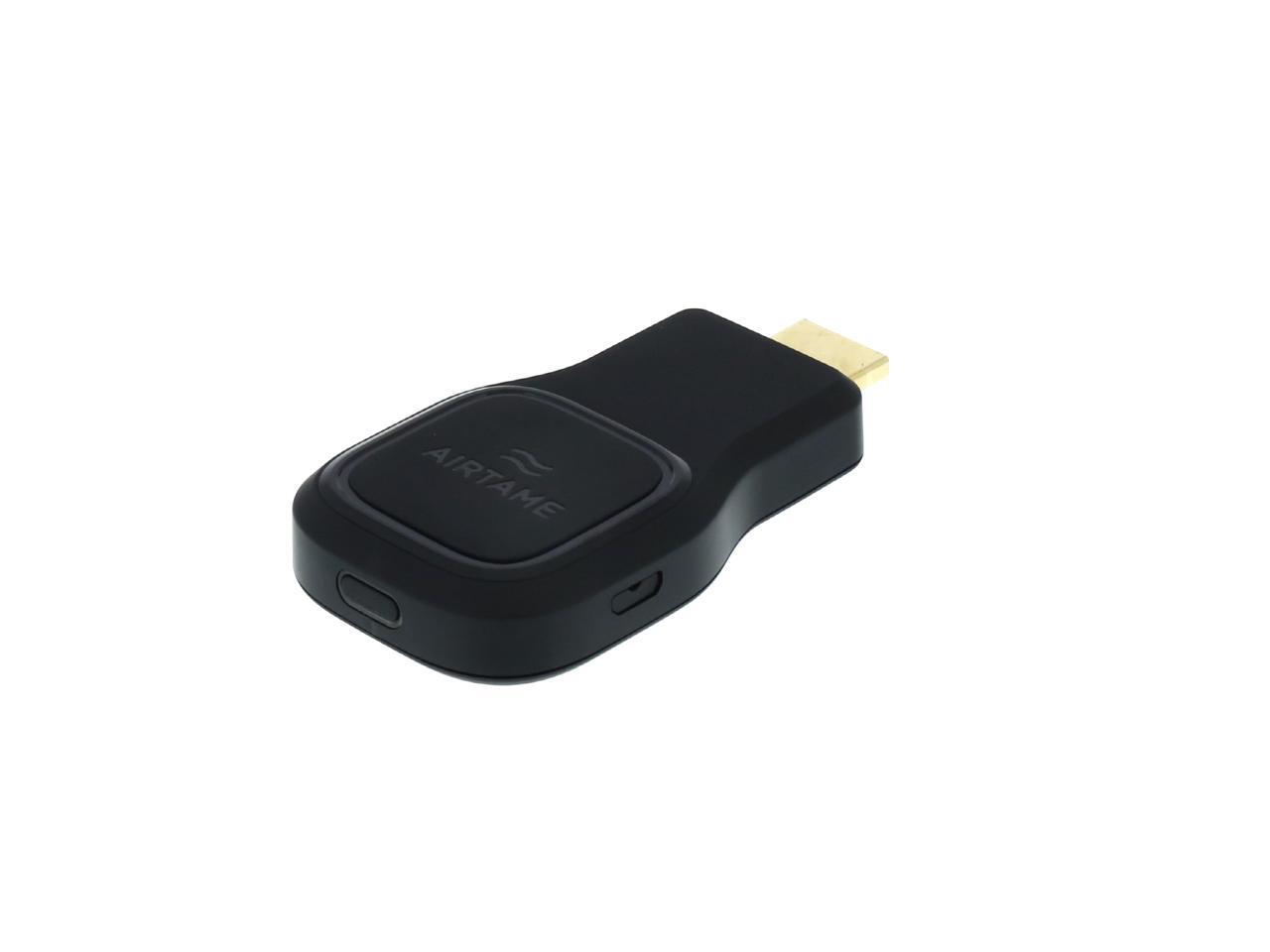
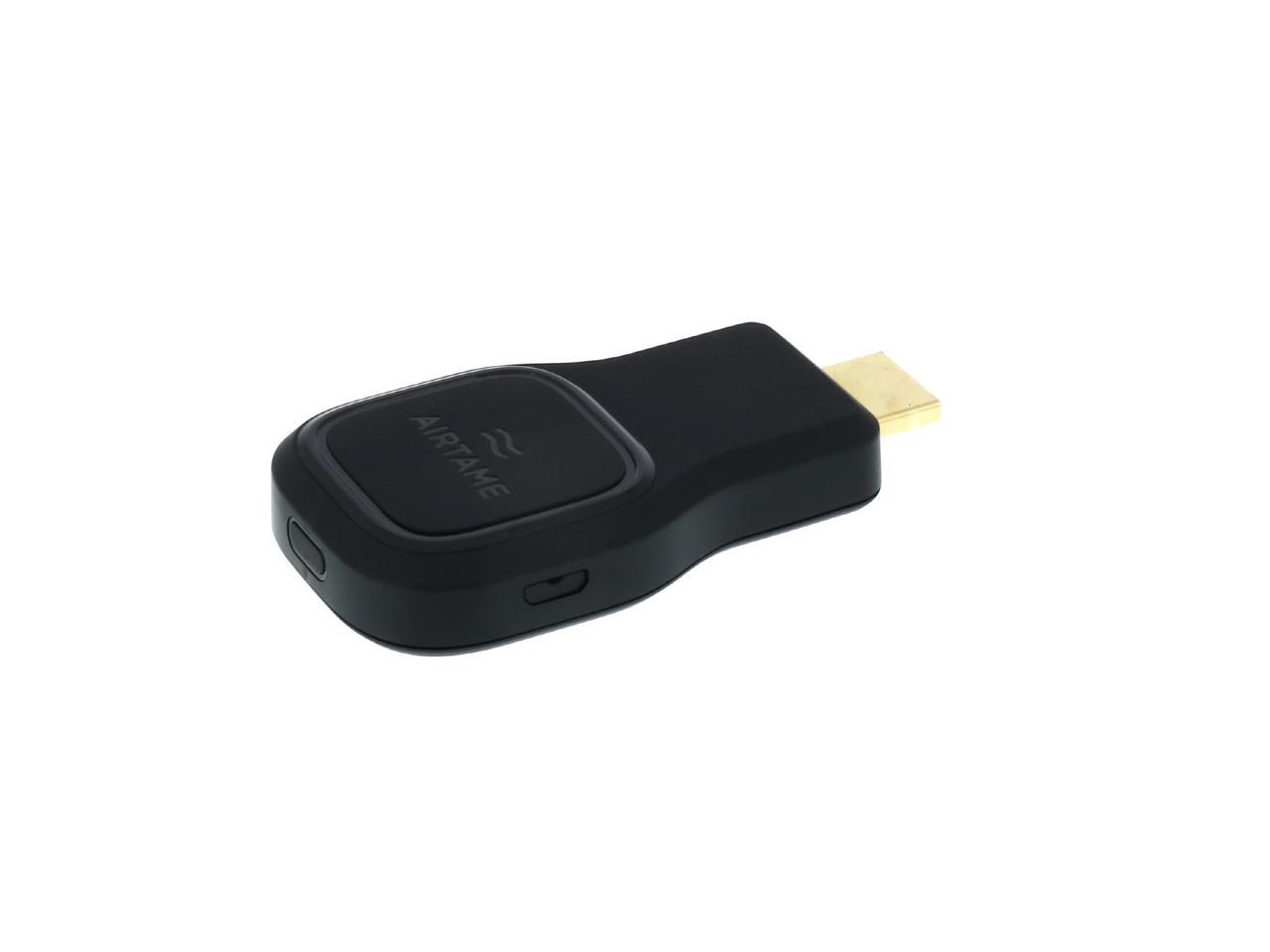
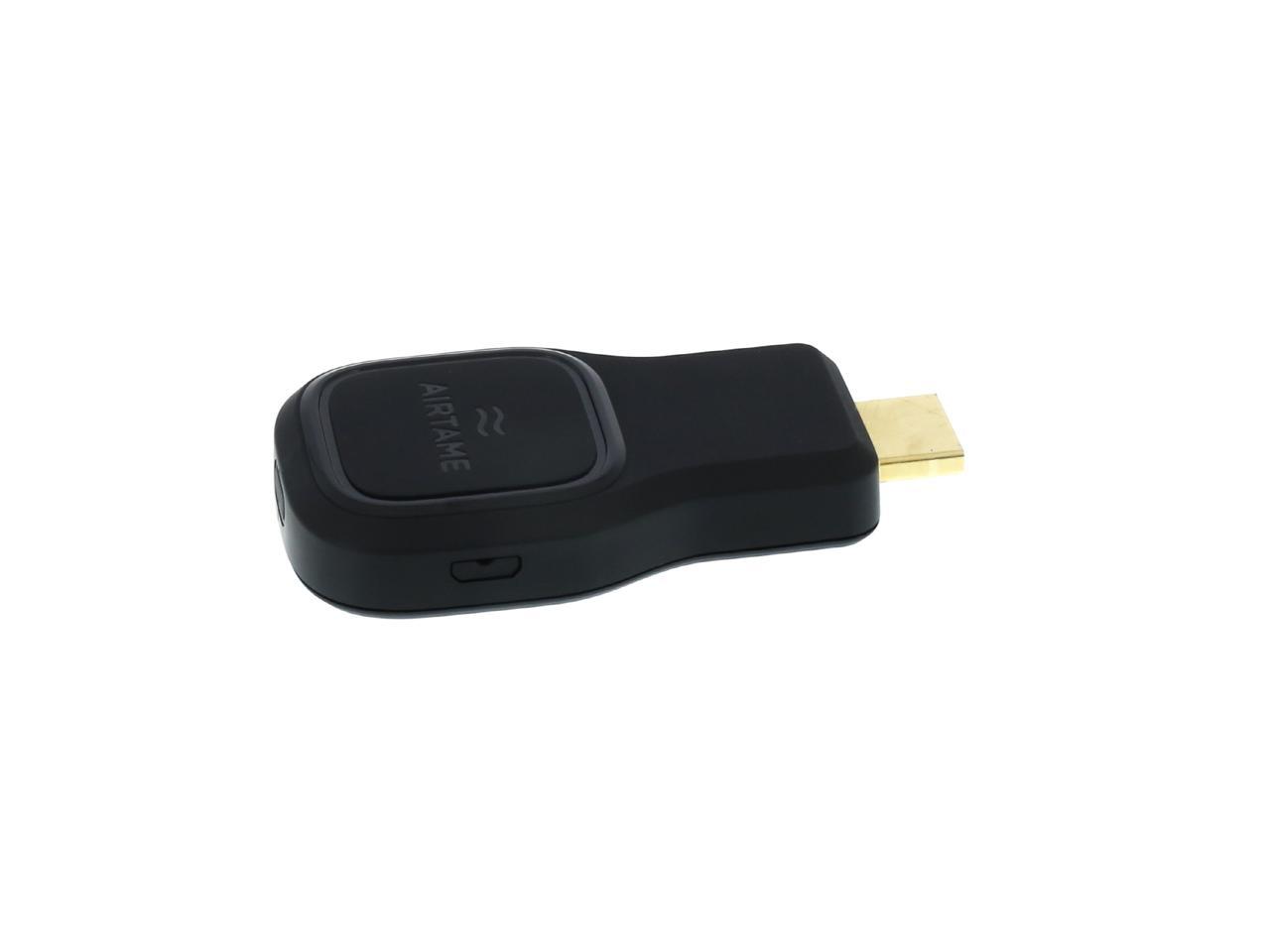
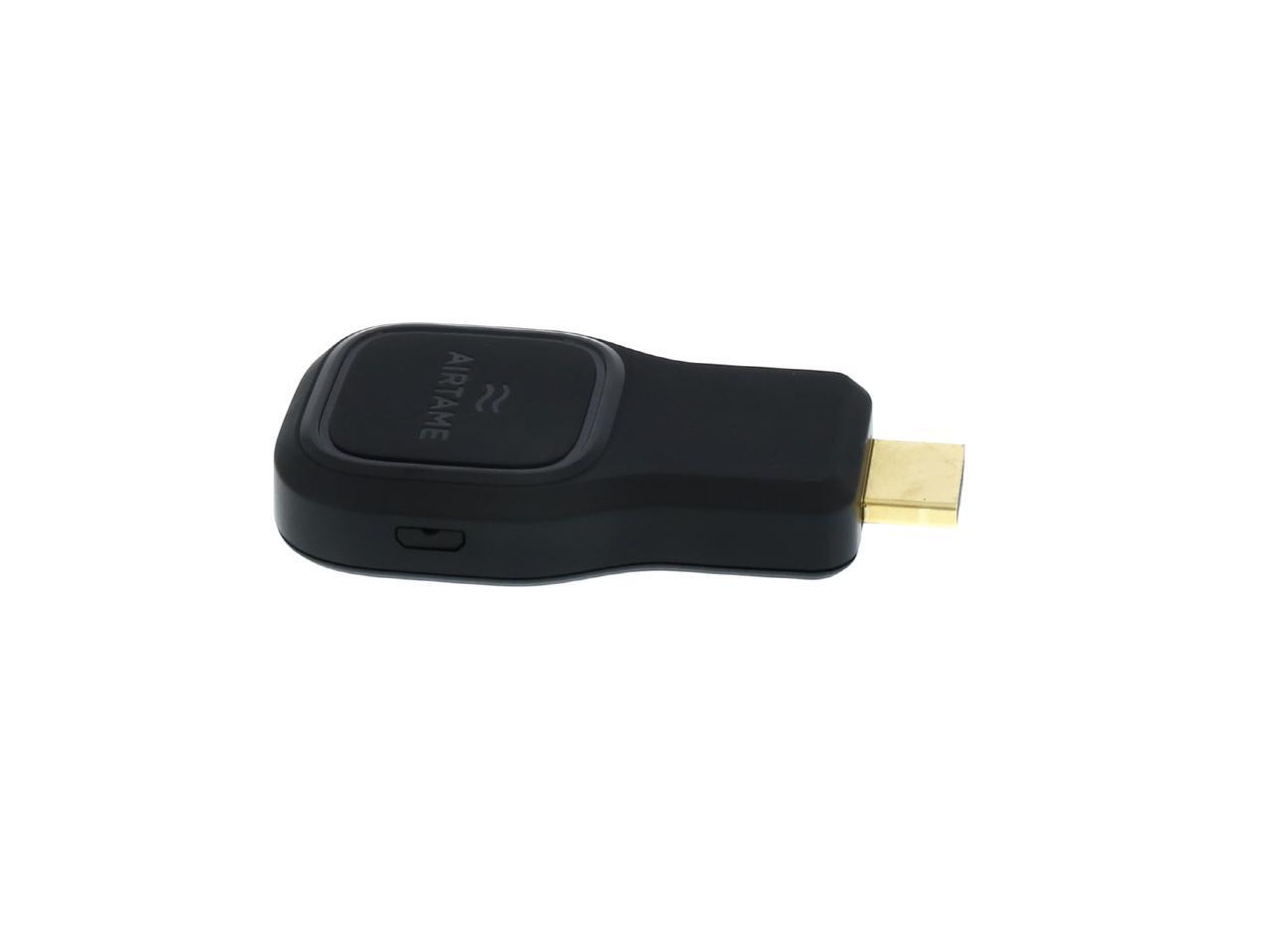
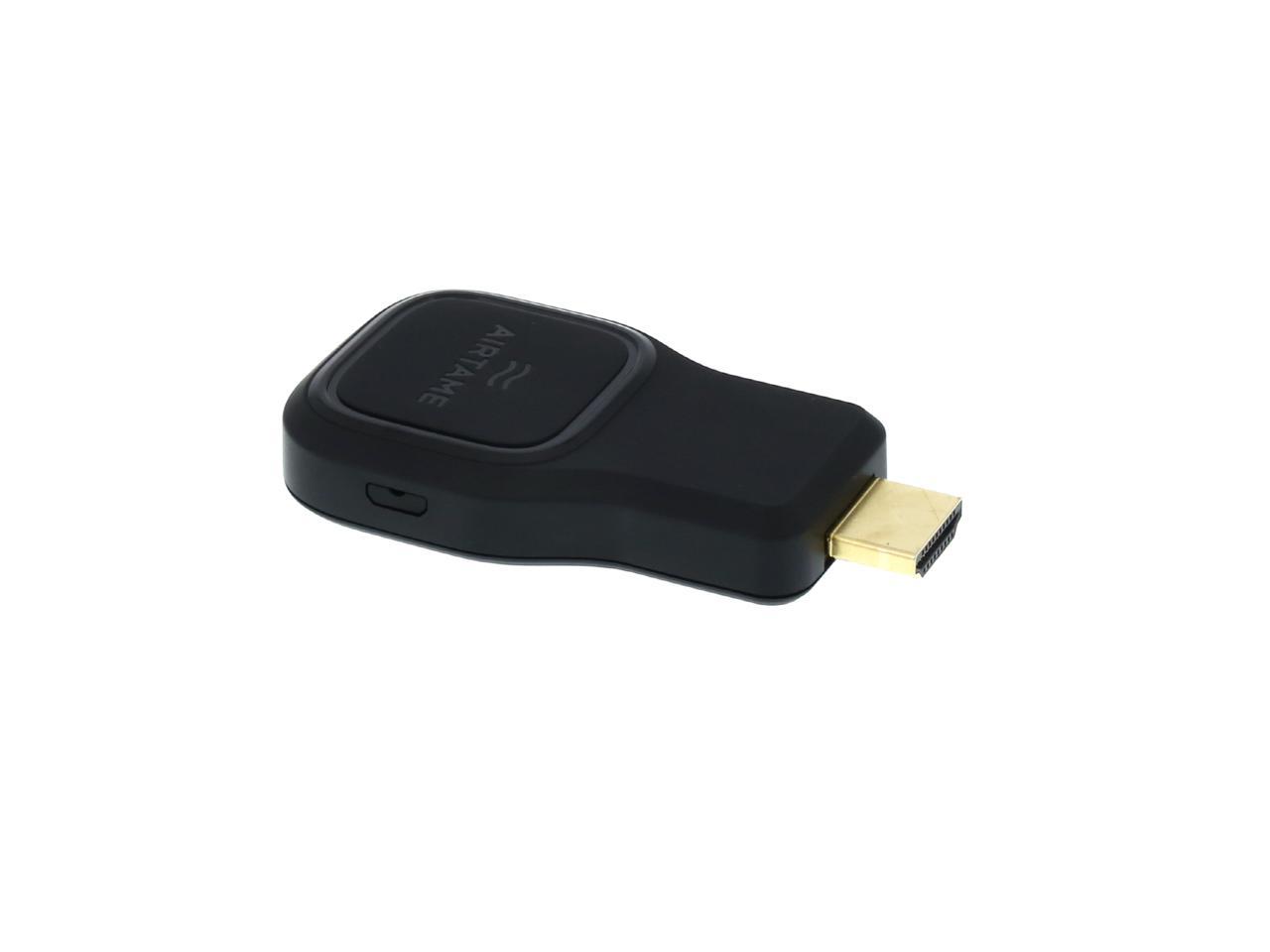
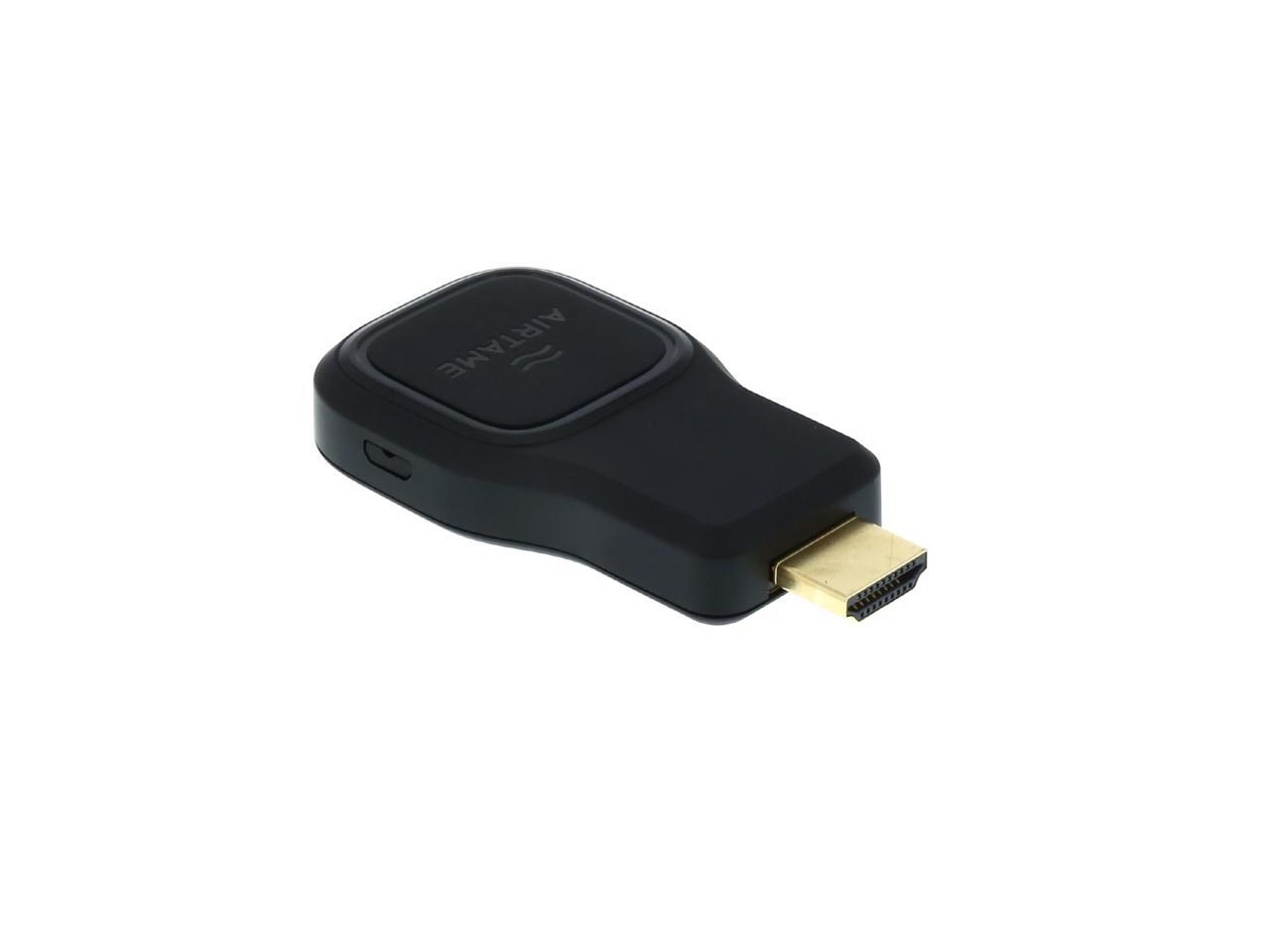
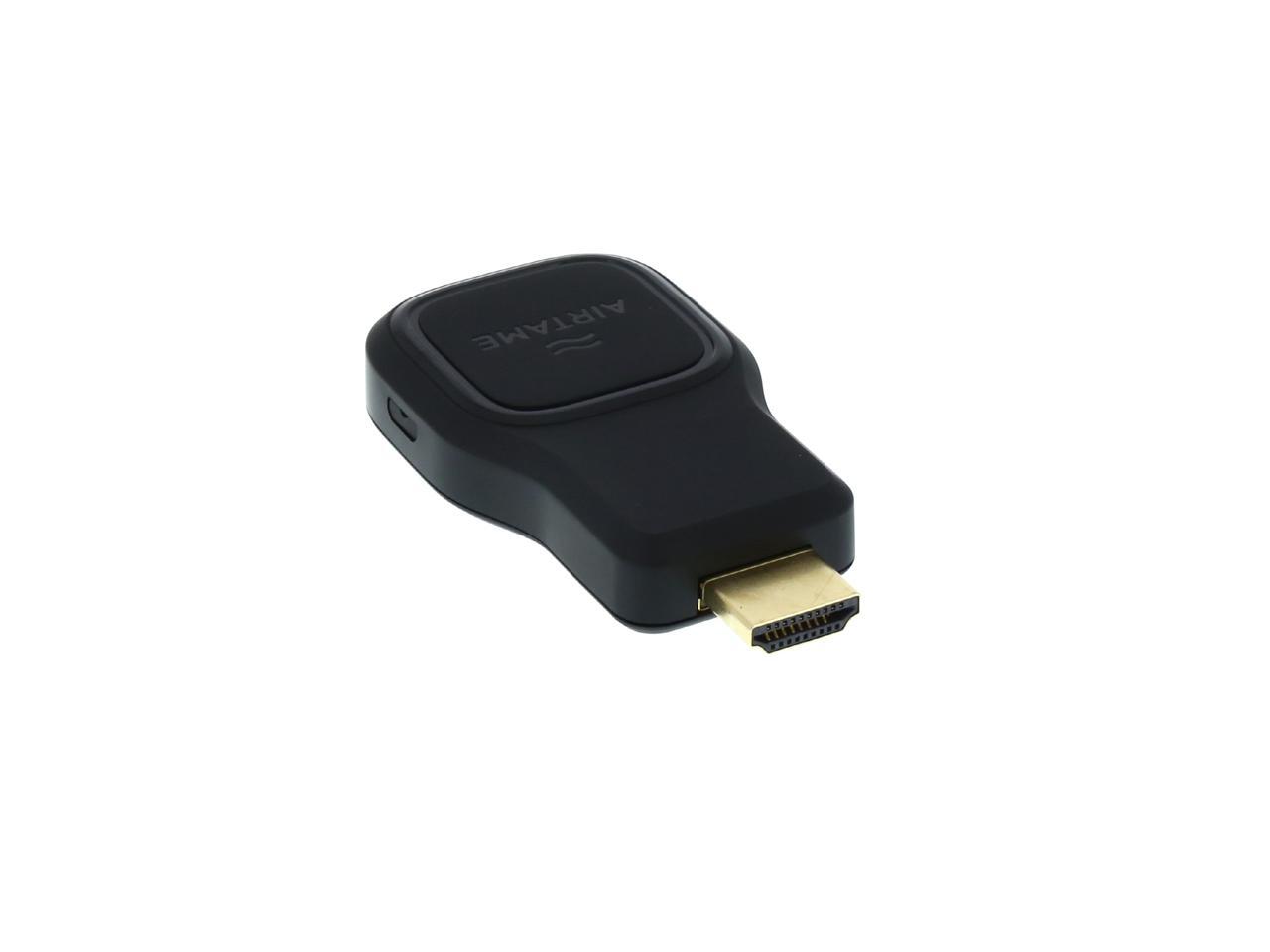
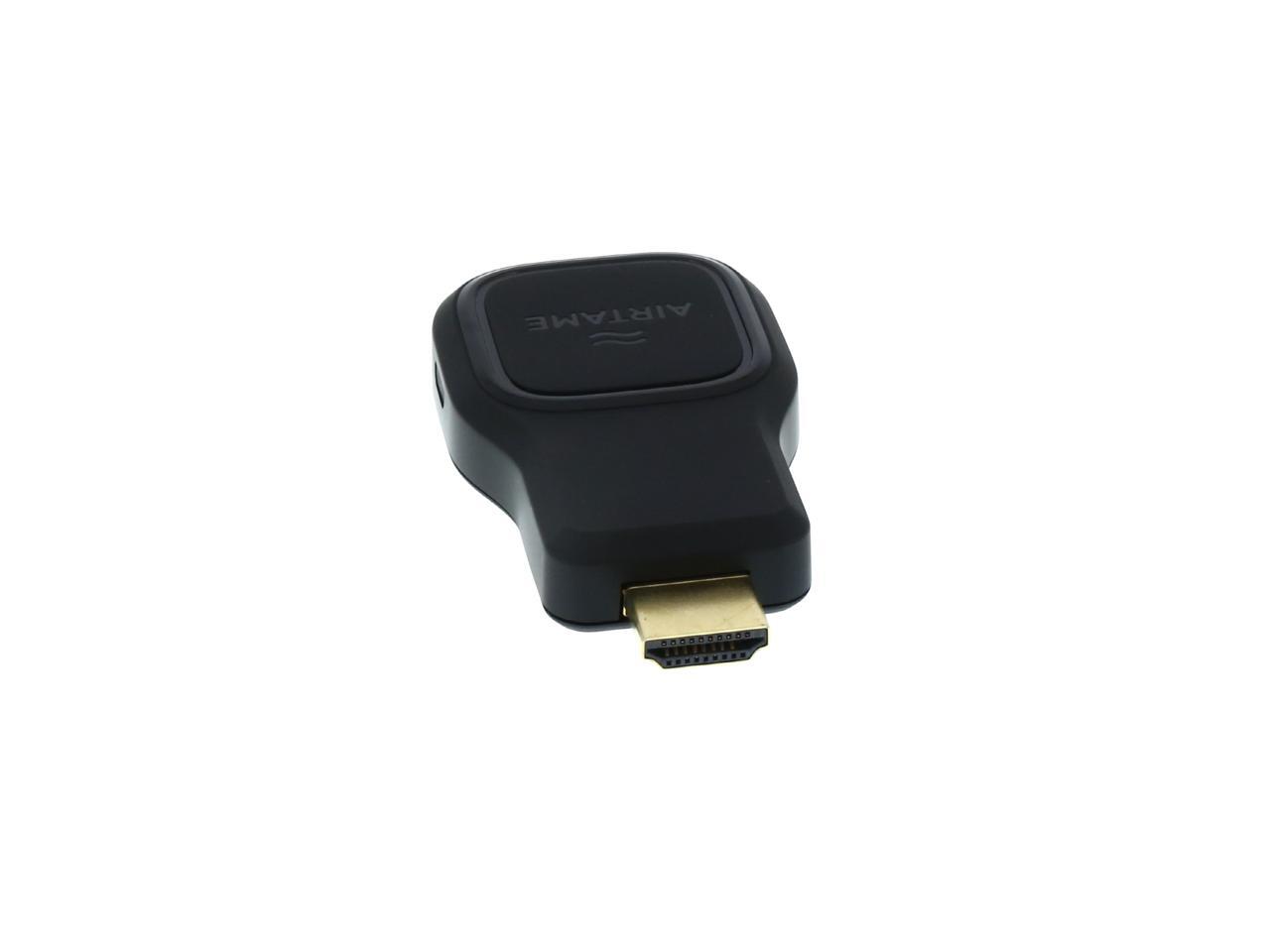
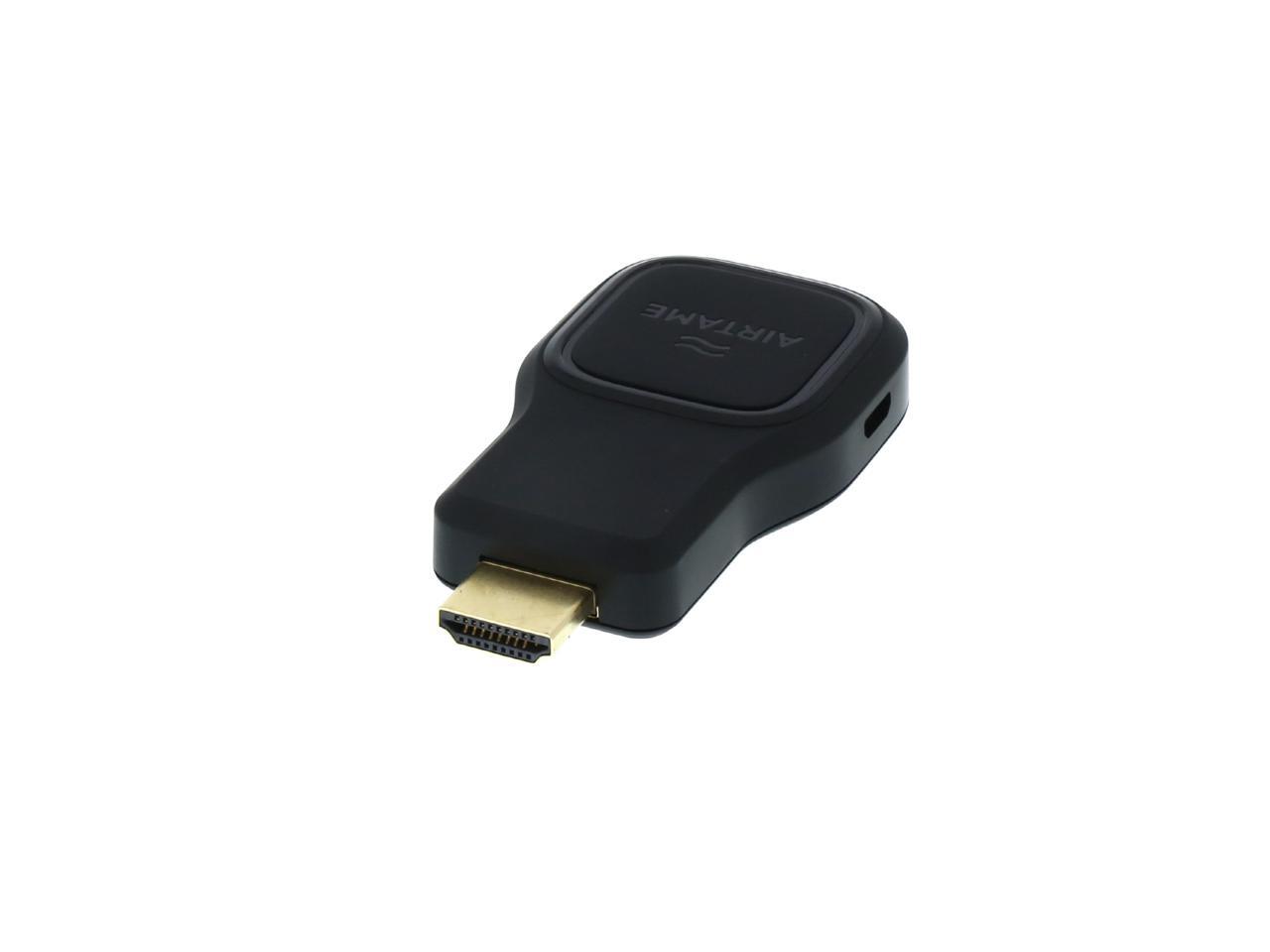
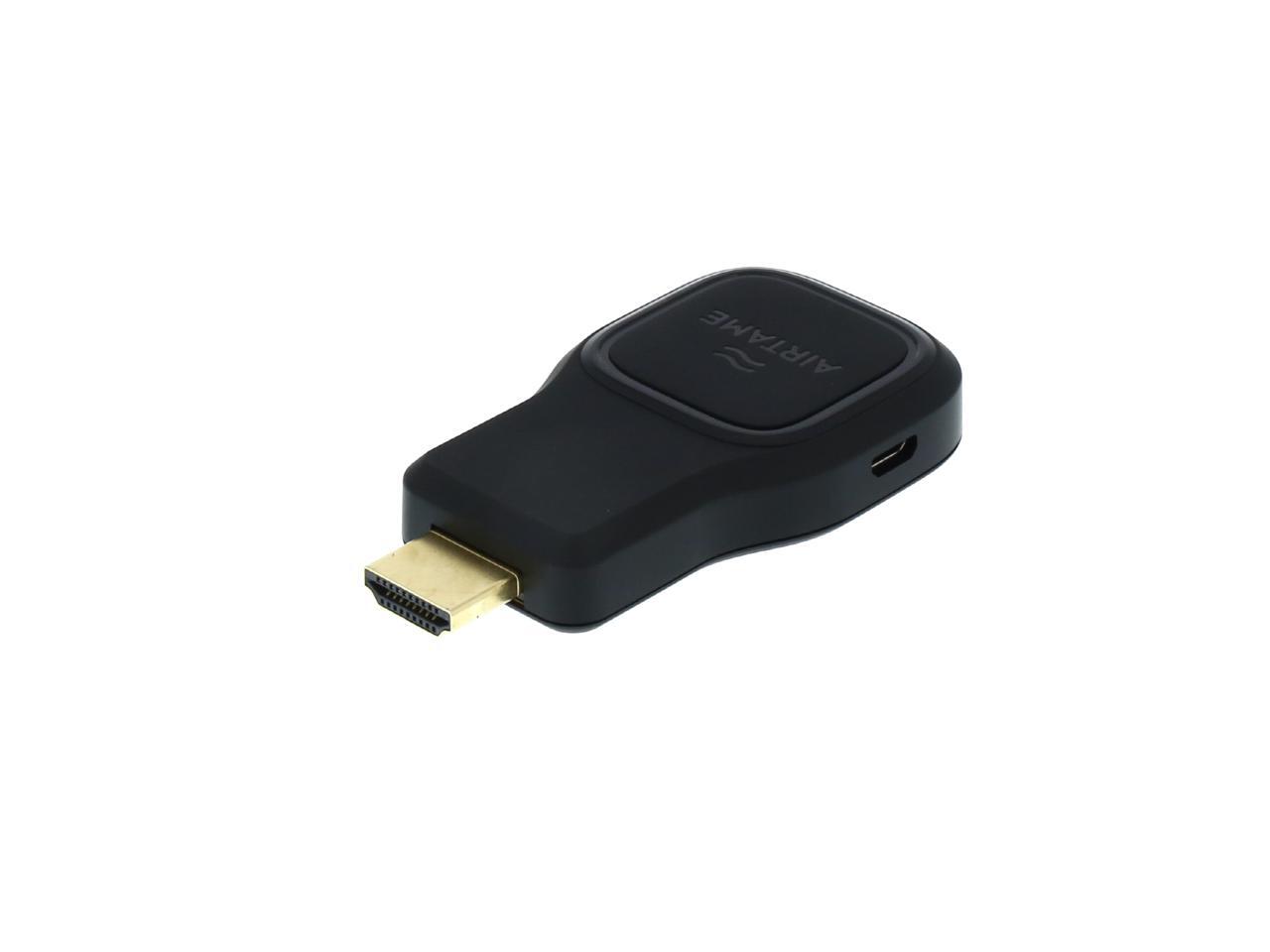
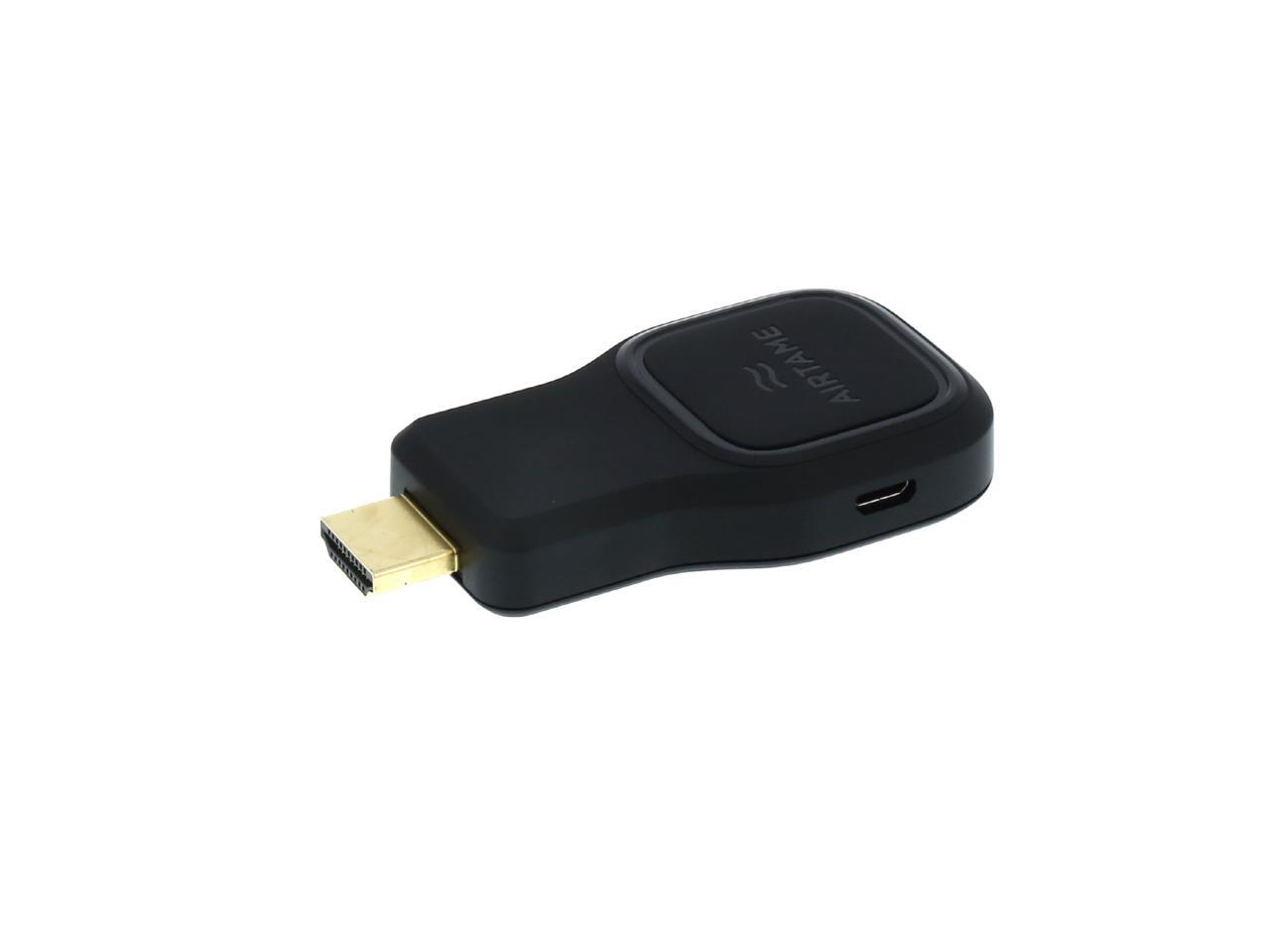
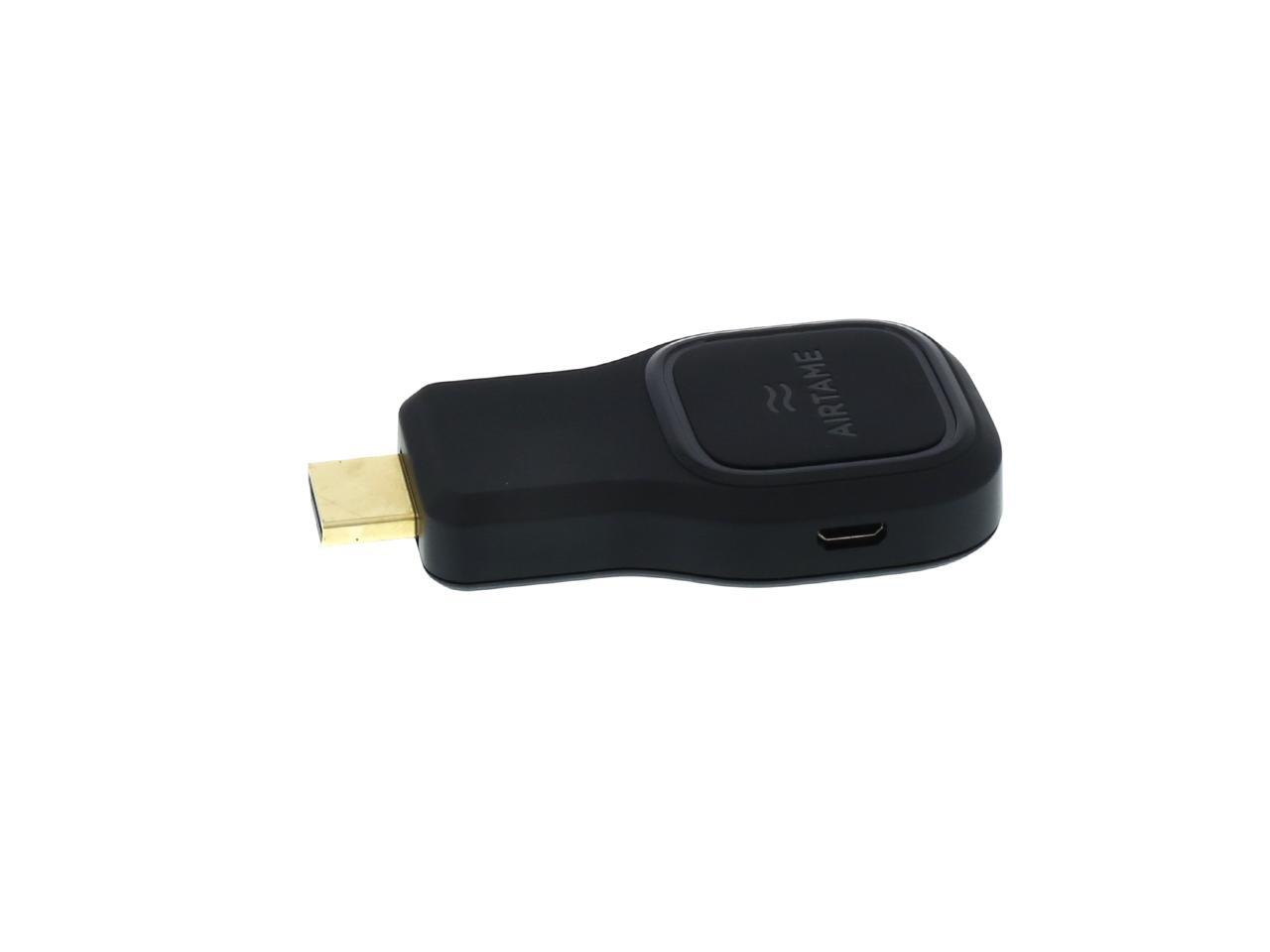
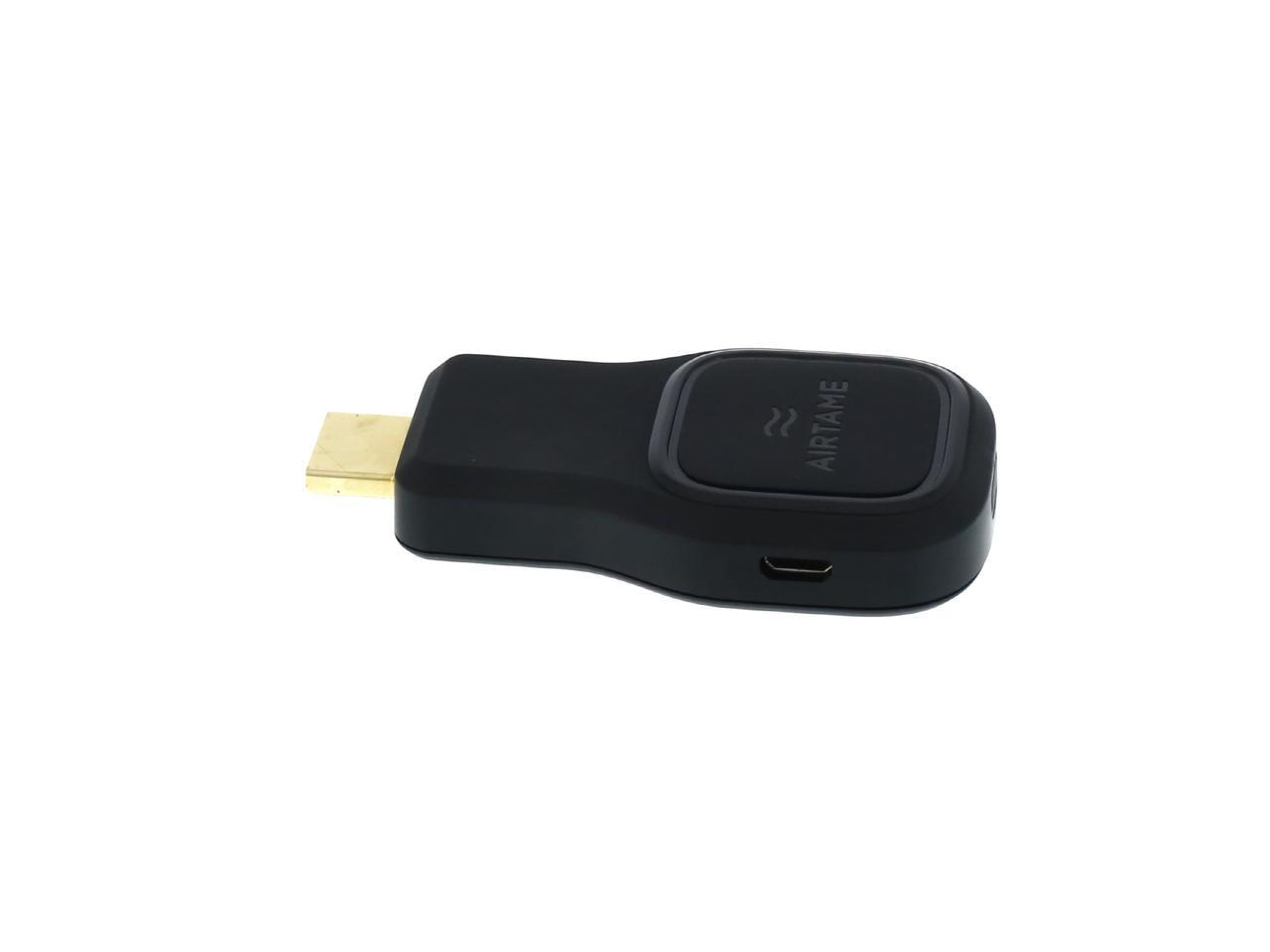
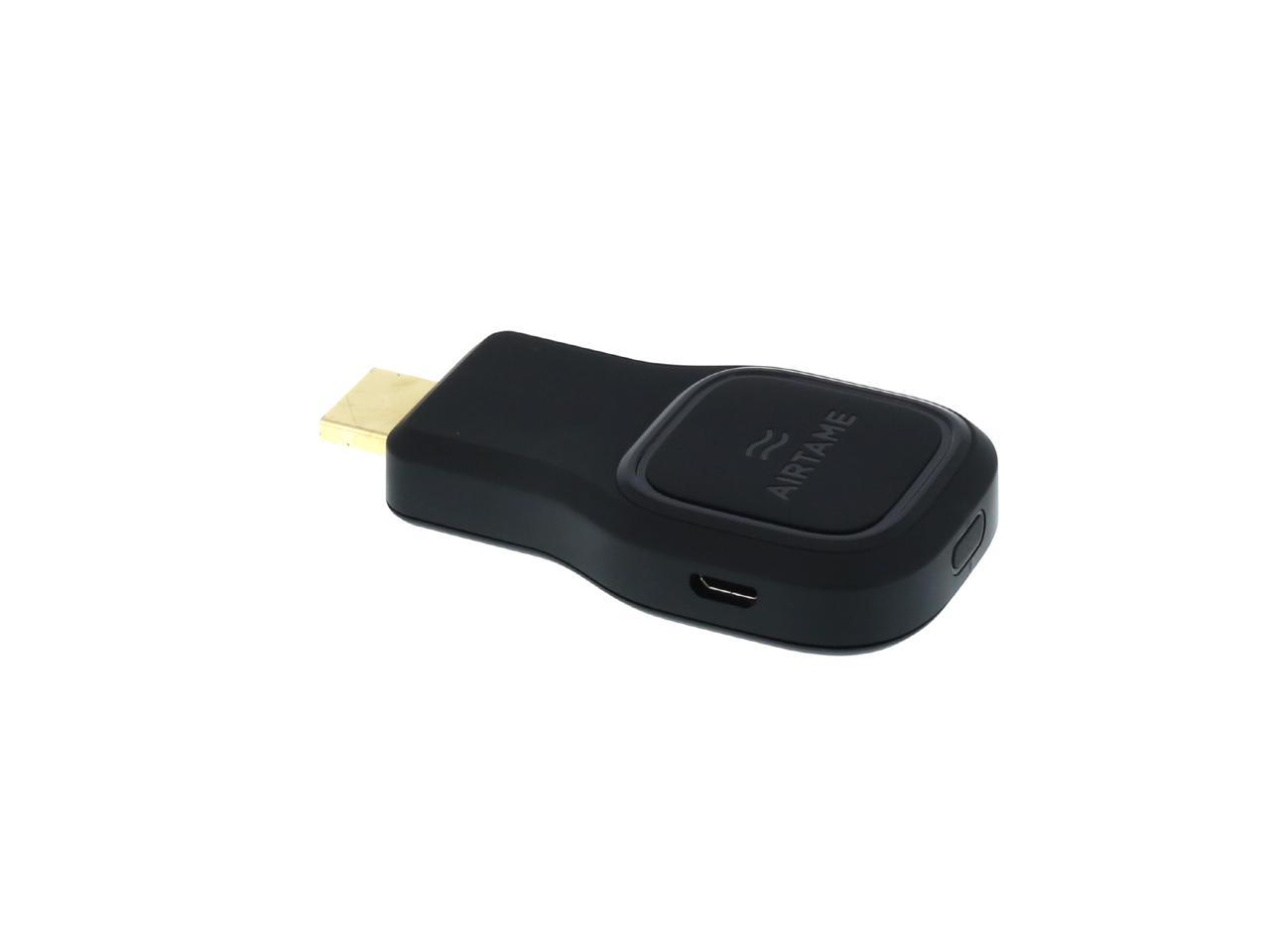
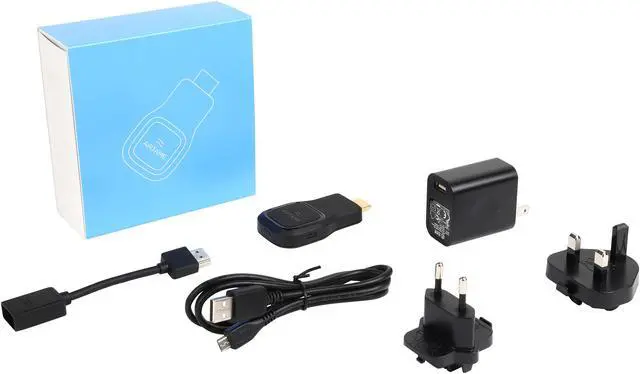
Airtame Wireless HDMI Adapter for Enterprises
- Wirelessly mirror entire computer screen, present still images/PDFs from mobile devices
- Supports WPA2 Enterprise, ethernet connection, Access Point mode & IP connect
- Works with all major platforms
Overview
Specs
Reviews (3)
See all Q & A 
Any questions? Our AI mode will help you find out quickly.
Try me now
Streaming is only a few clicks away
AIRTAME works using a small application that sits in your desktop menu bar. It shows you a list of all the available AIRTAMEs nearby you and enables you to easily connect to each of them with one simple click.


Your entire desktop mirrored
Everything you see on your computer you will see on your TV. AIRTAME is simply mirroring your entire desktop. Show whatever app, program, browser or document - it’s completely up to you.

Enhanced Image Quality
AIRTAME is built on an industry leading processor. It has a high-performance multimedia processing power specially built for smart devices. In other words, AIRTAME makes sure that whatever you stream to it, it will look great. Be it images, videos, presentations or that spreadsheet with the black numbers you oh-so like.

Full HD
What’s the idea of equipping your company with 50-inch TV’s everywhere if what goes up there are completely blurred? AIRTAME shows everything in 1080p which means that the presentations you have worked so hard on will stand 100% sharp, as they deserve.

Present from your mobile device
Engage with your audience and communicate more dynamically by presenting content from your mobile device. Move around freely while presenting your Power Point, PDF, Keynote or other work documents. (note: full screen mirroring is not yet supported on mobile devices)
AIRTAME adapts intelligently
to your environment
Wifi
Simply connect AIRTAME to your office WiFi. Everyone at the office can then stream to AIRTAME using their own devices with just a few clicks.

Split
AIRTAME can have 2 simultaneous WiFi connections. Connect directly to AIRTAME to have a stable stream, then connect AIRTAME to a WiFi network to get internet access on your device.

Direct
Don’t worry if you’re in a place with no WiFi. When you are connected directly to AIRTAME you can start streaming local files right away.

Includes must-have professional features
Going wireless is great. But it comes with new requirements and responsibilities. That’s why AIRTAME includes the must-have features for a safe and easy setup in a professional setting.

WPA2 Enterprise
Having a professional network setup shouldn't prevent you from going wireless. AIRTAME supports WPA2 Enterprise networks to make your life a little easier.

Ethernet connection
In a noisy WiFi environment you can connect AIRTAME to your current infrastructure using an ethernet cable. It’s of course still wireless to stream to AIRTAME from all your devices (note: ethernet adapter not included).

Connect with IP
If you prefer not to use multicast on your network, you can set AIRTAME to display its own IP address and use that for connecting instead.

Select and stream to multiple screens
AIRTAME allows you to stream to multiple screens at the same time. Simply insert AIRTAME into every TV screen or projector that you want to stream to. (note: only supported from computers)
... and then some

Hardware independent
Don’t worry if you’re in a place with no WiFi. When you are connected directly to AIRTAME you can start streaming local files right away.

Over the air updates
AIRTAME gets new features and improvements over-the-air. You have the choice to either receive them automatically as they are released or at a time that suits you.

5GHz support
AIRTAME supports dual-band operation allowing you to connect on different bands for more flexibility and less interference.
And of course it works on all mobile platforms

Warranty & Returns
Warranty, Returns, And Additional Information
Warranty
- Limited Warranty period (parts): 1 year
- Limited Warranty period (labor): 1 year
- Read full details
Return Policies
- Return for refund within: 30 days
- Return for replacement within: 30 days
- This item is covered by Newegg.com's 30-Day Return Policy.
- Read full return policy for details.
Manufacturer Contact Info
LOADING...
LOADING...