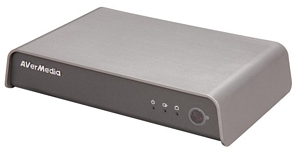
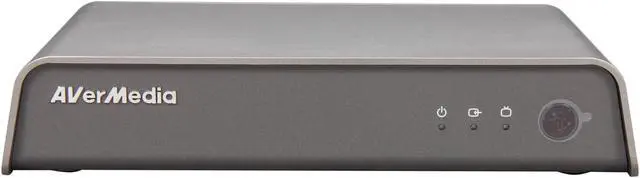
HomeFree AVPlus F210
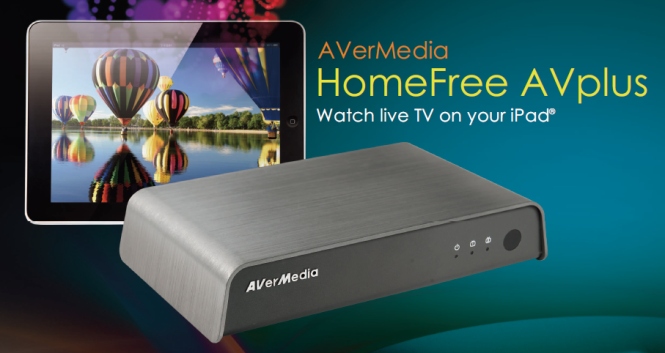
HomeFree AVPlus brings TV and videos to your iPad!
Major Description
HomeFree AVPlus Brings TV and Videos to Your iPad!
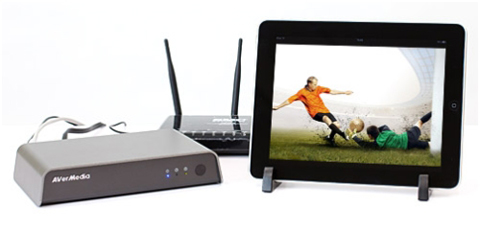 Do you have a satellite TV box and a digital TV connection? Would you like to have that same television viewing experience on your iPad? HomeFree AVPlus can fulfill that desire!
HomeFree AVPlus
Do you have a satellite TV box and a digital TV connection? Would you like to have that same television viewing experience on your iPad? HomeFree AVPlus can fulfill that desire!
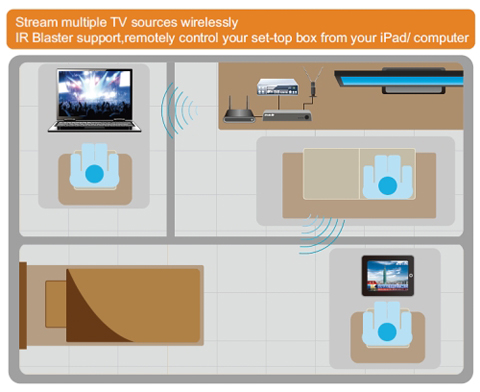
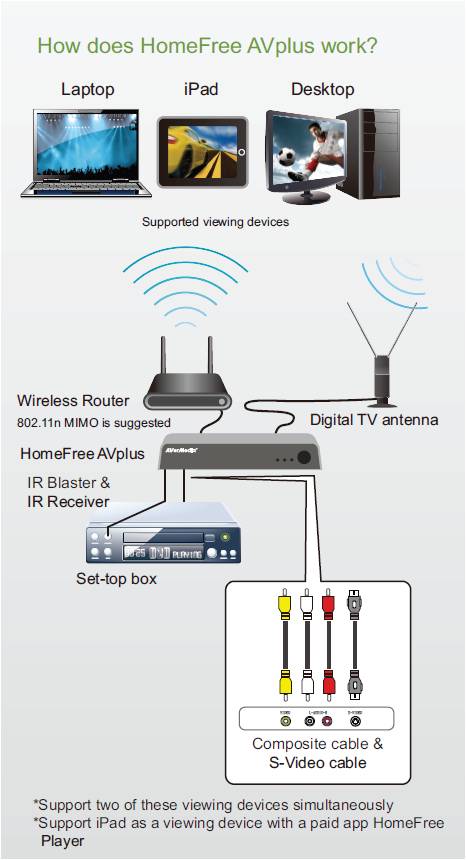
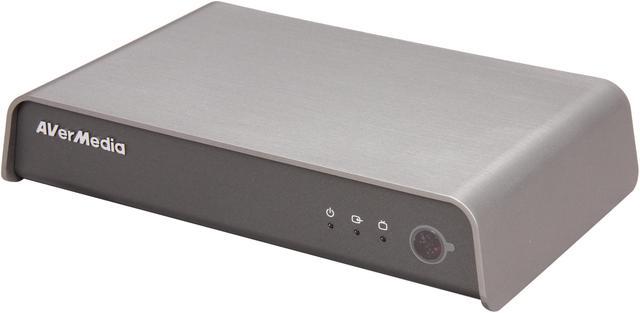
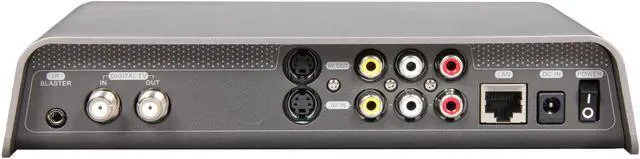
HomeFree AVPlus has one set of composite video inputs and one digital TV input. Used with your wireless router, HomeFree AVPlus can broadcast digital TV, satellite TV and AV-input video signals over your Wi-Fi home network. With HomeFree AVPlus, you can easily watch live satellite TV or digital TV on your Wi-Fi connected iPad or laptop, unrestricted to a specific location.
It gets even better - your iPad can serve as a remote control for a wide variety of set-top boxes! (Skybox, TiVO, DISH, DVD players, and other TV set-top boxes supported.) Our intuitive design allows you to easily surf through satellite TV channels with a tap of your finger. You’ll no longer be tied to your seat - you’ll be fully mobile, able to enjoy satellite / digital TV wherever you happen to be, anywhere in the house!
Compatible with Windows 7 Media Center. Enjoy HD digital TV on your laptop!
HomeFree AVPlus is compatible with Windows 7 Media Center which enables Windows-based computer users to watch, playback, and schedule the recordings of digital TV programs without installing any other software. What’s more, HomeFree AVPlus can real-time broadcast HD digital TV with original quality within LAN area. Enjoying live HDTV on your laptop has never been so easy!
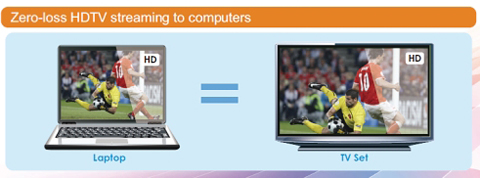
*HomeFree AVPlus can broadcast digital HDTV with high resolution up to 1080p. However, the video quality can be decreased due to the hardware restrictions of users’ viewing devices.
Remotely Control Your Set-Top Box from Your iPad or Laptop
HomeFree AVPlus also features an IR Blaster function by using the included software AVer MediaCenter HomeFree or the
free iPad app HomeFree Player, allowing users to remotely control a set-top box external connected to the HomeFree AVPlus from their laptop or iPad over their Wi-Fi network. With HomeFree AVPlus, users can watch satellite TV freely on their portable computer without any device attached on.
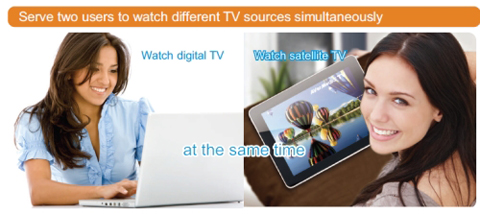
 Serve two users to watch different TV sources at the same time!
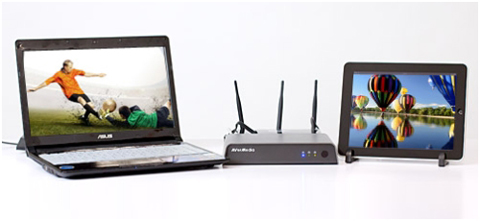
*To support two users watching TV on their iPad / laptop / desktop at the same time, HomeFree Combo and the viewing devices must be in the same Wi-Fi segment.

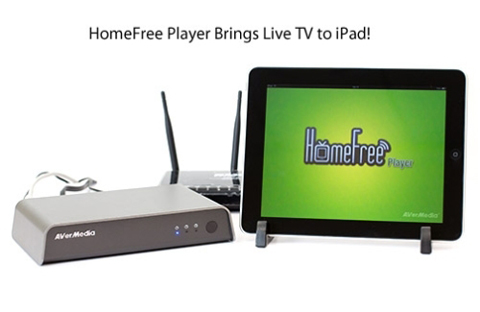
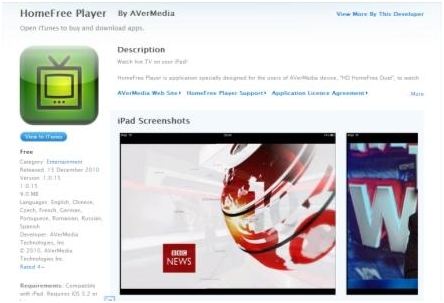
HomeFree Player Brings Live TV to iPad!
 HomeFree Player
 is a TV-viewing application for iPad which must be used with HomeFree AVPlus. iPad users can download this app from Apple App Store, set up the HomeFree AVPlus, and then immediately enjoy live TV on iPad. HomeFree Player is with the following features:
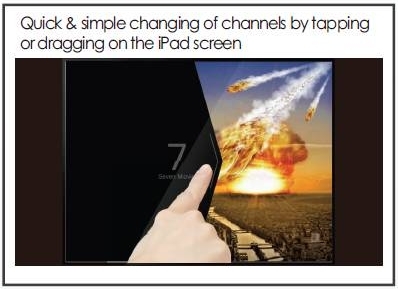
- Intuitive interface: Quick & simple changing of channels by tapping or dragging on the iPad screen
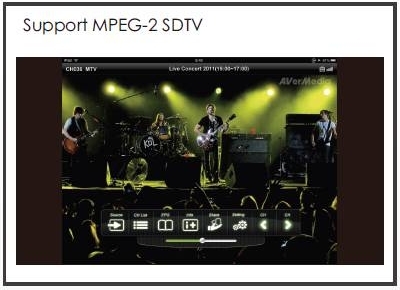
- Support MPEG-2 & H.264 SDTV
- EPG: Full-channel and TV program information with an Electronic Program Guide
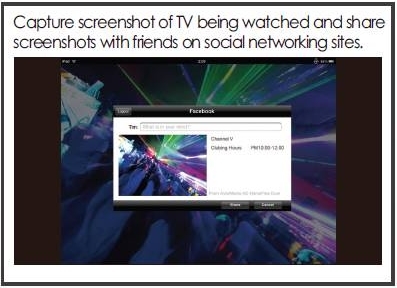
- Sociability: Capture screenshots of TV being watched and share them with friends on facebook.
- Support IR Blaster function: Remotely control your set-top box external connected to the HomeFree AVPlus. Watching & switching satellite TV channels just from your iPad!
Notes:
- HomeFree Player iPad application and wireless router are not included in the retail package and selling price.
- iPad does not support recording function due to its hardware limitations.
Download HomeFree Player to use together with HomeFree AVPlus, enjoy TV on iPad!
Feature
- Support digital TV & AV-in device, serve two users simultaneously
- Built-in IR Blaster & Receiver to remotely control an AV-in device, such as a Set-top box, from iPad/ PC/ NB; Supports IR learning
- Streaming within LAN area: Real-time broadcast HD digital TV with original quality
- TV cable-less: Enjoy TV everywhere on your local network
- TV tuner-free: Watch TV on your iPad/ NB/ PC without installing any TV tuner
- Compatible with Windows® 7 Media Center
- Support AVer MediaCenter HomeFree (XP / Vista / Win7) as a client application
- Support HomeFree Player (for iPad) as a client application (available on Apple App Store)
- Schedule recording TV programs on the local hard disk of users PC / NB
- Teletext & EPG (Electronic Program Guide) Support
- Easy installation, automatic device search while iPad / NB / PC connected to LAN
Specifications
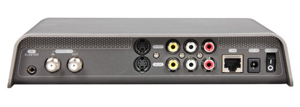 Input Signal:
- 75Ω TV Antenna (ATSC) RF IN / OUT (IEC Type)
- Composite AV IN/OUT
- S-Video IN/OUT
- Power 5V / 2A
Output Signal:
- High-Speed (100 Base-T) Ethernet Output
- Support Full HD up to 1080p for digital TV signal in HDTV format to PC / NB
System Requirement
Client Desktop / Laptop System Requirements
| Operating System |
Windows® 7 / Vista™ / XP (32- / 64-Bit) |
| CPU |
- For Real-Time TV Viewing, MPEG-2 Recording & TimeShifting:
- Intel® Pentium® 4 1.7GHz
- AMD Athlon™ XP 1700+
- Intel® Pentium® Mobile 1.0GHz or AMD equivalent CPU
- Intel® Atom™ 1.6GHz
- For H.264 HDTV Viewing:
- Intel® Core™2 Duo 2.4GHz
- AMD Athlon™ 64 X2 Dual Core 2.8GHz
- Intel® Core™2 Duo 2.0 GHz or AMD equivalent CPU (Laptop)
- For AV Device Capturing:
- Intel® Pentium® 4 3.0GHz (Hyper-Threading)
- AMD Athlon™ XP 3200+
- Intel® Pentium® Mobile 2.0GHz or AMD equivalent
|
| Memory |
512MB RAM or above (1GB RAM recommended) |
| Graphics Card |
VGA card with support for DirectX 9.0c and HD DXVA. (With a VGA card supporting HD DXVA, the CPU requirement for H.264 HDTV viewing can be lowered to the Intel® Pentium® 4 3.0GHz.) |
| Multimedia applications |
Windows® 7 Media Center
AVer MediaCenter HomeFree (Windows® 7 / Vista™ / XP) |
Client iPad System Requirements
| Wi-Fi support |
| SD Video quality support |
| HomeFree Player (Please download the app from the App Store) |
LAN Environment Requirements
| Cable LAN: High-Speed (10/100 Base-T) Ethernet |
| Wireless LAN:802.11n Dual Band Wireless Router with MIMO 2 x 2 or above |
Supported Audio & Video Devices
| Basic Cable TV Set-top-Box |
| Digital Cable Set-top-Box |
| Digital Video Recorder (DVR) |
| DVD Player / Recorder |
| Satellite Receiver |
| Video / Security Camera |
Package Included
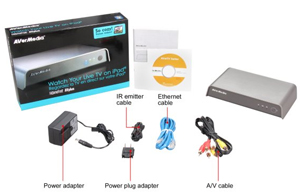
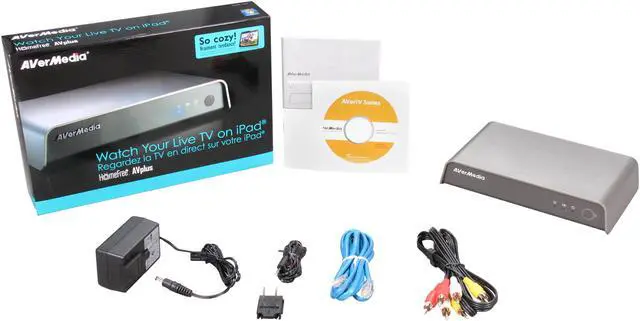
- AVerMedia HomeFree AVPlus (555g)
- High-Speed (10 / 100Mbps) Ethernet Cable
- Power Adapter
- Client Application Installation CD
- Quick Installation Guide
- Composite (RCA) Cable
- IR Blaster Cable






 here!
here!




 HomeFree Player Brings Live TV to iPad!
 Input Signal: