• $19.99
  • Free 30-day Returns
  • Price alert
    NAS Builder
    Shop it at NeweggBusiness.

    Meet Your Seller

    Thermaltake Muse 5G Drive Enclosure - External - Silver

    • USB 3.0
    +
    +
    Overview
    Specs
    Reviews (1)
    See all Q & A

    Any questions? Ask CelesteSM will help you find out quickly.

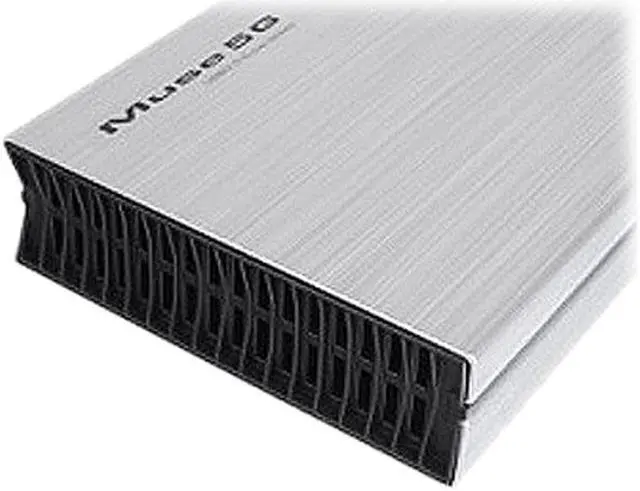
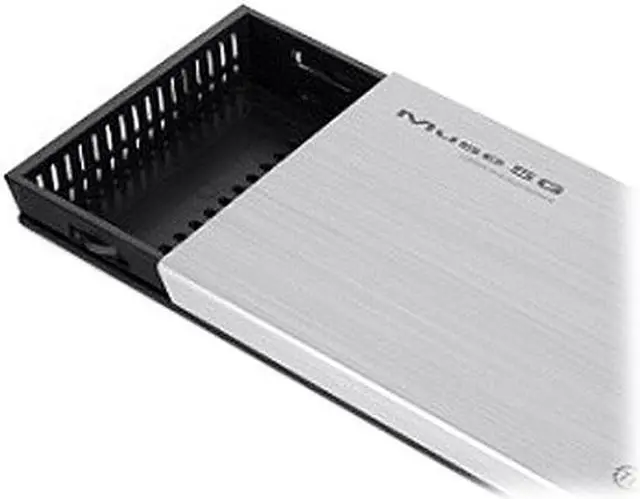
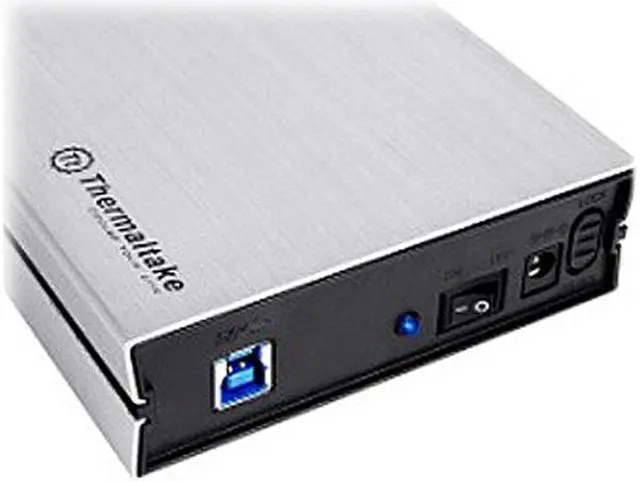
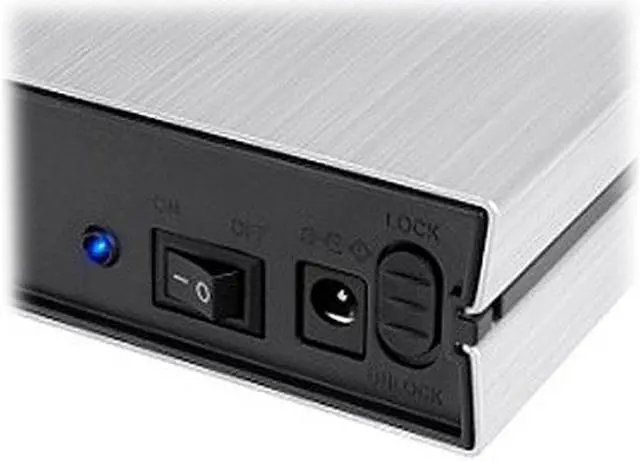
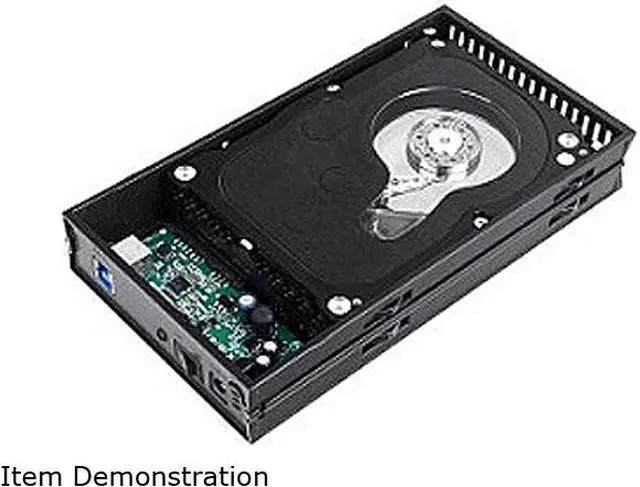
    Convert your internal 3.5" SATA hard drive into a portable external drive with the Thermaltake Muse 5G hard drive enclosure. This USB 3.0 external enclosure features high-quality aluminum housing for HDD heat dissipation and an LED indicator for Power/HDD status. Use the Muse 5G to store your documents, photos, media files - all your important data.

    • neweggSupport 3.5-Inch Hard DrivesThe Thermaltake Muse 5G is compatible with 3.5-inch SATA hard drives, offering an ideal solution for your external storage needs.
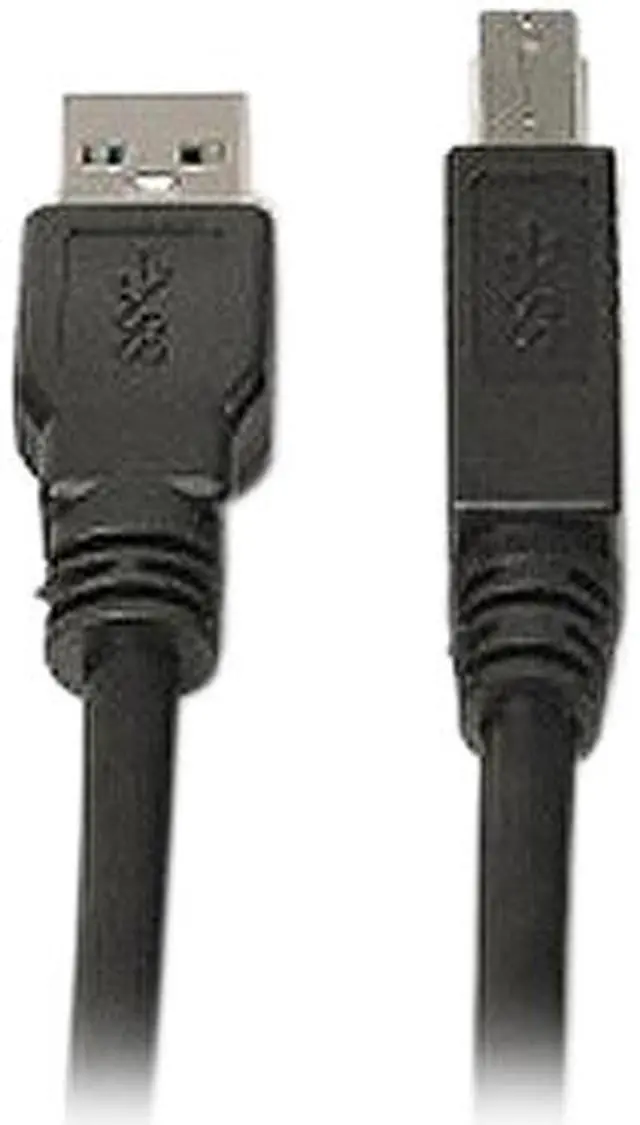
    • neweggUSB 3.0 portThe Thermaltake Muse 5G equips SuperSpeed USB 3.0 technology to deliver ultra-fast data transfer speeds of up to 5Gbps.
    • neweggAluminum EnclosureThe lightweight aluminum casing delivers excellent heat dissipation and provides tough, reliable hard drive protection.

    Warranty & Returns

    Warranty, Returns, And Additional Information

    Warranty

    • Please contact the Seller directly for warranty information. Warranty information may also be found on the Manufacturer's website.
    • Read full details
    • CONTACT

    Return Policies

    • Return for refund within: 30 days
    • Return for replacement within: non-replaceable
    • This item is covered by Thermaltake Return Policy

    Manufacturer Contact Info

    LOADING...

    The Thermaltake Muse 5G is a silver USB 3.0 enclosure for a 3.5-inch SATA hard drive, suited to people who want to use an internal drive for external storage with a desktop or laptop.

    Recommended For

    • Desktop PC users who want to reuse a spare 3.5-inch SATA hard drive for USB-connected file storage or transfers.
    • People with a desktop 3.5-inch SATA drive who need an external place to keep documents, photos, or media files accessible over USB 3.0.
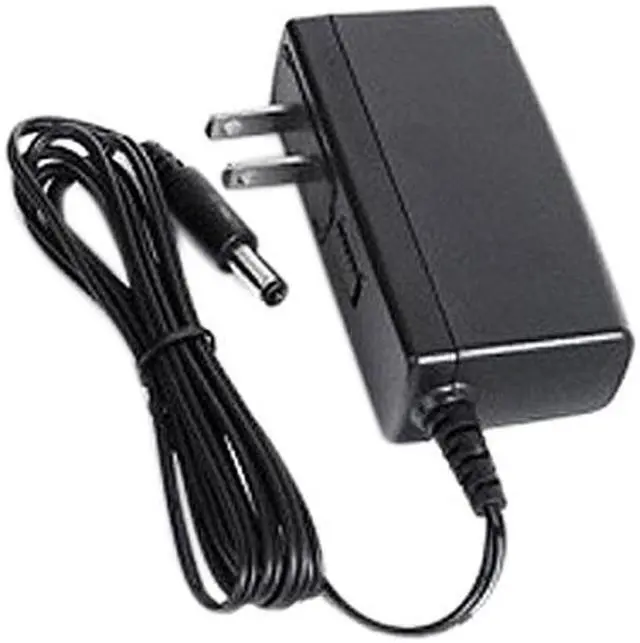
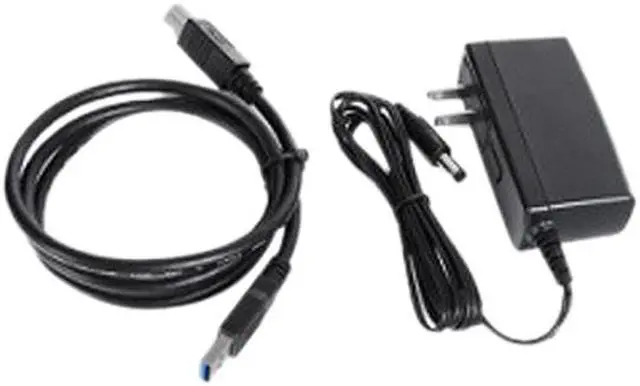
    • Users who mainly keep external storage at a desk, where the enclosure’s included power adapter can stay connected to an outlet.
    • People who prefer a single-drive enclosure for occasional backups or file access rather than a multi-drive storage setup.

    Real-World Use Scenarios

    • Reuse a spare 3.5-inch SATA hard drive from a desktop as extra USB storage: install the drive, connect the enclosure to a computer, and access its files without fitting it inside the PC.
    • Make a separate copy of photos, documents, or other personal files on a spare drive: connect it when needed, copy the files, then disconnect it when the backup is done.
    • Retrieve files from a retired desktop’s SATA hard drive: place the drive in the enclosure and connect it by USB to a compatible computer, so its contents can be checked or copied without reinstalling it internally.
    • Move a collection of large files—such as videos, photos, or project folders—between computers: copy them to the enclosed drive on one computer, then connect it to another. Transfer time depends on the drive and the computers’ USB connections.
    • Keep an extra copy of less frequently used files, such as an archived media library, on a spare 3.5-inch SATA drive: connect it to a computer when you need to browse or copy those files.