




 here!
here!
I’m your shopping assistant for PC builds, upgrades, and everything tech.
Got questions? Ask away!
Start a conversation
here!
I’m your shopping assistant for PC builds, upgrades, and everything tech.
Got questions? Ask away!
Start a conversation
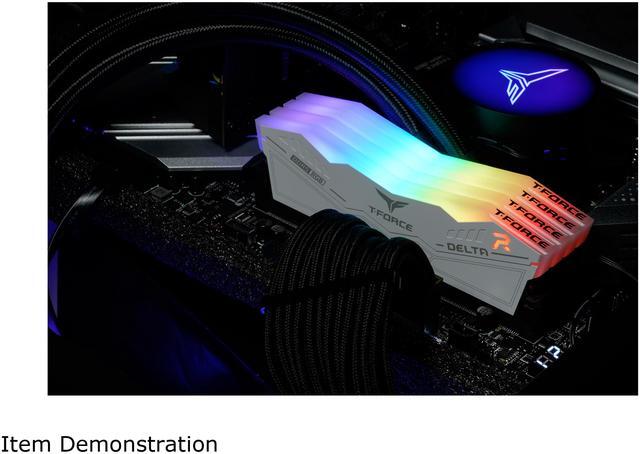




Any questions? Ask CelesteSM will help you find out quickly.
| Brand | Team |
|---|---|
| Series | T-Force Delta RGB |
| Model | FF4D532G6000HC28ADC01 |
| Capacity | 32GB (2 x 16GB) |
|---|---|
| Type | 288-Pin PC RAM |
| Speed | DDR5 6000 (PC5 48000) |
| CAS Latency | CL28 |
| Timing | 28-36-36-76 |
| Voltage | 1.40V |
| ECC | No |
| Buffered/Registered | Unbuffered |
| BIOS/Performance Profile | Intel XMP 3.0 and AMD EXPO |
| Color | White |
| Heat Spreader | Yes |
| Recommend Use | Intel B660 / Intel Z690 |
| LED Color | RGB |
| First Listed on Newegg | October 18, 2024 |
|---|
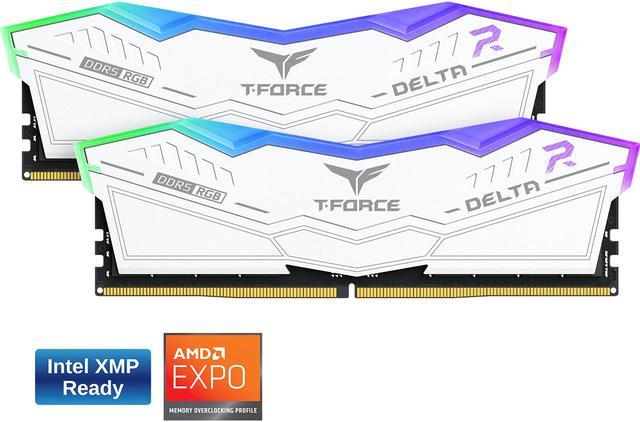
The Team T-Force Delta RGB FF4D532G6000HC28ADC01 is a 32GB (2 x 16GB) DDR5-6000 desktop memory kit with CL28 timings, suited to builders upgrading compatible DDR5 PCs for gaming and general performance-focused use.
| Attribute | Value |
|---|---|
| Best For | Desktop DDR5 memory upgrades, with Intel XMP 3.0 and AMD EXPO profile support; Intel B660 and Z690 are specifically recommended |
| Capacity And Configuration | 32GB kit with 2 x 16GB modules |
| Memory Speed And Timing | DDR5-6000 (6000 MHz; PC5 48000) with CL28 latency and 28-36-36-76 timing |
| Voltage And Error Correction | 1.40V; non-ECC memory with on-die ECC |
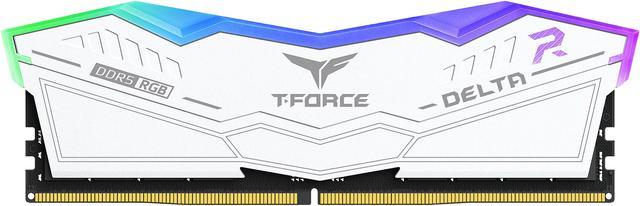
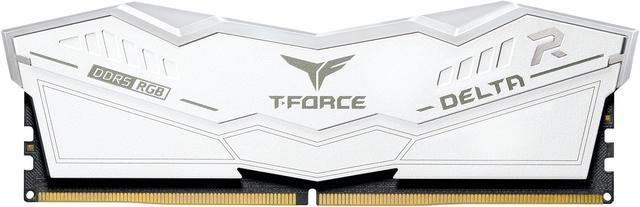
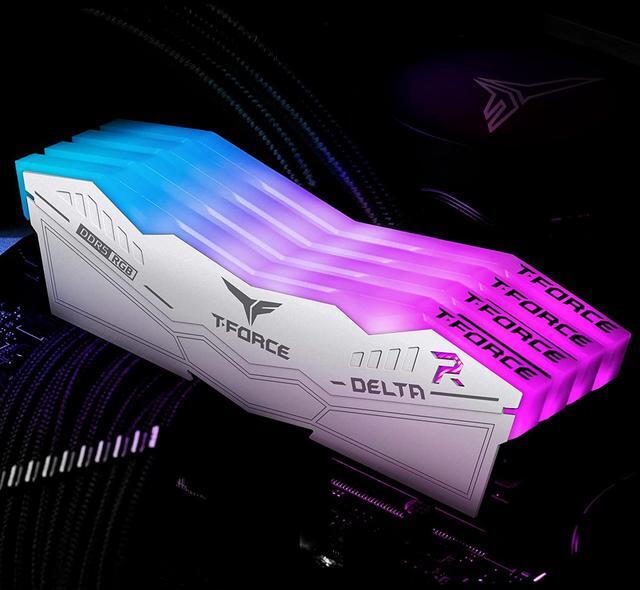
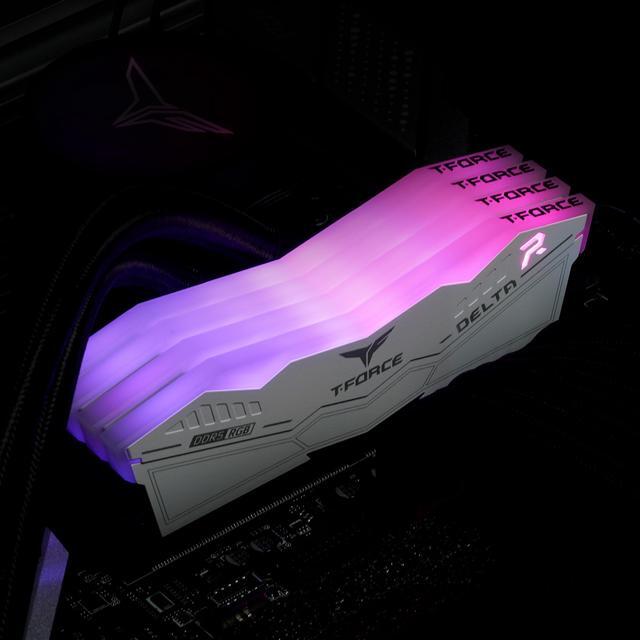
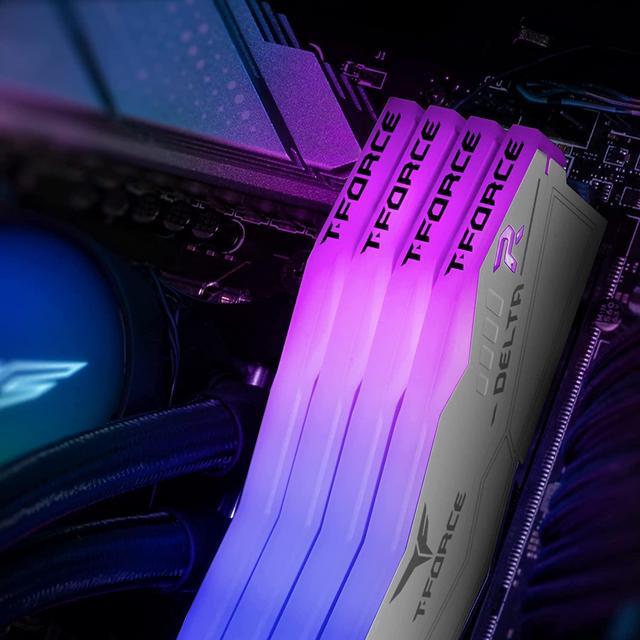
| Module Design | 288-pin desktop memory with a white heat spreader and RGB lighting; module dimensions are 144.2 x 7 x 46.1 mm |
| Model Identifiers | Team T-Force Delta RGB; model FF4D532G6000HC28ADC01 |
Q: Should I choose this DDR5-6000 CL28 kit or a DDR5-6000 CL30 kit?
A: Choose this kit if you want 32GB at the same 6000 MT/s data rate with tighter rated primary timings: CL28-36-36-76 versus CL30 timings. Choose a comparable CL30 kit if it costs less or you prefer its design. The lower CL rating is a specification difference, not a guarantee of a noticeable real-world performance increase; check motherboard compatibility and enable the supported memory profile.
Q: Is this 32GB kit enough, or should I get 64GB for content creation?
A: This 32GB kit is a practical choice for lighter creative work and general PC use. Consider 64GB if you regularly edit demanding footage, create complex compositions, or keep several memory-intensive apps open. Puget Systems testing found that the difference between 32GB and 64GB varied by application and workflow, so choose based on your projects rather than capacity alone.
Q: Should I get this DDR5-6000 CL28 kit or a DDR5-6400 kit?
A: Choose this kit for its rated DDR5-6000 speed and CL28 timings when those settings are supported by your CPU and motherboard. A DDR5-6400 kit offers a higher data rate, but faster memory does not guarantee a meaningful improvement in every workload; verify platform support and compare benchmarks for your specific system before paying more for the higher speed.
Q: Is this DDR5 kit a worthwhile upgrade from 32GB of DDR4?
A: Choose this kit when building or moving to a motherboard that supports DDR5. DDR4 and DDR5 are not interchangeable on a typical motherboard, so an upgrade may also require a compatible motherboard. If your current DDR4 system meets your needs, compare system-specific benchmarks before replacing it just for memory speed; tested performance differences vary by workload and configuration.
Q: Will this memory work with my motherboard and processor?
A: It is a 32GB kit of desktop DDR5 memory with Intel XMP 3.0 and AMD EXPO profiles. Your motherboard and processor must support DDR5, and the motherboard BIOS must support the selected profile. Check the motherboard’s memory support list before buying, especially if you want to run it at its rated settings.
Q: Do I need to enable XMP or EXPO to run it at 6000?
A: The kit is rated for DDR5-6000 and includes Intel XMP 3.0 and AMD EXPO profiles. Reaching that rated speed may require enabling the appropriate profile in BIOS; actual support depends on the motherboard, processor, and BIOS.
Q: Is 32GB enough for gaming and everyday PC use?
A: This kit provides 32GB as two 16GB modules, a capacity suited to many gaming and everyday desktop setups. Whether it is enough depends on the applications you run and how much memory they use; heavier creative or professional workloads may benefit from more capacity.
Q: Can I install this in a desktop PC?
A: Yes. This is a 288-pin, unbuffered DDR5 desktop memory kit with two modules. It requires a desktop motherboard with compatible DDR5 DIMM slots; it is not laptop memory.
Q: Is the CL28 version worth paying extra for over a CL30 kit?
A: It depends on the price difference. This kit is DDR5-6000 CL28, but Reddit discussion comparing it with CL30 cautions that paying a large premium for the lower CAS latency may not be worthwhile. Compare the actual prices and your system’s needs before choosing.
Q: Should I check my motherboard’s QVL before buying this kit?
A: Yes. Check the motherboard’s memory support list for the exact kit model and confirm that the board and processor support DDR5-6000. This kit lists both Intel XMP 3.0 and AMD EXPO, but a similar T-Force Delta RGB kit appearing on a QVL does not confirm this exact model was tested.
Q: Can I add another RAM kit with different timings to this one?
A: Mixing kits with different timings or models can make the system unstable or prevent its XMP/EXPO profile from working reliably. For an upgrade, matching the exact kit is the safer choice, though compatibility is not guaranteed even with a matching model.





