• $39.95
  • Free 30-day Returns
  • Sold by Adorama
    Top Rated
    4.5 (5,784 seller ratings)

    Shipped by Adorama

    Price alert
    Add to Wish List(Found on 1 wish list)

    Best Sellers

    Top Rated
    4.4 (8,593 total ratings)
    • $79.95
    • + FREE SHIPPING
    Hot Seller
    4.1 (2,367 total ratings)
    • $59.74
    • + FREE SHIPPING
    Shop it at NeweggBusiness.

    Meet Your Seller

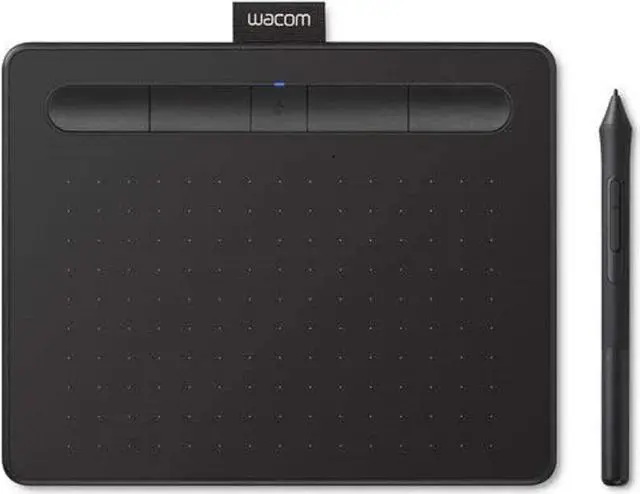
    Wacom Intuos Graphics Drawing Tablet for Mac, PC, Chromebook & Android (Small) with Software Included - Black (CTL4100)

    • Intuos Small
    • Intuos Bluetooth Small
    • Intuos Bluetooth Medium
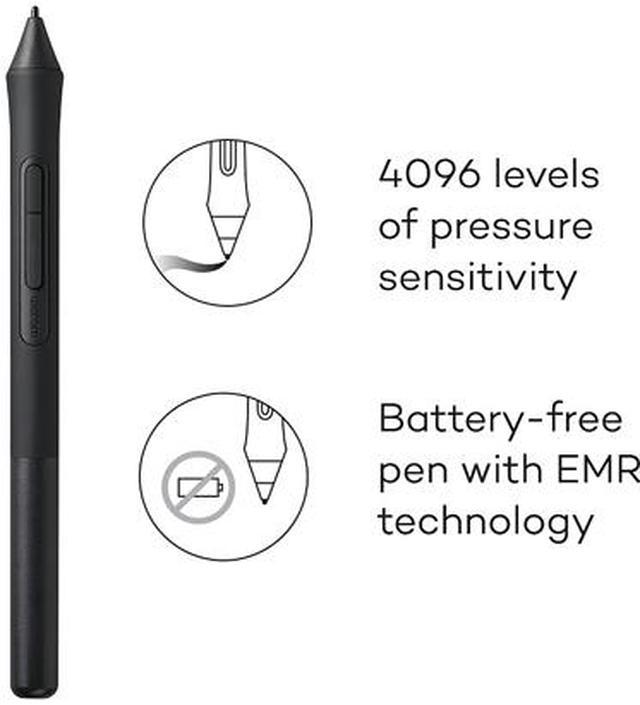
    • Graphic drawing tablet with 4096 Levels of pressure sensitivity - gives you control and precision when drawing, painting and photo-editing in nearly any software program
    • Compatibility: Mac (OS X 10.10 and above), PC (Windows 7 and above), Chromebook (devices running the latest Chrome OS), and Android smartphones/ tablets (OS version 6.0 or later); Easy plug-in via USB-A: some devices require USB-C or OTG adapters
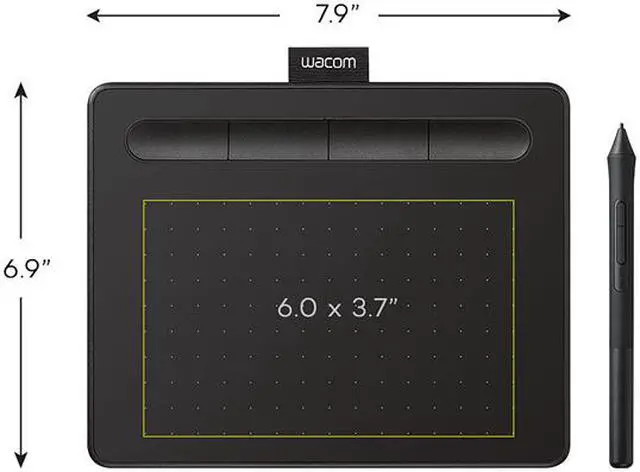
    • Small Compact size (7.8" x 6.3") with large active area (6.0" x 3.7"), is perfect for limited desktop areas and can be setup for both left and right-handed use
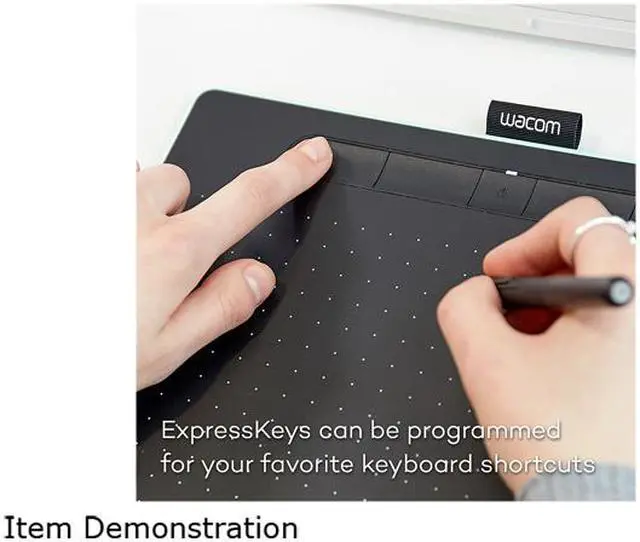
    • Four customizable ExpressKeys that put your favorite shortcuts like undo or copy/paste at your fingertips when used with your Mac/PC
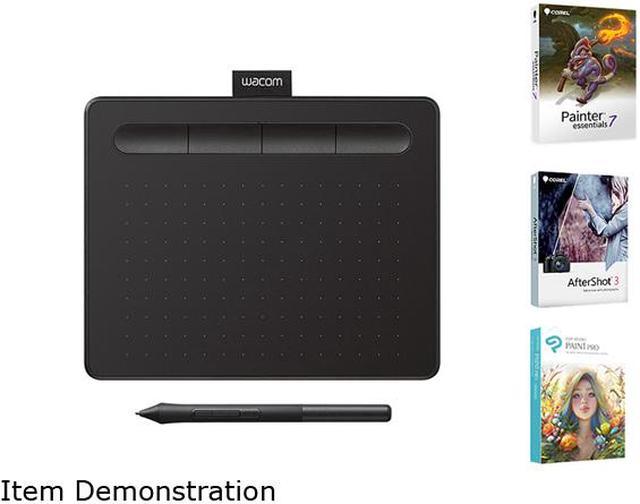
    • Creative Software: Register your Intuos on your Mac/PC to receive Clip Studio Paint Pro (2-years), Boris FX Optics (12 months) and try out Corel Painter Essentials 8 & Corel AfterShot Pro 3 for 90 days; Register with your Chromebook and receive Clip Studio Paint Pro (3-months)
    +
    +
    Overview
    Specs
    Reviews (37)
    See all Q & A

    Any questions? Ask CelesteSM will help you find out quickly.

    Supermicro SuperServer 5039AD-I Barebone System Mid-tower - Intel X299 Chipset - Socket R4 LGA-2066 - 1 x Processor Support - Black - 128 GB DDR4 SDRAM DDR4-2666/PC4-21300 Maximum RAM Support - Serial ATA/600 RAID Supported Controller - ASPEED AST2500 Integrated - 12 x Total Bays - 2 5.25" Bay (s) - 6 3.5" Bay (s) - 4 2.5" Bay (s) - 5 x Total Expansion Slots - Processor Support (Core i5, Core i7, Core i9 Extreme, Core X-Series, Core i9) - 5 Gigabit Ethernet - 4 USB 3.0 Port (s) - 1 x 750 W

    Warranty & Returns

    Warranty, Returns, And Additional Information

    Warranty

    • Please contact the Seller directly for warranty information. Warranty information may also be found on the Manufacturer's website.
    • CONTACT

    Return Policies

    • Return for refund within: 30 days
    • Return for replacement within: non-replaceable
    • This item is covered by Adorama Return Policy

    Manufacturer Contact Info

    LOADING...
    LOADING...

    The Wacom Intuos CTL4100 is a small, USB graphics tablet with a battery-free pen and 4,096 pressure levels, suited to beginners and hobbyists drawing, painting, or editing photos on a Mac or PC.

    Recommended For

    • Beginning digital illustrators who want a compact, screenless pen tablet for learning to draw in desktop art software without taking up much desk space.
    • Photographers who use pen input for detailed photo-editing tasks such as retouching, masking, or making precise cursor adjustments on a computer.
    • Artists and photo editors with limited desk space who want a lightweight tablet they can move between compatible Mac, Windows, or Chromebook setups.
    • Android users with a compatible phone or tablet and USB OTG support who want to draw using an external pen tablet rather than directly on the screen.

    Real-World Use Scenarios

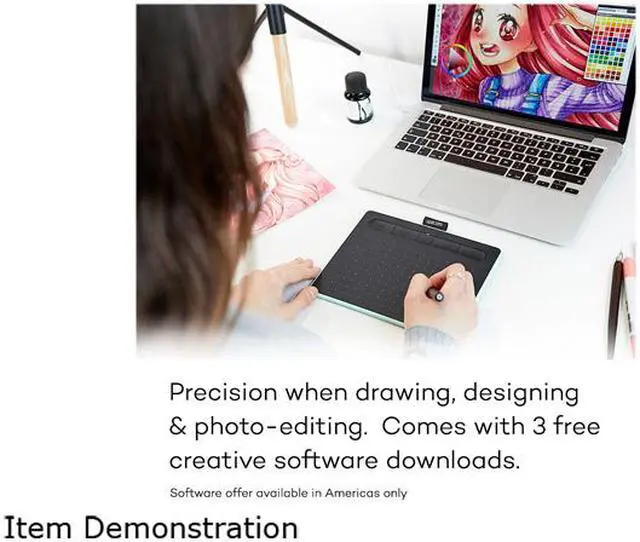
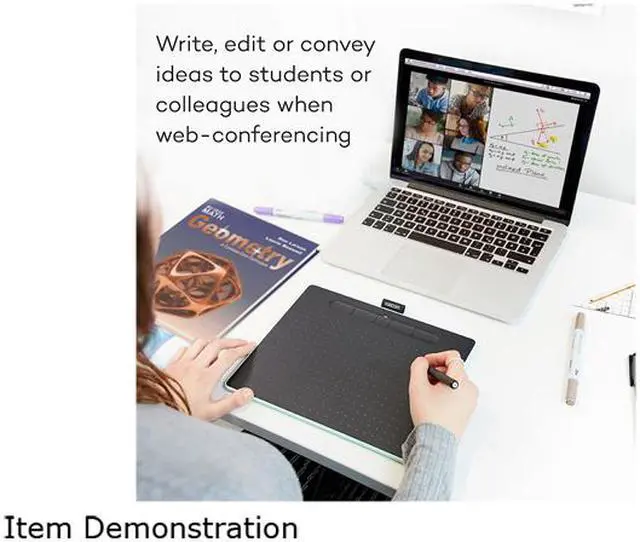
    • A beginner practices digital drawing or painting on a Mac or PC: the pen controls strokes in a creative app, while the user looks at the computer screen rather than drawing directly on it. This is a practical way to try digital art, though the screenless setup may take practice to get used to.
    • A photographer retouches images on a computer: the pen can make brush-based edits, such as local adjustments or masking, feel more controlled than using a mouse. A reviewer demonstrates the CTL-4100 in a photo-editing workflow.
    • Someone with a Chromebook uses the tablet for drawing in a compatible creative app: it provides pen input without needing a pen-display monitor. Compatibility and available features depend on the Chromebook and app.
    • A user with a compatible Android phone or tablet sketches in a supported app: connecting the CTL-4100 through USB with an appropriate OTG adapter can add pen input to a mobile setup. Device and app compatibility should be checked before relying on this workflow.
    • A user working at a crowded desk or carrying a compact setup chooses the small tablet for basic drawing or editing: it takes up little desk space, but the limited drawing area may feel restrictive for large, arm-driven strokes or longer sessions.