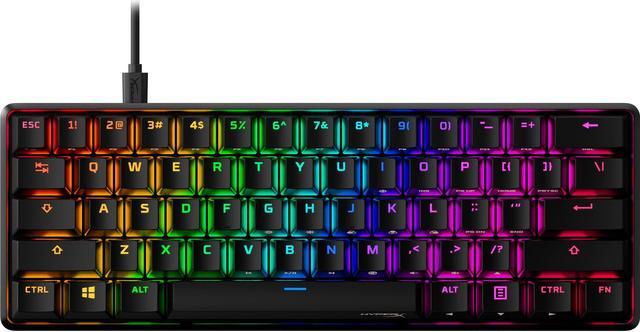
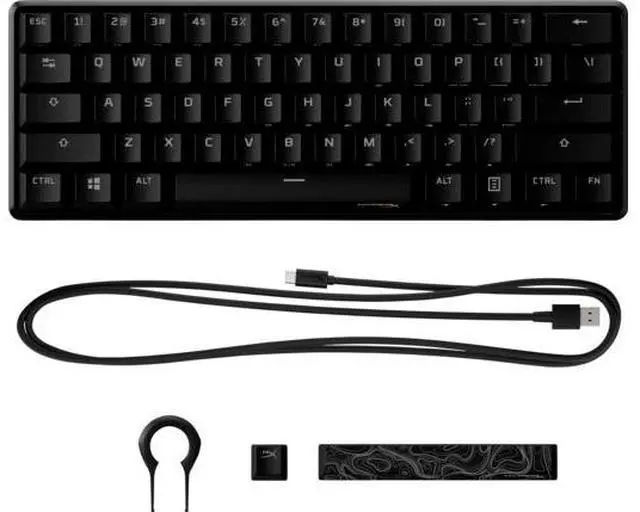
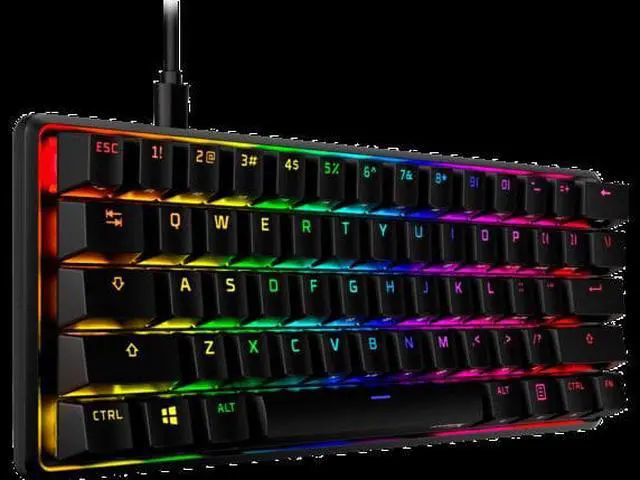
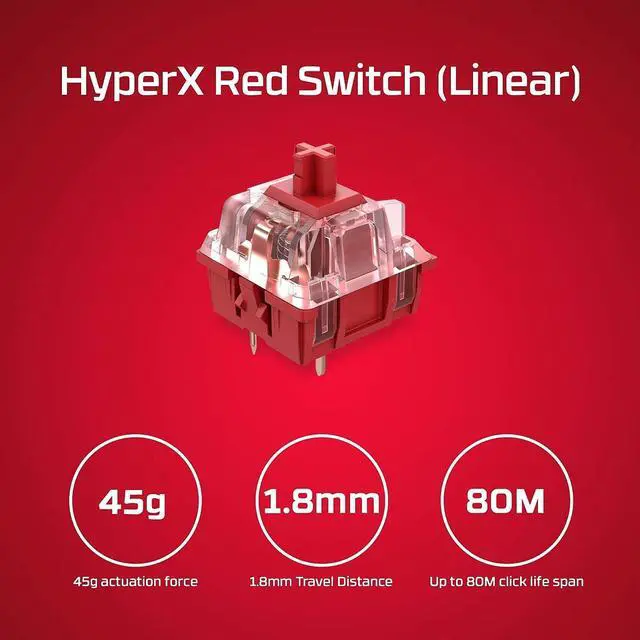
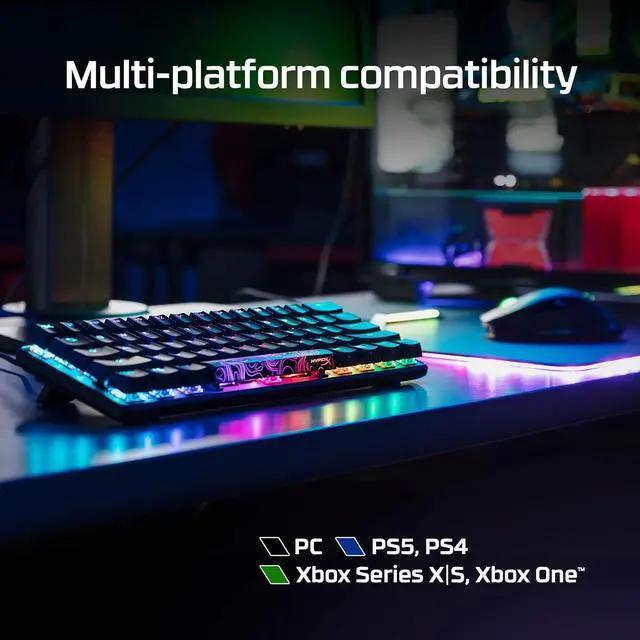
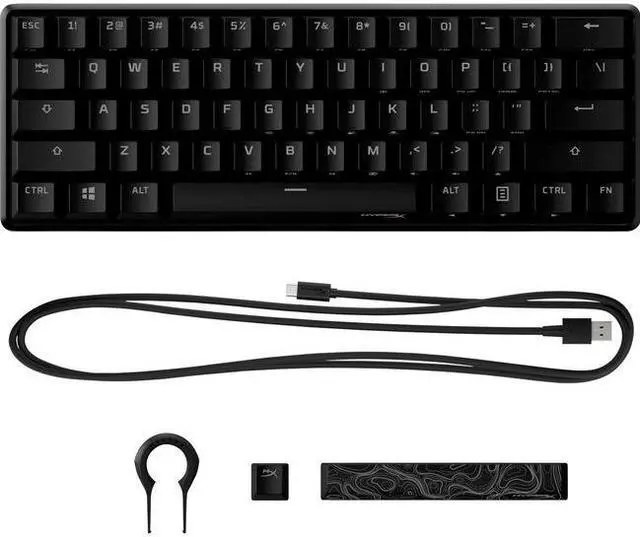
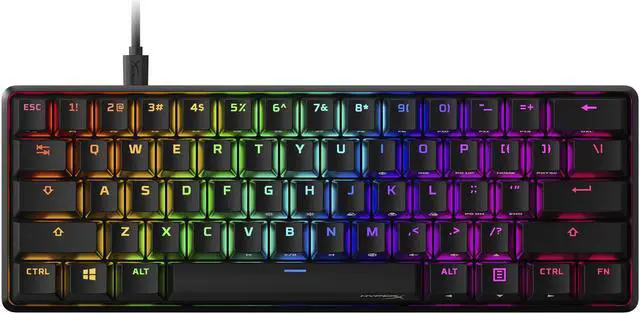
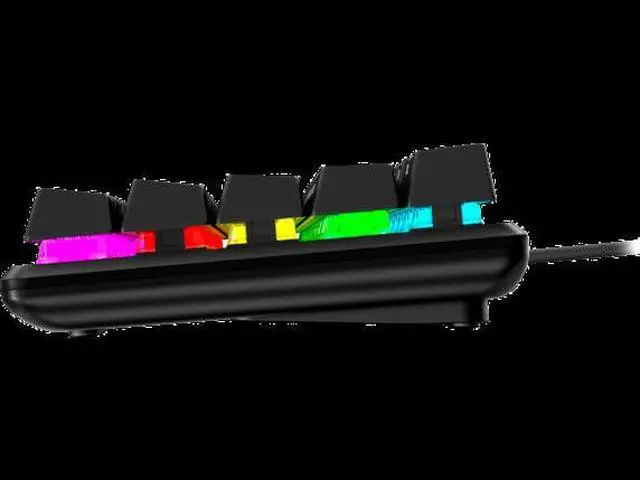
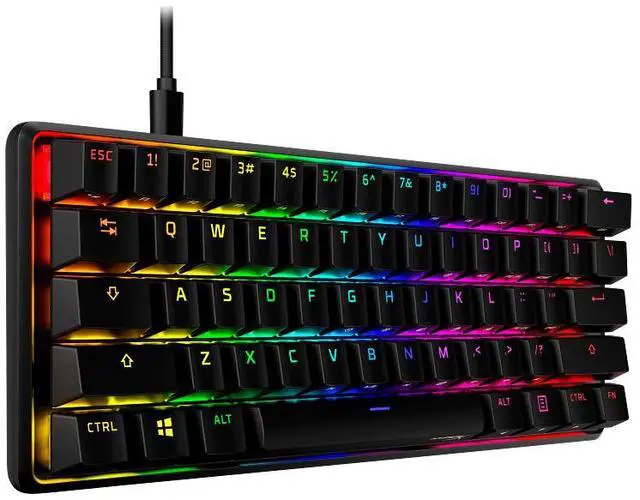
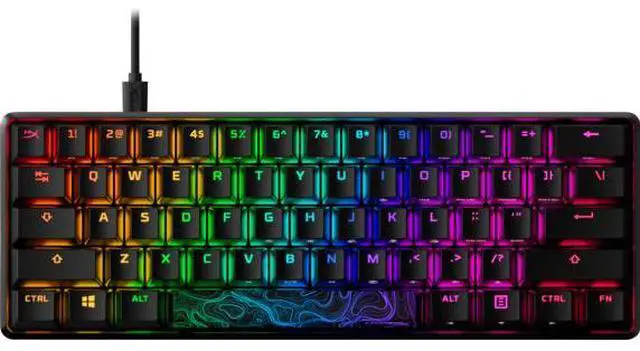
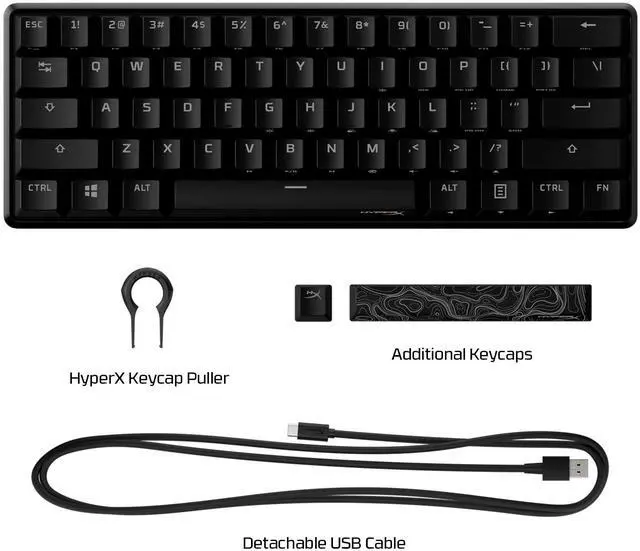
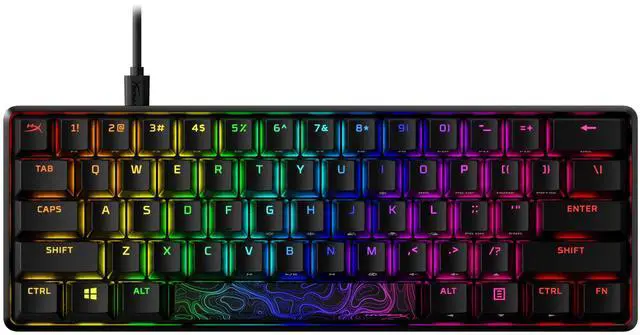
The HyperX Alloy Origins 60 is a compact, wired mechanical gaming keyboard with HyperX Red switches and RGB backlighting, suited to gamers who want a smaller USB-connected keyboard for a US-layout setup.
Recommended For
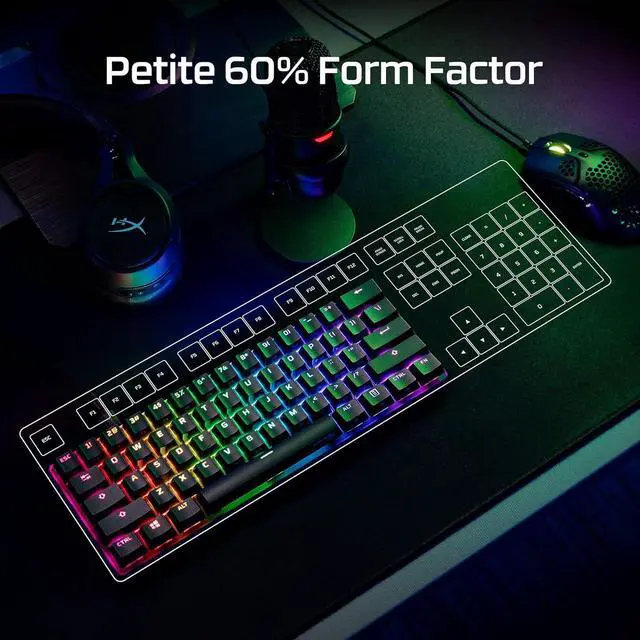
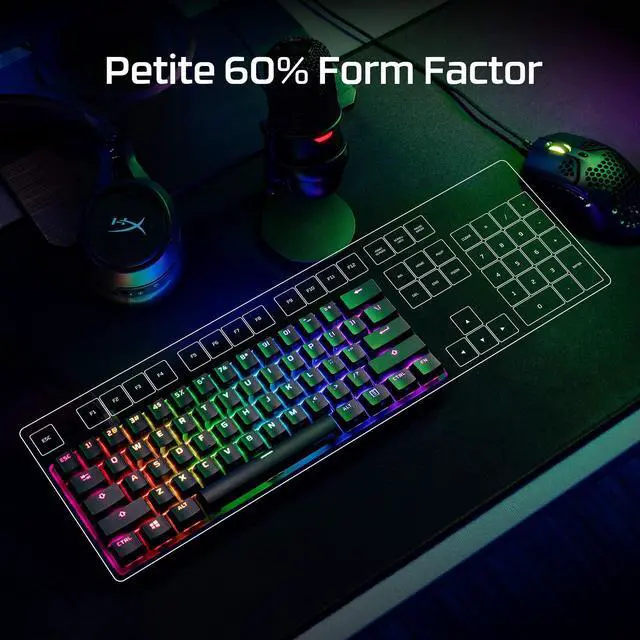
- PC gamers with limited desk space who want more room for mouse movement; the 60% layout keeps the keyboard footprint small.
- Players who prefer linear switches for gaming and are comfortable learning Fn-layer shortcuts for arrow keys and other functions.
- People who take a keyboard between home, school, or gaming setups and want a compact board with a detachable cable.
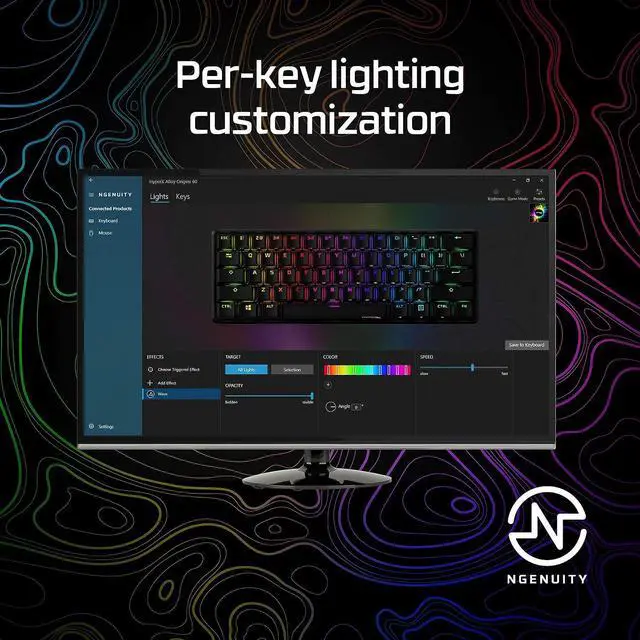
- Users who want per-key RGB lighting and are willing to configure lighting and profiles through HyperX NGENUITY.
Real-World Use Scenarios
- During FPS gaming on a crowded desk, the compact layout leaves more room beside the keyboard for mouse movement; the linear HyperX Red switches provide a smooth, consistent press, while the missing dedicated keys take some adjustment.
- When switching between gaming and everyday typing at the same desk, the smooth linear switches can handle both, but frequent use of arrows, function keys, or navigation controls requires learning their Fn-layer shortcuts.
- For a small home or gaming setup, the 60% footprint frees desk space for other gear; its sturdy construction makes it feel substantial rather than flimsy, though it remains a wired keyboard.
- For messaging, document edits, or general computer use, the light linear keys offer a smooth typing feel; users who rely on a number pad or dedicated navigation keys may find the compact layout less convenient.
- When carrying a keyboard between home, school, or a gaming event, its compact size is easier to pack than a full-size board; it still needs a USB connection and is not a wireless option.




 here!