




 here!
I’m your shopping assistant for PC builds, upgrades, and everything tech.
Got questions? Ask away!
Start a conversation
here!
I’m your shopping assistant for PC builds, upgrades, and everything tech.
Got questions? Ask away!
Start a conversation Hot Seller
 Top Rated Top Rated






Any questions? Ask CelesteSM will help you find out quickly.
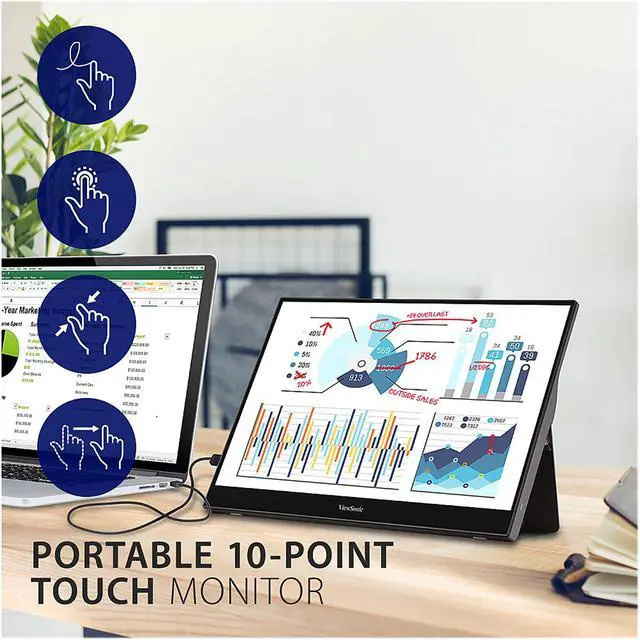
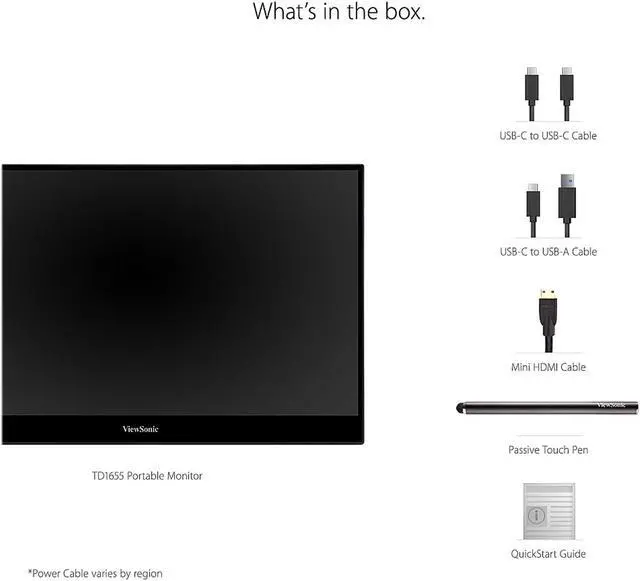
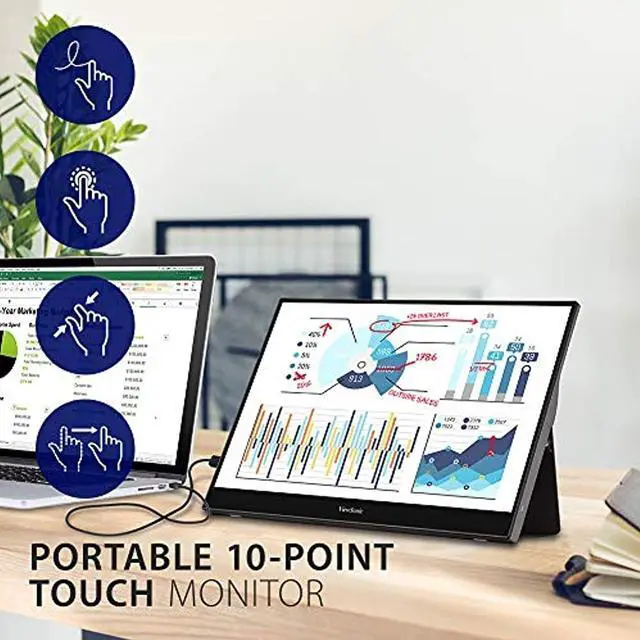
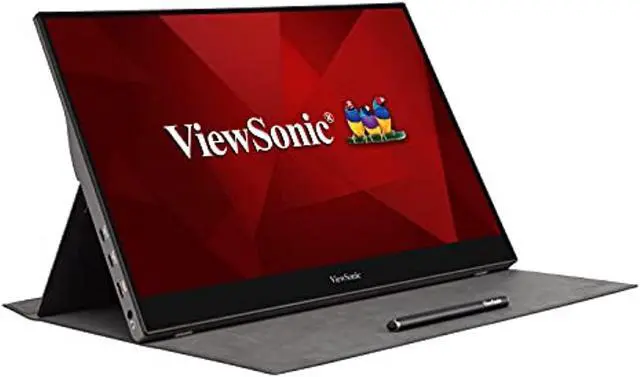
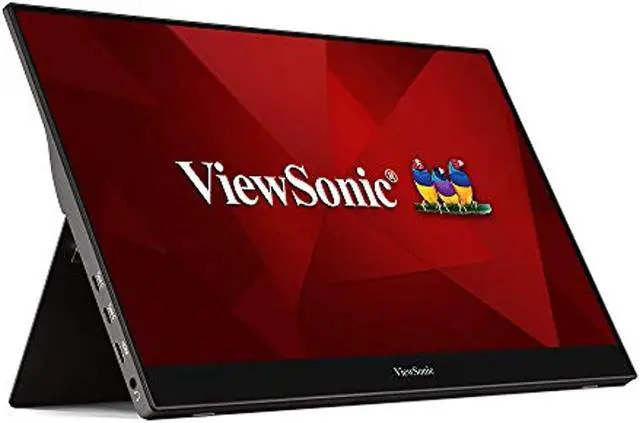
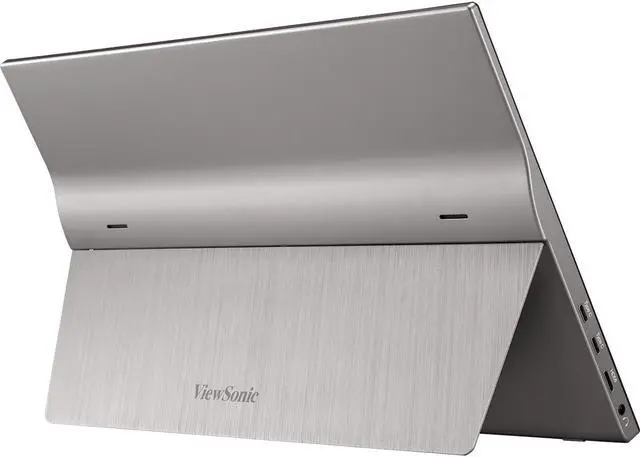
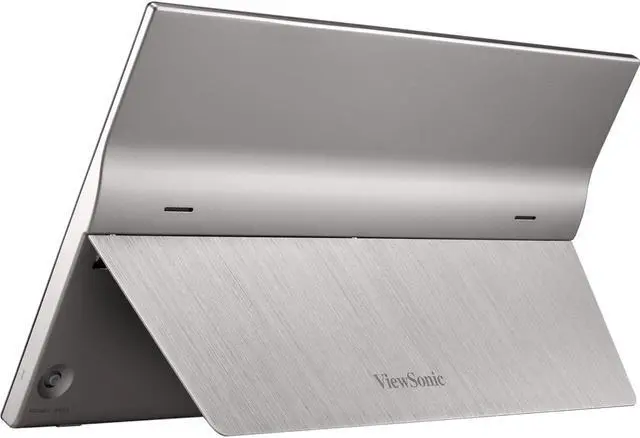
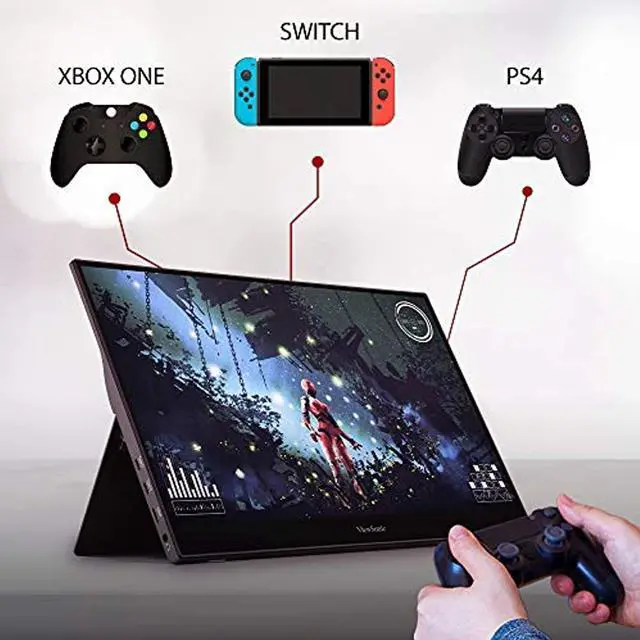
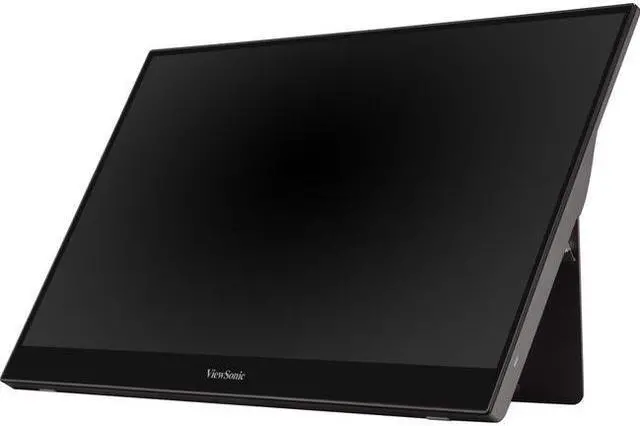
The ViewSonic TD1655 is a 15.6-inch portable 1080p IPS touchscreen monitor with 10-point touch, USB-C and Mini HDMI connectivity, and a built-in stand cover. It suits people who want a lightweight second screen for laptop work, presentations, or touch-based tasks on the go.
| Attribute | Value |
|---|---|
| Best For | Portable, touch-based Full HD use with compatible desktop setups, in portrait or landscape orientation |
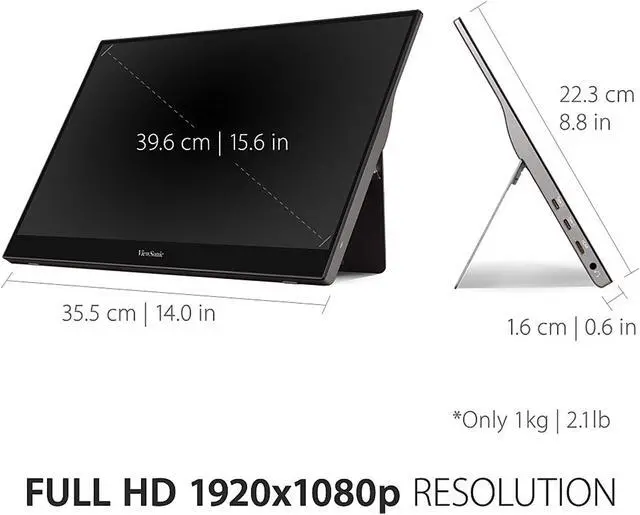
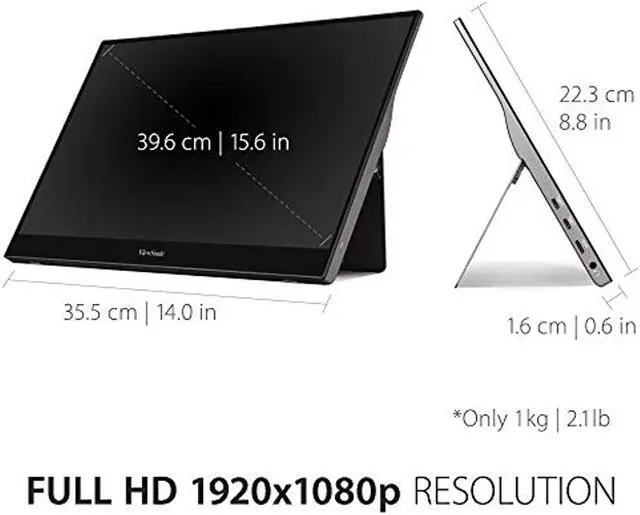
| Panel And Resolution | 15.6-inch IPS LED display with a 1920 × 1080 Full HD resolution, 16:9 aspect ratio, 250 cd/m² brightness, 800:1 native contrast (50,000,000:1 DCR), 170° horizontal and vertical viewing angles, and 262K colors |
| Touch And Screen Finish | 10-point projected-capacitive touchscreen with a matte finish |
| Refresh Rate And Response | 60 Hz refresh rate; 50–75 Hz vertical and 15–82 kHz horizontal frequency ranges; response time of 14 ms GTG or 6.5 ms GTG with overdrive |
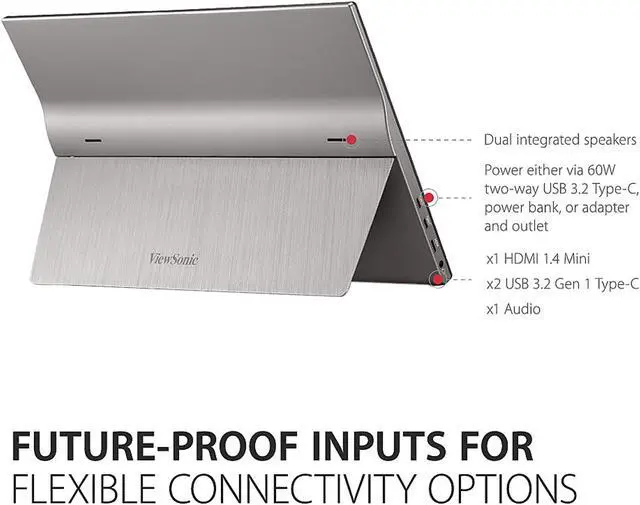
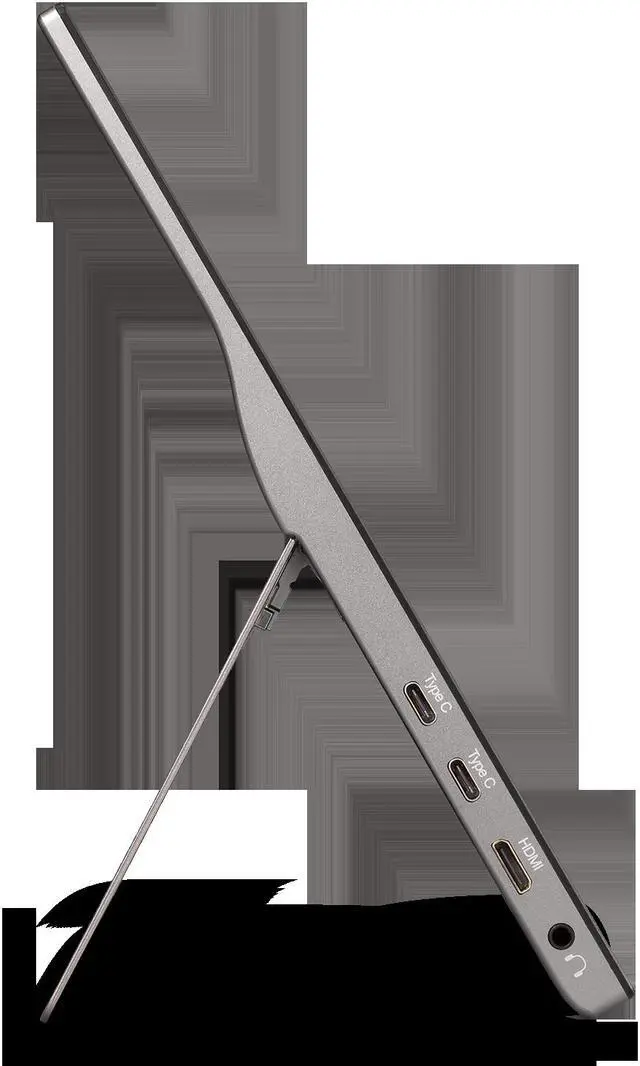
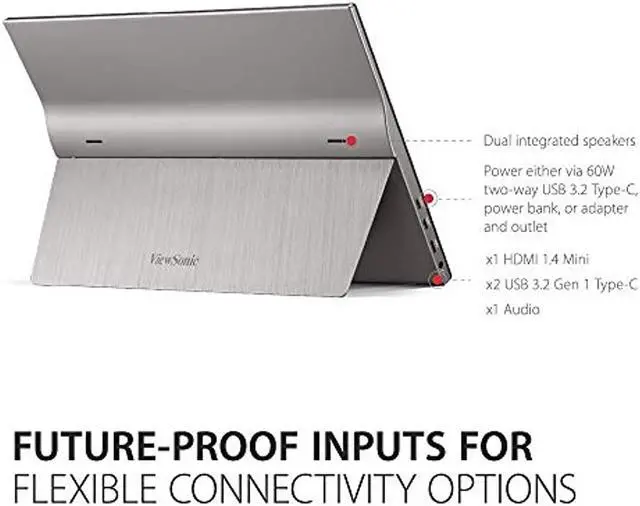
| Ports And Connectivity | Mini HDMI and 2 USB-C ports for video and data connections |
| Audio | Two built-in 0.8 W speakers |
| Power And Consumption | 100–240 VAC, 50/60 Hz power supply; consumption is 6.9 W in Eco mode, 8.6 W typical, 10.5 W maximum, and 0.3 W on standby |
| Controls And Image Care | Physical power controls and an on-screen menu for image, audio, color, input, and setup adjustments |
| Physical Design | Silver cabinet; 8.8 × 14 × 0.6 inches and 2.10 lb |
| Certifications And Compliance | cTUVus, FCC-B, ICES003, Energy Star 8.0, EPEAT, CEC, MX-CoC, and Mexico Energy approvals |
| Model Identifiers | ViewSonic TD1655; manufacturer model number VS18170 |
Q: ViewSonic TD1655 vs TD1656-2K: which portable touchscreen should I choose?
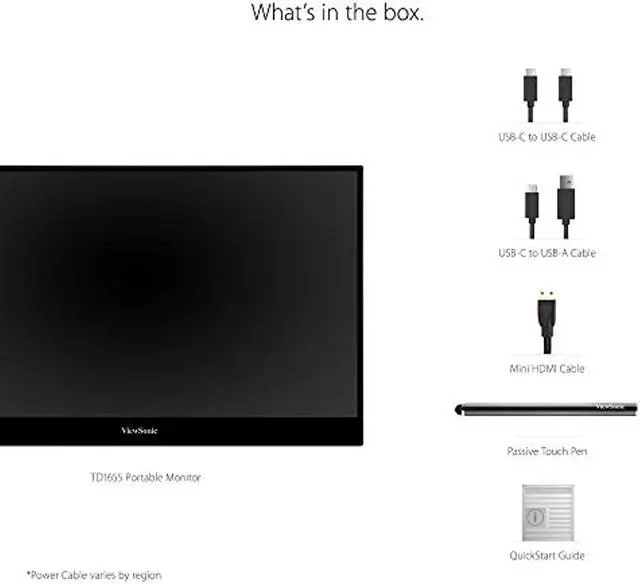
A: Choose the TD1655 for a 15.6-inch Full HD, 16:9 display with an included passive touch pen. Choose the TD1656-2K for a 16-inch, 2560 × 1600, 16:10 touchscreen with 65W USB-C power delivery.
Q: Should I get the ViewSonic TD1655 or VG1655?
A: Choose the TD1655 when 10-point touchscreen interaction and the included passive touch pen suit your workflow. The VG1655 offers a 15.6-inch Full HD IPS display in a lighter 1.8-pound design; both models have a built-in stand and USB-C connectivity.
Q: What’s the difference between the ViewSonic TD1655 and VA1655?
A: Both provide a 15.6-inch Full HD IPS portable display. The TD1655 is the touch-focused option, with 10-point touch, a passive touch pen, and two USB-C ports; the VA1655 provides a straightforward portable display with USB-C and mini-HDMI connectivity.
Q: ViewSonic TD1655 vs VX1655-4K-OLED: which is better for a portable setup?
A: Choose the TD1655 for 10-point touch interaction and an included passive touch pen in a Full HD IPS format. Choose the VX1655-4K-OLED when 3840 × 2160 resolution, OLED technology, and a 1.5-pound design are the priorities.
Q: Will the TD1655 work with a laptop that doesn’t have USB-C video output?
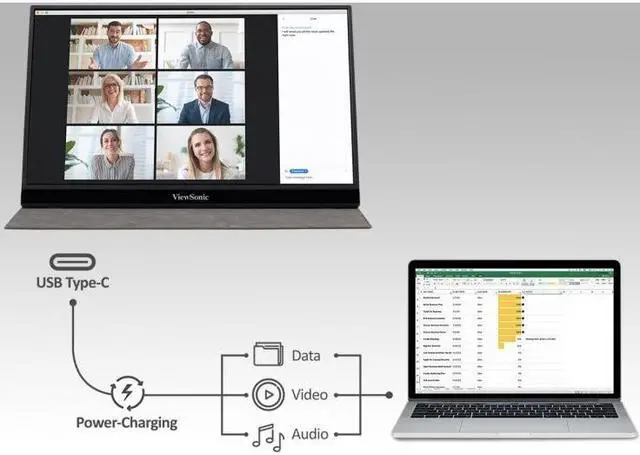
A: Yes. Connect the laptop’s video output to the monitor’s mini-HDMI input, and use a USB connection for power and touch data. A compatible USB-C port that supports video can simplify the setup to one cable.
Q: Can the TD1655 charge my laptop while I use it?
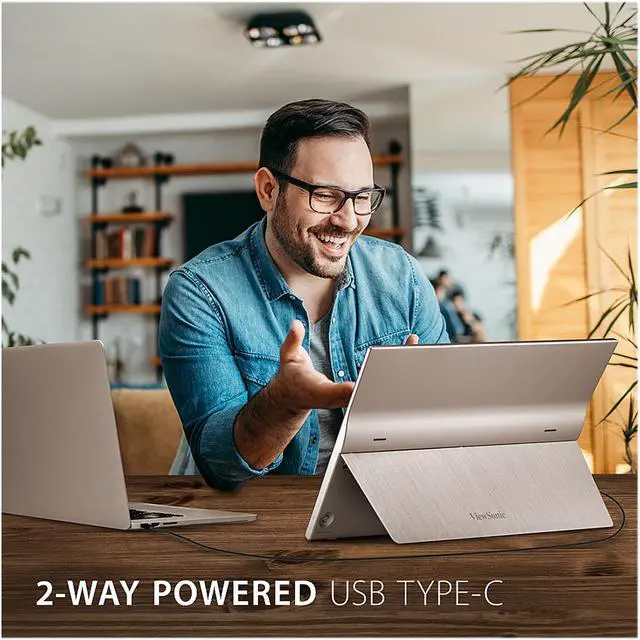
A: It supports two-way USB-C power and up to 60W charging. Whether it can charge a particular laptop depends on the laptop’s USB-C power requirements and how the monitor is powered and connected.
Q: Can I use the TD1655 for handwritten notes?
A: Yes. Its 10-point touchscreen supports touch input, and a passive touch pen is included. It must be connected to a compatible computer or device to use note-taking apps; the monitor is a display, not a standalone note-taking device.
Q: Is the TD1655 practical as a travel work monitor?
A: It suits travelers who want a second screen for laptop work: it has a 15.6-inch Full HD display, a built-in stand, and a protective cover, and weighs 2.1 lb. It still needs power through a compatible connection or an external power source.
Q: Is the TD1655 a practical portable second screen for work or travel?
A: It may suit people who want a 15.6-inch, 1080p touchscreen alongside a laptop while away from a desk. The monitor weighs 2.1 lb and includes a stand and cover; Reddit users describe using it as a laptop second screen and carrying it while traveling. It is a 60 Hz portable display, not a large desktop monitor.
Q: Does the TD1655 touchscreen work with a MacBook?
A: A Reddit user reports using the TD1655 with a MacBook Air over USB-C and says the drivers worked reasonably well. Touch support may depend on the setup and driver, so confirm compatibility with your Mac before relying on it; the product information lists macOS support and USB-C inputs.
Q: Is the TD1655 suitable for sketching or annotating?
A: It is equipped for basic touch interaction: the product data lists 10-point capacitive touch and an included passive touch pen. A Reddit owner reports using it for sketch work and describes the touch as responsive. The supplied specifications do not establish pressure-sensitive pen support, so check your drawing app and pen requirements if that matters.
Q: Will the TD1655 work reliably with a Steam Deck, including touch and charging?
A: Do not assume every Steam Deck setup will provide working touch or charging. In a Reddit thread, users report mixed connection experiences, including touch not working and a blank screen; one commenter recommends trying the monitor’s included USB-C cable. Check your specific connection and power setup before depending on those features.


