




 here!
here!
I’m your shopping assistant for PC builds, upgrades, and everything tech.
Got questions? Ask away!
Start a conversation
here!
I’m your shopping assistant for PC builds, upgrades, and everything tech.
Got questions? Ask away!
Start a conversation




Any questions? Ask CelesteSM will help you find out quickly.

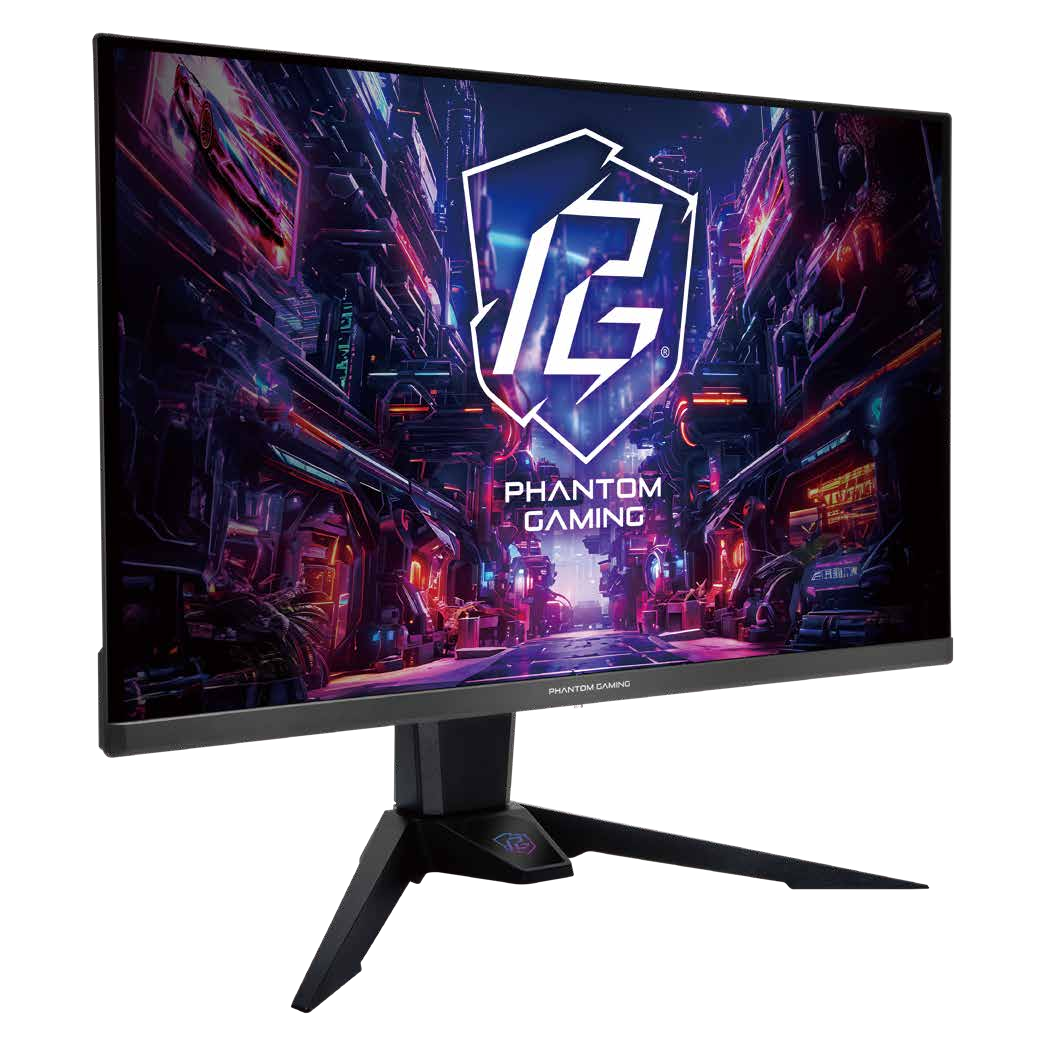






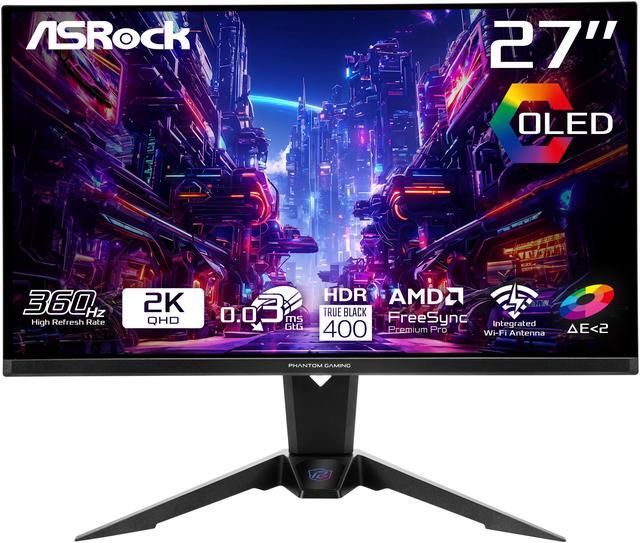
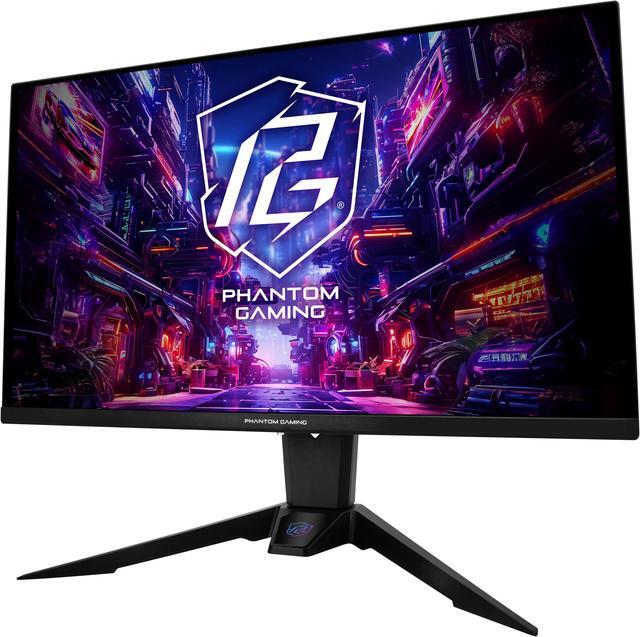
Experience stunning visuals with this 27-inch OLED monitor, delivering true-to-life colors, deep blacks, and exceptional contrast. Perfect for gaming, content creation, and entertainment.

Achieve unmatched speed with a lightning-fast 0.03ms GTG response time, delivering ultra-smooth visuals and razor-sharp precision.

Experience exceptional visual smoothness and dynamic performance with the 360Hz high refresh rate gaming monitor. Say goodbye to delays and blurriness!

OLED displays with Delta E < 2 ensure exceptional color accuracy, ideal for professional-grade visuals.
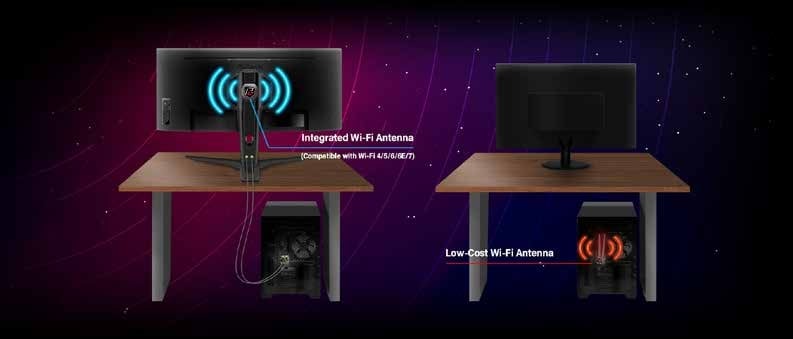
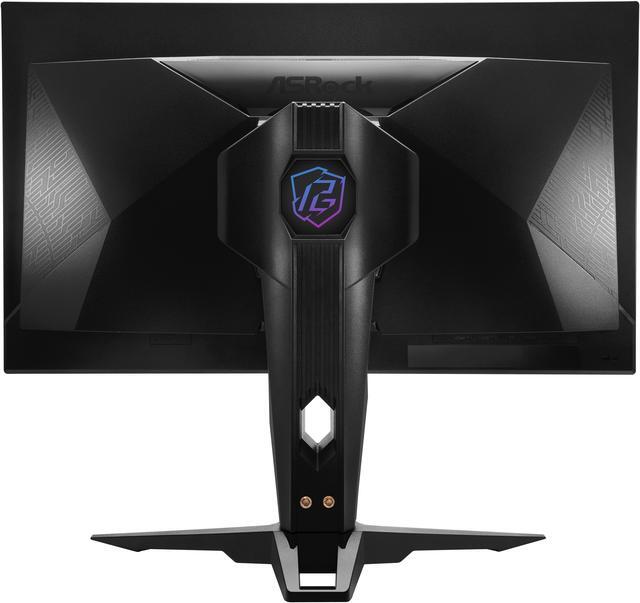
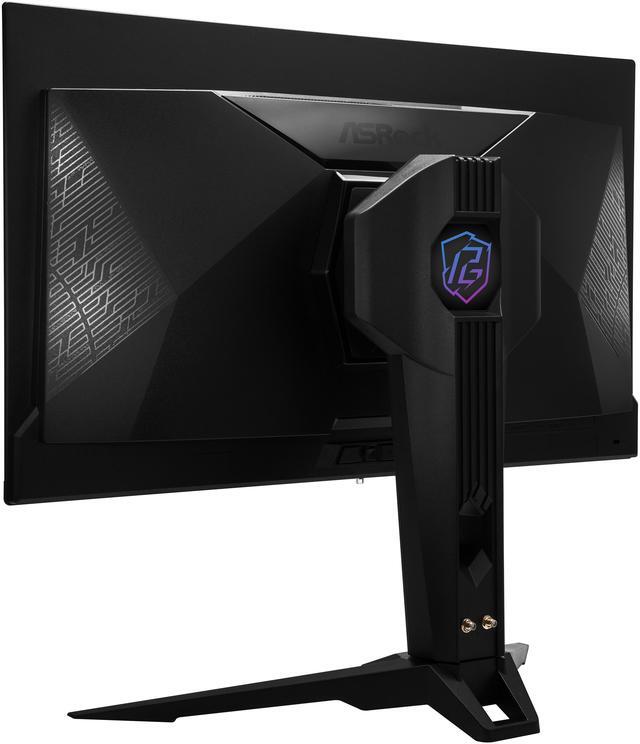
The built-in antenna delivers up to 7dBi gain, ensuring stable, fast Wi-Fi by minimizing desktop interference for seamless gaming and connectivity.
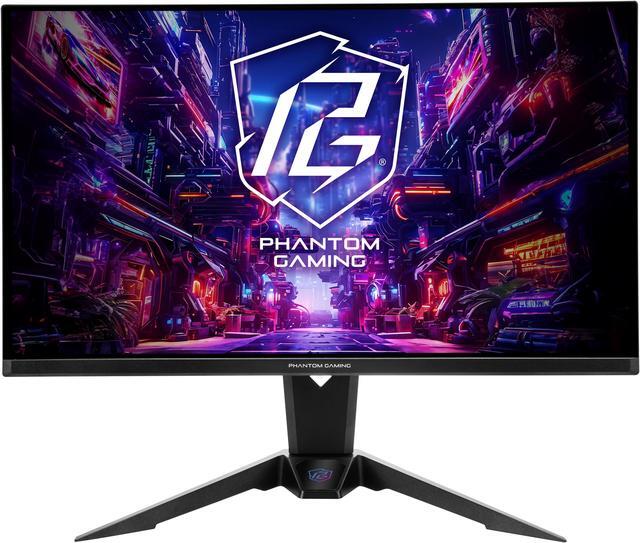
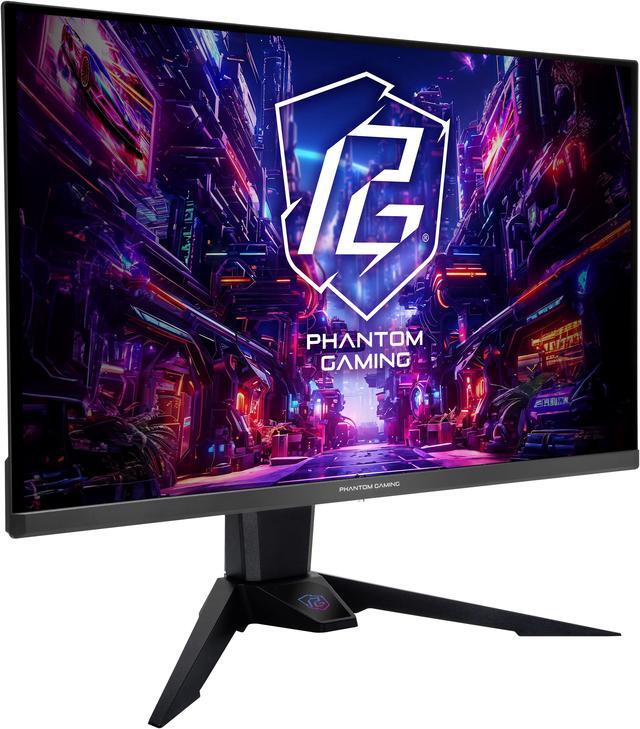
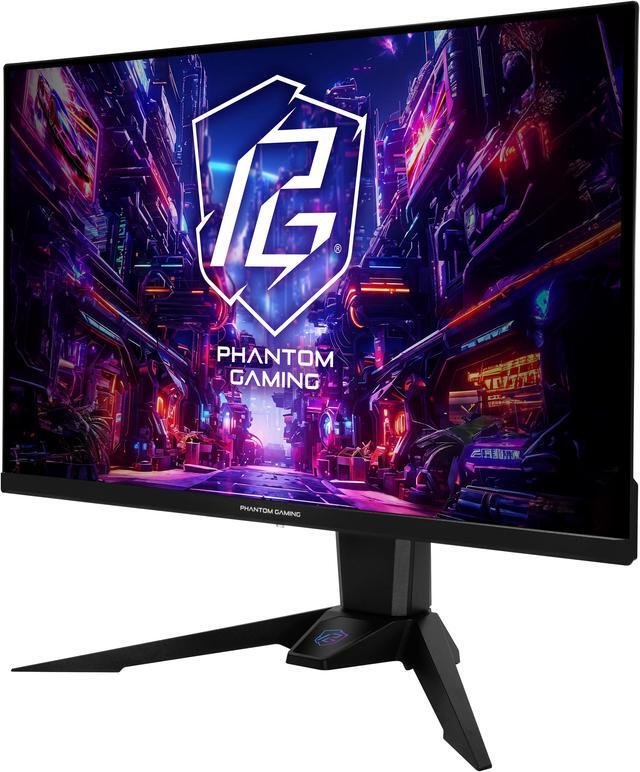
The ASRock Phantom Gaming PGO27QFV is a 27-inch QHD QD-OLED gaming monitor with a 360Hz refresh rate, 0.03ms response time, and AMD FreeSync Premium Pro, suited to competitive PC gamers who prioritize fast, fluid gameplay.
| Attribute | Value |
|---|---|
| Best For | Gaming setups prioritizing QHD OLED visuals, a 360Hz refresh rate, and adaptive sync |
| Panel And Resolution | 27-inch flat OLED panel with 2560 × 1440 QHD resolution, 16:9 aspect ratio, 178° horizontal and vertical viewing angles, and 0.2292 mm pixel pitch |
| Picture Quality | 250-nit typical SDR and 1,000-nit peak HDR brightness, 1,500,000:1 contrast ratio, 99% DCI-P3 / 138% sRGB color gamut, 1.07 billion colors, and DisplayHDR True Black 400 certification |
| Refresh Rate And Response | 360Hz refresh rate, 0.03ms response time, and AMD FreeSync Premium Pro adaptive sync |
| Ports And Connectivity | 2 HDMI 2.1 ports, 1 DisplayPort 1.4, 1 USB-C port with DisplayPort alternate input, 1 audio-out port, and an integrated Wi-Fi antenna |
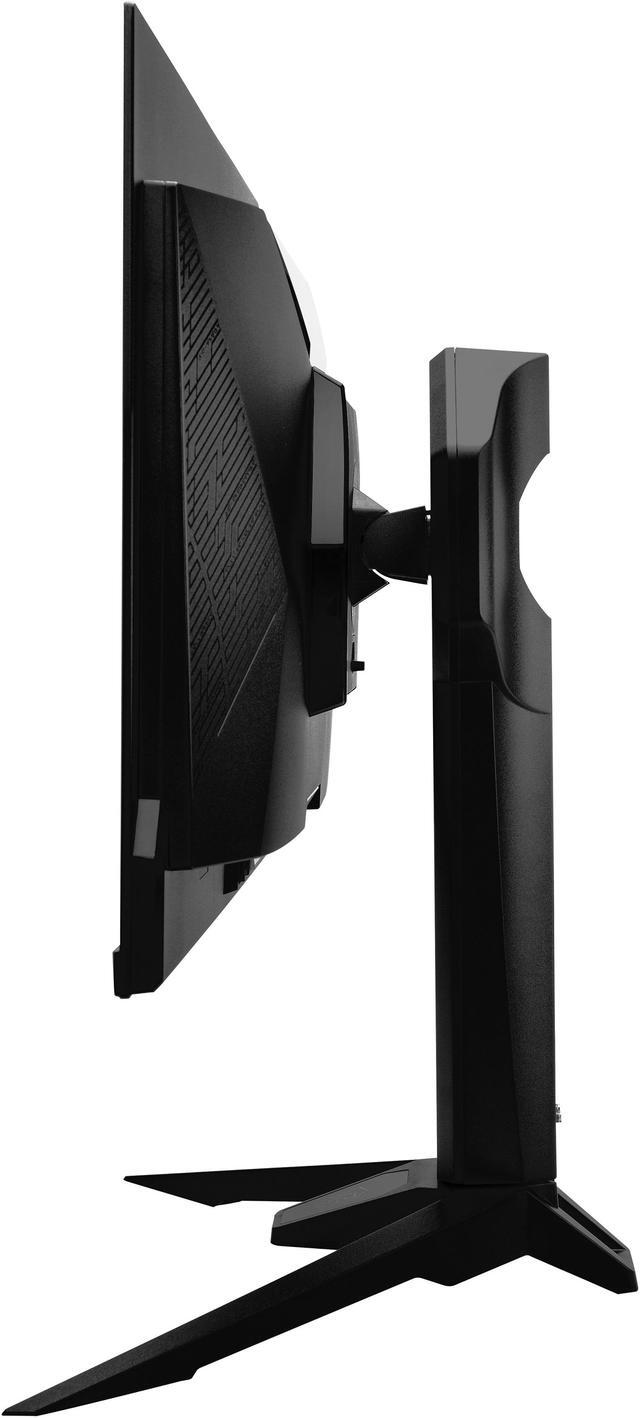
| Stand And Ergonomics | Height adjusts by 0–100 mm, tilt from −7° to +20°, and swivel from −20° to +20°; supports 100 × 100 mm VESA mounting |
| Built-In Features | No built-in speakers or webcam |
| Power | 100–240V AC, 50/60Hz power supply; maximum power consumption ≤100W, power-saving mode ≤0.5W, and power-off mode ≤0.3W |
| Model Identifiers | ASRock Phantom Gaming PGO27QFV |
Q: Should I get the ASRock PGO27QFV or the PGO27QFS?
A: Choose the PGO27QFV if you want the higher refresh rate: it is a 27-inch QHD QD-OLED running at 360Hz, compared with the PGO27QFS’s 240Hz QHD WOLED panel. Both are OLED monitors rated at 0.03ms GTG. The PGO27QFS adds a KVM switch and pivot adjustment; the PGO27QFV is the more direct fit if you prioritize refresh rate and QD-OLED.
Q: How does the PGO27QFV compare with the MSI MPG 271QRX?
A: Both are 27-inch QHD QD-OLED monitors with 360Hz refresh rates, 0.03ms GTG response times, and HDMI 2.1. The PGO27QFV lists USB-C power delivery up to 15W and includes a Wi-Fi antenna; the MSI offers USB-C power delivery up to 90W and a KVM switch. Choose the ASRock if its antenna feature or connectivity suits your setup; choose the MSI if you want stronger USB-C laptop charging or KVM functionality.
Q: Is the PGO27QFV worth choosing over a 240Hz 1440p OLED?
A: Choose the PGO27QFV if your games and PC can make use of refresh rates above 240Hz: it reaches 360Hz while keeping a 2560 × 1440 resolution and OLED panel. A 240Hz OLED is a practical alternative if you do not expect to benefit from the extra refresh headroom or prefer another model’s features, such as the PGO27QFS’s KVM switch and pivot adjustment.
Q: Is this monitor suitable for both gaming and everyday work?
A: It can serve both uses: the 27-inch QHD screen, adjustable stand, and USB-C DisplayPort input support a flexible desk setup, while 360Hz and 0.03ms response time are gaming-focused. USB-C provides up to 15W power, so it may not supply enough power to charge some laptops. For long work sessions with static screen elements, consider OLED care practices and check the product’s warranty terms.
Q: Can I connect a PS5 or Xbox to this monitor?
A: Yes. The monitor has two HDMI 2.1 inputs for connecting a console. The console’s actual resolution and refresh rate depend on the console, game, and supported video mode; the monitor’s 360Hz maximum is most relevant to compatible PC gaming.
Q: Can I use a monitor arm with it?
A: Yes. It supports VESA 100 × 100 mm mounting. Check that the arm supports the monitor’s weight, which is listed as 11.9 lb without the stand.
Q: Does it have built-in speakers?
A: No. The listed specifications say it has no built-in speakers. Use separate speakers or headphones connected to your computer or audio equipment.
Q: Is the PGO27QFV a good choice for competitive gaming?
A: It suits players who want 1440p resolution and a 360Hz refresh rate in one monitor. The high refresh rate is most useful when your PC can produce high frame rates; Reddit buyers also describe using it for competitive shooters and other games.
Q: Is the PGO27QFV worth choosing over a 240Hz OLED?
A: Consider it if you value the extra refresh-rate headroom: this model is 360Hz, compared with the 240Hz alternative discussed by buyers. If you do not expect to use refresh rates above roughly 200–250Hz, the discussion suggests choosing based on panel preference and the other monitor’s features rather than refresh rate alone.
Q: Should I worry about OLED burn-in or pixel-cleaning interruptions?
A: OLED burn-in is a concern raised by prospective owners, and users discuss the monitor’s pixel-cleaning prompts. The supplied product information does not specify burn-in warranty coverage, so confirm the warranty terms with the seller or ASRock before buying. One Reddit discussion says the pixel-notice interval can be set to 16 hours; that may reduce how often a prompt appears, but does not remove the need to follow the monitor’s care guidance.
Q: Is the PGO27QFV bright enough for HDR or a bright room?
A: Its listed brightness is 250 nits typical in SDR and 1,000 nits peak in HDR, with DisplayHDR True Black 400 certification. Those specifications do not guarantee sustained brightness across the whole screen. In a Reddit discussion, an owner said HDR brightness was less than expected in some games, while another ASRock OLED owner described SDR as not especially bright. If high sustained brightness is a priority, compare it in person or check independent testing before buying.


