

Your Browsing History

Get Educated
Make informed decisions with expert advice. Learn More

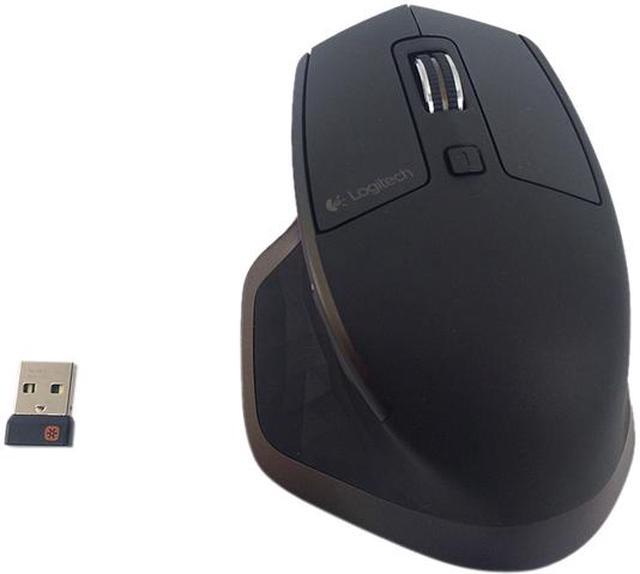
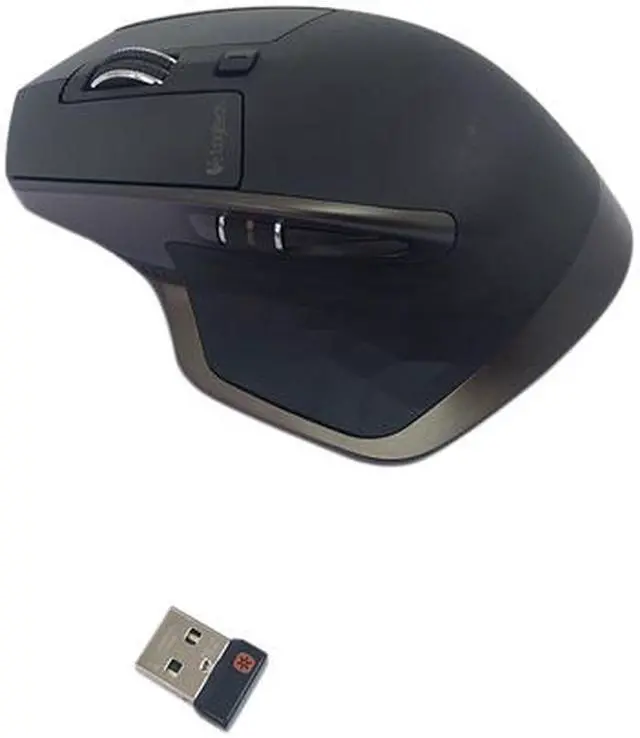
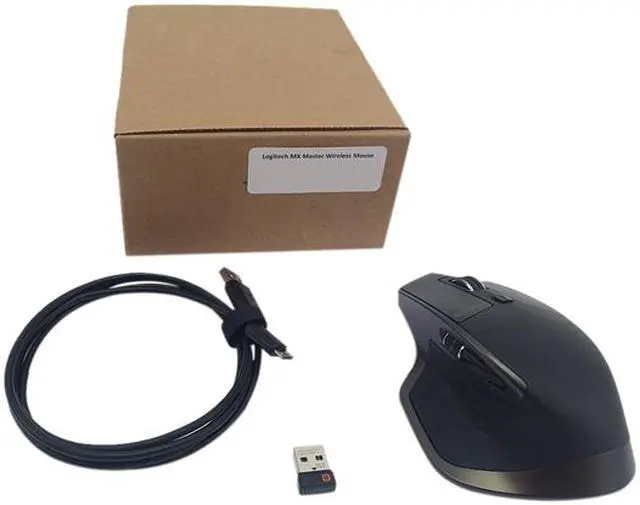
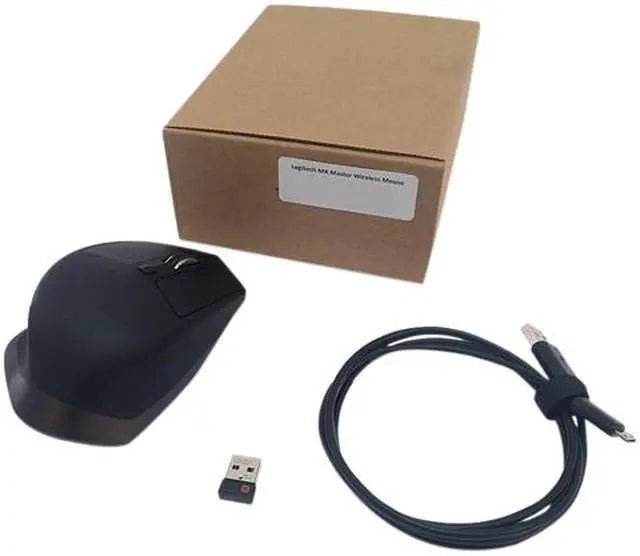
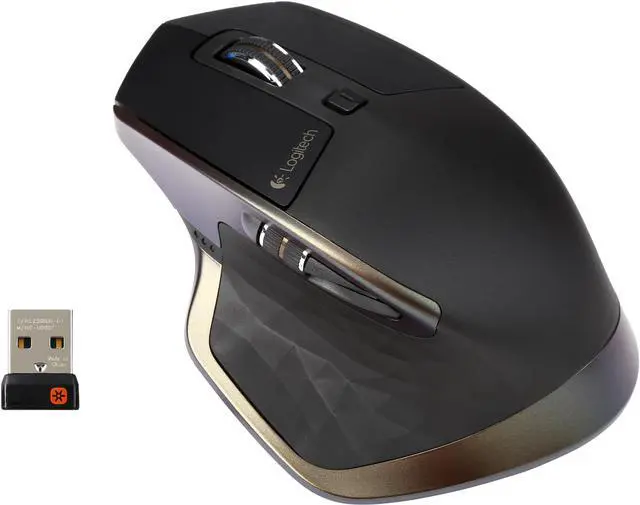
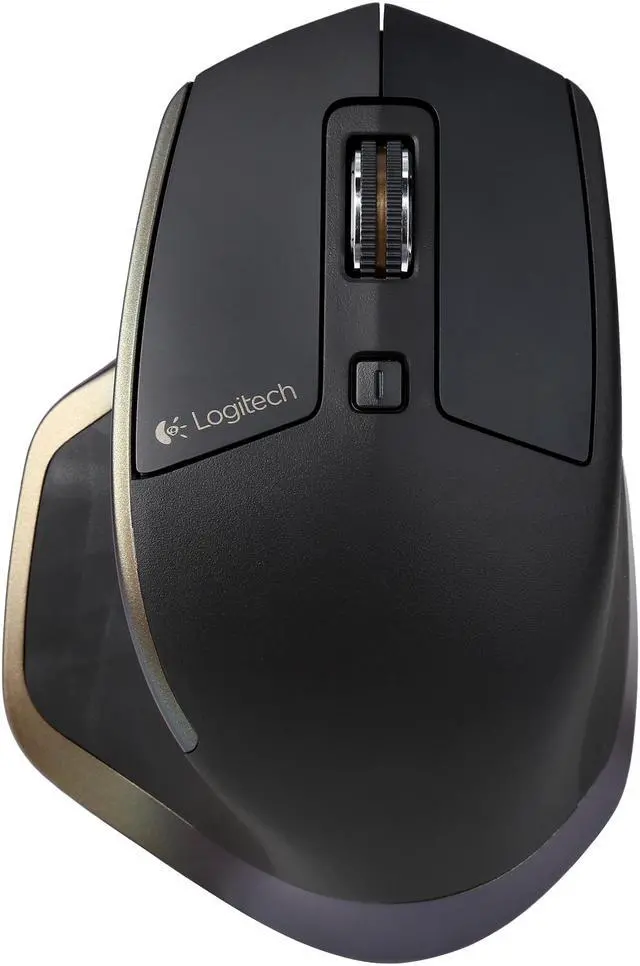
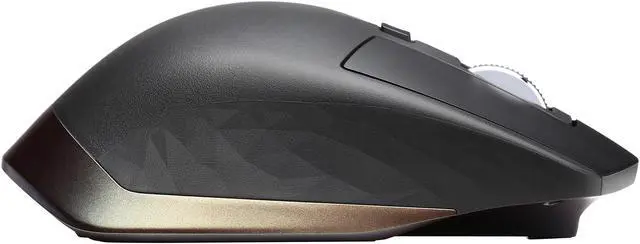
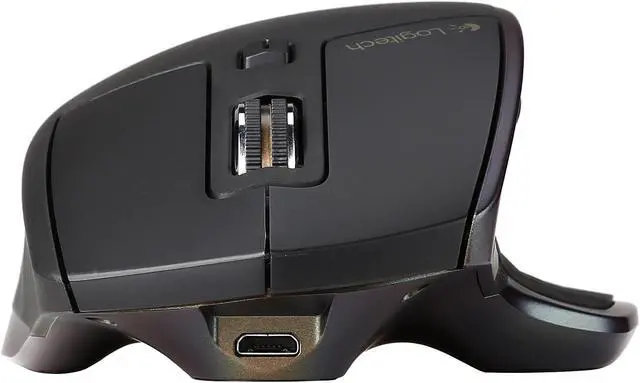
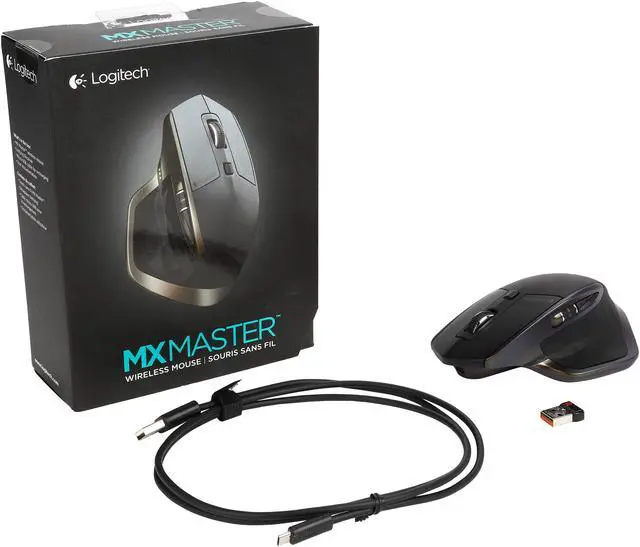


Logitech Recertified 910-004337 MX Master 5-Button 2 Wheels USB Wireless and Bluetooth Mouse - 1600 dpi
REFURBISHED Product Type
- 5 Buttons / 2 x Wheels
- USB Bluetooth Wireless
- Laser
Overview
Specs
Reviews (8)

Any questions? Our AI mode will help you find out quickly.
Try me now
The Logitech MX Master is a premium seven-button mouse with both Unifying and Bluetooth connectivity, built-in rechargeable battery and a hand-sculpted shape that fits perfectly in your palm. It also boasts Darkfield laser tracking, speed-adaptive scroll wheel, a unique thumb wheel, and button programmability via Logitech Options utility, making the MX Master a masterpiece for power users who want get more done, more efficiently. Enjoy ultimate comfort, control, precision and customization.

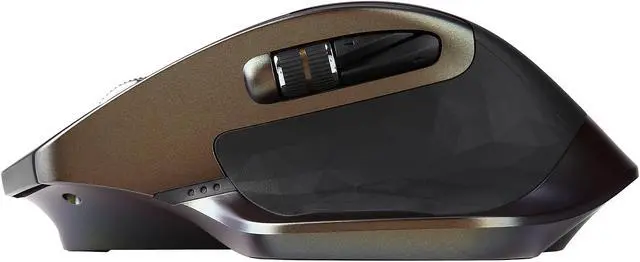
Hand-Sculpted Comfort
- Perfectly crafted, hand-sculpted shape*
- Contoured to support your hand and wrist in a comfortable, natural position
- Well-positioned buttons and scroll wheels for fine-motion control and a fluid experience
* Mouse mold manufactured from an original hand sculpted design.
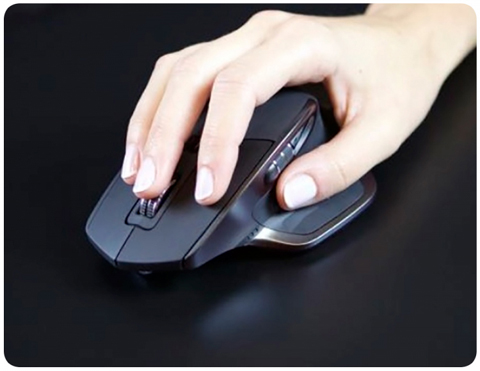
Smart Speed-Adaptive Scroll Wheel
- Automatically shifts between scrolling modes in response to your touch
- Click-to-click mode is ideal for precise, ratcheted motion
- In hyper-fast mode the wheel spins freely so you can you fly through long documents and web pages
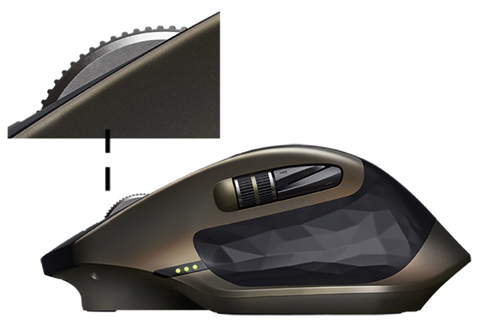
Unique Thumb Wheel
- Adds easy horizontal navigation and advanced gestures
- Install Logitech Options to extend thumb wheel capabilities, such as invert scrolling direction, reproduce touch-based gesture, navigate tabbed content, switch apps, and much more
- Combine the wheel with gestures for even more control
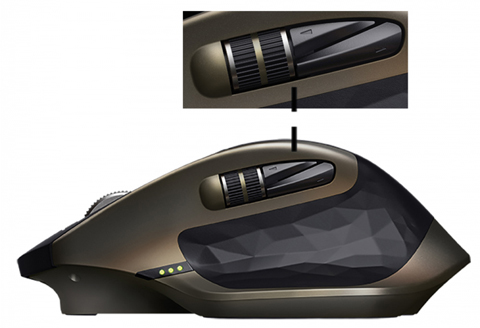
Darkfield Laser Tracking
Enjoy flawless tracking virtually anywhere, even on glass* and high-gloss surfaces.
* 4mm minimum thickness.
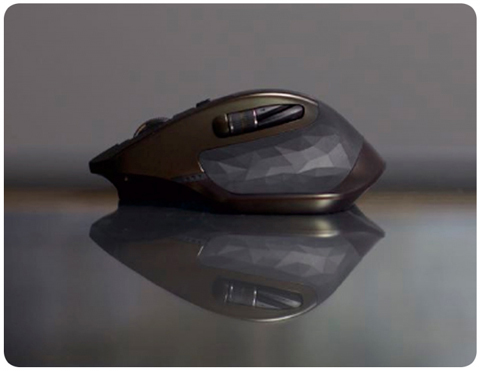
Dual Connectivity
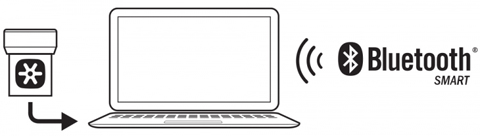
- Connect this performance mouse via included Logitech Unifying" receiver or via Bluetooth Smart wireless technology
- Tiny USB receiver can stay in your computer and connect up to six compatible Unifying devices such as a Logitech wireless keyboard
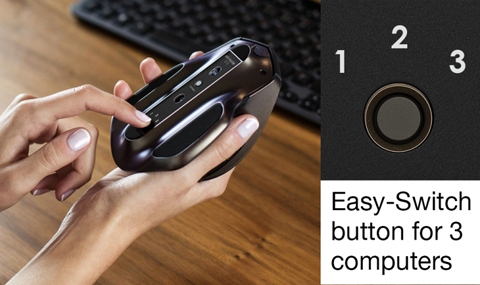
Easy-Switch Technology
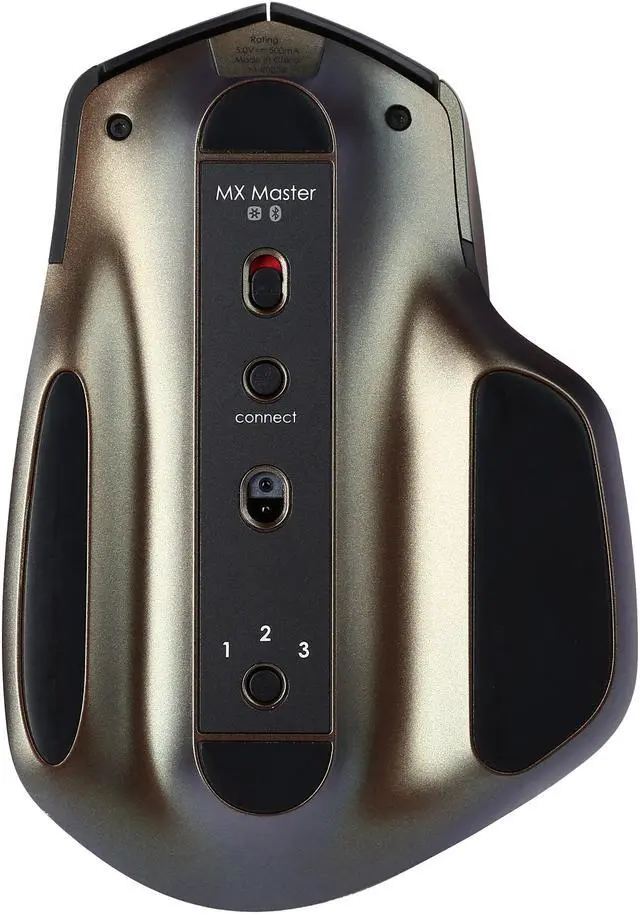
- Connect the mouse wirelessly to as many as three Windows or Mac computers
- Switch between them with just one touch of an Easy-Switch button on the bottom of the mouse
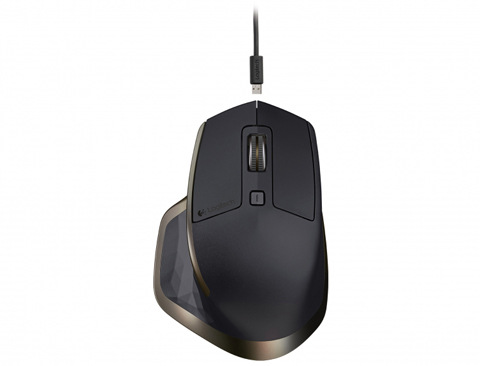
Rechargeable Battery
- Get tens of days of power on a single charge*
- Fast, easy recharging—just plug MX Master into your computer using the micro-USB charging cable
- Only 4 minutes of charging delivers a full day of power
- Low-battery Indicator light lets you know when it's time to charge
* For reference only. Actual battery life may vary based on user and computing.
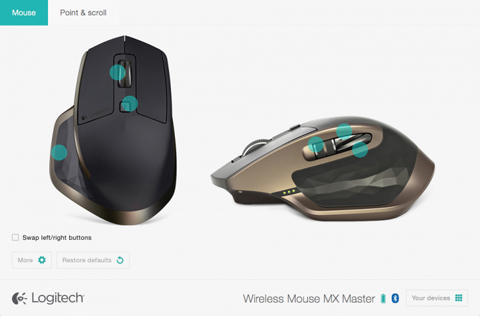
Virtually Limitless Customization
Install Logitech Options software to experience the full range of possibilities of this advanced mouse. You can reassign buttons or even set them up to turn pages, switch applications or perform other frequently used functions. Now also with app-specific options, MX Master allows you to program buttons to perform a specific task in one application and a different task in another application.
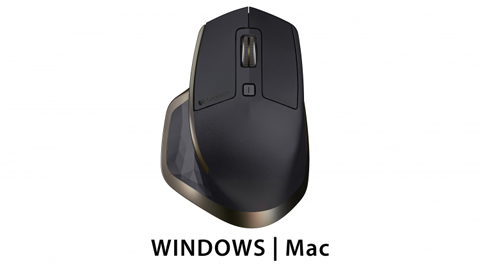
Optimized For Windows and Mac
The MX Master performance mouse is tuned to work flawlessly with your laptop and desktop computers.
Enhance your productivity with the Logitech MX Master Wireless Mouse . This right-handed mouse is molded for comfort and laid out for easy access to its buttons. It lasts for up to forty days on a charge, and charging for four minutes with the included micro-USB cable gives you approximately a day of use. Three LEDs on the side on the mouse display the battery level. Dual Connectivity The included Logitech Unifying Receiver plugs into your USB port, giving you a 2.4 GHz RF connection. You can also pair the mouse with any other Unifying Receiver. The MX Master also connects to computers with Bluetooth Smart. Darkfield Laser Tracking The Darkfield laser sensor gives you the ability to use your mouse on more surfaces than traditional laser sensors, including glass at least 0.16 thick. Buttons Left click Right click Forward Back Gesture Manual Shift Device Switch Speed-Adaptive Scroll Wheel The main scroll wheel shifts from click-to-click to fast scrolling automatically. Thumb Wheel An additional wheel near your thumb lets you easily scroll from side to side. With Logitech Options installed, you can configure it to: Invert scrolling direction Reproduce touch-based gestures Adjust scrolling speed and resolution Navigate tabbed content Switch apps Swipe between full screen apps (Mac only) Switch between full-screen apps (Windows 8 only) Zoom in and out Adjust volume Control screen brightness Display notifications (Mac only) Gestures Hold down the gesture button while moving the mouse left, right, up, or down to activate the action you specify in Logitech Options. Clicking the button gives you a fifth gesture. Multiple Device Pairing Pair your MX Master with up to three devices and switch between them with a button on the underside of the mouse. Logitech Options The Logitech Options software gives you the ability to customize your mouse for your needs. You can reassign button functions, enable and use gestures, adjust tracking speed, and more.
Warranty & Returns
Warranty, Returns, And Additional Information
Warranty
- Limited Warranty period (parts): 90 days
- Limited Warranty period (labor): 90 days
- Newegg.com
- Website: https://help.newegg.com/contactus
- Support Phone: (800) 390-1119
- Read full details
Return Policies
- Return for refund within: 30 days
- Return for replacement within: 30 days
- This item is covered by Newegg.com's 30-Day Return Policy.
- Read full return policy for details.
Manufacturer Contact Info
- Manufacturer Product Page
- Manufacturer Website
- Support Phone: 646-454-3200
- Support Website
- View other products from Logitech
LOADING...
LOADING...