




 here!
here!
I’m your shopping assistant for PC builds, upgrades, and everything tech.
Got questions? Ask away!
Start a conversation
here!
I’m your shopping assistant for PC builds, upgrades, and everything tech.
Got questions? Ask away!
Start a conversation Top Rated
Make informed decisions with expert advice. Learn More







Any questions? Ask CelesteSM will help you find out quickly.

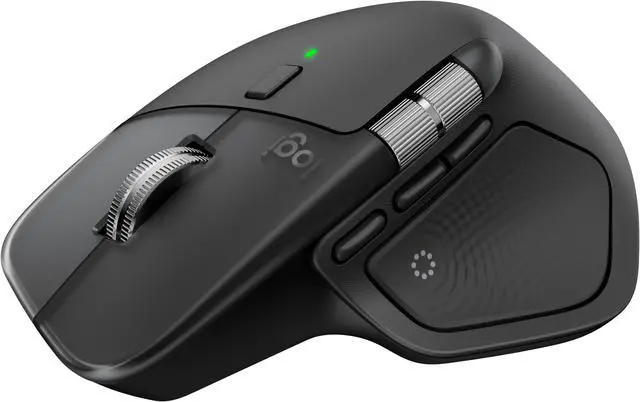
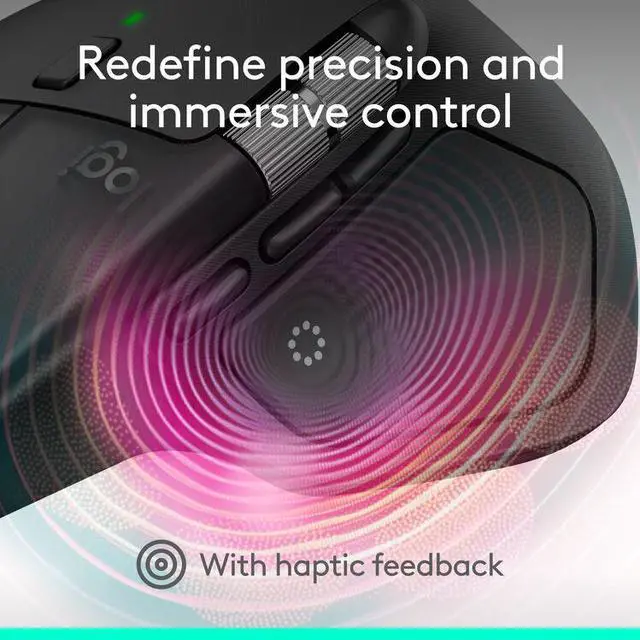
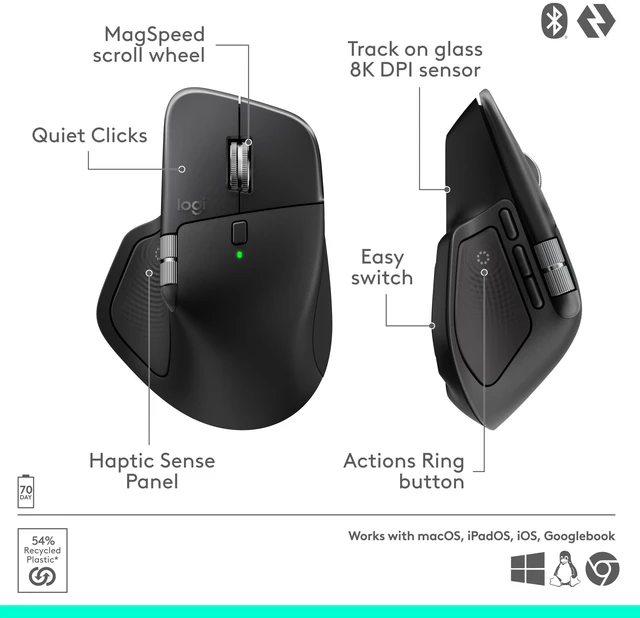
Experience tactile feedback, offering precision and customizable control(1) for an immersive workflow.
(1) Requires Logi Options+ app, available for Windows and macOS at app.logi.com

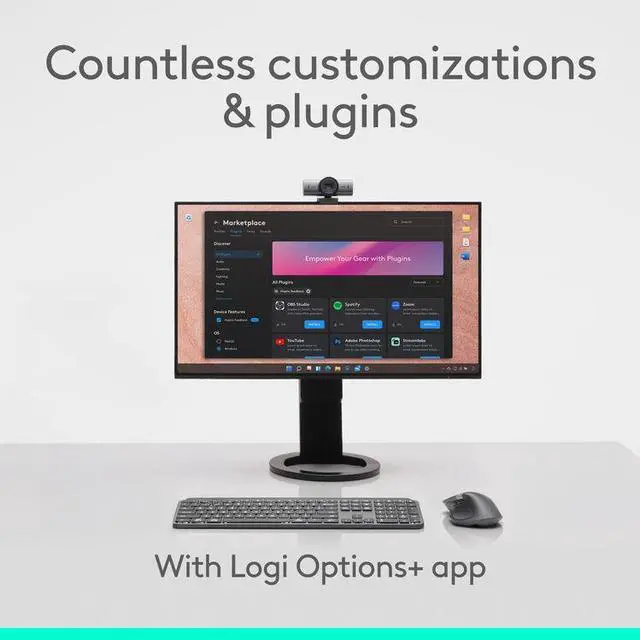
with Logi Options+(1). Assign haptic feedback to the Actions Ring, Smart Actions and more. Use plugins for 3rd party apps and adjust feedback intensity.

Your favorite tools, shortcuts, and actions at the tip of your cursor through a dynamic overlay that adapts to the app you’re using(1).

Streamline navigation by cutting time from searching menus for shortcuts, tools, and actions to stay immersed in your workflow.
(2) Logitech Ergo Lab study (2025)

Tailor your Actions Ring with plugins for third-party apps and personalized shortcuts, tools, and actions designed for your workflows(1).

MX Master 4 brings native integration with advanced haptics on Windows 11. (3) Feel precision when managing windows, aligning in Powerpoint and other compatible apps.
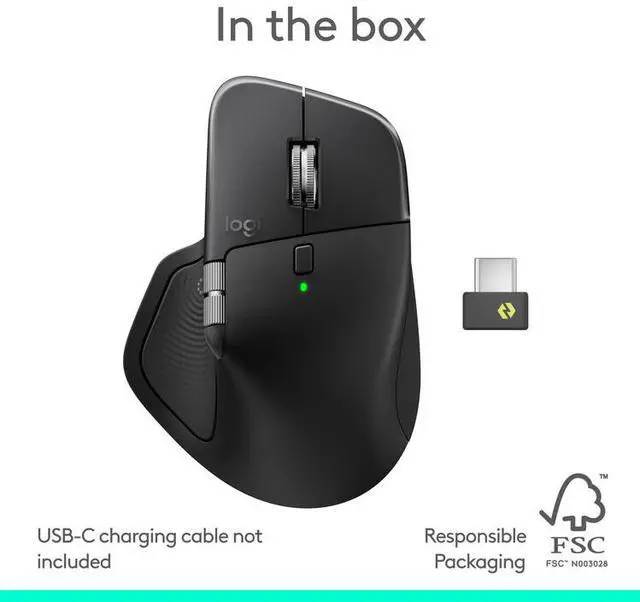
(3) Charging cable not included

Responsive haptic cues in PowerPoint let you feel adjustments as you align, resize, and position objects for precise placement and intuitive control.

using shortcuts and app presets for editing, designing, or coding. Automate workflows with Smart Actions and expand functionality through powerful plugins.

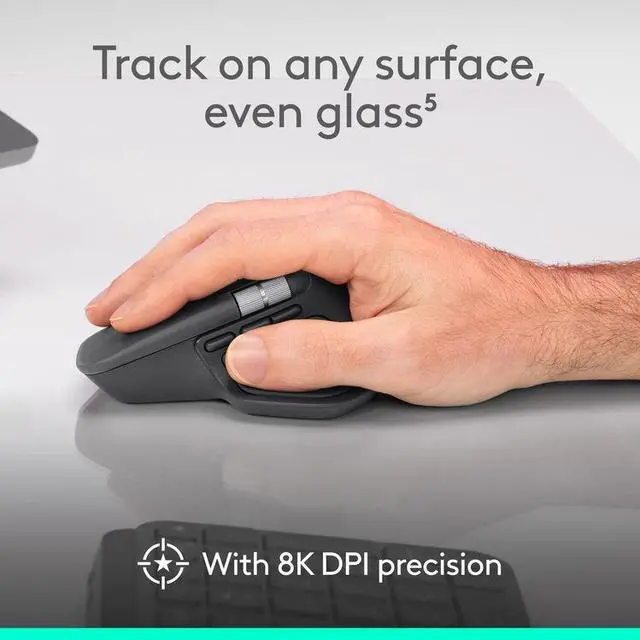
MX Master 4’s tilt angle supports natural arm posture, and intuitive button placement reduces strain — keeping you comfortable and focused for longer.

Stays powered for up to 70 days on a full charge – and gets 3 hours of use from a 1-minute quick charge (4). Work while you recharge with an USB-C cable (not included).
(4) Battery life may vary.

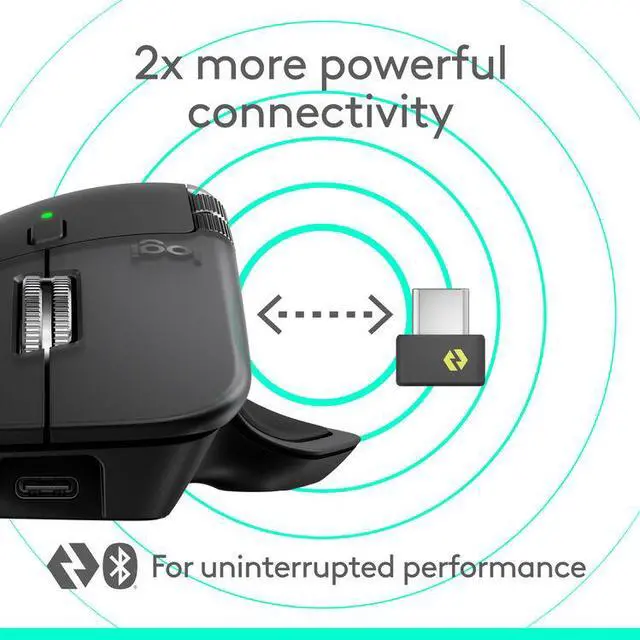
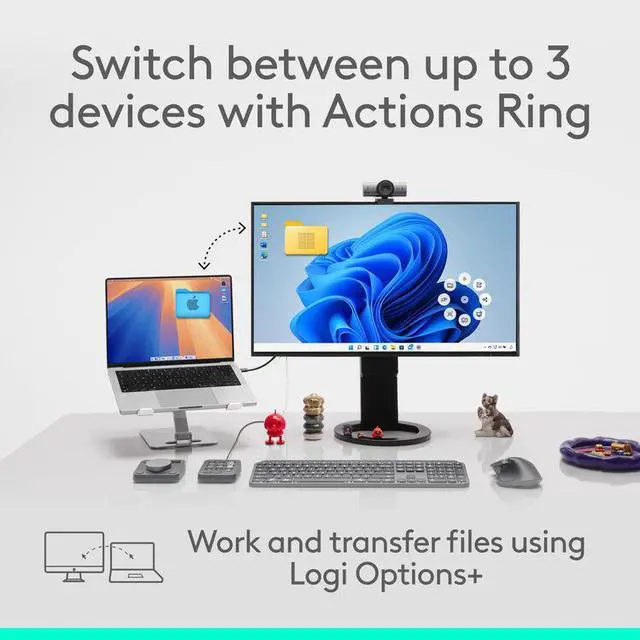
Connect with up to 3 devices and switch between them via Actions Ring or Easy-switch buttons. Transfer files across devices seamlessly with Logi Options+.

Get a complimentary 1-month Adobe Creative Cloud subscription with your purchase of MX Master 4.


