BOSGAME XV40 Desktop Computer Windows 11 Pro|Core i5-12450H (8-Core 4.4GHz)|8GB DDR4|1TB NVMe SSD, Wi-Fi 6/BT 5.2|HDMI+VGA+USB 3.2, Home Office PC
Price alert
Add to Wish List(Found on 1 wish list)
Shop it at NeweggBusiness.

Meet Your Seller

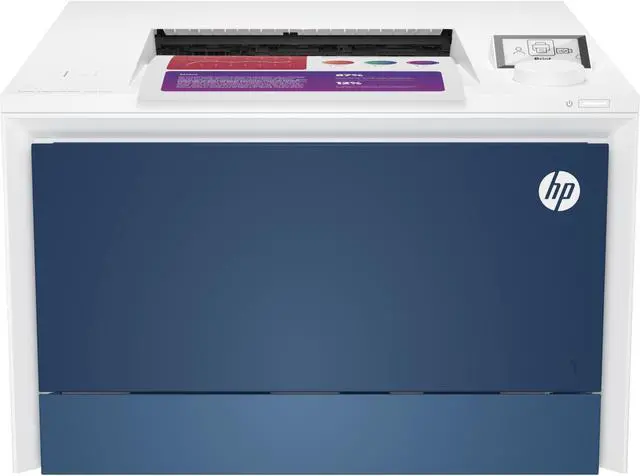
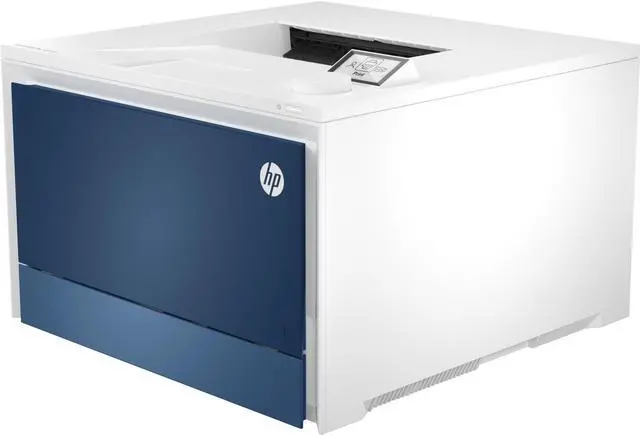
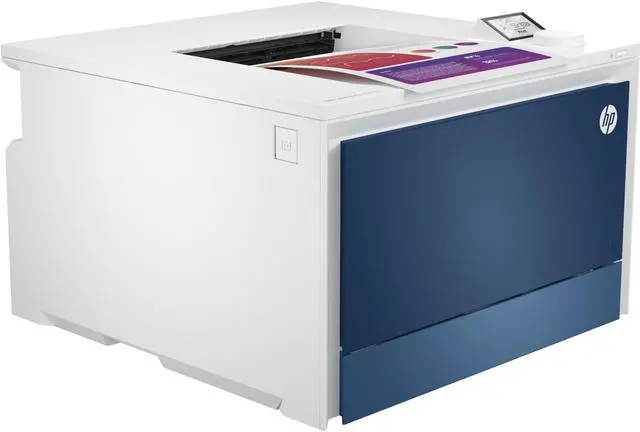
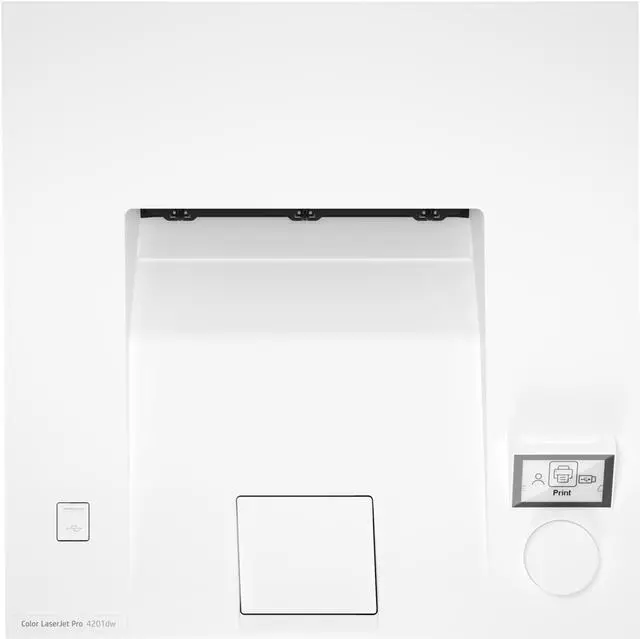
HP LaserJet Pro 4201dw Wireless Color Printer

  • Blazing fast speeds for professional quality color prints
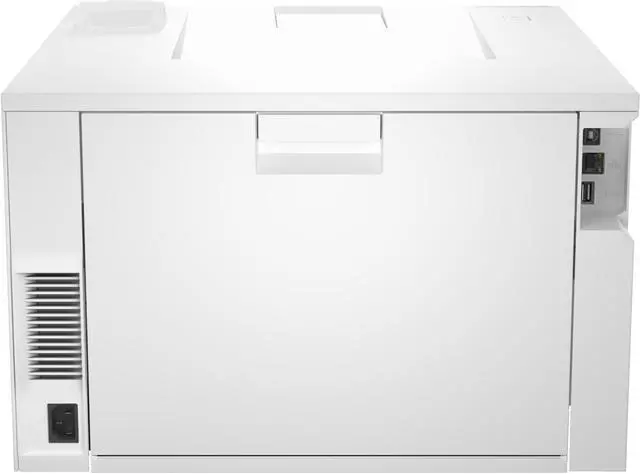
  • Color printing, wireless, ethernet, Bluetooth, auto 2-sided printing
  • Advanced network protection with Wolf Pro security
  • Dynamic security enabled printer
+
+
Overview
Specs
Reviews

Any questions? Ask CelesteSM will help you find out quickly.

OverviewGet a blazing fast color printer and easy set up with LaserJet Pro. Workteams will create high-impact documents that get noticed with the brilliant color delivered by HP office Color Laser printers. This printer is intended to work only with cartridges that have a new or reused HP chip, and it uses dynamic security measures to block cartridges using a non-HP chip. Periodic firmware updates will maintain the effectiveness of these measures and block cartridges that previously worked. A reused HP chip enables the use of reused, remanufactured, and refilled cartridges.
More at: FeaturesMaximum productivity in full colorSupport your business workteam with this compact, high-performing, color printer, ideal for up to 10 users. Simple set upQuickly set up your printers so you can focus more on your businessAdvance your security with HP Wolf ProGet printer fleet security out of the box. Preconfigured settings mean it's ready when you are. Sustainable printing Redesigned Original HP TerraJet Cartridge for reduced plastic use and energy consumption when printing. Minimum system requirements2 GB available hard disk space, Internet connection or USB port, Internet browser. For additional OS hardware requirements see microsoft. com; What's in the box? HP Color LaserJet Pro 4201dw; 4 preinstalled introductory
HP LaserJet Toner Cartridges (Black: ~1, 200 pages; Cyan, Magenta, Yellow: ~1, 000 pages); In-box documentation (Reference guide; Setup Card; Regulatory flyer); HP printer software is available at www. hp. com/support; Power cord; USB cable. Disclaimers Requires HP app download available at www. hp. com/go/mobileprinting. Certain features are available in English language only, and may vary by printer model/country, and between desktop/mobile applications. HP reserves the right to introduce charges for use of functionality facilitated by the HP app. Internet access required and may not be available in all countries. HP account required for full functionality. Fax capabilities are for sending a fax only. List of supported operating systems available in app stores. See details at www. hpsmart. com. HP Web Jetadmin is available for download at no additional charge at hp. com/go/webjetadmin. HP calculations based on ENERGY STAR® normalized TEC data comparing HP LaserJet 200-500 series printers at launch. See hp. com/ecosmart HP Auto-On/Auto-Off Technology capabilities subject to printer and settings; may require a firmware upgrade.
Recycling: Program availability varies. Original HP cartridge return and recycling is currently available in more than 60 countries, territories and regions in Asia, Africa, Europe, and North and South America through the HP Planet Partners program. For details, see hp. com/recycle. HP JetAdvantage Security Manager must be purchased separately. To learn more, please visit hp. com/go/securitymanager.

Warranty & Returns

Warranty, Returns, And Additional Information

Warranty

  • Please contact the Seller directly for warranty information. Warranty information may also be found on the Manufacturer's website.
  • Read full details
  • CONTACT

Return Policies

Manufacturer Contact Info

LOADING...
LOADING...

The HP LaserJet Pro 4201dw is a wireless color laser printer for small businesses and workgroups that need fast document printing, with speeds up to 35 ppm in black and 33 ppm in color on Letter paper, plus automatic two-sided printing.

Recommended For

  • Small offices printing a steady stream of business documents—such as proposals, reports, and color handouts—who want fast black-and-color output and automatic two-sided printing. HP recommends a monthly volume of 750–4,000 pages.
  • Home-office users who regularly print work documents and want a fast, print-only color laser rather than an all-in-one with scanning and copying.
  • Teams sharing a printer over Wi-Fi or Ethernet, especially when staff print documents from different computers or mobile devices and sometimes use USB-drive printing.
  • Users who print mostly black-and-white text but need occasional color charts, brochures, or handouts; reviewers found its text crisp and its mixed-color documents suitable for office use.

Real-World Use Scenarios

  • In a small office with several people printing, staff can send jobs over Wi-Fi or Ethernet and use the printer for recurring business documents; its fast output and two paper inputs help keep routine printing moving.
  • When preparing proposals, reports, or client handouts, users can combine crisp black text with color charts and graphics; reviews found the text especially sharp and mixed-color documents clean and vivid.
  • For multi-page meeting packets or internal guides, users can print on both sides automatically, reducing manual page flipping and paper use while keeping larger jobs moving quickly.
  • A small business can print occasional envelopes, labels, or other alternate media from the multipurpose tray without unloading the main paper supply; this is suited to short office jobs, not heavy specialty-media production.
  • At a home office, users who regularly print contracts, invoices, or work documents can get fast, sharp everyday output in a printer-only setup; scanning and copying require a separate device.