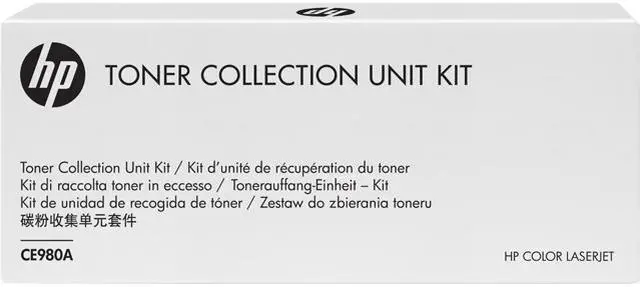
The HP CE980A is a toner collection unit (listed as an ink collector unit) for the HP Color LaserJet Enterprise CP5520, suitable for owners or service teams maintaining that compatible printer.
Recommended For
- IT and facilities teams maintaining an HP Color LaserJet Enterprise CP5520-series printer that prompts for a toner collection unit replacement.
- Organizations keeping compatible HP color laser printers in service and needing the specified receptacle for collecting unfused toner.
- Print-service technicians or office-equipment teams replacing the unit as part of maintenance on a listed compatible HP printer.
Real-World Use Scenarios
- When the CP5520 prompts that its toner collection unit is full, a print-room operator replaces the CE980A to clear the maintenance issue and return the printer to service.
- When the control panel reports that the unit is almost full, an office can keep printing while arranging a replacement, rather than swapping it immediately.
- A team that relies on its CP5520 for shared color printing keeps a CE980A on hand so it can respond to the printer’s replacement prompt without first sourcing the part.
- During maintenance, a technician removes the used unit through the printer’s rear access, caps it, and installs the replacement; HP’s instructions describe the swap procedure.
- After replacement, a user follows the included recycling instructions for the spent unit instead of emptying and reusing it, which HP warns can spill toner inside the printer and reduce print quality.




 here!