







Office Home & Business 2024
Microsoft Corporation
- One-time purchase for 1 PC or Mac
- Classic 2024 desktop versions of Word, Excel, PowerPoint, Outlook, and OneNote
- Access to support resources
- Compatible with Windows 11, Windows 10, or macOS*
- Works with Microsoft Teams
* Go to aka.ms/systemrequirements for compatible versions of Windows 11, Windows 10, and macOS and for other feature requirements.
Key benefits
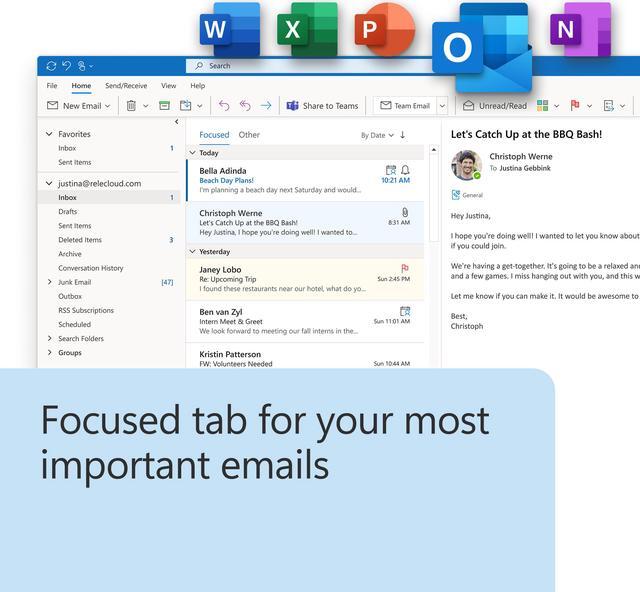
The essentials to get it all done. Office Home and Business 2024 is for families and small businesses who want classic Office apps and email. It includes Word, Excel, PowerPoint, Outlook, and OneNote for Windows 11 and Windows 10. A one-time purchase installed on 1 PC or Mac for use at home or work.

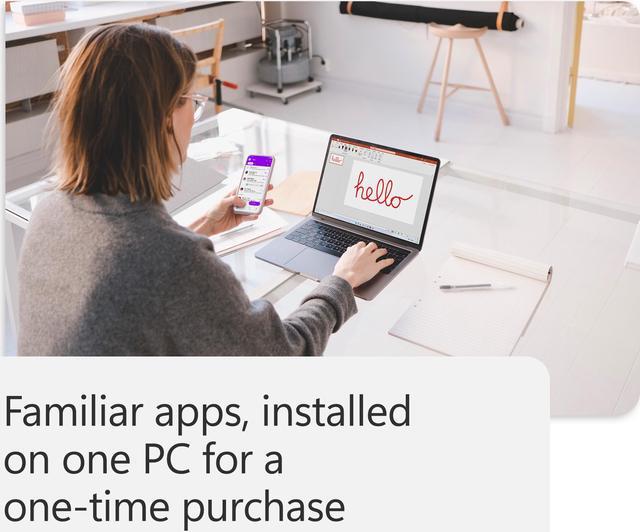
A one-time purchase

Install on one PC or Mac

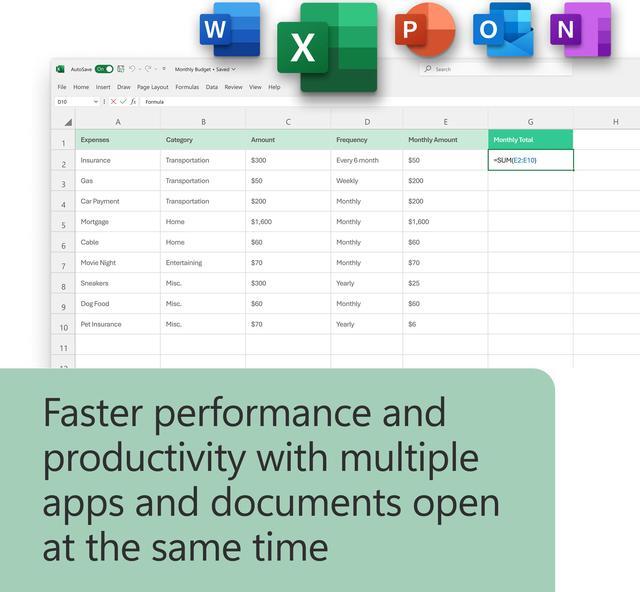
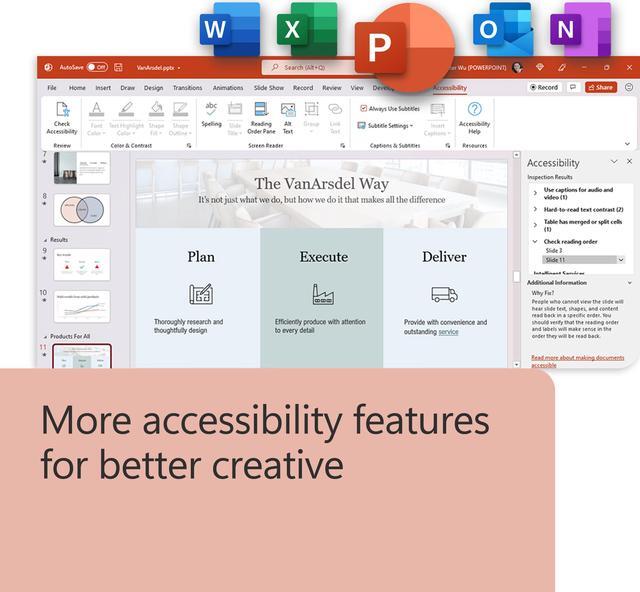
Classic Office apps
Classic apps for home and business

Word

Excel

PowerPoint

Outlook

OneNote
Top questions
What’s the difference between Microsoft 365 and Office 2024?
Microsoft 365 Personal, Microsoft 365 Family, and Microsoft 365 Premium are subscriptions that include powerful productivity apps and creativity tools with AI-powered features. In addition to desktop versions of popular Microsoft 365 apps like Word, PowerPoint, Excel, and Outlook with Microsoft Copilot, you also get spacious cloud storage, advanced security, and cloud-connected features that let you collaborate on files in real time. With a subscription, you'll always have the latest features, fixes, and security updates along with ongoing tech support at no extra cost. You can choose to pay for your subscription on a monthly or yearly basis, and use your apps on multiple PCs, Macs, tablets, and phones. Additionally, the Microsoft 365 Family plan lets you share your subscription with up to five more people. Everyone gets their own apps and storage. And with Microsoft 365 Premium, you also get extensive usage on advanced AI experiences and access to Copilot features currently exclusive to Premium subscribers. (AI features only available to subscription owner and cannot be shared; AI usage limits apply; minimum age limits may apply to subscription activation and use of AI features.)
Office 2024 is a one-time purchase that comes with classic apps like Word, Excel, and PowerPoint for PC or Mac, and does not include any of the services that come with a Microsoft 365 subscription. One-time purchases don’t have an upgrade option, which means if you plan to upgrade to the next major release, you'll have to buy it at full price.
Learn more about the differences between Microsoft 365 and Office 2024 in Office Support.
How do I know if my computer, mobile device, or browser can run Office?
To see if your computer, mobile device, and/or browser can run Office, please visit https://www.microsoft.com/microsoft-365/microsoft-365-and-office-resources?rtc=1.
Do I need internet access to run Office?
Internet access is required to install and activate Office, but not to use Office apps such as Word, Excel, and PowerPoint once you have these fully installed on your computer.
How do I download, install, reinstall, activate, or update Office?
Once you have purchased Office, you can install it from the Services & subscriptions section of your Microsoft Account page https://account.microsoft.com/services/.
Go to Office Support for more steps to download, install, reinstall, activate, or update Office.
Are there tutorials on how to use the Office apps and services?
Yes, the Microsoft 365 Training Center https://go.microsoft.com/fwlink/?linkid=2306102 has quick start guides, cheat sheets, tips and tricks, and training courses on how you can make the best use of Office.