here!
here!
I’m your shopping assistant for PC builds, upgrades, and everything tech.
Got questions? Ask away!
Start a conversation
here!
I’m your shopping assistant for PC builds, upgrades, and everything tech.
Got questions? Ask away!
Start a conversation Hot Seller
 Top Rated Top Rated


Any questions? Ask CelesteSM will help you find out quickly.


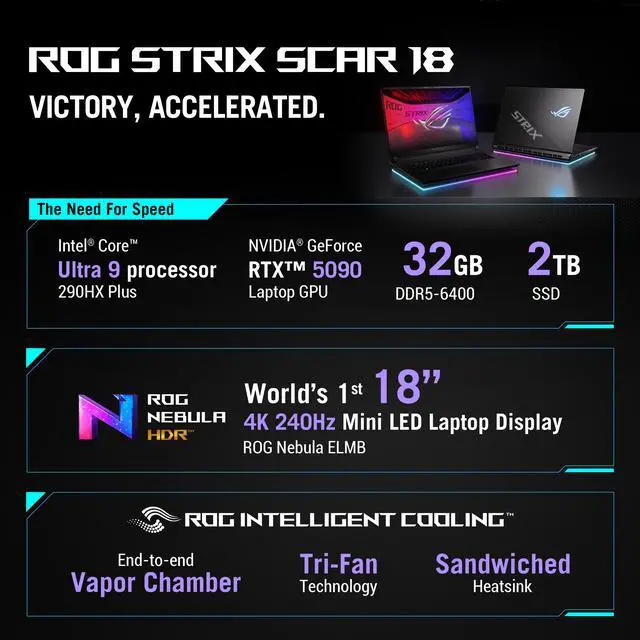
Achieve unrivaled performance with an Intel Core™ Ultra Series 2 processor, and an NVIDIA® GeForce RTX™ Laptop GPU.

Multitask seamlessly with DDR5-6400MHz memory and store all your game library on PCle Gen 4 SSD.

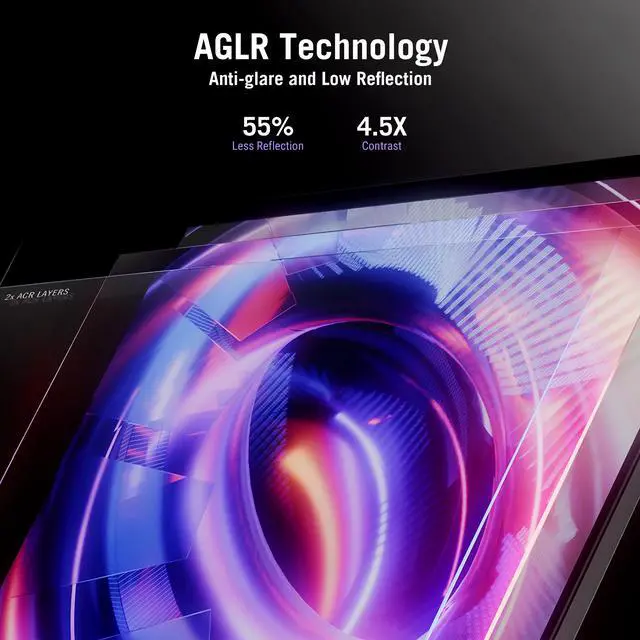
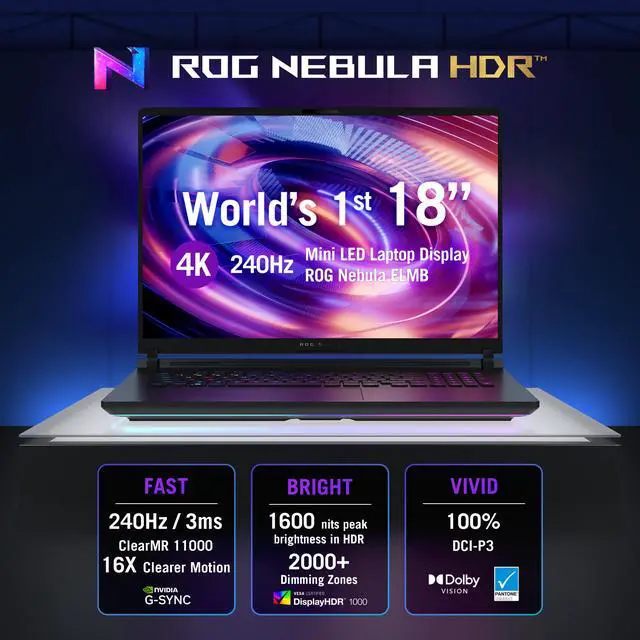
See every frame on the world's first 4K 240Hz Mini LED laptop panel.

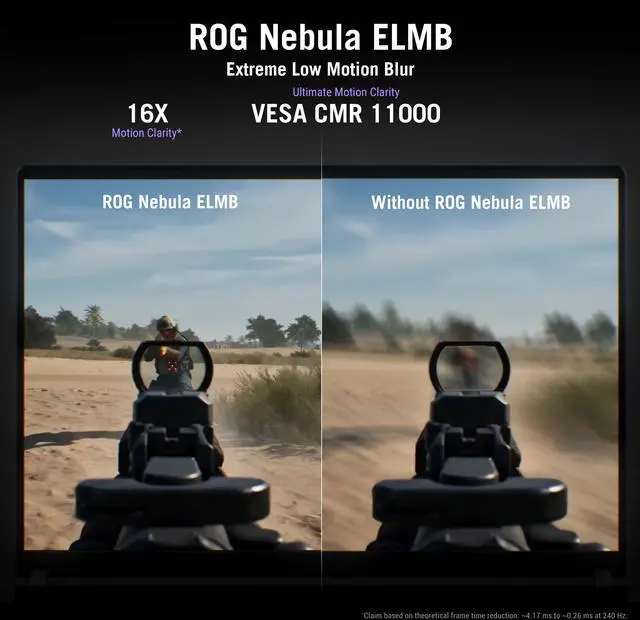
ELMB eliminates motion blur and ghosting simultaneously. By strobing the backlight row by row and flashing each section only after pixels have fully settled, every frame you see is clean, sharp, and accurate.

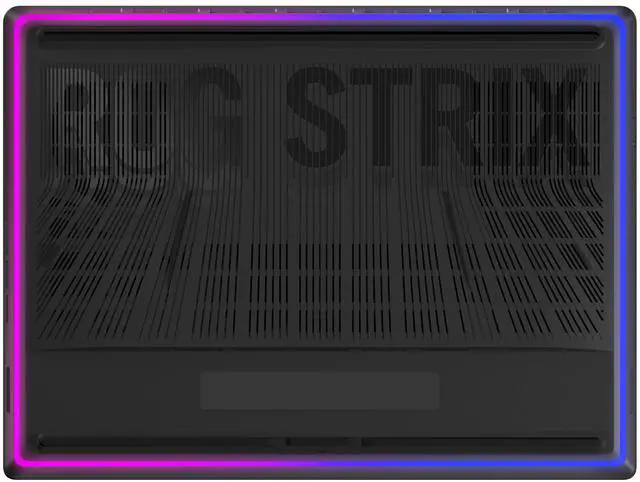
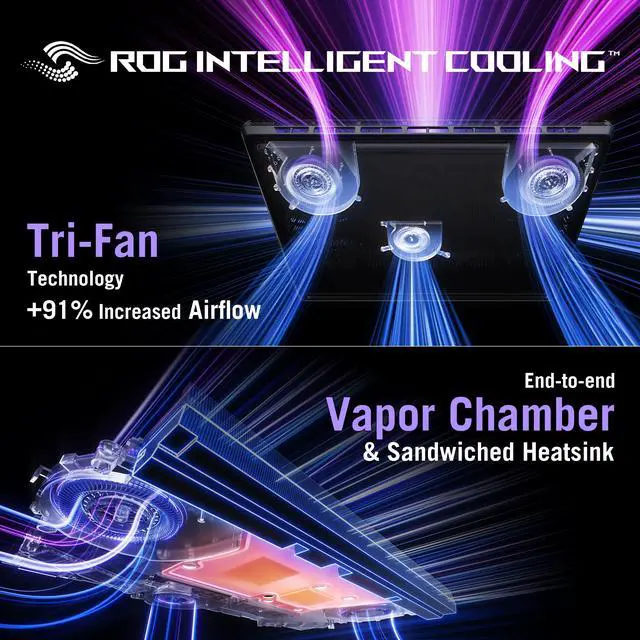
ROG's advanced thermals keep your system cool, quiet, and comfortable. Featuring an end-to-end vapor chamber, Tri-Fan Technology with 91% more airflow than the previous gen, and Conductonaut Extreme liquid metal on both CPU and GPU for sustained peak performance.

 ROG INTELLIGENT COOLING

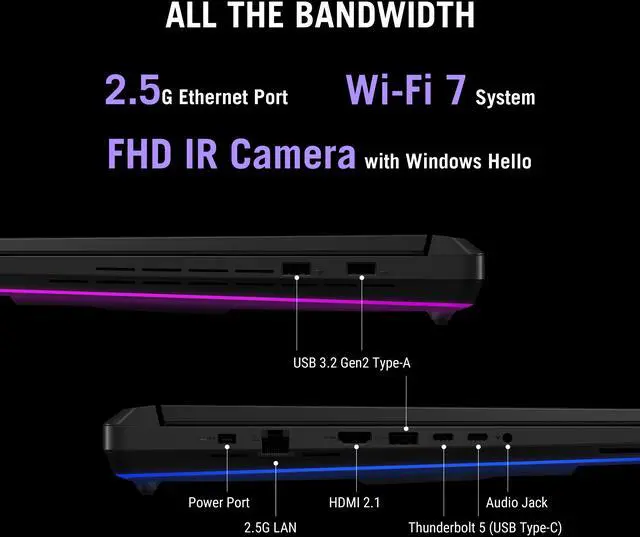
Turn your SCAR 18 into a true battle station with dual Thunderbolt 5 ports offering up to 3x the bandwidth of Thunderbolt 4. Connect to the latest docks, external displays, and high-speed peripherals with ease.

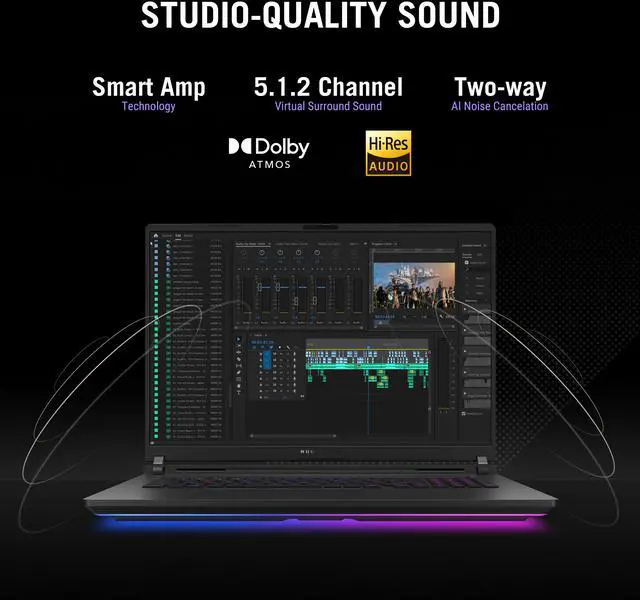
Immerse yourself in rich, multidimensional sound with quad speakers powered by Dolby Atmos and Smart Amp technology.

 2+2 Tweeters & Woofers
We want to ensure your holiday shopping this year is hassle-free. That’s why we’re automatically extending our return policies on almost every product! For purchases placed between November 1st, 2026 and December 31, 2026 you will have until January 31, 2027 to return your product.
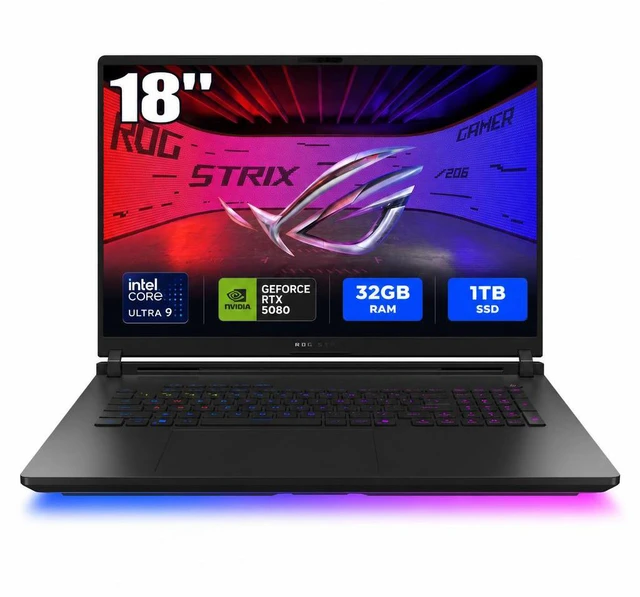
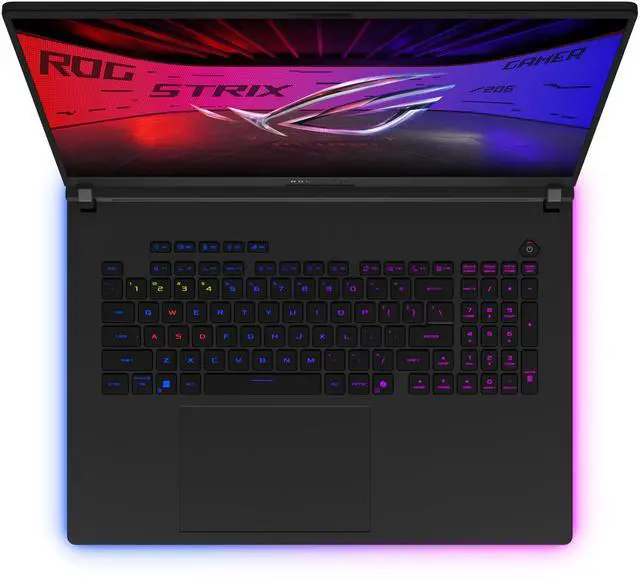
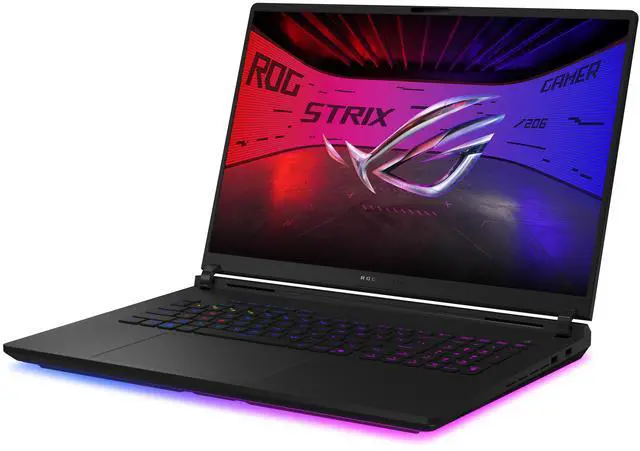
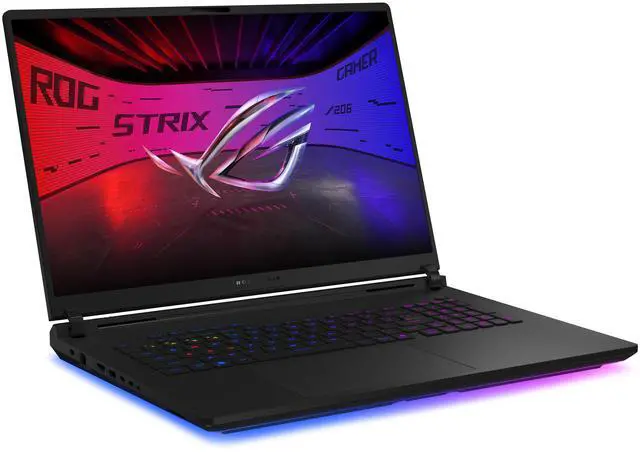
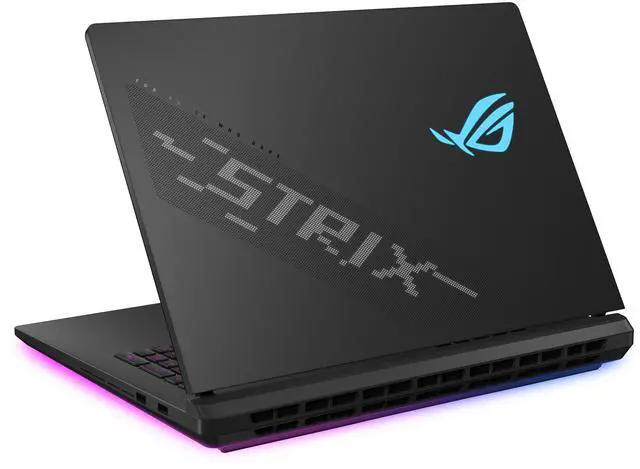
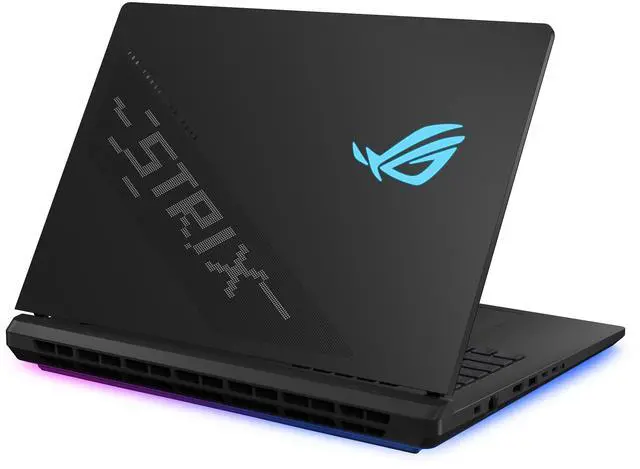
The ASUS ROG Strix 18 is a high-end 18-inch gaming laptop with an Intel Core Ultra 9 290HX Plus, GeForce RTX 5080 Laptop GPU, 32GB DDR5 RAM, and a 240Hz 3840x2400 display, making it a strong fit for gamers and creators who want desktop-class performance and a large, color-accurate screen.
| Attribute | Value |
|---|---|
| Best For | Gaming, entertainment and VR with high-end CPU/GPU hardware for demanding games and media playback; also suited for mainstream high-performance consumer use |
| Processor And Core Count | Intel Core Ultra 9 290HX Plus — 24 cores (8P + 16E), processor speed listed at 2.7 GHz with a maximum of 5.5 GHz, 40 MB L2 cache and 36 MB L3 cache |
| GPU And VRAM | NVIDIA GeForce RTX 5080 Laptop GPU with 16 GB of dedicated video memory (GDDR7) |
| Display Spec | 18.0" WQUXGA (3840 x 2400) non-touch LED-backlit display, 240 Hz refresh, DCI‑P3 100% color gamut, anti‑glare coating, HDR support with 1200 nits and 2000-zone local dimming, wide viewing |
| Memory Configuration | 32 GB DDR5-6400 installed (2 x SO‑DIMM, 2 slots total); listed RAM size 32 GB and RAM technology DDR5 |
| Storage And Expansion | 1 TB PCIe Gen4 SSD (installed, SSD) |
| High Speed I O | 2x Thunderbolt 5 (DisplayPort, power delivery, G‑SYNC support; up to 120 Gbps), 3x USB 3.2 Gen 2 Type‑A (up to 10 Gbps), 1x HDMI 2.1 FRL, 1x RJ‑45 Ethernet (2.5 Gbps), 1x 3.5 mm combo audio jack |
| Battery And Power | 90 WHr 4-cell Li‑ion battery (4S1P, 4 cells), single installed; 450W AC adapter (21 V / 21.45 A output, 100–240 V AC input) |
| Wired And Wireless Networking | Wi‑Fi 7 (802.11be) wireless, Bluetooth 5.4, and 2.5 Gbps wired Ethernet |
| Webcam And Privacy | Front-facing 1080p FHD IR webcam with Windows Hello support |
| Keyboard And Control | Per-key RGB backlit chiclet gaming keyboard (QWERTY layout) |
| Audio Setup | HD audio with 1x 3.5 mm combo audio jack |
| Portability | Dimensions 15.71" x 11.73" x 0.93"–1.38" (W x D x H), weight 8.16 lbs |
| External Display And Docking Fit | Supports external displays via 2x Thunderbolt 5 (DisplayPort) and 1x HDMI 2.1 FRL; Thunderbolt ports also support power delivery and G‑SYNC |
| Software And AI Features | Windows 11 Home operating system; AI Ready platform capabilities |
| Model Identifiers | ASUS ROG Strix model G835LWG-DB96 — part number 90NR0LI1-M00D70 (Manufacturer: ASUS) |
Q: Should I buy this ASUS ROG Strix 18 RTX 5080 model or move up to the RTX 5090 version?
A: Choose this RTX 5080 configuration if you want the same Core Ultra 9 290HX Plus platform, 18-inch mini-LED class display, and large-chassis cooling approach without paying for the top GPU tier. ASUS and Tom's Hardware show that the RTX 5080 and RTX 5090 Scar 18 configurations are otherwise closely matched, with the main difference being the GPU and price. Reviews and benchmark comparisons indicate the RTX 5090 laptop usually adds a smaller uplift than its price jump suggests, so the RTX 5090 version makes more sense for buyers who specifically want the highest possible mobile GPU headroom for 4K gaming, heavier ray tracing, or longer useful life at premium settings.
Q: Is this RTX 5080 Strix 18 worth buying over an RTX 5070 Ti gaming laptop?
A: Buy this RTX 5080 Strix 18 when you want a clearer step up for high-refresh 1600p to 2400p gaming, more VRAM headroom, and a larger performance-focused chassis with stronger cooling and expansion. Community comparisons and review databases consistently frame the RTX 5070 Ti as the better value tier, while the RTX 5080 is the better fit for buyers targeting higher settings, heavier ray tracing, or a longer upgrade cycle. If price matters more than peak performance, an RTX 5070 Ti laptop is often the more balanced choice; if sustained GPU headroom matters more, this model is the stronger option.
Q: How does this Strix 18 RTX 5080 compare with a thinner 16-inch RTX 5080 laptop like the Razer Blade 16?
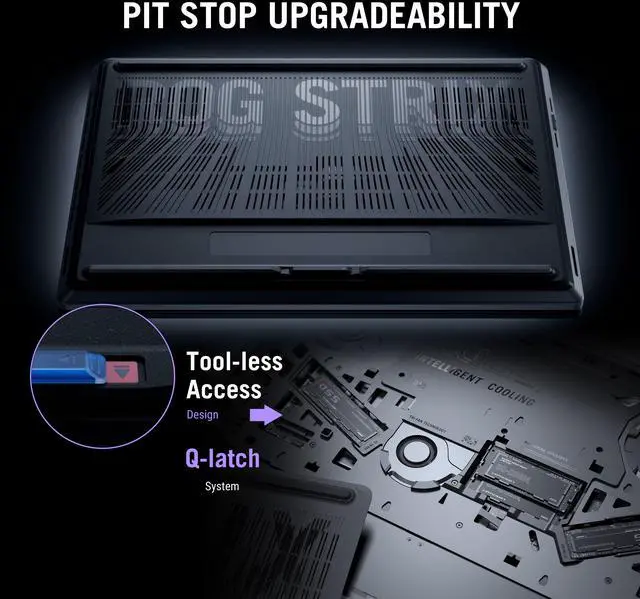
A: Choose this Strix 18 if your priority is performance-first use at home or on a desk. Its 18-inch format, 175W-class GPU positioning, larger cooling system, 2.5GbE LAN, and easier upgrade access make it a better fit for buyers who care more about sustained gaming performance and serviceability than travel convenience. A thinner 16-inch RTX 5080 laptop is the better pick if you carry it often and want a smaller footprint, but that class typically trades some thermal headroom and desk-replacement practicality for portability.
Q: Is this a better choice than a previous-generation RTX 4090 laptop?
A: This Strix 18 is the better choice if you want newer platform features rather than only comparing GPU labels. Across current review coverage, RTX 5080 laptop performance is generally in the same class as fast RTX 4090 laptop systems, while this 2026 ASUS platform adds newer connectivity such as Thunderbolt 5 and Wi‑Fi 7, plus ASUS's latest cooling and upgrade-focused chassis design. A previous-generation RTX 4090 laptop can still make sense when heavily discounted, but this model is the more current choice for buyers who value up-to-date I/O, display options, and platform longevity.
Q: Is this a good choice for gaming at a desk, or is it too big for everyday use?
A: It is best suited as a desktop-replacement gaming laptop. The 18-inch screen, RTX 5080 Laptop GPU, Core Ultra 9 290HX Plus, and dual Thunderbolt 5 ports make it strong for high-end gaming and multi-monitor desk setups. The trade-off is portability: at 8.16 lbs with a large 18-inch chassis, it is much less convenient than a 14-inch or 16-inch laptop for daily carry.
Q: Is it practical for travel, commuting, or using in class and meetings?
A: Not really, unless performance matters more than portability. It can handle office work, meetings, and general productivity easily, and it includes a 1080p IR webcam, Wi-Fi 7, Bluetooth 5.4, and Windows 11 Home. But the 18-inch size, 8.16 lb weight, and 450W power adapter make it a poor fit for frequent travel, note-taking on the go, or cramped classroom use.
Q: Is this overkill if I mostly do office work, web browsing, and meetings?
A: Yes for most buyers. It will run office apps, browser tabs, video calls, and multitasking very well, but its main value is high-end gaming and GPU-heavy workloads. If you do not need an RTX 5080 Laptop GPU, a 24-core HX-class processor, or an 18-inch 240Hz 3840x2400 display, a lighter and cheaper productivity laptop is usually the better decision.
Q: Who is this laptop actually suitable for?
A: This model is a strong fit for buyers who want a very large-screen gaming notebook with desktop-like performance, modern connectivity, and room for demanding games or creator workloads. It is most suitable for enthusiasts using it mainly at home, in a dorm, or at a fixed setup. It is less suitable for users who prioritize low weight, long unplugged use, or compact everyday mobility.
Q: What are the main trade-offs versus a smaller 16-inch gaming laptop?
A: The main advantages here are screen size, immersion, and desk-use potential. An 18-inch panel gives more workspace for gaming, streaming, editing, and side-by-side apps, and this model also adds high-end ports like dual Thunderbolt 5. The trade-offs are bulk, weight, and convenience: a smaller 16-inch model is usually easier to carry, easier to fit in bags, and more practical for mixed school or work use.
Q: Who is this laptop best suited for?
A: This model is best suited for buyers who want a desktop-class gaming laptop with a very large, high-end display. Its 18-inch 3840x2400 240Hz panel, Core Ultra 9 processor, RTX 5080 Laptop GPU, 32GB RAM, and Thunderbolt 5 support make it a strong fit for high-end gaming, content creation, and heavy multitasking at a desk. It is less suitable for buyers who prioritize portability or frequent travel.
Q: Is this a good choice if I travel a lot or need a laptop for class and daily carry?
A: Usually no. At 8.16 lbs with an 18-inch chassis and a 450W power adapter, this is closer to a portable gaming workstation than an everyday carry laptop. It can replace a desk setup, but it is not an ideal choice for frequent flights, commuting, note-taking on the go, or lap use.
Q: Is it worth buying over a smaller 16-inch gaming laptop?
A: It is worth it if your priority is maximum screen size, a higher-resolution 18-inch panel, and a more desk-first experience. A smaller 16-inch model is often the better buy if you want easier transport, simpler airline use, and a more balanced daily-use form factor. The decision is mainly about size, mobility, and how often the laptop will leave your desk.
Q: What are the main trade-offs of this ASUS ROG Strix 18 configuration?
A: The main trade-offs are size, weight, price sensitivity, and everyday practicality. You get a large 18-inch 4K 240Hz display, RTX 5080 graphics, 32GB DDR5, and strong connectivity including Thunderbolt 5 and 2.5GbE, but in return you accept an 8.16 lb chassis, a large 450W charger, and a form factor that is better on a desk than in transit. Community discussion also shows that buyers in this class often compare value carefully because pricing is high.
Q: Is this a good fit as a desktop replacement for gaming and heavy work?
A: Yes, if you want one machine for gaming and demanding desk-based workloads. The 24-core Core Ultra 9 processor, RTX 5080 Laptop GPU with 16GB VRAM, 32GB DDR5 memory, 1TB SSD, 18-inch high-resolution display, and wired plus next-gen wireless connectivity make it well suited to that role. The trade-off is that it behaves more like a transportable system than a portable one.