Your Browsing History
Best Sellers
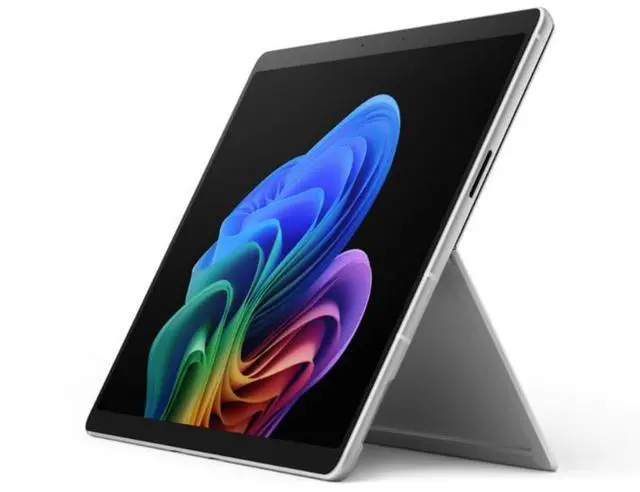
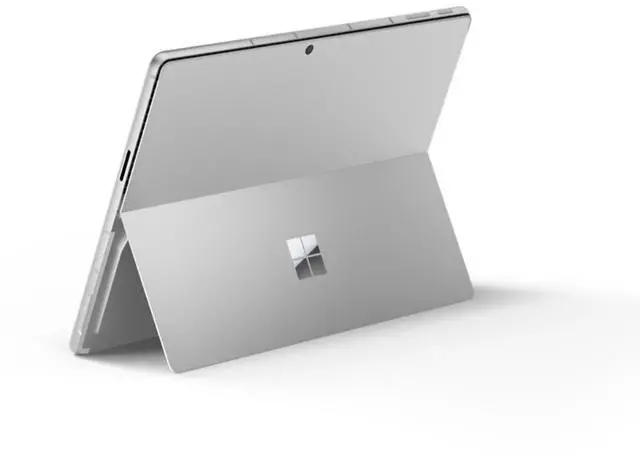
Microsoft Surface Pro 12th Edition Tablet - 13" PixelSense Display - Intel Core Ultra 5 335 (2.2 GHz) - 32GB - 512GB SSD - Windows 11 Pro - Wi-Fi 7 - BT 5.4 - Dual USB-C / Thunderbolt 4 - EP2-55190
Free Intel AI Software w/ purchase, limited offer
- 13.0" 2880 x 1920
- 32GB DDR5 Memory 512GB
- 11.3x8.2x0.4 31.57 ounce
- Windows 11 Pro
+
+
Overview
Specs
Reviews
See all Q & A
Any questions? Ask CelesteSM will help you find out quickly.
Try me now
Warranty & Returns
Warranty, Returns, And Additional Information
Warranty
- Limited Warranty period (parts): 1 year
- Limited Warranty period (labor): 1 year
- Read full details
Return Policies
- Return for refund within: 15 days
- Return for replacement within: 15 days
- This item is covered by Newegg.com's 15-Day Return Policy.
- Read full return policy for details.
Manufacturer Contact Info
- Manufacturer Product Page
- Manufacturer Website
- Support Phone: 1-800-642-7676
- Support Website
- View other products from Microsoft
LOADING...
LOADING...
The Microsoft Surface Pro 12th Edition (EP2-55190) is a 13-inch Windows 11 Pro tablet with an Intel Core Ultra 5 335, 32GB DDR5 memory, and a 512GB SSD, suited to professionals and multitaskers who want a capable Windows device for work and everyday productivity.
Recommended For
- Mobile professionals who move between meetings and workspaces and want one Windows device that can switch from touchscreen tablet use to keyboard-and-kickstand work.
- People who annotate documents, take handwritten notes, or sketch on a Windows touchscreen and want a detachable tablet rather than a fixed laptop screen.
- Windows users who need Intel-based software compatibility and want a portable 2-in-1 for everyday office work, web use, and multitasking.
- Users who connect to a desk setup with USB-C peripherals, external displays, or Thunderbolt docks, then undock to work elsewhere.
Real-World Use Scenarios
- For a workday split between office apps, many browser tabs, and video meetings, it can keep those tasks moving together; heavy multitasking may make the fan more noticeable.
- For business users who depend on Windows desktop software, the Intel-based model is suited to running those apps natively, avoiding some compatibility workarounds that can be needed on ARM-based PCs.
- In meetings or while reviewing documents, users can detach the keyboard and use a compatible Slim Pen to handwrite notes, mark up pages, or sketch; the keyboard and pen may be sold separately.
- For remote-work video calls alongside document and browser use, it can handle several meeting sessions during a busy workday, though one review observed a brief slowdown during a call under load.
- For light creative work such as editing photos in Photoshop, it can serve as a portable Windows workstation; sustained heavy workloads can increase fan noise and heat.
Spec Summary
| Attribute | Value |
|---|---|
| Best For | Business tablet use with a touch display, Windows 11 Pro, and 32GB of memory |
| Processor And Graphics | Intel Core Ultra 5 335, Series 3, listed at 1.8 GHz, with integrated Intel Graphics |
| Display | 13-inch LCD touchscreen with 2880 × 1920 resolution, 16:10 aspect ratio, 120 Hz refresh rate, and anti-reflective finish |
| Memory And Storage | 32GB DDR5 memory and 512GB SSD storage |
| Operating System | Windows 11 Pro |
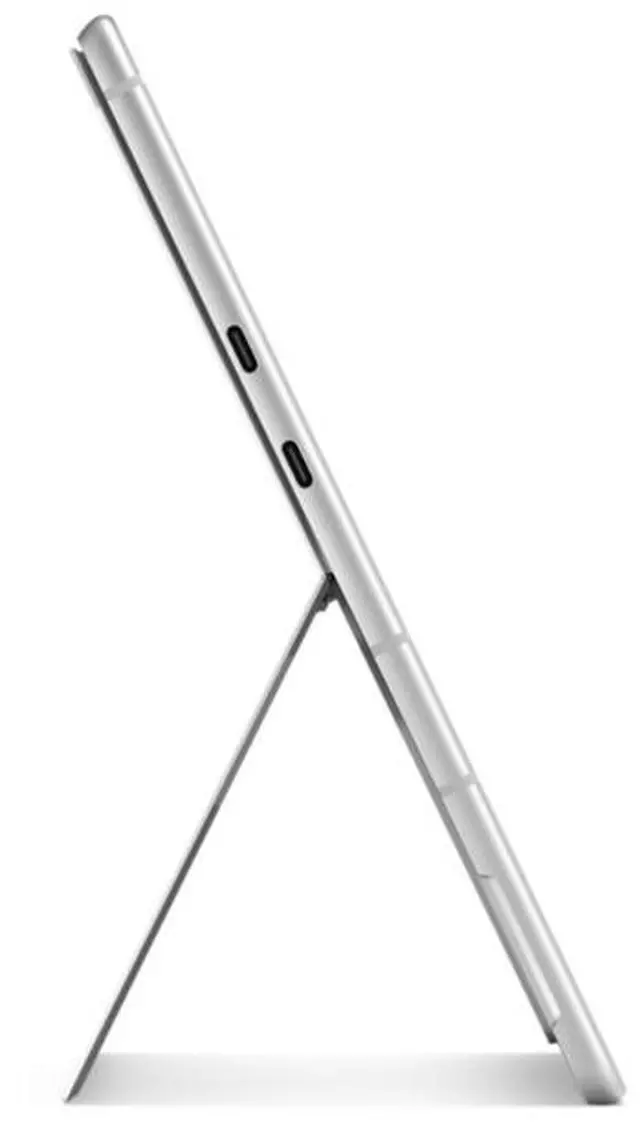
| Ports And Connectivity | Two USB4 ports with Thunderbolt 4, DisplayPort 2.1 Alt Mode, and charging, data, and video support; also includes SurfaceConnect and a Surface Keyboard interface. 802.11be wireless LAN and Bluetooth 5.4 |
| Camera And Input | Webcam included; touch-screen input |
| Battery And Power | Included lithium-ion battery with 36 Wh energy content and four cells |
| Dimensions And Weight | 11.3 × 8.2 × 0.4 inches; 31.57 ounces |
| Finish | Platinum |
| Model Identifiers | Microsoft Surface Pro for Business, model EP2-55190; 2026 model year |