here!
here!
I’m your shopping assistant for PC builds, upgrades, and everything tech.
Got questions? Ask away!
Start a conversation
here!
I’m your shopping assistant for PC builds, upgrades, and everything tech.
Got questions? Ask away!
Start a conversation



Any questions? Ask CelesteSM will help you find out quickly.


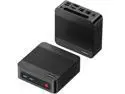
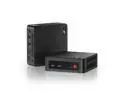
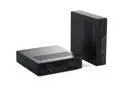
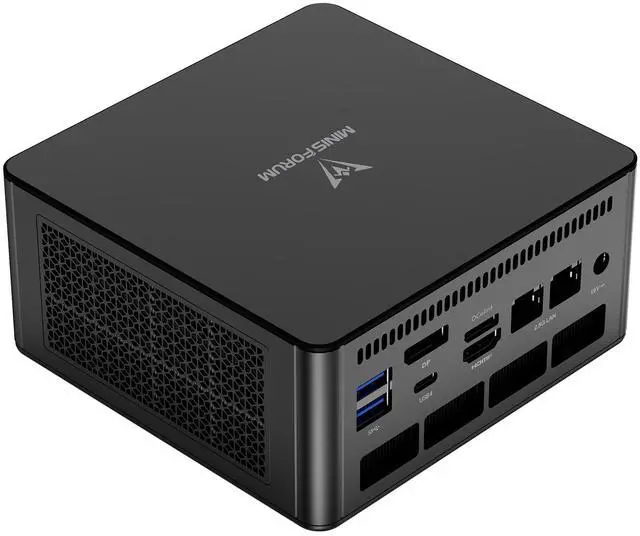
The MINISFORUM UM880 Pro is a barebone mini PC built around an AMD Ryzen 7 8845HS processor, best for users who want strong everyday productivity, multitasking, and light content creation performance in a compact desktop they can customize with their own DDR5 memory and PCIe 4.0 storage.
| Attribute | Value |
|---|---|
| Best For | Compact, upgradeable barebone mini PC for space‑conscious productivity and multi‑port workstation setups where Ryzen 7 CPU performance and flexible I/O are needed |
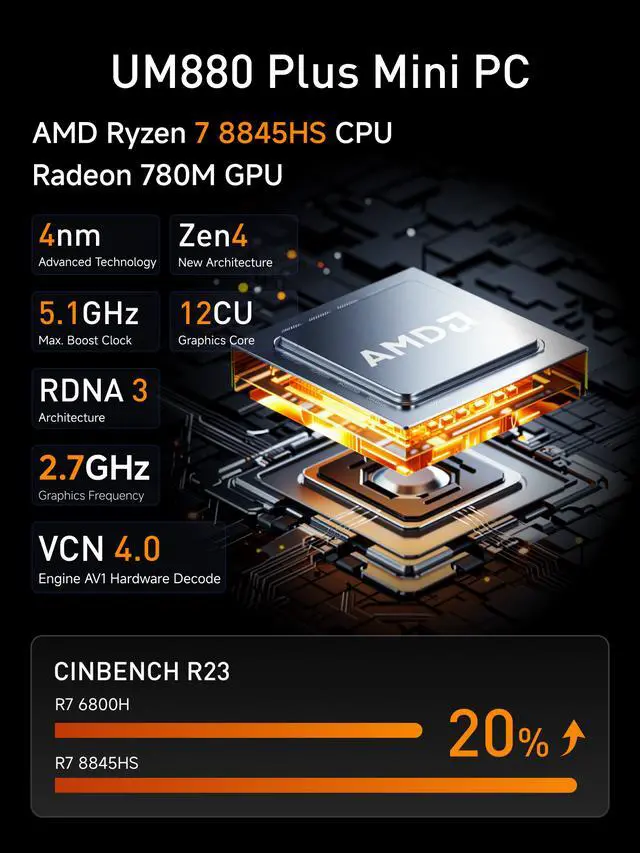
| Processor And Core Count | AMD Ryzen 7 8845HS — 8 cores and 16 threads, up to 5.1GHz |
| Graphics | Integrated AMD Radeon 780M graphics |
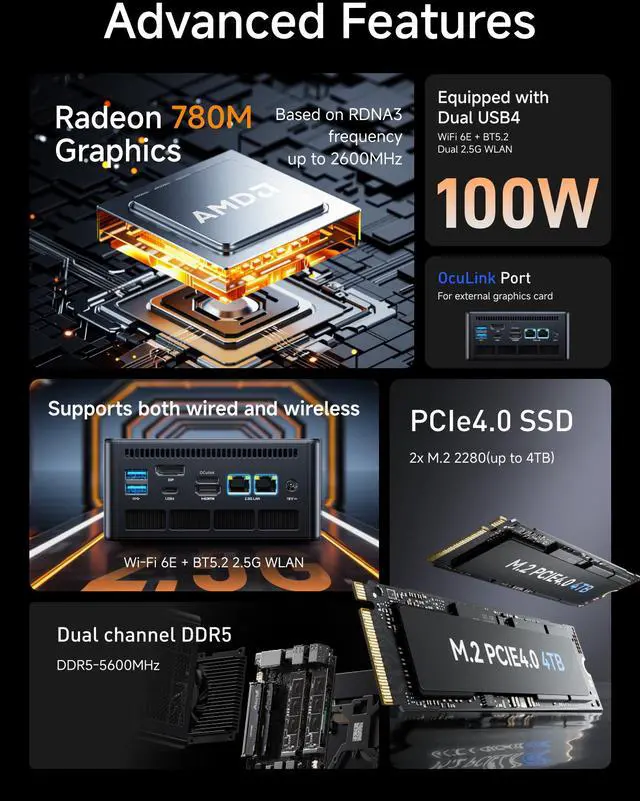
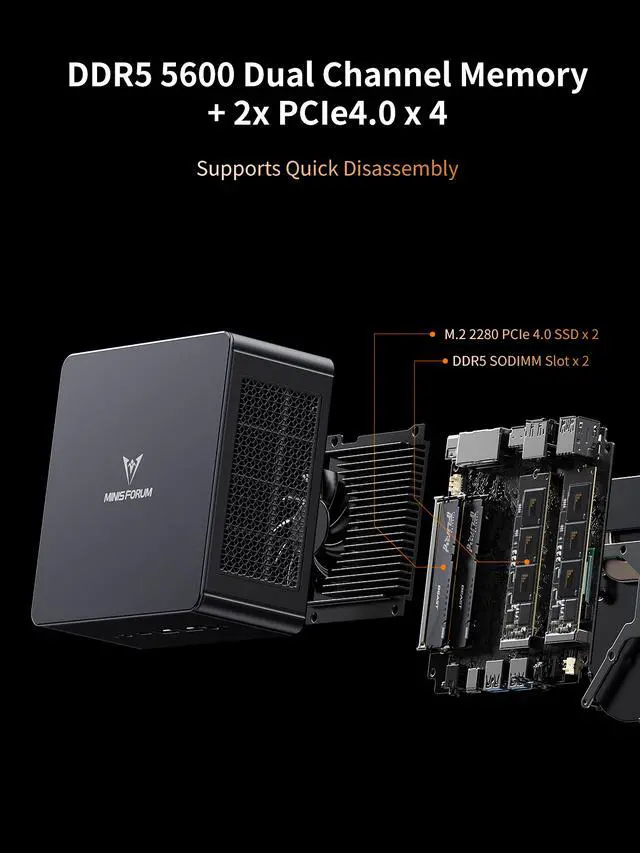
| Memory Configuration | No memory preinstalled; 2 x 262Pin SO‑DIMM slots supporting DDR5‑5600, dual‑channel capable, up to 96GB total |
| Storage And Expansion | No storage preinstalled; 2 x M.2 2280 PCIe 4.0 x4 slots (supports up to 4TB) |
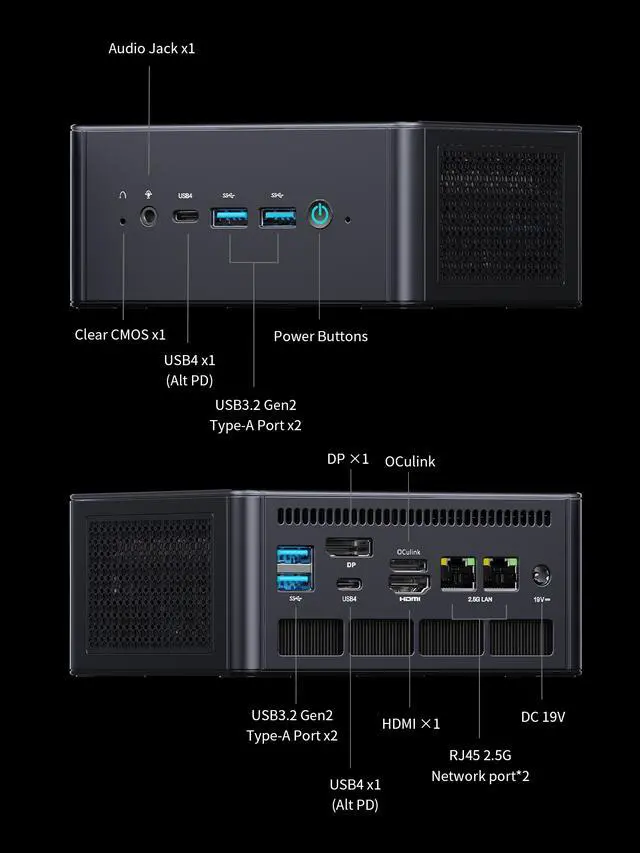
| Ports And Connectivity | Front: 2 x USB 3.2 Gen 2, 1 x USB4 (Alt PD in 65-100W & PD Out 15W), 3.5 mm combo jack; Rear: 2 x USB 3.2 Gen 2, 1 x USB4 (Alt PD in 65-100W & PD Out 15W), 1 x HDMI 2.1 FRL, 2 x RJ45 |
| Networking | Dual 2.5Gbps wired LAN plus 802.11ax Wi‑Fi (Wi‑Fi 6E) and Bluetooth 5.2 wireless |
| Power And Dimensions | 120W external power (19V/6.32A); dimensions 66.6 x 130 x 127 mm; weight 707 g; color Black |
| Audio | 1 x 3.5 mm combo audio jack (front) for headphone/microphone |
| Packaging / What’s In The Box | Includes UM880 Pro mini PC, US power adapter, HDMI cable, and manual |
| Model Identifiers | MINISFORUM UM880 Pro |
Q: Should I buy the MINISFORUM UM880 Pro or the UM890 Pro?
A: Choose the UM880 Pro if you want the same overall platform and connectivity as the UM890 Pro, but do not need the small CPU uplift from moving from Ryzen 7 8845HS to Ryzen 9 8945HS. Across official positioning and third-party testing, both chips are very close in everyday productivity and both use Radeon 780M integrated graphics, so the UM880 Pro is usually the more practical choice unless you specifically want the highest-end Hawk Point configuration.
Q: Is the UM880 Pro a better buy than a Ryzen 7 7840HS mini PC?
A: The UM880 Pro is the better choice if you want current-generation Ryzen AI support, newer platform positioning, and broadly similar Radeon 780M graphics performance with a modest CPU-side refresh. Community and review patterns show that 7840HS and 8845HS mini PCs are often close in gaming because both rely on Radeon 780M, so the upgrade makes the most sense for buyers choosing new today, not for users expecting a major graphics jump from a 7840HS system.
Q: UM880 Pro vs Beelink SER8: which one should I choose?
A: Choose the UM880 Pro if expandability and connectivity matter more, especially if you want dual USB4, dual 2.5GbE, and OCuLink for an external GPU path later. Choose the Beelink SER8 if you prefer a more appliance-like, ready-to-use mini PC with strong review coverage around acoustics, build quality, and out-of-box convenience. Since both are commonly built around the Ryzen 7 8845HS and Radeon 780M, the buying decision is usually about ports, upgrade flexibility, and chassis design rather than a large performance gap.
Q: Should I get the UM880 Pro barebone or pay more for a prebuilt mini PC with RAM and SSD included?
A: Choose the UM880 Pro barebone if you already have DDR5 SO-DIMM memory or a PCIe 4.0 SSD, or if you want to control memory configuration from day one. That is especially relevant for Radeon 780M systems, where dual-channel memory can materially affect graphics performance in real use. A prebuilt alternative is the simpler choice if you want a plug-and-play setup, but the barebone route is often better for buyers who care about storage selection, memory quality, and upgrade planning.
Q: Is the UM880 Pro a good choice for portability and desk efficiency, or should I move to a larger system for performance?
A: Choose the UM880 Pro if you want a compact desktop that still supports multi-display setups, fast networking, and a future eGPU path through OCuLink. It fits buyers who value small size without giving up mainstream desktop tasks or light gaming on Radeon 780M. Move to a larger desktop or mini PC with discrete graphics if your priority is sustained gaming or GPU-heavy creator workloads, because the UM880 Pro is designed around a strong mobile APU rather than built-in dedicated graphics.
Q: Is the MINISFORUM UM880 Pro a good fit for office work, meetings, and daily multitasking?
A: Yes for desk-based productivity. The Ryzen 7 8845HS, dual-channel DDR5 support, and Radeon 780M are more than sufficient for web apps, Microsoft 365, video calls, spreadsheets, and light creative work. Its main trade-off is that this listing is barebone, so you must add your own RAM, SSD, and operating system before it is usable.
Q: Do I need to buy RAM, storage, or Windows separately for the UM880 Pro barebone version?
A: Yes. This UM880 Pro configuration is a true barebone mini PC: it includes the chassis, motherboard, CPU, power adapter, HDMI cable, and basic accessories, but no memory, no SSD, and no preinstalled storage according to the product data. In practical terms, most buyers should budget for DDR5 SO-DIMM memory, one or two M.2 2280 PCIe 4.0 SSDs, and an operating system if they do not already have one.
Q: Is the UM880 Pro a good travel work device?
A: It can work well as a carry-between-locations desktop, but it is not a laptop replacement. Its small size, light weight, Wi‑Fi 6E, Bluetooth 5.2, and support for USB4 plus multiple display outputs make it practical for mobile office setups, hotel desk use, or moving between home and office. The trade-off is that it still needs external power, a monitor, and input devices, so it is best for users who want a compact desktop rather than true on-the-go computing.
Q: Can the UM880 Pro run a dual-monitor or multi-monitor setup for productivity?
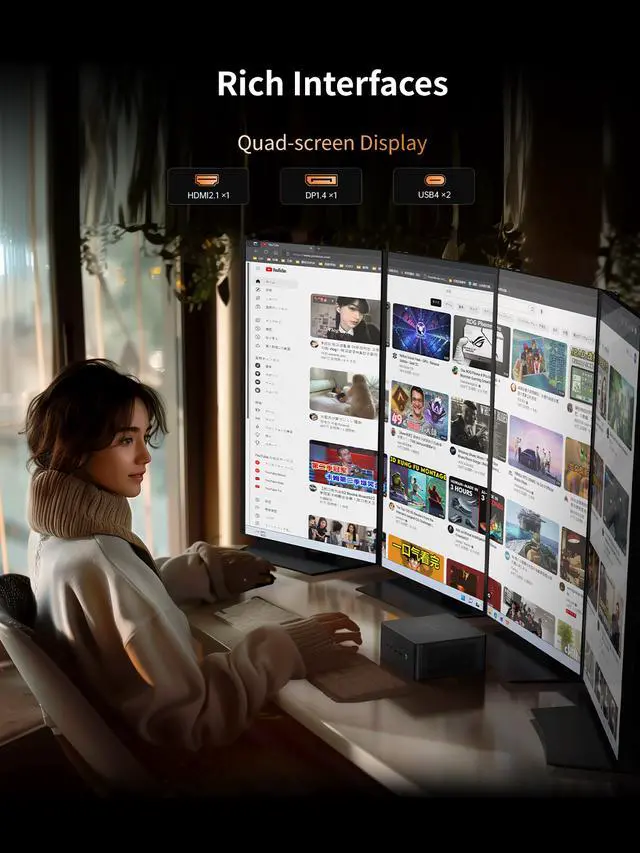
A: Yes. Based on the provided specs, the UM880 Pro has two USB4 ports, one HDMI 2.1 port, and one DisplayPort output, so it is well suited for dual-monitor and broader multi-display workflows. This makes it a strong fit for spreadsheets, coding, trading dashboards, and office multitasking. The practical trade-off is that your exact monitor count and resolution depend on the display combination and cable or dock you use.
Q: Who is the UM880 Pro most suitable for, and when should you choose a different mini PC?
A: The UM880 Pro is best for buyers who want a powerful barebone mini PC they can customize for office work, home lab use, light content creation, or an eGPU-oriented setup. Its strongest advantages are the Ryzen 7 8845HS, dual 2.5GbE, dual USB4, and OCuLink, which are more flexible than many mainstream mini PCs aimed only at basic productivity. You should choose a different model if you want a plug-and-play system with RAM, SSD, and Windows already installed, or if you do not plan to use its upgrade and connectivity features.
Q: Is the MINISFORUM UM880 Pro a good fit for work, everyday use, and light gaming?
A: Yes, for most office work, browsing, media, coding, and light-to-moderate gaming, the UM880 Pro is a practical fit. Its Ryzen 7 8845HS and Radeon 780M are strong for a mini PC, and community discussion repeatedly frames this class of 8845HS systems as more than enough for daily tasks, with enough graphics performance for lighter gaming. It is less suitable if your main goal is high-end AAA gaming without an external GPU.
Q: Who is the UM880 Pro best suited for?
A: The UM880 Pro is best suited for buyers who want a compact desktop with strong CPU performance, modern connectivity, and upgrade flexibility. It makes the most sense for home office users, developers, light creators, homelab users, and buyers who may later add fast storage, more RAM, or even an external GPU through OCulink or USB4. It is a weaker fit for buyers who want a fully configured, zero-upgrade system out of the box, because this listing is barebone and requires you to add memory and storage.
Q: What are the main trade-offs of buying the barebone UM880 Pro?
A: The main trade-off is flexibility versus convenience. The barebone version lets you choose your own DDR5 memory and PCIe 4.0 SSDs, which is useful if you want better parts or larger capacity. The downside is extra setup cost and effort, and community discussion around comparable UM880 listings shows that memory configuration can matter a lot for performance, especially if a prebuilt unit ships with only one RAM stick. If you want the best value from the Radeon 780M graphics, dual-channel memory is the safer choice.
Q: Is the UM880 Pro worth buying if I may want an external GPU later?
A: Yes, it is one of the more sensible mini PC options for that use case because it includes both OCulink and USB4. Community discussion repeatedly highlights OCulink as a key reason to consider this model class when gaming or creator workloads may outgrow integrated graphics. If you know you will stay on integrated graphics only, the eGPU-oriented ports are less important, and cheaper 8845HS mini PCs may offer similar everyday performance.
Q: Are noise, thermals, or support a meaningful buying risk with the UM880 Pro?
A: They can be. The UM880 Pro's port layout and cooling design make it more capable than simpler mini PCs, but Reddit discussion around Minisforum systems still raises recurring concerns about fan noise, long-term component quality, and support consistency. That does not make it a poor choice, but it does mean this model is a better fit for buyers who are comfortable with mini PC trade-offs and basic troubleshooting than for buyers who want the lowest-risk appliance-like desktop.