




 here!
here!
I’m your shopping assistant for PC builds, upgrades, and everything tech.
Got questions? Ask away!
Start a conversation
here!
I’m your shopping assistant for PC builds, upgrades, and everything tech.
Got questions? Ask away!
Start a conversation




Any questions? Ask CelesteSM will help you find out quickly.
Three Intel® Arc™ Pro B70 GPUs with 96 GB total VRAM deliver high-performance local AI inference, RAG, coding assistants, and enterprise AI workloads.
Deploy 70B-class language models without the cloud. Large combined GPU memory enables longer context windows, faster inference, and secure on-prem deployment.
Ideal for teams building LLM applications, AI agents, Retrieval-Augmented Generation, inference servers, and enterprise AI solutions end to end.
Keep sensitive business data on-premises while cutting recurring cloud costs — purpose-built for organizations that require secure, offline AI computing.
Three Intel® Arc™ Pro B70 GPUs provide up to 96 GB total GPU memory for large-model inference — handling larger models and longer context windows than a typical single-GPU workstation.
Handle larger AI models and longer context windows than traditional single-GPU systems.
Server-grade memory, a workstation-class platform, and high-speed networking for continuous operation.
Optimized for AI development, inference, generative AI, virtualization, and professional computing.
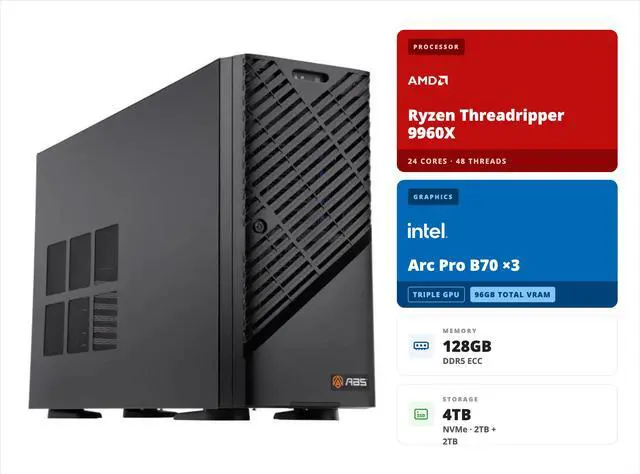
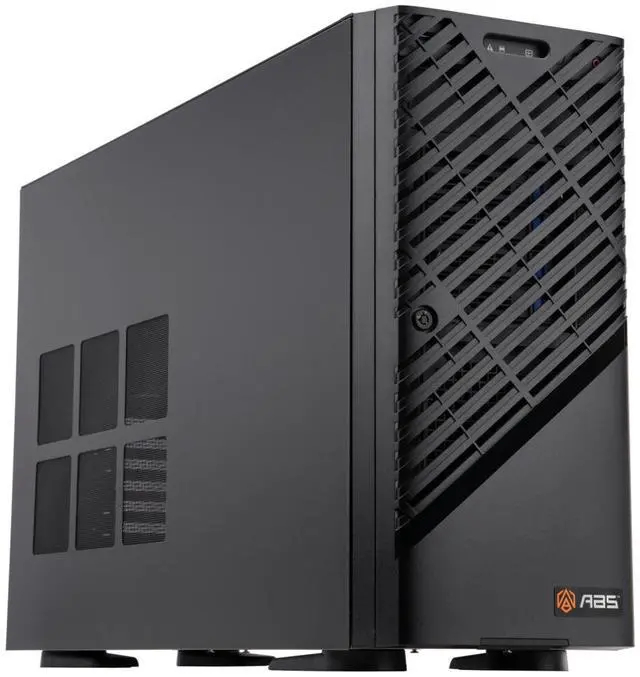
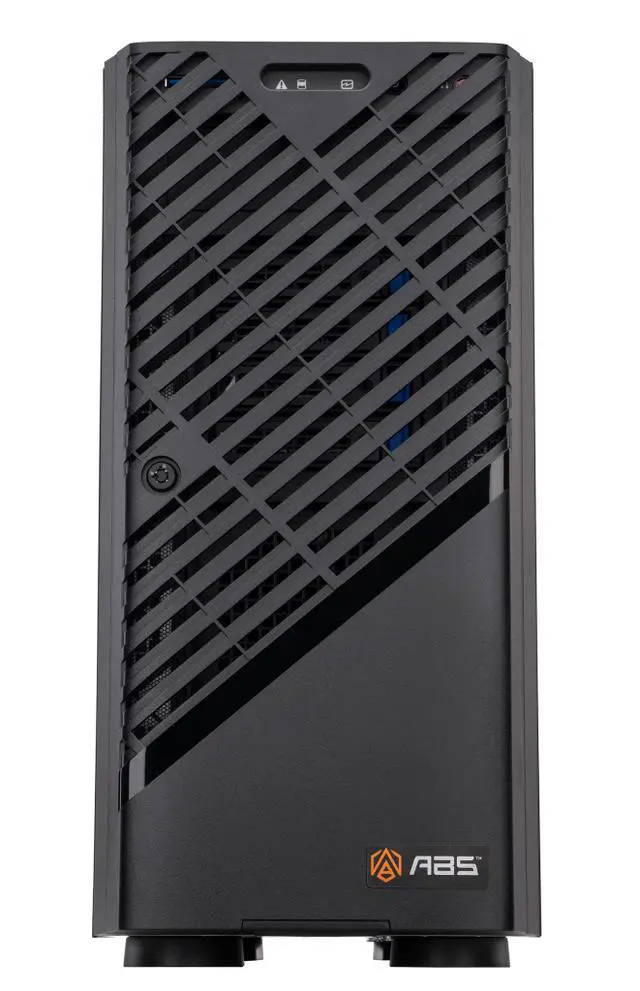
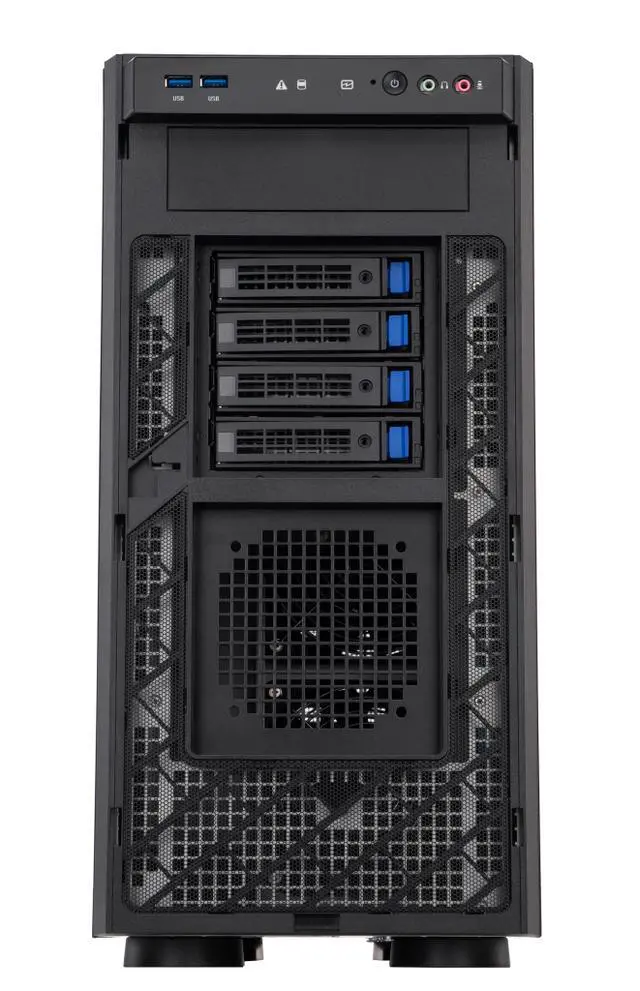
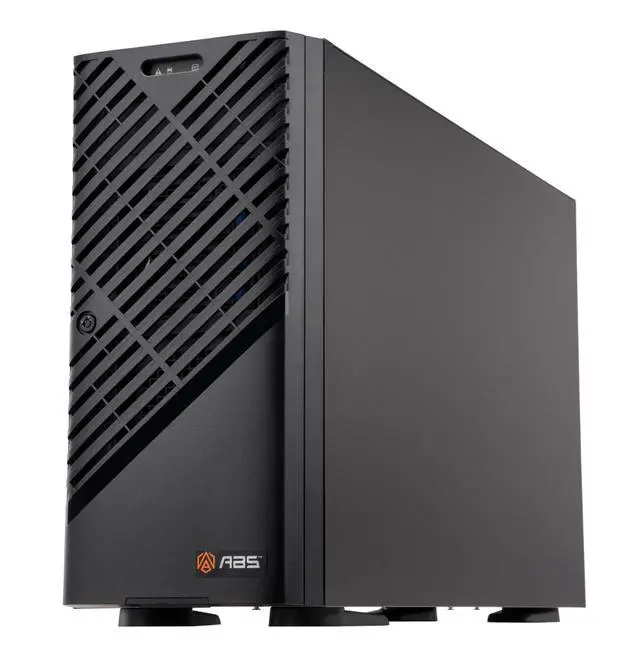
The ABS ZRT9960X-3XB70 is a tower AI workstation built for local model development, multi-GPU inference, and data-intensive compute workflows, making it best suited for AI engineers, research teams, and technical professionals who need 24-core Threadripper performance, 128GB ECC memory, and 3 Intel Arc Pro B70 GPUs with 96GB total GDDR6.
| Attribute | Value |
|---|---|
| Best For | AI workstation-class compute and visualization in a tower chassis — suited for AI model training, inference, and multi-GPU workloads using a 24‑core Threadripper CPU, three Intel Arc Pro B70 GPUs (96GB total GDDR6) and 128GB DDR5 ECC memory |
| Processor And Core Count | AMD Ryzen Threadripper 9960X single-socket system with 24 cores, 4.2GHz CPU speed, sTR5 socket, single-processor configuration; on-chip caches: L1 1920KB, L2 24MB, L3 128MB |
| Memory Configuration | 128GB DDR5 ECC RDIMM installed across 8 DIMM slots with 8‑channel support, expandable up to 1TB maximum memory capacity |
| GPU And VRAM | Three Intel Arc Pro B70 professional GPUs with a combined 96GB GDDR6 video memory, configured for multi‑GPU workloads |
| Motherboard And Chipset | Gigabyte MH53-G40 motherboard on AMD WRX90 chipset; barebone chassis: Gigabyte W773-H5D-AA01 |
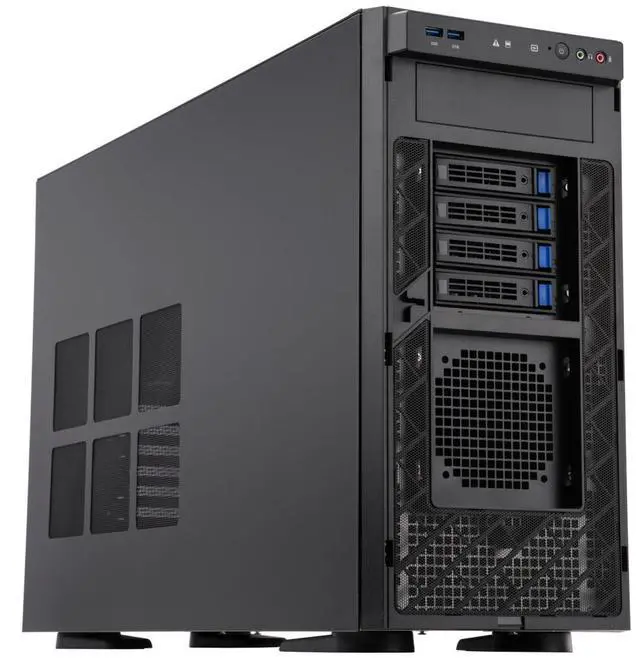
| Storage And Drive Bays | Two 2TB NVMe M.2 drives installed (OS and data); platform supports up to 4 M.2 slots (PCIe Gen5 x4) and multiple hot-swap SATA bays (front, up to 8 total 3.5"/2.5" bays) with SATA III interface for HDD/SSD expansion |
| Expansion And PCIe | Six PCIe Gen5 x16 expansion slots and platform support for multi‑GPU configurations (supports up to 4 x dual‑slot Gen5 GPUs), enabling additional accelerators, NICs, or NVMe expansion cards |
| Wired Networking And Management | Dual 10 Gb/s LAN ports (Broadcom BCM57416) plus a separate 10/100/1000 Mb/s management LAN (RJ45), total of 3 LAN ports for high‑bandwidth networking and out‑of‑band management |
| Power And Chassis | Tower workstation with a single 2000W ATX 80 PLUS Gold power supply to support multi‑GPU and high‑power expansion configurations |
| Operating System And Management | Ubuntu operating system preinstalled |
| Model Identifiers | ABS ZRT9960X-3XB70 workstation (series/model ZRT9960X-3XB70); barebone: Gigabyte W773-H5D-AA01 |
Q: Should I choose this 3x Intel Arc Pro B70 workstation or a single high-end NVIDIA GPU workstation for local AI inference?
A: Choose this ABS workstation if your priority is fitting larger local models into GPU memory and scaling multi-GPU inference in a tower system. With 3x Arc Pro B70, the system provides 96GB of total GDDR6 across three workstation GPUs, which is a practical fit for larger local LLM deployments and multi-user inference workflows. Choose a single high-end NVIDIA GPU workstation instead if your priority is higher per-GPU speed, broader CUDA-first software support, or simpler setup for common AI tools. External testing consistently shows Arc Pro B70 is positioned as an AI-focused workstation card, but NVIDIA remains the easier path when maximum software compatibility and top-end single-GPU throughput matter more than aggregate VRAM and multi-GPU density.
Q: Is this 3x Arc Pro B70 workstation better than a lower-tier 1x Arc Pro B70 system?
A: Choose this 3x Arc Pro B70 configuration if you need more GPU memory capacity, higher concurrent inference throughput, or room to split workloads across multiple GPUs. A 1x Arc Pro B70 system is the better fit when your workloads stay within 32GB of VRAM and you want a lower-cost, simpler deployment. The main trade-off is that one B70 is easier to manage, while three B70s are more suitable for larger models, multi-user serving, and growth over time.
Q: Should I buy this workstation or wait for a higher-end 4-GPU tower configuration?
A: Buy this 3-GPU system if you already need a large-memory local AI workstation and want a balance of capacity, power, and physical expandability. Wait for or choose a 4-GPU configuration if your workloads are clearly constrained by VRAM capacity or multi-user throughput and you know your software stack can use four GPUs effectively. The platform itself supports up to four dual-slot GPUs, so the main decision is whether your current models and concurrency needs justify the extra GPU now rather than later.
Q: How does this workstation compare with an older workstation built around previous-generation Intel Arc or mixed consumer GPUs?
A: Choose this workstation if you want a cleaner path to a current-generation, workstation-oriented Intel GPU stack with more VRAM per card and stronger positioning for AI inference. Compared with older Arc cards or mixed consumer GPU builds, the Arc Pro B70 is designed more directly for professional and AI workstation use, with 32GB per GPU, workstation driver positioning, and published multi-GPU AI messaging from Intel. Older or mixed consumer builds can still make sense for hobbyist experimentation, but this system is the more appropriate choice when you want a supported tower platform aimed at sustained local AI work rather than piecemeal upgrades.
Q: Is a portable AI laptop or mini PC a better choice than this tower workstation?
A: Choose this tower workstation if performance, GPU memory capacity, expandability, ECC memory support, and remote multi-user use matter more than desk space or portability. A laptop or mini PC is the better choice when your models are smaller, your workflows are lighter, or you need to move the system frequently. The practical trade-off is simple: portable systems are easier to place and carry, while this workstation is built for sustained local AI workloads, more storage and memory growth, and multiple full-size GPUs.
Q: Who is this workstation suitable for?
A: This workstation is best suited for users who need a fixed, high-power Linux tower for AI development, multi-GPU compute, rendering, or other workstation-class tasks. It is not aimed at casual office use. The main fit signals are the 24-core Threadripper CPU, 3 discrete Intel Arc Pro B70 GPUs with 96GB total GDDR6, 128GB ECC RDIMM memory, dual 10GbE networking, and a 2000W power supply.
Q: Is this a good choice for everyday office work, meetings, and note-taking?
A: No, it is usually excessive for basic office work. It can run those tasks, but the hardware is sized for AI and professional workstation workloads rather than email, web, documents, or video calls. Buyers comparing workstations on retail Q&A pages often ask about graphics, OS, RAM, and upgrade paths; in this case, the triple-GPU design, ECC server memory, and 2000W PSU indicate a specialized desktop, not a general office PC.
Q: Can it work well as a travel or portable work device?
A: No. This is a tower workstation intended to stay in one place. Its multi-GPU layout, server-class ECC RDIMM memory, dual 10GbE networking, and 2000W power supply make it appropriate for a desk, lab, or office environment, not for travel. If portability matters, a mobile workstation or laptop is the better category.
Q: What are the main trade-offs versus a simpler workstation or desktop?
A: The advantage is much higher AI and professional compute capacity: 3 workstation GPUs, 128GB ECC memory, 24 CPU cores, and faster networking. The trade-offs are higher cost, higher power draw, larger physical size, and more specialization than many buyers need. Compared with mainstream workstation Q&A patterns on retail sites, this model is far beyond the level typically used for basic productivity or light content creation.
Q: Is Ubuntu support a reason to choose this model?
A: Yes, if you want a workstation that is already positioned for Linux-based workflows. This model includes Ubuntu out of the box, which can reduce setup friction for developers and technical users. The trade-off is that buyers who depend on Windows-specific software should confirm application and driver compatibility before purchase.
Q: Who is this workstation actually suitable for?
A: This workstation fits buyers who want a dedicated local AI tower for inference workloads that benefit from very high total VRAM, ECC memory, and workstation-class expandability. With 3x Intel Arc Pro B70 GPUs, it is better matched to running larger local models, multi-user serving, or experimentation with Intel-supported AI stacks than to general-purpose desktop use. It makes less sense if your main priority is broad CUDA-first software compatibility.
Q: Is this a good choice for local LLM inference?
A: Yes, if your main reason to buy is local LLM inference and you value total VRAM capacity. This system provides 96GB of combined GPU memory across three Arc Pro B70 cards, which is the main reason people discuss B70 setups for larger local models. The trade-off is that software support and tuning are still more workflow-dependent than with typical NVIDIA-based systems, so it is best for buyers comfortable working within Intel-focused or Vulkan/SYCL-based toolchains.
Q: What are the main trade-offs versus an NVIDIA-based AI workstation?
A: The main advantage here is hardware value for VRAM-heavy local AI use: three 32GB GPUs give this tower much more aggregate VRAM than many single-GPU alternatives. The main trade-off is software maturity. Reddit discussion around Arc Pro B70 repeatedly focuses on needing the right serving stack, forks, or backend choices, while NVIDIA is still treated as the easier default for compatibility across AI tools.
Q: Is this worth buying if I want the simplest setup with the fewest compatibility issues?
A: Probably not. This workstation is better suited to buyers who specifically want Intel Arc Pro hardware and are comfortable validating software support for their models and inference stack. If you want the most straightforward path across widely used AI tools, the repeated community concern is that NVIDIA remains easier to deploy and troubleshoot.
Q: What is the practical reason to choose this system over a smaller single-GPU workstation?
A: The practical reason is memory headroom and platform capacity. This tower combines 96GB of total GPU VRAM, 128GB ECC RDIMM memory, a Threadripper platform, and room for additional expansion, which is more aligned with larger local models and workstation deployment than a compact single-GPU build. The downside is that multi-GPU Intel AI setups are a niche choice, so buyers should expect more setup validation than with mainstream single-GPU systems.


