here!
I’m your shopping assistant for PC builds, upgrades, and everything tech.
Got questions? Ask away!
Start a conversation
here!
I’m your shopping assistant for PC builds, upgrades, and everything tech.
Got questions? Ask away!
Start a conversation


Any questions? Ask CelesteSM will help you find out quickly.
We want to ensure your holiday shopping this year is hassle-free. That’s why we’re automatically extending our return policies on almost every product! For purchases placed between November 1st, 2026 and December 31, 2026 you will have until January 31, 2027 to return your product.
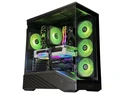
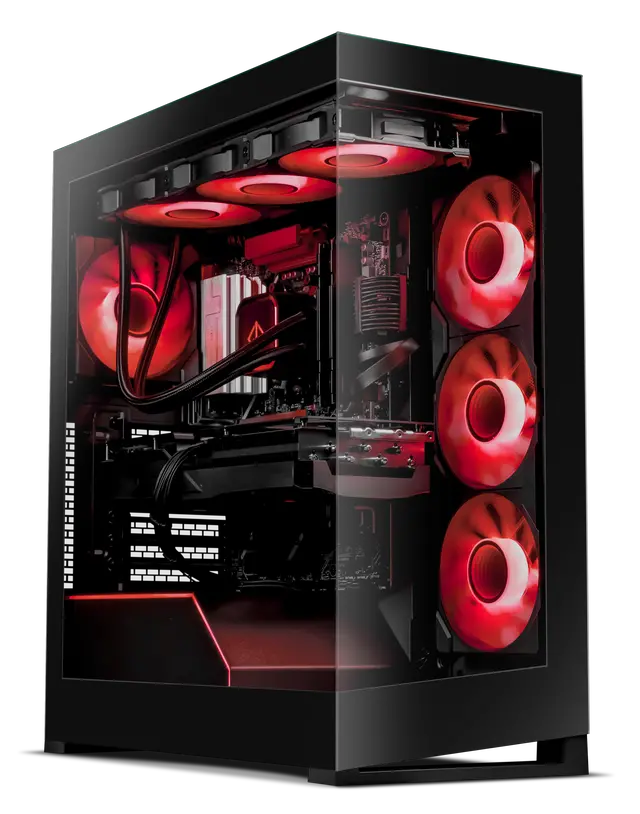
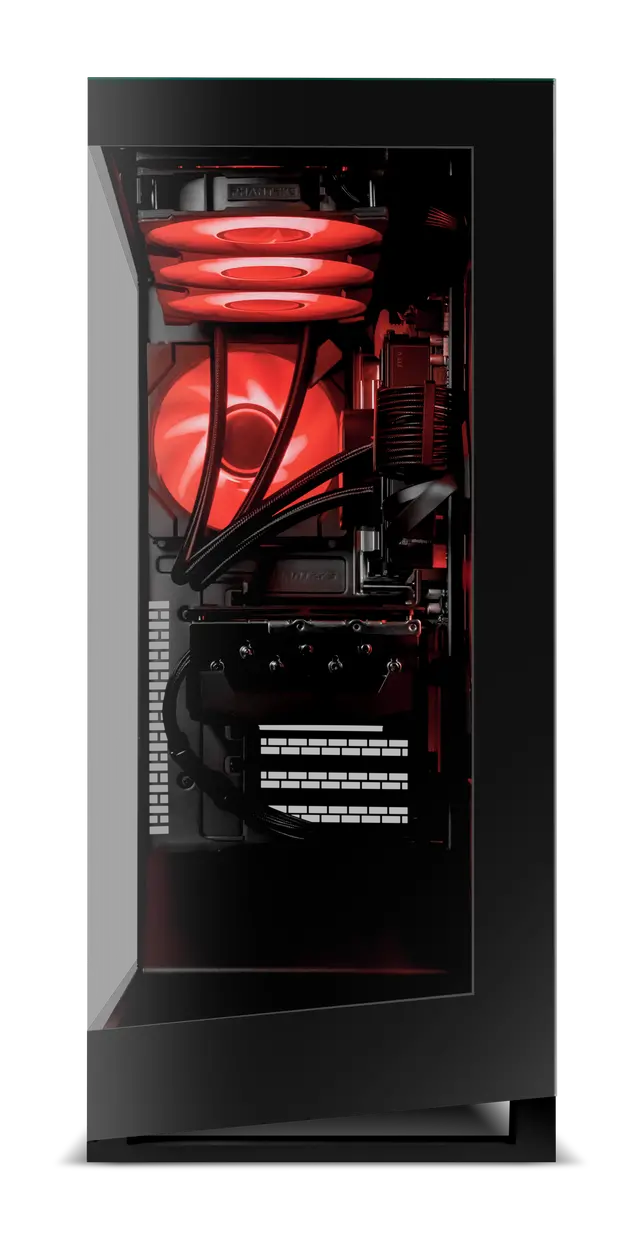
The Starforge Systems Nimbus Pro NP01 is a Windows 11 Home gaming desktop with an AMD Ryzen 7 7800X3D, AMD Radeon RX 9070 XT, 32GB DDR5-6000 memory, and a 2TB Gen 4 NVMe drive, suited to gamers seeking a prebuilt system with substantial memory and storage.
| Attribute | Value |
|---|---|
| Best For | Desktop gaming use |
Q: Starforge Nimbus Pro vs Navigator IV Pro: which should I choose?
A: Choose the Nimbus Pro if you want its listed Ryzen 7 7800X3D, Radeon RX 9070 XT, 32GB RAM, and 2TB SSD configuration. The Starforge Navigator IV Pro is an alternative with a Ryzen 5 7500X3D, GeForce RTX 5070, 32GB RAM, and 1TB SSD. The choice comes down to the Nimbus Pro’s AMD processor-and-graphics configuration and larger listed storage versus the Navigator Pro’s GeForce graphics configuration.
Q: Starforge Nimbus Pro vs Navigator IV Core: which has the higher-spec configuration?
A: The Nimbus Pro is the fit if you want the listed Ryzen 7 7800X3D, Radeon RX 9070 XT, and 2TB SSD. Starforge lists the Navigator IV Core with a Core i5-14600K, Radeon RX 9070 GRE, 32GB RAM, and 1TB SSD. Choose between the Nimbus Pro’s listed component combination and the Navigator Core’s configuration based on your preferred processor, graphics card, and storage capacity.
Q: Starforge Nimbus Pro vs Voyager IV Core for 4K gaming: what’s the difference?
A: The Nimbus Pro pairs a Ryzen 7 7800X3D with a Radeon RX 9070 XT and lists 32GB RAM and 2TB storage. The Voyager IV Core pairs an Intel Core Ultra 7 270K Plus with a GeForce RTX 5070 Ti and also lists 32GB RAM and 2TB storage. Starforge positions the Voyager line for 4K gaming and content creation; choose based on whether you prefer the Nimbus Pro’s AMD configuration or the Voyager Core’s GeForce configuration and stated positioning.
Q: Should I choose the Starforge Nimbus Pro or step up to the Voyager IV Pro?
A: Choose the Nimbus Pro for its listed Ryzen 7 7800X3D and Radeon RX 9070 XT configuration with 32GB RAM and 2TB storage. The Voyager IV Pro is a higher-tier Voyager configuration with a GeForce RTX 5080, Intel Core Ultra 7 270K Plus, 32GB RAM, and 2TB storage. Starforge positions the Voyager line for high-resolution gaming and content creation, so it is the alternative to consider if those priorities and its listed GeForce hardware match your needs.
Q: Who is this gaming desktop suitable for?
A: It is suited to users seeking a Windows 11 desktop for PC gaming and other demanding tasks. The listed configuration includes a Ryzen 7 7800X3D, Radeon RX 9070 XT, 32GB of DDR5 memory, and a 2TB Gen 4 NVMe SSD. Specific game performance depends on the game, settings, and display; no frame-rate benchmarks are provided.
Q: Does it include Wi-Fi?
A: The provided specifications do not confirm Wi-Fi. The product information says the Wi-Fi module may vary, so check the exact unit’s configuration or ask the seller before buying if wireless networking is required.
Q: Can I upgrade the RAM, graphics card, or other parts later?
A: The supplied information does not confirm which upgrades this exact unit supports. It says component brands and configurations may vary, including the motherboard, power supply, RAM, and other parts. Check the specific unit’s components and compatibility before planning an upgrade.
Q: Does it come with a monitor, keyboard, and mouse?
A: The provided product details do not list a monitor, keyboard, or mouse as included accessories. Confirm the package contents with the seller and budget for any peripherals you need.
Q: Is a Starforge PC with a Ryzen 7 7800X3D and RX 9070 XT worth buying?
A: It depends on the price and the exact components. Reddit discussions about Starforge systems with this CPU and GPU compare them with other prebuilts and DIY builds, so check the current price and confirm which parts are included before deciding. This listing says component brands and configurations may vary.
Q: Is this PC suitable for 1440p or 4K gaming?
A: It is configured for gaming, and Reddit users discussing systems with the same 7800X3D and RX 9070 XT combination report using them for 1440p and 4K. Actual frame rates and settings will vary by game; the discussions are user reports, not guarantees for this specific PC.
Q: Should I confirm the component brands before buying?
A: Yes, if the motherboard, power supply, Wi-Fi, ports, storage, or memory layout matter to you. The listing says these parts can vary, and Reddit discussion of a similarly specified Starforge system raises concern about undisclosed component brands.