here!
here!
I’m your shopping assistant for PC builds, upgrades, and everything tech.
Got questions? Ask away!
Start a conversation
here!
I’m your shopping assistant for PC builds, upgrades, and everything tech.
Got questions? Ask away!
Start a conversation



Combo Up Savings Up To $280+
The more you add, the more you'll save!
Any questions? Ask CelesteSM will help you find out quickly.


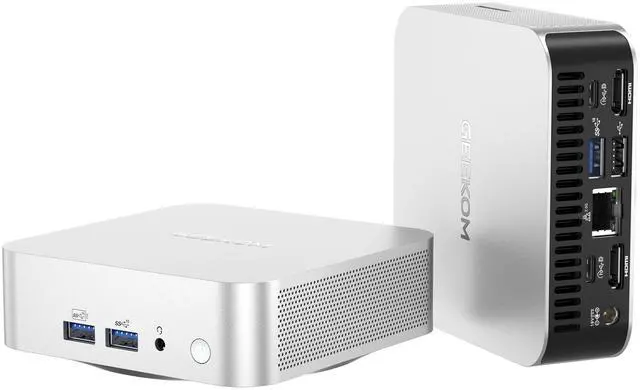
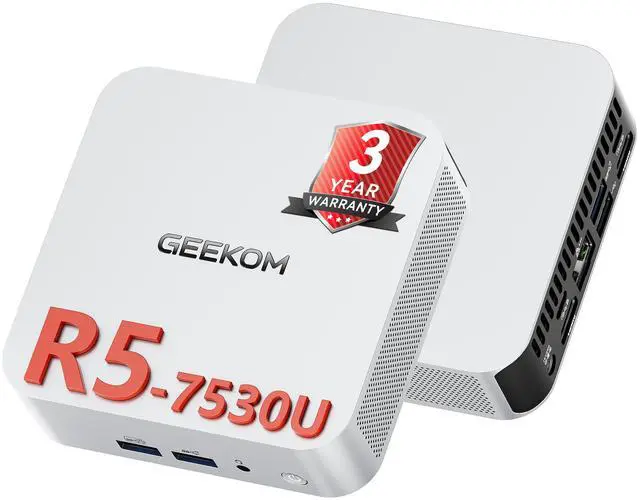
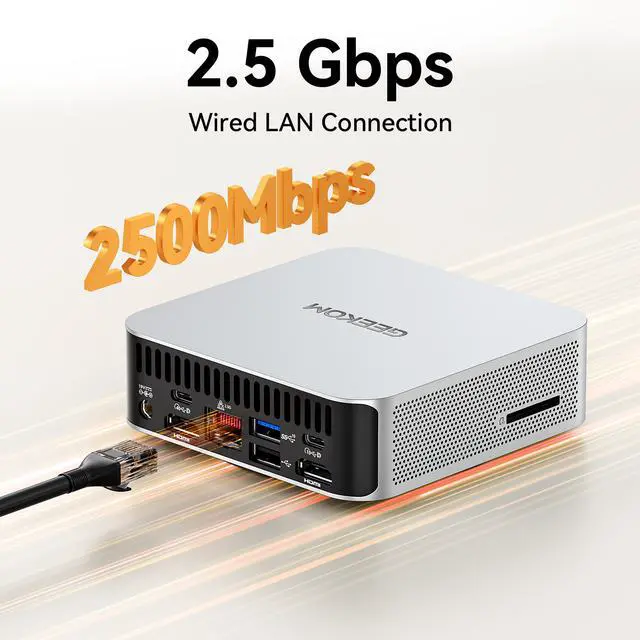
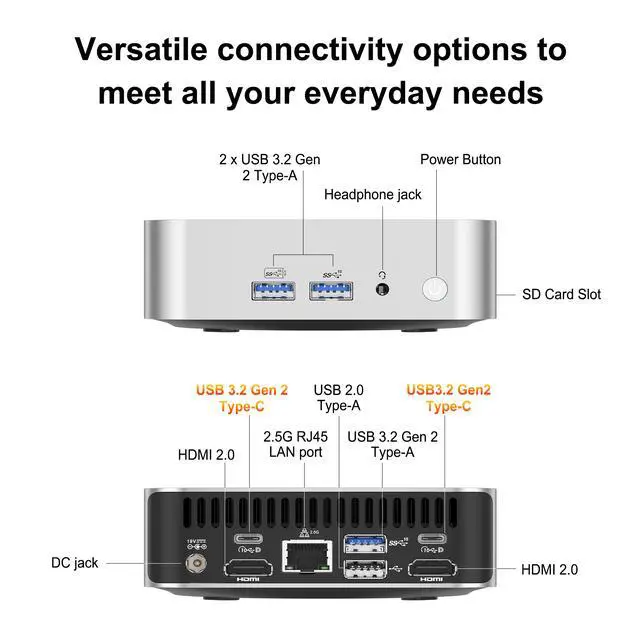
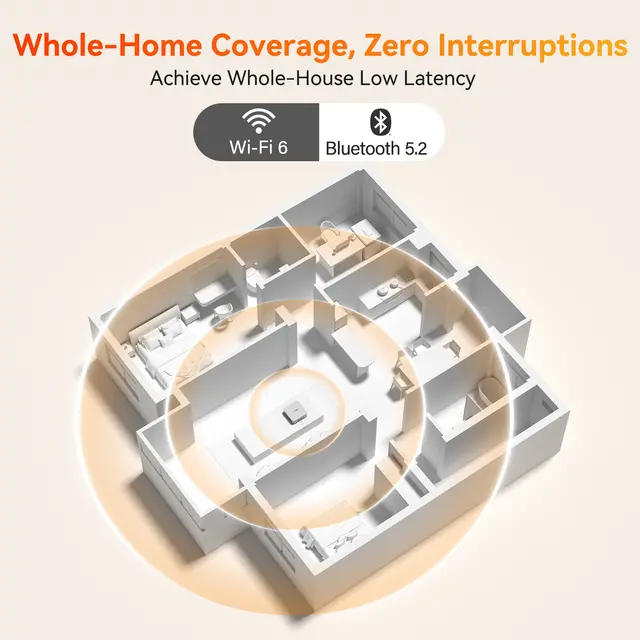
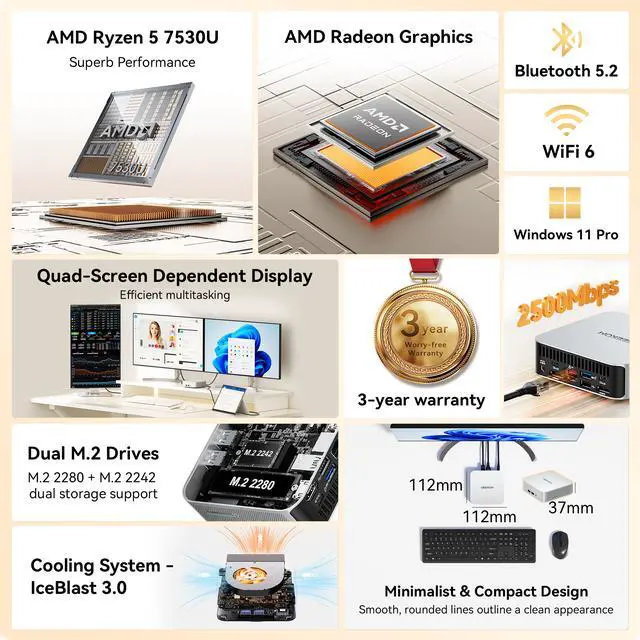
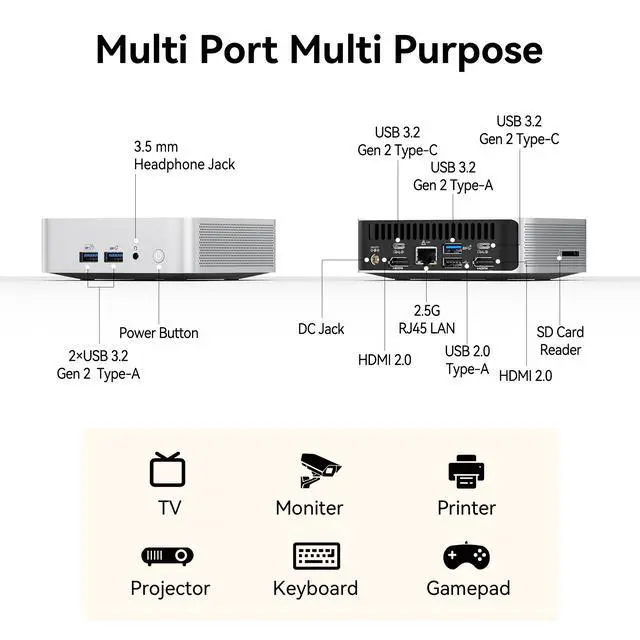
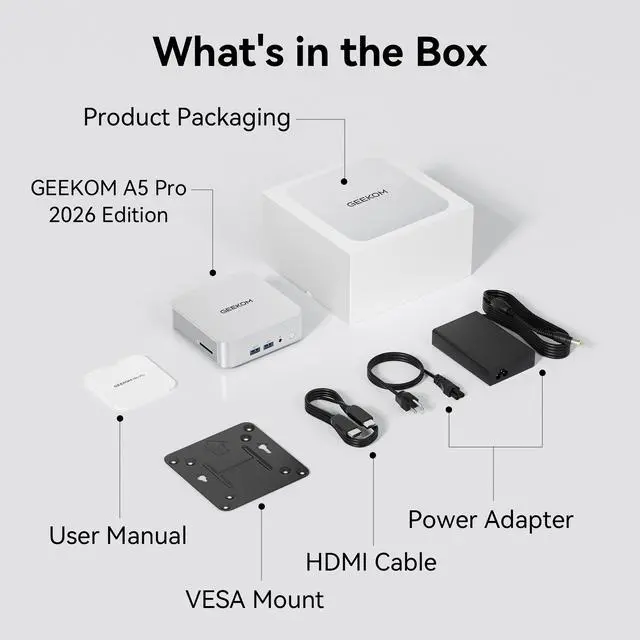
The GEEKOM A5 Pro is a compact Windows 11 Pro mini PC with an AMD Ryzen 5 7530U, 16GB DDR4, and 1TB SSD, built for home office, school, and everyday productivity users who want a small desktop with fast storage, Wi-Fi 6, 2.5Gb LAN, and dual HDMI for multi-display setups.
Q: Should I buy the GEEKOM A5 Pro or an Intel N100 mini PC for everyday home and office use?
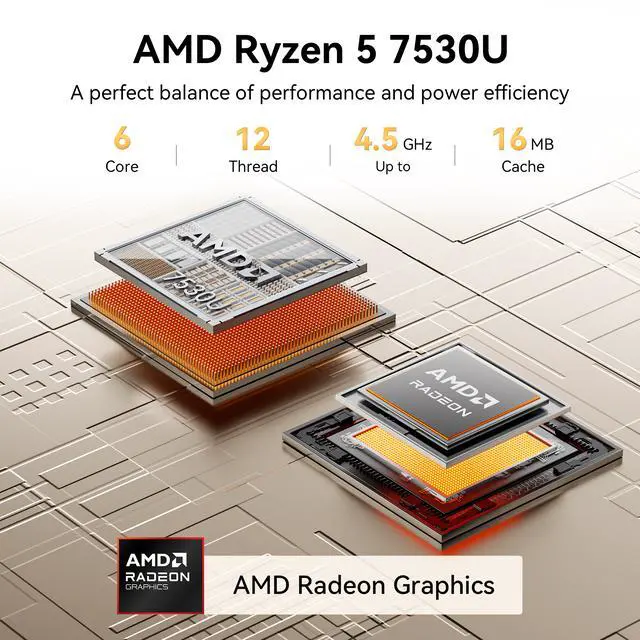
A: Choose the GEEKOM A5 Pro if you want a mini PC that stays comfortable with heavier multitasking, more browser tabs, office work, and light creative workloads. The Ryzen 5 7530U is a 6-core, 12-thread chip, while the Intel N100 is a lower-power 4-core, 4-thread option. Across common benchmark databases, the 7530U is clearly ahead in both CPU and integrated graphics performance, so it is the better fit when you want more headroom and longer useful life. An N100 system is the better fit when lower cost and very basic workloads matter more than speed.
Q: Is the GEEKOM A5 Pro a better choice than a Ryzen 5 7430U mini PC?
A: In practice, this is usually a very small step rather than a major upgrade decision. The Ryzen 5 7530U and Ryzen 5 7430U are both 6-core, 12-thread Zen 3 mobile chips aimed at efficient mainstream systems, so buyers should expect similar day-to-day behavior in web, office, media, and light productivity use. The GEEKOM A5 Pro makes more sense if pricing is close and you prefer the newer listing, current platform packaging, or GEEKOM's chassis, ports, and support terms. A good 7430U mini PC remains a reasonable alternative if it is meaningfully cheaper.
Q: Should I get the GEEKOM A5 Pro or move up to a Ryzen 7 7735HS mini PC?
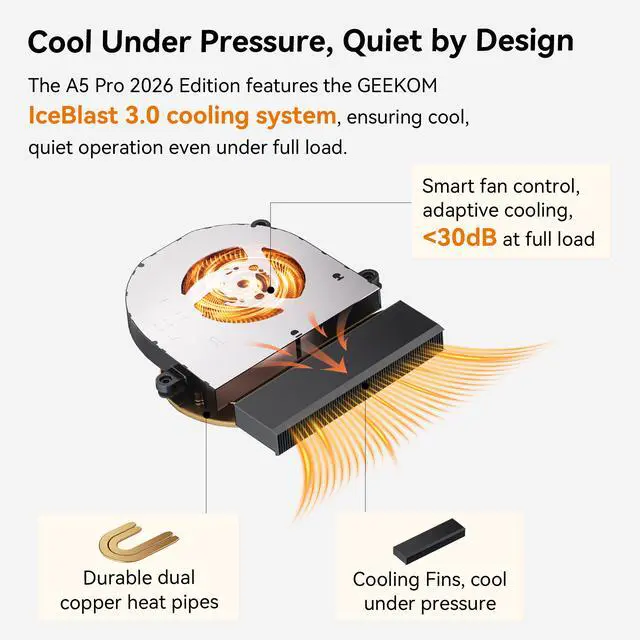
A: Buy the GEEKOM A5 Pro if your main jobs are office work, remote work, streaming, web apps, and light photo or video tasks in a very compact system. Move up to a Ryzen 7 7735HS mini PC if you care more about sustained performance, heavier multitasking, or stronger integrated graphics for gaming and GPU-leaning workloads. The common trade-off seen in reviews is efficiency and price on the 7530U side versus clearly higher CPU and Radeon 680M-class graphics performance on the 7735HS side.
Q: Is the GEEKOM A5 Pro good for portability-focused desk setups, or should I choose a larger performance-first mini PC?
A: Choose the GEEKOM A5 Pro if compact size, easy monitor mounting, and low-clutter desk use matter more than maximum throughput. Its 112 x 112 x 37 mm footprint and low-power Ryzen 5 7530U make it a practical fit for home office, reception desk, classroom, and media setups. A larger performance-first mini PC is the better fit if you want newer I/O such as USB4, stronger cooling for higher sustained power, or faster integrated graphics for more demanding workloads.
Q: Is this a good mini PC for office work, online meetings, and everyday productivity?
A: Yes. The GEEKOM A5 Pro is well suited to office work, web apps, video calls, note-taking, and general multitasking because it pairs a Ryzen 5 7530U with 16GB RAM and a 1TB SSD, and it ships with Windows 11 Pro. For buyers comparing mini PCs, this is the common 'workstation first' use case seen in retail Q&A.
Q: Can it run two monitors for work?
A: Yes. Based on the provided specs, the A5 Pro has 2 HDMI ports, so it is a practical fit for a dual-monitor desk setup. Dual-display support is one of the most repeated pre-purchase questions on mini PC retail pages, and this model is clearly positioned for that use.
Q: Is it a good choice as a travel work device?
A: It can be, if you want a very small desktop that moves easily between home, office, or hotel setups. At 112 x 112 x 37 mm and about 429 g, it is compact enough to pack, but it is still a mini desktop, not a laptop, so you will need external power, a monitor, and input devices. It is better for portable desk setups than for true on-the-go computing.
Q: Who is this mini PC best for?
A: It is best for users who want a compact Windows desktop for home office work, schoolwork, web use, media playback, and light multitasking, while still having room to expand memory later. It is a stronger fit for productivity-focused buyers than for users who need serious gaming or heavy GPU-intensive creative work.
Q: What are the main trade-offs versus a more powerful mini PC?
A: The main trade-off is performance headroom. The A5 Pro should be enough for mainstream productivity and everyday desktop use, but buyers who expect heavier gaming, faster content creation, or more demanding multitasking may prefer a higher-tier mini PC with a stronger processor, newer graphics, or DDR5 memory. In exchange, this class of system is usually simpler and better aligned with practical office use.
Q: Is the GEEKOM A5 Pro a good buy for everyday work and home use?
A: Yes, if your main use is web browsing, Office apps, video calls, media playback, and general multitasking. Its Ryzen 5 7530U, 16GB RAM, and 1TB SSD are a sensible fit for productivity and home use in a very small form factor. It is less suitable if your priority is heavy content creation or gaming.
Q: Who is the GEEKOM A5 Pro most suitable for?
A: It is best suited to users who want a compact desktop for office work, study, note-taking, light creative tasks, media use, or a tidy workstation setup. It also makes sense where space, low power draw, and simple dual-monitor connectivity matter more than maximum performance.
Q: Can the GEEKOM A5 Pro replace a full-size desktop for most people?
A: For many mainstream users, yes. It can replace a traditional desktop for routine computing, schoolwork, office tasks, and streaming while taking far less space. The trade-off is lower upgrade flexibility and less headroom for demanding workloads than a larger desktop tower.
Q: What are the main trade-offs of buying the GEEKOM A5 Pro instead of a faster mini PC?
A: The main compromise is performance headroom. The A5 Pro is well matched to everyday productivity, but buyers comparing models often point to stronger alternatives for heavier CPU or GPU work. If you expect demanding gaming, advanced editing, or long-term performance growth, a higher-tier mini PC may be the better choice.
Q: Is the GEEKOM A5 Pro a good choice for light gaming or casual creative work?
A: It can handle light gaming and basic creative tasks, but it is not the best fit for users buying mainly for graphics performance. Its integrated Radeon graphics are fine for lighter workloads, while more demanding games and GPU-heavy apps will benefit from a faster class of mini PC.