




 here!
I’m your shopping assistant for PC builds, upgrades, and everything tech.
Got questions? Ask away!
Start a conversation
here!
I’m your shopping assistant for PC builds, upgrades, and everything tech.
Got questions? Ask away!
Start a conversation Hot Seller





Any questions? Ask CelesteSM will help you find out quickly.
We want to ensure your holiday shopping this year is hassle-free. That’s why we’re automatically extending our return policies on almost every product! For purchases placed between November 1st, 2026 and December 31, 2026 you will have until January 31, 2027 to return your product.
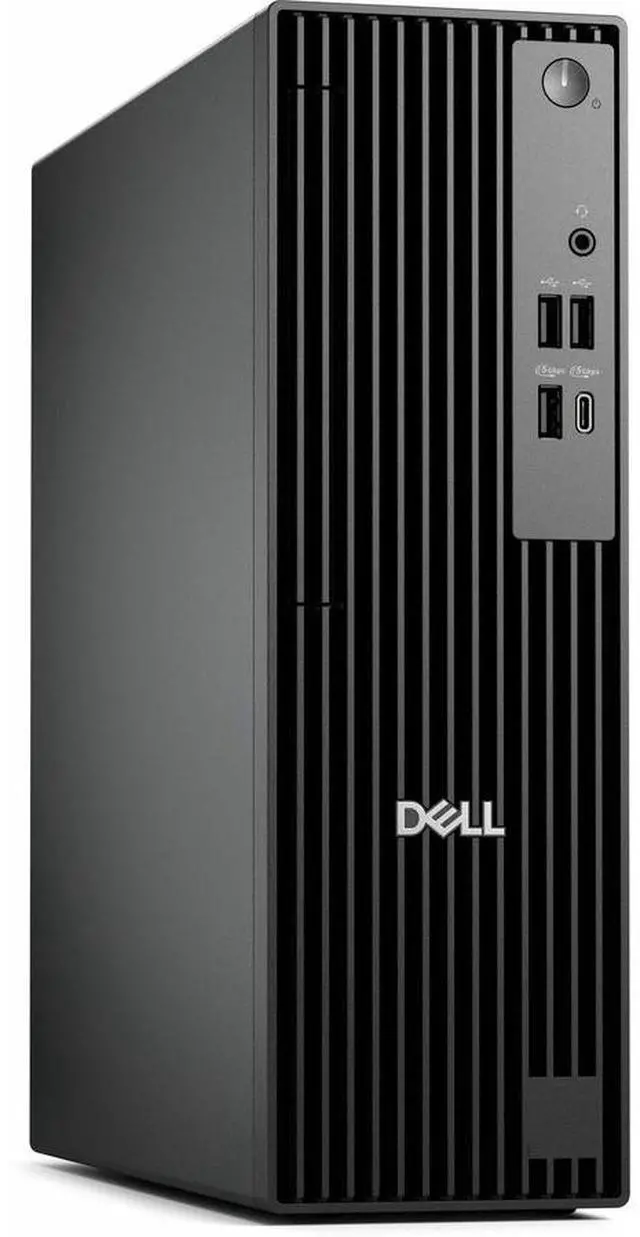
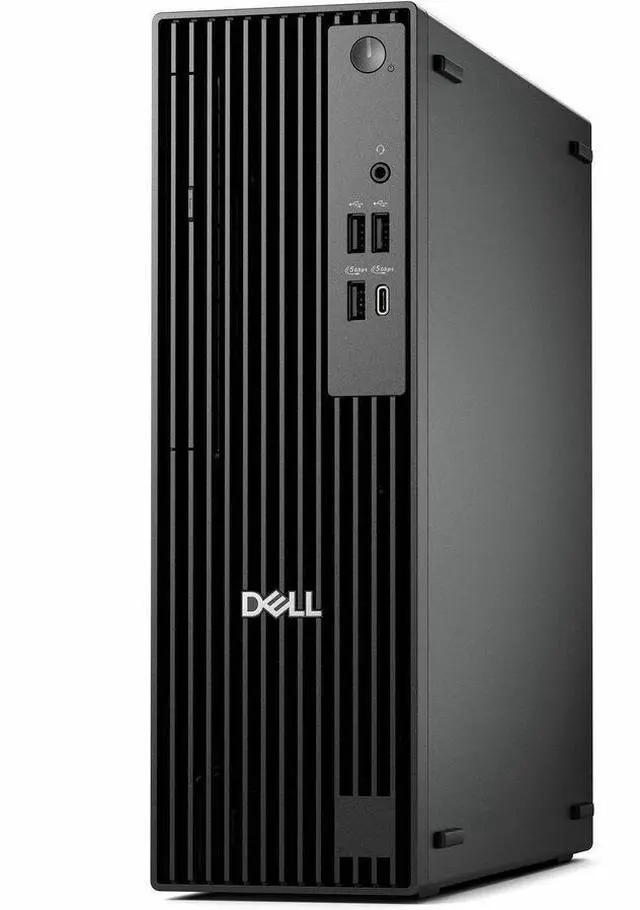
The Dell Pro QCS1250 Slim PC is a Windows 11 Pro business desktop with an Intel Core Ultra 5 235, 16GB DDR5 memory, and a 256GB SSD, suited to office productivity and mainstream work in a compact setup.
| Attribute | Value |
|---|---|
| Best For | Business and mainstream work tasks on a Windows 11 Pro desktop with 16 GB DDR5 memory and 256 GB SSD storage |
| Processor And Core Count | Intel Core Ultra 5 235, with a 3.40 GHz base frequency and up to 5 GHz turbo frequency |
| Graphics And AI Features | Intel Graphics with AI Boost |
| Memory Configuration | 16 GB DDR5 |
| Storage And Expansion | 256 GB SSD and DVD-Writer optical drive |
| Operating System | Windows 11 Pro |
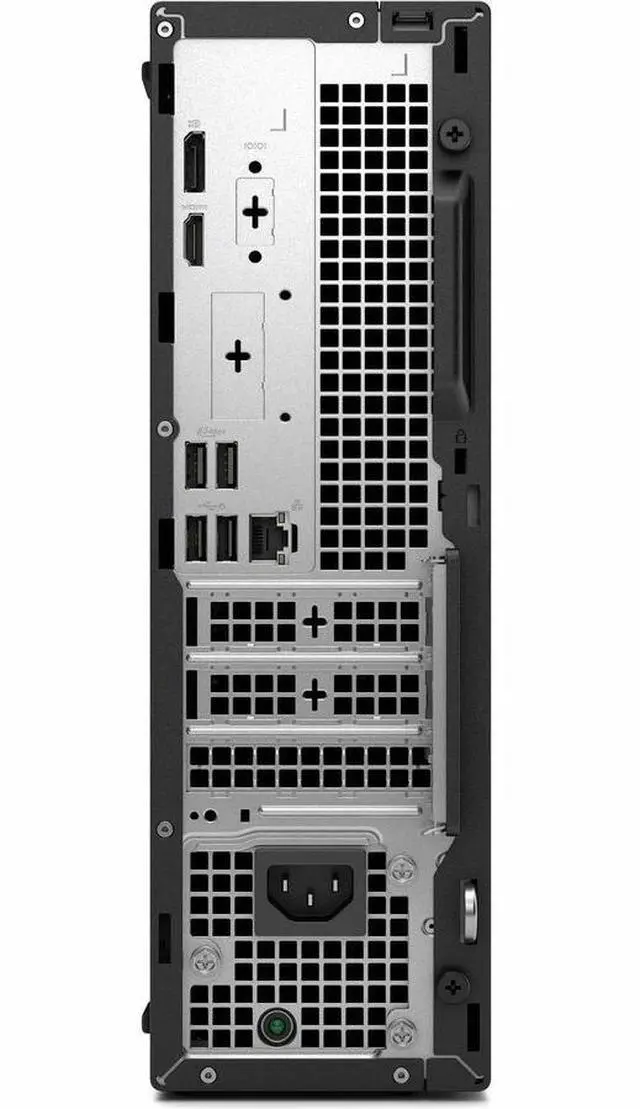
| Wired And Wireless Networking | Gigabit Ethernet; no WLAN |
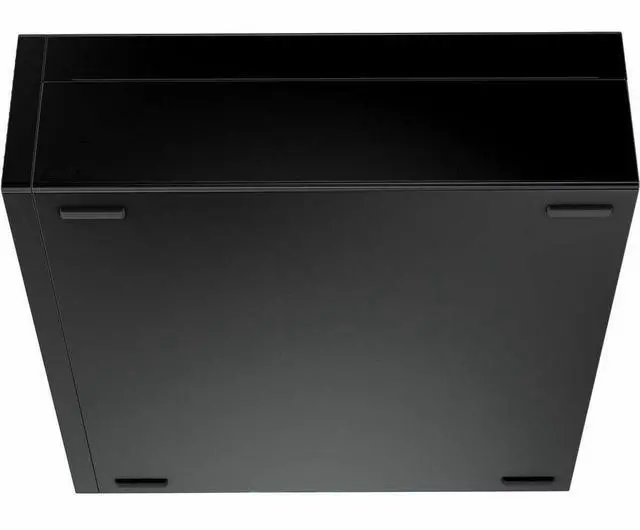
| Form Factor And Dimensions | Slim/Small Form Factor; 12 × 3.7 × 11.5 inches (H × W × D), 12.99 lb |
| Included Accessories | Keyboard, mouse, power cord, quick start guide, and documentation |
| Model Identifiers | Dell Pro series, model QCS1250; part number JWX5R; 2025 release |
Q: Should I choose the Dell Pro Slim QCS1250 with Core Ultra 5 235 or Core Ultra 7 265?
A: Choose the Core Ultra 5 235 configuration for a 14-core business desktop with a 13-TOPS NPU. Choose the Core Ultra 7 265 configuration when your work can benefit from its 20 cores and higher maximum processor frequency of 5.3 GHz, compared with 5.0 GHz for the 235. Both are QCS1250 options with integrated graphics.
Q: How does the QCS1250 with Core Ultra 5 235 compare with the Core i5-14500 version?
A: Both are 14-core QCS1250 options. Choose the Core Ultra 5 235 configuration when the included 13-TOPS NPU and Dell’s AI PC positioning matter to your workflow; choose the Core i5-14500 configuration for a conventional Core i5 setup. Compare the full memory, storage, and vPro configuration when selecting a specific SKU.
Q: Is the QCS1250 with Core Ultra 5 235 a better fit than the Core i3-14100 version for multitasking?
A: The Core Ultra 5 235 configuration has 14 processor cores, while Dell lists 4 cores for the QCS1250’s Core i3-14100 option. Choose the 235 when your work involves more simultaneous applications or when you want its 13-TOPS NPU; choose the i3 configuration for a lower-core-count business desktop setup.
Q: Should I get this QCS1250 with a 256GB or 512GB SSD?
A: Choose the 256GB configuration for a compact Windows and work-app setup; choose 512GB if you want more room for files and installed applications. Dell lists both capacities for the QCS1250, and its storage specifications also show support for M.2 SSDs up to 1TB.
Q: Is this PC suitable for office work and video meetings?
A: Yes. Its Core Ultra 5 processor, 16GB of DDR5 memory, 256GB SSD, and Windows 11 Pro make it suited to mainstream office tasks and multitasking. A monitor and meeting peripherals such as a webcam or headset may be needed; they are not listed in the package contents.
Q: Does this desktop have Wi-Fi?
A: Wi-Fi is not listed for this configuration. It does list Gigabit Ethernet, so plan on a wired network connection or check compatibility before purchasing a separate wireless adapter.
Q: Is it a good choice for gaming?
A: It is better suited to office and everyday computing than graphics-intensive gaming. The listed configuration uses Intel Graphics and does not list a dedicated graphics card; check the requirements of specific games before buying.
Q: Does it have a built-in DVD drive?
A: Yes. The product listing specifies a DVD-Writer, so the PC includes an optical drive for DVD use. A monitor is not listed among the package contents.
Q: Can I add a graphics card to the Dell Pro QCS1250?
A: Possibly, but don’t assume a standard or dual-slot card will fit. Reddit users discussing the QCS1250 raised clearance, slot-position, and power constraints. Check the exact card’s dimensions and power needs against the PC’s configuration before buying; this listing specifies Intel Graphics and a 180W power supply.
Q: Can I upgrade the QCS1250’s 256GB SSD to a larger NVMe drive?
A: A Reddit discussion asks about 2TB NVMe support, but the replies do not establish a definitive tested limit for every QCS1250 configuration. Confirm the drive’s form factor and compatibility for the specific system before purchasing an upgrade.
Q: Does every QCS1250 configuration include the listed drive bays and optical drive?
A: Not necessarily. A Reddit post describes a QCS1250 configuration that did not include an expected drive mount, and the discussion notes that some parts can depend on what was ordered. This product listing specifies a DVD-writer, but verify the exact included components for part number JWX5R before buying.


