















- HS-CAN Access
- MS-CAN Access
- Ford J1850
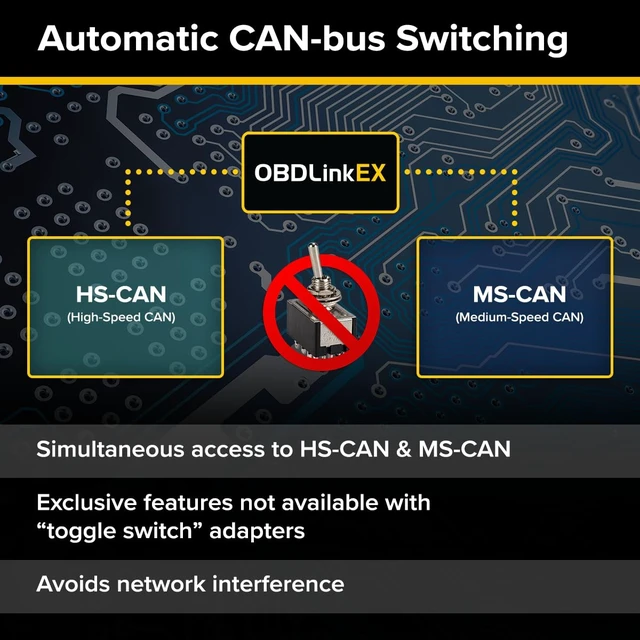
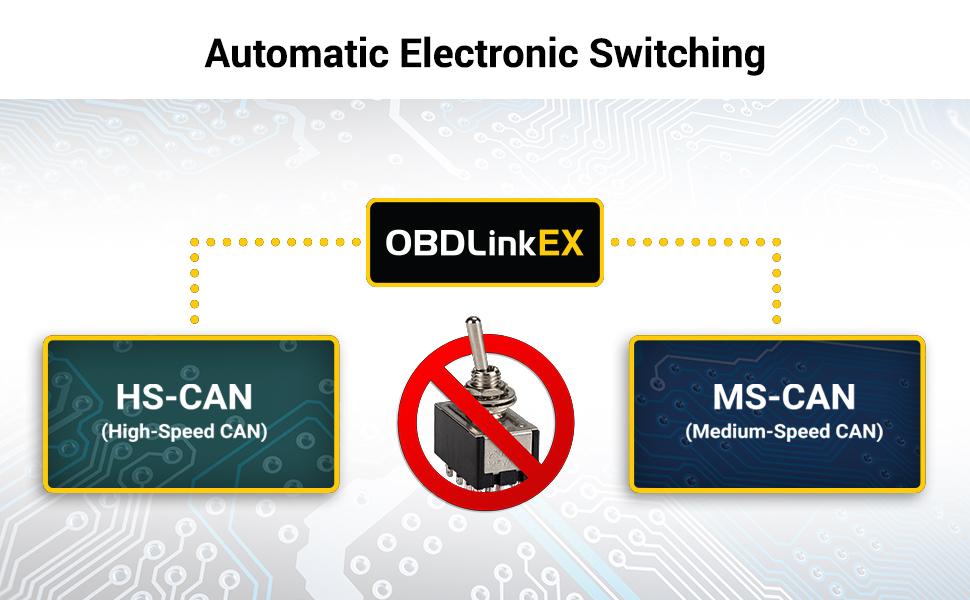
OBDLink EX switches seamlessly between HS-CAN, MS-CAN, and J1850 Ford networks. “No switch” means no worries about messing things up if you accidentally transmit on the wrong network
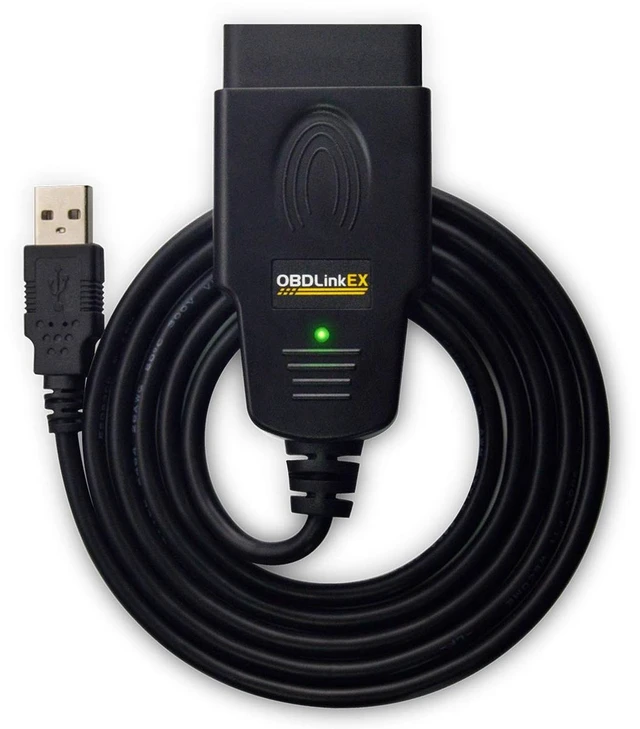
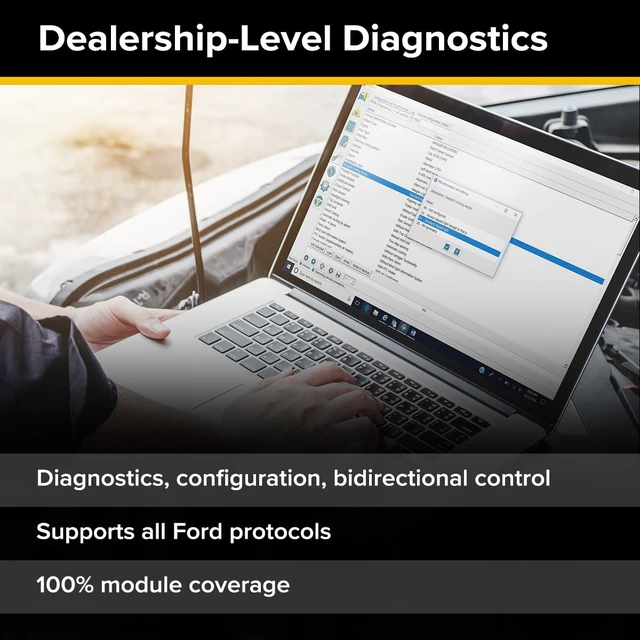
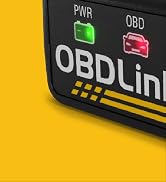
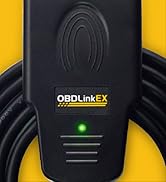
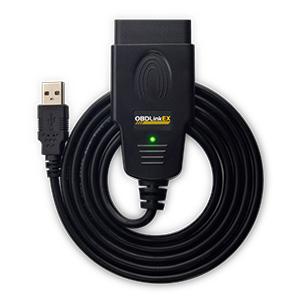
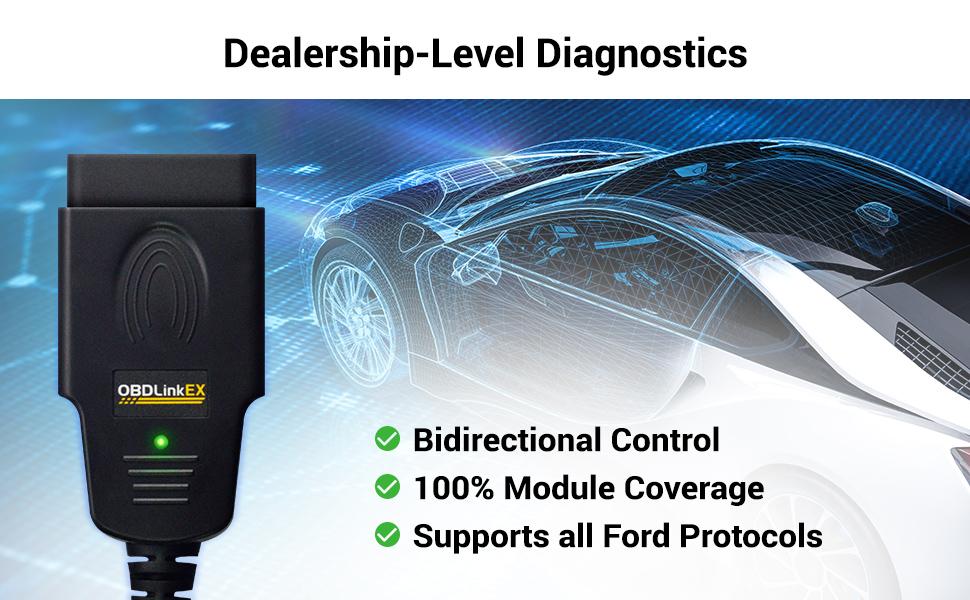
OBDLink EX is an affordable, user-friendly, professional-grade OBD adapter. Get dealership-level diagnostics without paying high dealership prices.
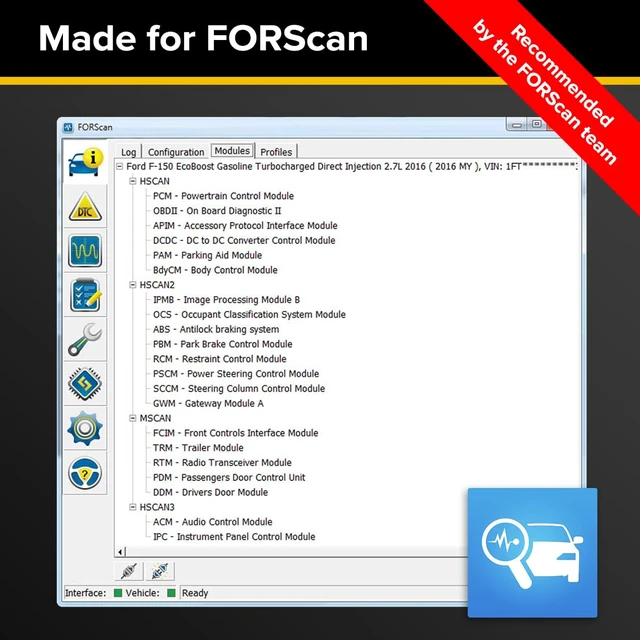
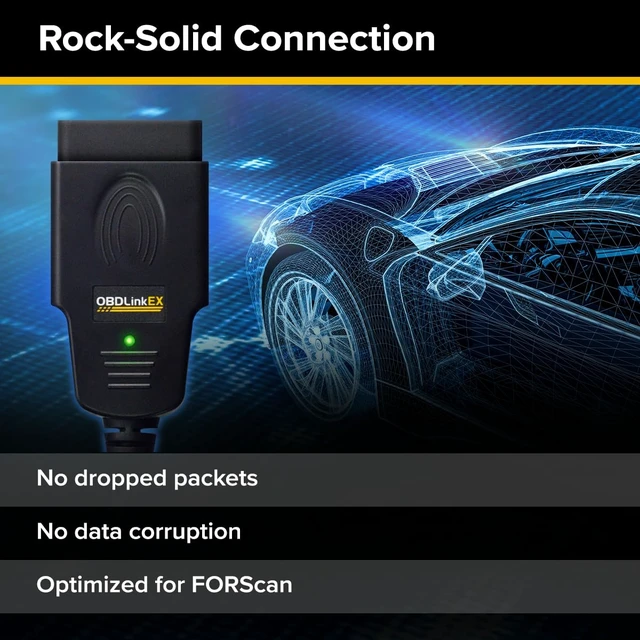
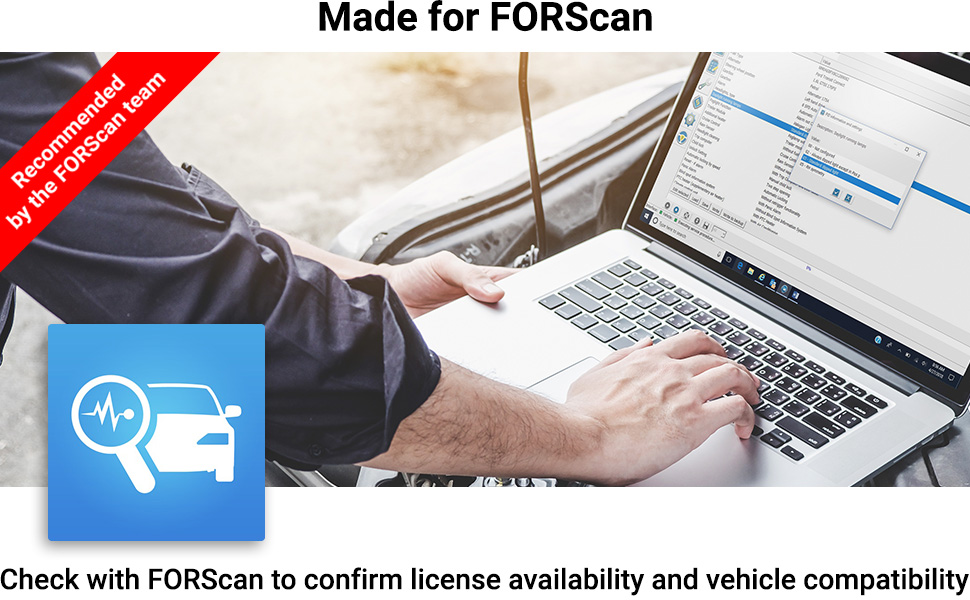
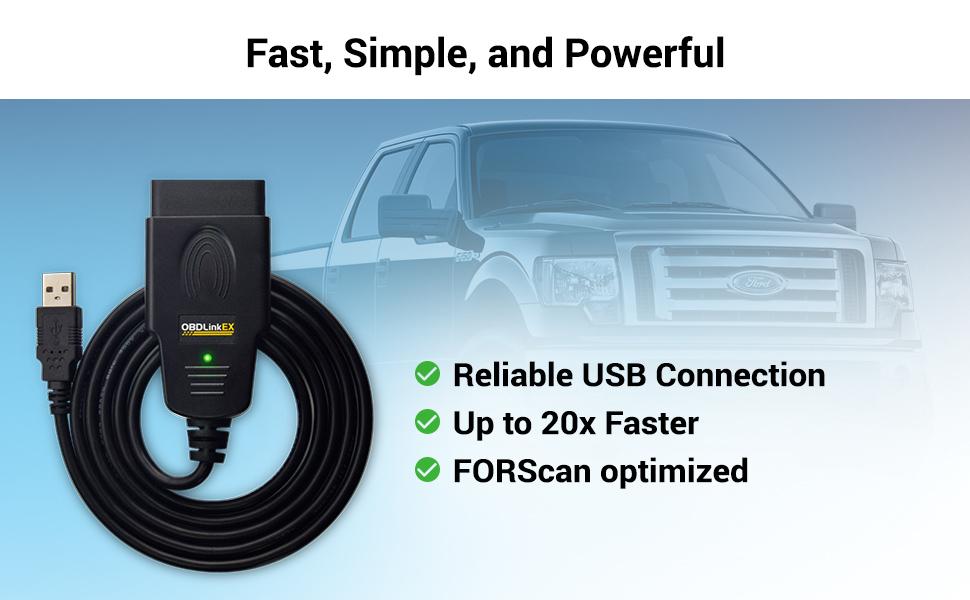
OBDLink EX is designed to take full advantage of all of the features of the FORScan software for Windows. In turn, FORScan takes advantage of exclusive OBDLink functionality.
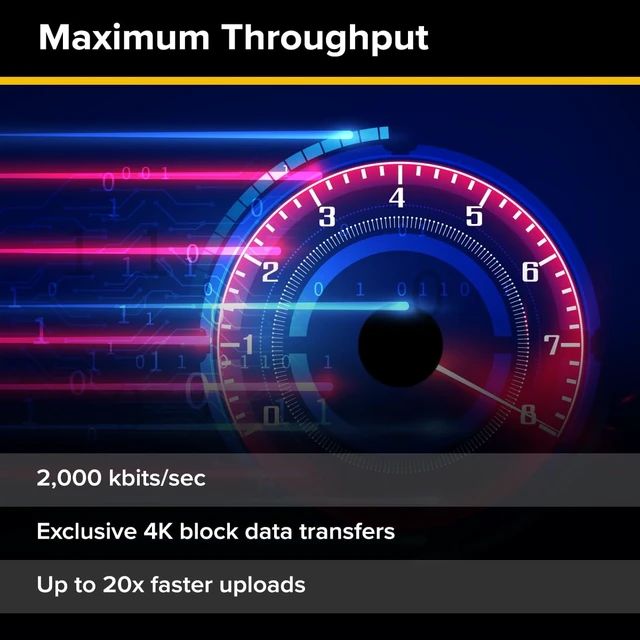
FORScan team recommends OBDLink EX for its connection reliability, lightning-fast data transfer speed, and support of the proprietary Ford CAN buses. This tool is specially designed for Ford, Lincoln, Mazda, & Mercury cars.
Due to recent processing issues, please confirm FORScan's availability in your region before purchasing.
- Access advanced functions not available with the tacky manual toggle switch adapters
- Simultaneously read parameters from ECUs on different CAN networks
- Switch seamlessly between HS-CAN, MS-CAN, and J1850 Ford networks
- “No switch” means no worries about accidentally transmitting on the wrong network
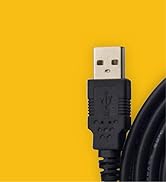
Installing USB drivers for OBDLink EX
Most of the time, OBDLink EX installation is a smooth process: the USB drivers should install automatically as soon as you plug it in. Unfortunately, certain laptop models feature a non-compliant USB 3.0 controller which sometimes causes problems for our customers. If you receive "USB not recognized" or similar error messages, try one of the following solutions:
- Plug OBDLink into a different USB port
- Connect OBDLink via a USB 2.0 hub
- Manually install the FTDI USB drivers
If none of the above solutions work, please contact OBDLink Support.
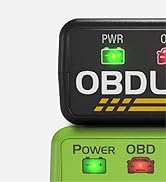
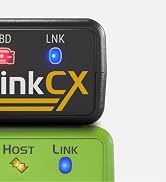
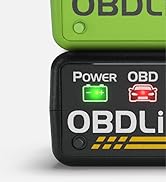
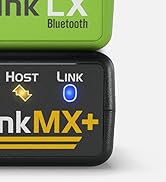
 OBDLink EX |  OBDLink MX+ | 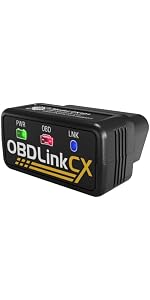 OBDLink CX | 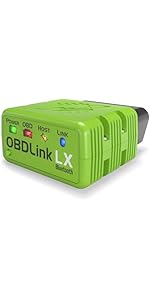 OBDLink LX | |
|---|---|---|---|---|
| Customer Reviews | — | — | — | — |
| Price | — | — | — | — |
| Compatible OS (Operating Systems) | Windows, Android* | iOS, Android, Windows | iOS, Android, Windows* | Android, Windows |
| OS Notes | * OTG Cable Required for Android Use | — | * BLE Adapter Required for Windows Use | Not for iOS Use |
| Connection Type | USB interface | Bluetooth v3.0 | Bluetooth v5.1 LE (BLE) | Bluetooth v3.0 |
| Connection Feature | Simple Wired Setup | Fast Data Transfer | Low Energy Use | Fast Data Transfer |
| Supported Protocols | OBD-II, Ford MS-CAN, Ford J1850 PWM | OBD-II, GM SW-CAN, Ford MS-CAN, GM & Ford J1850 PWM | BMW Optimized OBD-II | All Standard OBD-II |
| Voltage Rating | 12V (24V compatible) | 12V (24V tolerant) | 12V | 12V |
| OBDLink App Vehicle Specific Diagnostics | In-App Purchase | Included | In-App Purchase | In-App Purchase |
| Additional Benefit | Recommended by FORScan | OBDLink app premium features included | Recommended by Bimmercode | Recommended by MotoScan |
- HS-CAN Access
- MS-CAN Access
- Ford J1850
OBDLink EX switches seamlessly between HS-CAN, MS-CAN, and J1850 Ford networks. “No switch” means no worries about messing things up if you accidentally transmit on the wrong network
OBDLink EX is an affordable, user-friendly, professional-grade OBD adapter. Get dealership-level diagnostics without paying high dealership prices.
OBDLink EX is designed to take full advantage of all of the features of the FORScan software for Windows. In turn, FORScan takes advantage of exclusive OBDLink functionality.
FORScan team recommends OBDLink EX for its connection reliability, lightning-fast data transfer speed, and support of the proprietary Ford CAN buses. This tool is specially designed for Ford, Lincoln, Mazda, & Mercury cars.
Due to recent processing issues, please confirm FORScan's availability in your region before purchasing.
- Access advanced functions not available with the tacky manual toggle switch adapters
- Simultaneously read parameters from ECUs on different CAN networks
- Switch seamlessly between HS-CAN, MS-CAN, and J1850 Ford networks
- “No switch” means no worries about accidentally transmitting on the wrong network
Installing USB drivers for OBDLink EX
Most of the time, OBDLink EX installation is a smooth process: the USB drivers should install automatically as soon as you plug it in. Unfortunately, certain laptop models feature a non-compliant USB 3.0 controller which sometimes causes problems for our customers. If you receive "USB not recognized" or similar error messages, try one of the following solutions:
- Plug OBDLink into a different USB port
- Connect OBDLink via a USB 2.0 hub
- Manually install the FTDI USB drivers
If none of the above solutions work, please contact OBDLink Support.
OBDLink EX | 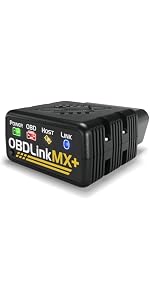 OBDLink MX+ | OBDLink CX | OBDLink LX | |
|---|---|---|---|---|
| Customer Reviews | — | — | — | — |
| Price | — | — | — | — |
| Compatible OS (Operating Systems) | Windows, Android* | iOS, Android, Windows | iOS, Android, Windows* | Android, Windows |
| OS Notes | * OTG Cable Required for Android Use | — | * BLE Adapter Required for Windows Use | Not for iOS Use |
| Connection Type | USB interface | Bluetooth v3.0 | Bluetooth v5.1 LE (BLE) | Bluetooth v3.0 |
| Connection Feature | Simple Wired Setup | Fast Data Transfer | Low Energy Use | Fast Data Transfer |
| Supported Protocols | OBD-II, Ford MS-CAN, Ford J1850 PWM | OBD-II, GM SW-CAN, Ford MS-CAN, GM & Ford J1850 PWM | BMW Optimized OBD-II | All Standard OBD-II |
| Voltage Rating | 12V (24V compatible) | 12V (24V tolerant) | 12V | 12V |
| OBDLink App Vehicle Specific Diagnostics | In-App Purchase | Included | In-App Purchase | In-App Purchase |
| Additional Benefit | Recommended by FORScan | OBDLink app premium features included | Recommended by Bimmercode | Recommended by MotoScan |

OBDLink MX+

OBDLink LX

OBDLink CX

OBDLink EX
BEYOND DIAGNOSTICS
