

Your Browsing History

Meet Your Seller

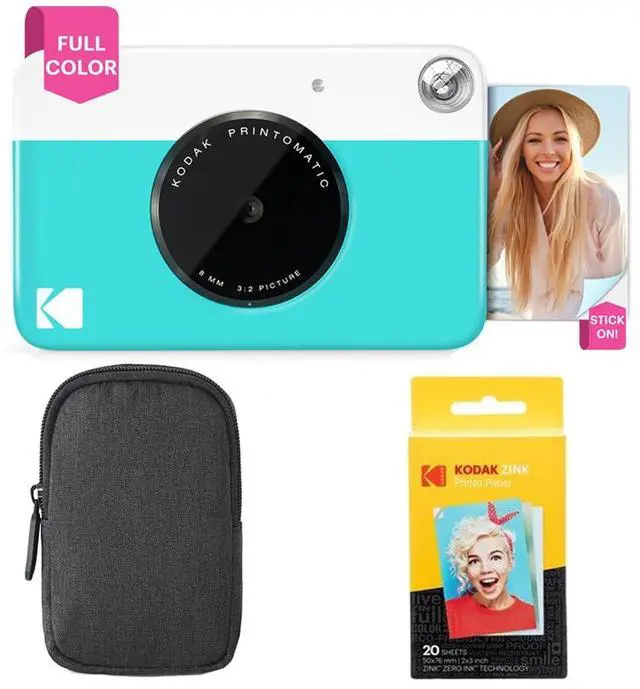
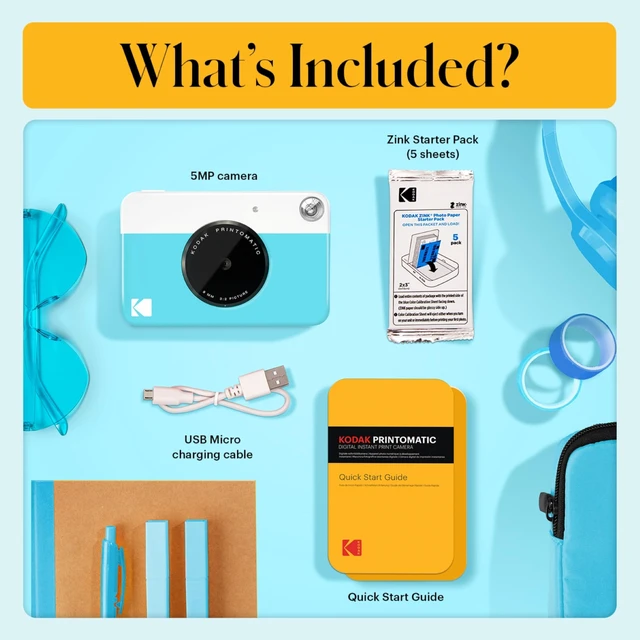
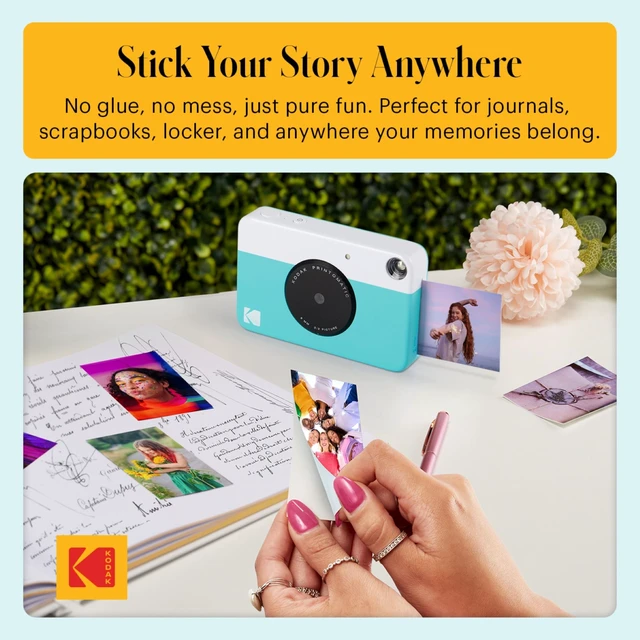
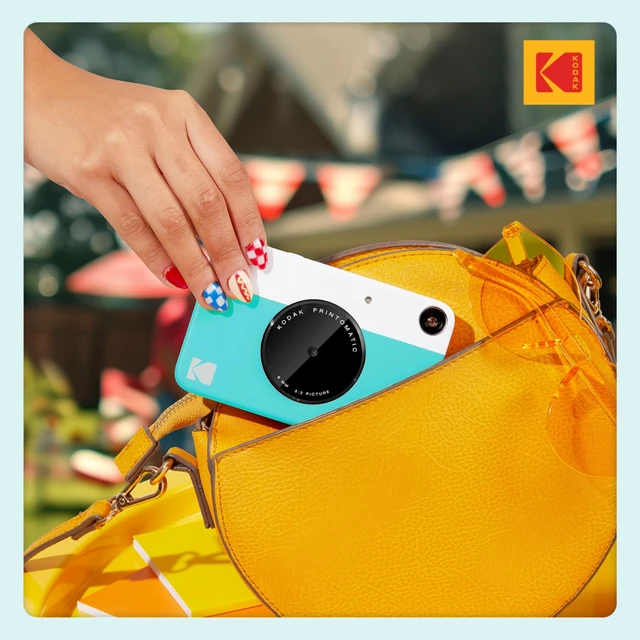
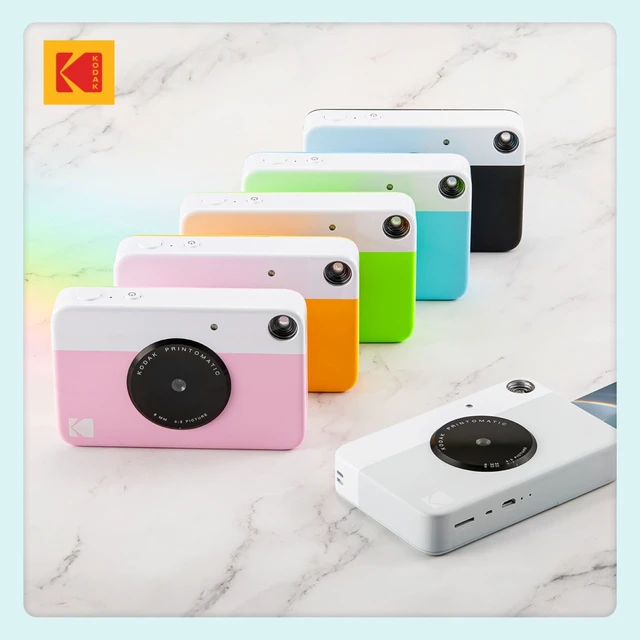


Printomatic Full-Color Instant Print Camera Starter Bundle + Carrying Case + Zink 20pk Photo Paper - Colorful Photos On 2x3 Sticky-Back Paper - Fun Gift for Birthday Christmas Holiday - Blue
Limited time offer, ends 10/15 By Lu Sincere Store
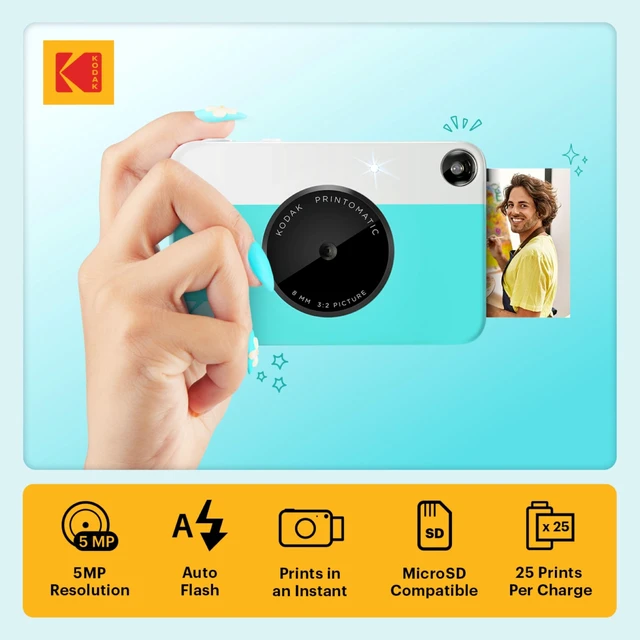
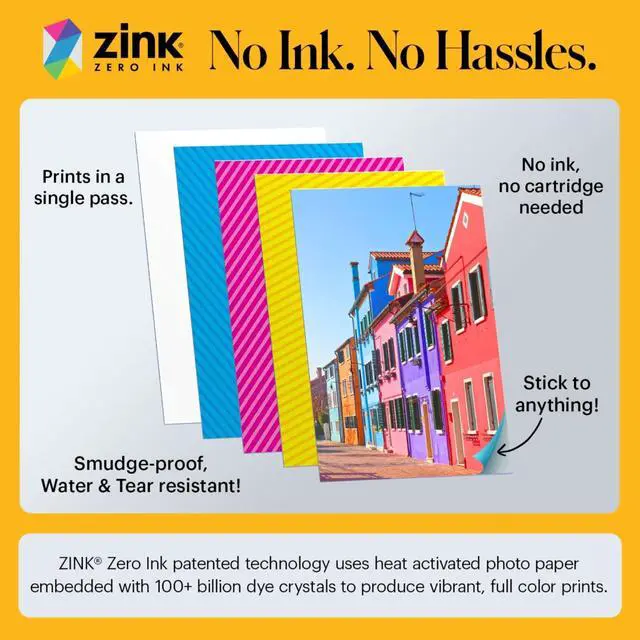
- ALL-IN-ONE PHOTOGRAPHY - The PRINTOMATIC Camera combines a powerful 5MP sensor with a wide angle f/2 lens that instantly prints vibrant photos. Fast, easy and fun forget computers. Forget cumbersome printers; just point and shoot. The camera's speed lets you shoot a new photo while printing the previous shot. ONE STOP PRINTING - The Printomatic camera instantly prints 2x3" photos. The camera uses Zink Photo Paper, so no ink cartridges, toners or film are needed. The photo prints are durable, water-resistant, tear resistant and smudge free. CHARMING DESIGN Comes in a variety of fun, bold colors. Compact design slips neatly into your shirt pocket. It is easy to carry around as you go about your day, ensuring you always have your Printomatic with you. INSTANT VALUE - The Printomatic Camera is an easy-to-use product. Saves photos to a MicroSD card. No USB Cable Included. To get the best possible photo quality, make sure you properly calibrate your camera's printer by inserting the Blue Color Calibration sheet with the barcode facing down. The glossy side of the paper should be facing up. Allow the printer a few minutes to cool down between prints and keep the photo papers in a cool and dry place. The quality of the photos can also depend on the lighting conditions where the picture was taken. This can affect the saturation of the image after it gets printed. You must make sure that the Zink Photo Paper is inserted correctly and that nothing is obstructing the exit slot wher
+
+
Overview
Specs
Reviews

Any questions? Our AI mode will help you find out quickly.
Try me now
ALL-IN-ONE PHOTOGRAPHY - The PRINTOMATIC Camera combines a powerful 5MP sensor with a wide angle f/2 lens that instantly prints vibrant photos. Fast, easy and fun forget computers. Forget cumbersome printers; just point and shoot. The camera's speed lets you shoot a new photo while printing the previous shot. ONE STOP PRINTING - The Printomatic camera instantly prints 2x3" photos. The camera uses Zink Photo Paper, so no ink cartridges, toners or film are needed. The photo prints are durable, water-resistant, tear resistant and smudge free. CHARMING DESIGN Comes in a variety of fun, bold colors.
Compact design slips neatly into your shirt pocket. It is easy to carry around as you go about your day, ensuring you always have your Printomatic with you. INSTANT VALUE - The Printomatic Camera is an easy-to-use product. Saves photos to a MicroSD card. No USB Cable Included. To get the best possible photo quality, make sure you properly calibrate your camera's printer by inserting the Blue Color Calibration sheet with the barcode facing down. The glossy side of the paper should be facing up. Allow the printer a few minutes to cool down between prints and keep the photo papers in a cool and dry place.
The quality of the photos can also depend on the lighting conditions where the picture was taken. This can affect the saturation of the image after it gets printed. You must make sure that the Zink Photo Paper is inserted correctly and that nothing is obstructing the exit slot where the pictures come out. Avoid extremely cold environments, as low temperatures can shorten the battery life and reduce camera performance. If you are experiencing a paper jam with your camera, make sure to turn the printer off and on again. This should eject the paper out.
Do not pull out the paper by hand
Compact design slips neatly into your shirt pocket. It is easy to carry around as you go about your day, ensuring you always have your Printomatic with you. INSTANT VALUE - The Printomatic Camera is an easy-to-use product. Saves photos to a MicroSD card. No USB Cable Included. To get the best possible photo quality, make sure you properly calibrate your camera's printer by inserting the Blue Color Calibration sheet with the barcode facing down. The glossy side of the paper should be facing up. Allow the printer a few minutes to cool down between prints and keep the photo papers in a cool and dry place.
The quality of the photos can also depend on the lighting conditions where the picture was taken. This can affect the saturation of the image after it gets printed. You must make sure that the Zink Photo Paper is inserted correctly and that nothing is obstructing the exit slot where the pictures come out. Avoid extremely cold environments, as low temperatures can shorten the battery life and reduce camera performance. If you are experiencing a paper jam with your camera, make sure to turn the printer off and on again. This should eject the paper out.
Do not pull out the paper by hand
Warranty & Returns
Warranty, Returns, And Additional Information
Warranty
- Please contact the Seller directly for warranty information. Warranty information may also be found on the Manufacturer's website.
- CONTACT
Return Policies
- Return for refund within: 30 days
- Return for replacement within: 30 days
- This item is covered by Lu Sincere Store Return Policy
Manufacturer Contact Info
- For a directory of all our manufacturers, please click below.
- Manufacturers Directory
LOADING...