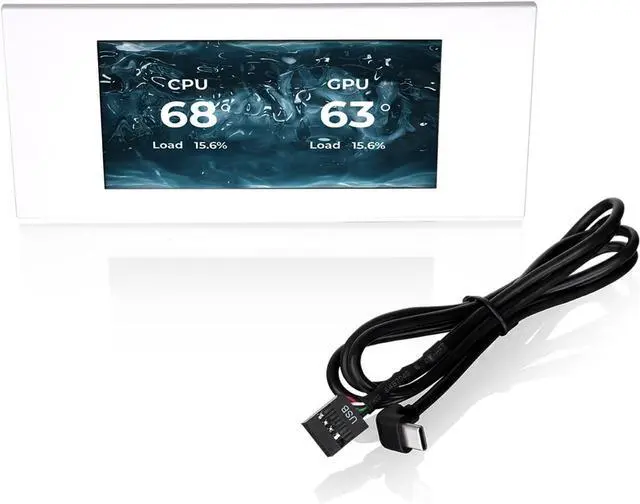
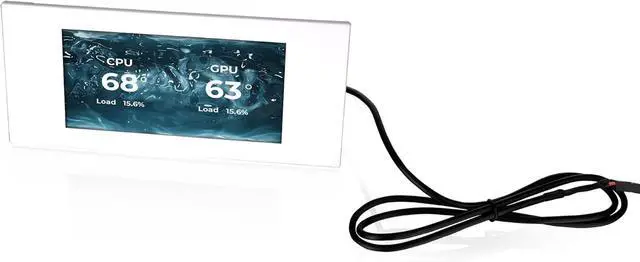
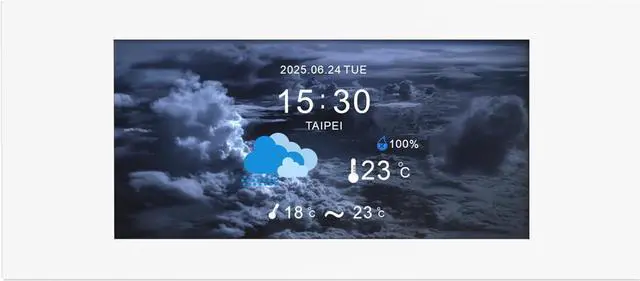
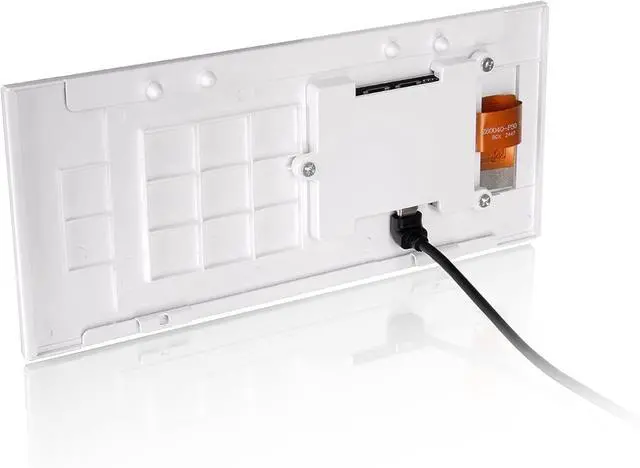
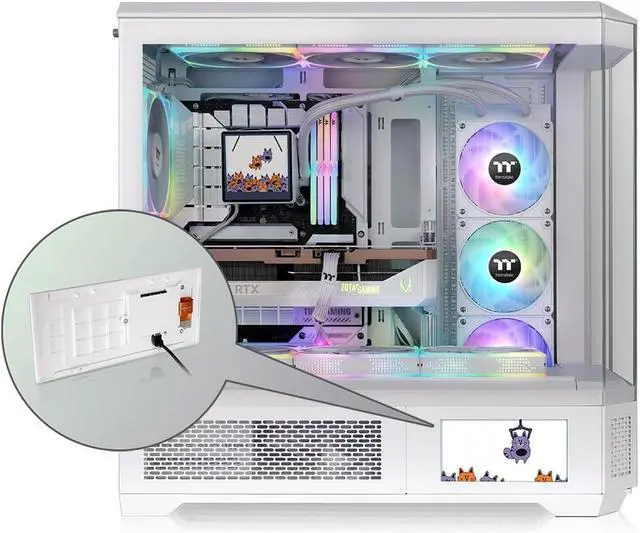
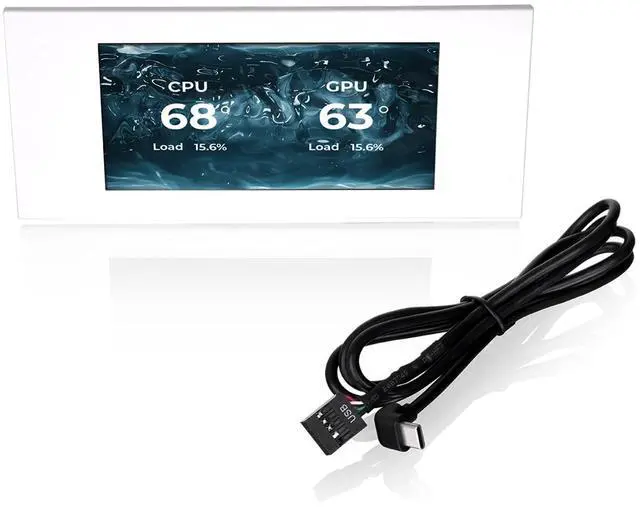
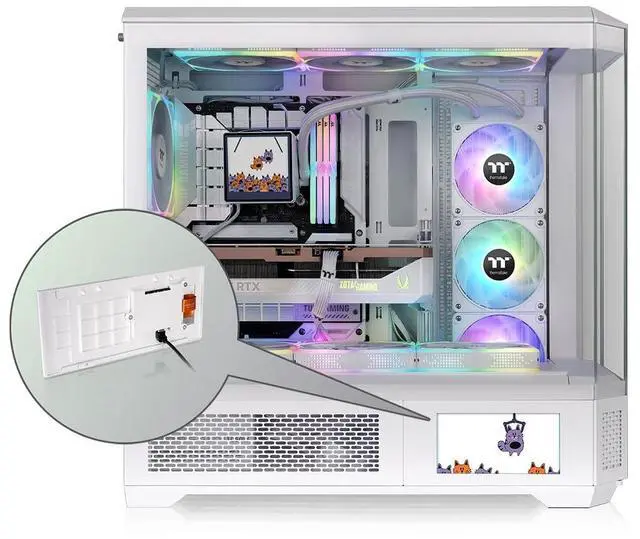
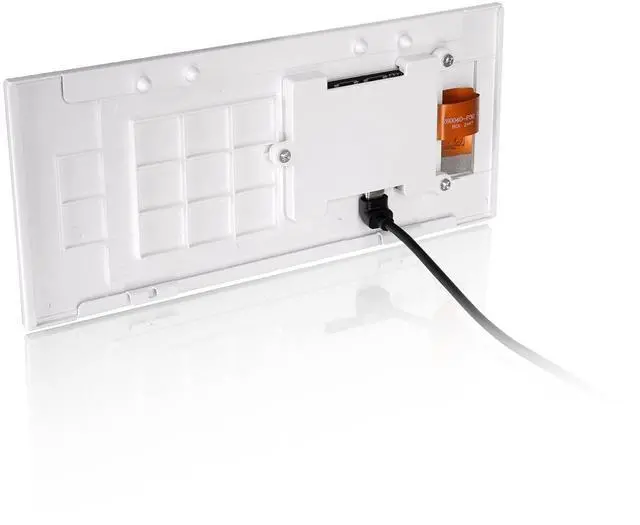
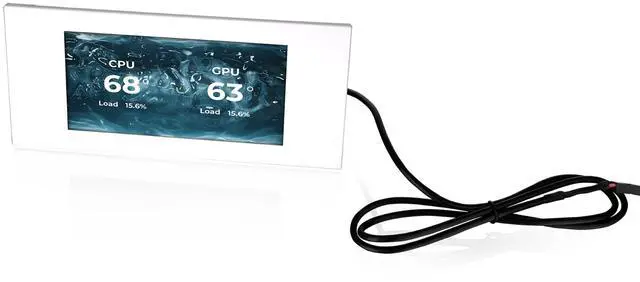
The Thermaltake View 600 TG 6.0-inch LCD Screen Panel Kit is a chassis accessory for View 600 TG owners who want a customizable 1480×720 display for system monitoring, graphics, or video, controlled through TT RGB PLUS 3.0.
Recommended For
- View 600 TG owners building a display-focused PC showcase who want to replace the case’s lower panel with an integrated screen for custom visuals or animations.
- View 600 TG users who want CPU, GPU, or memory temperatures and other system information visible on the case while the PC is running.
- PC builders who enjoy tailoring a case display with their own images or GIFs and are willing to configure it through Thermaltake’s TT RGB PLUS software.
- Thermaltake Ultra-series users who want the case display to complement or interact with other compatible LCD components through TT RGB PLUS.
Real-World Use Scenarios
- During a game or other demanding workload, display CPU and GPU temperatures or load on the case so you can check system activity at a glance without opening a monitoring app.
- When tuning fan curves or checking cooling after a hardware change, keep temperature and frequency readings visible on the case and see how they respond under load.
- For a PC placed where guests can see it, use a custom image, GIF, or video to make the case display part of the build’s visual presentation rather than leaving a default screen in place.
- For a personalized desktop setup, set a custom startup or standby image so the case has a chosen look when the PC is idle or being powered on.
- When building a coordinated Thermaltake setup with other compatible Ultra-series LCD components, use the software to customize their displays together for a more unified look across the PC.




 here!