




 here!
I’m your shopping assistant for PC builds, upgrades, and everything tech.
Got questions? Ask away!
Start a conversation
here!
I’m your shopping assistant for PC builds, upgrades, and everything tech.
Got questions? Ask away!
Start a conversation Top Rated




Any questions? Ask CelesteSM will help you find out quickly.


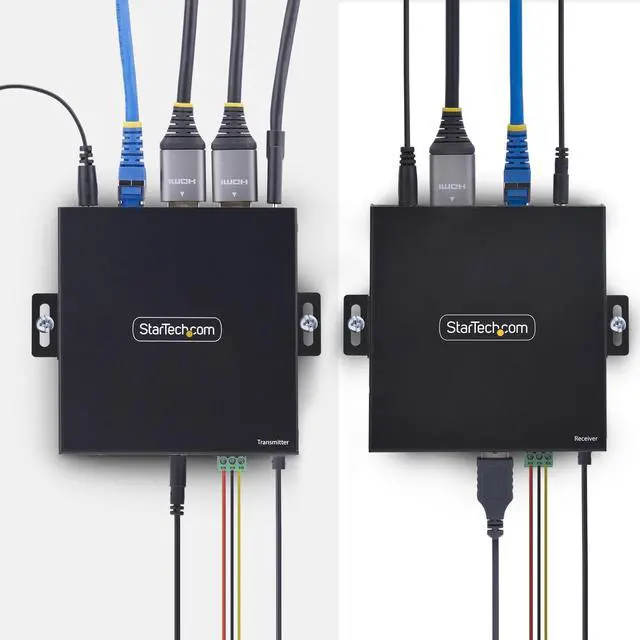
Remotely access and control a computer over a TCP/IP network using a keyboard, mouse, and 4K 60Hz HDMI monitor, while keeping the system secure from unauthorized access or physical damage
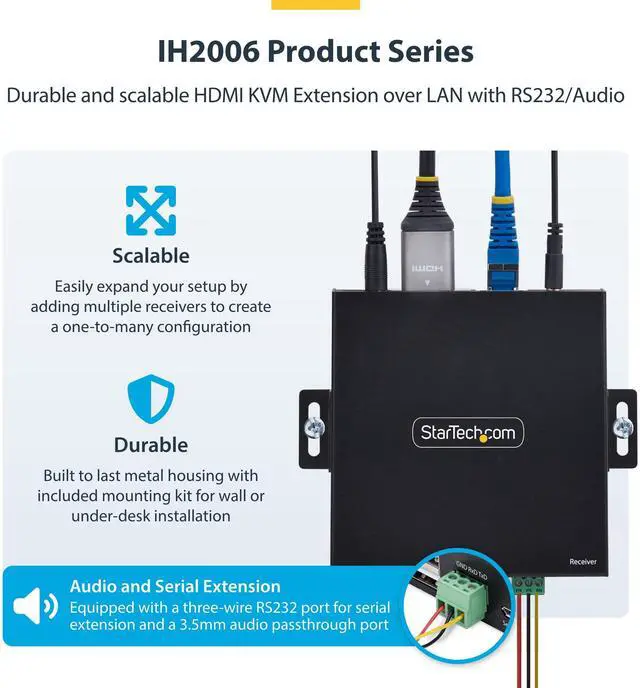
Durable and scalable HDMI KVM Extension over LAN with RS232/Audio


Easily expand your setup by adding multiple receivers to create a one-to-many configuration.

Built to last metal housing with included mounting kit for wall or under-desk installation?
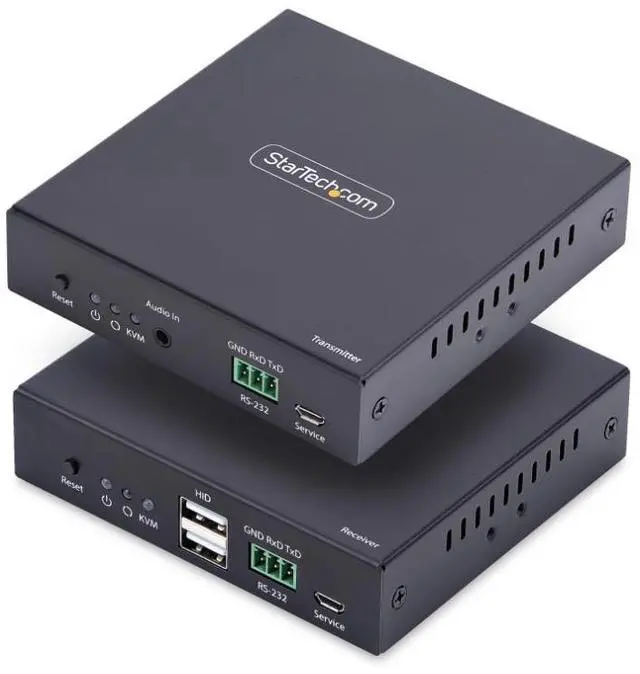
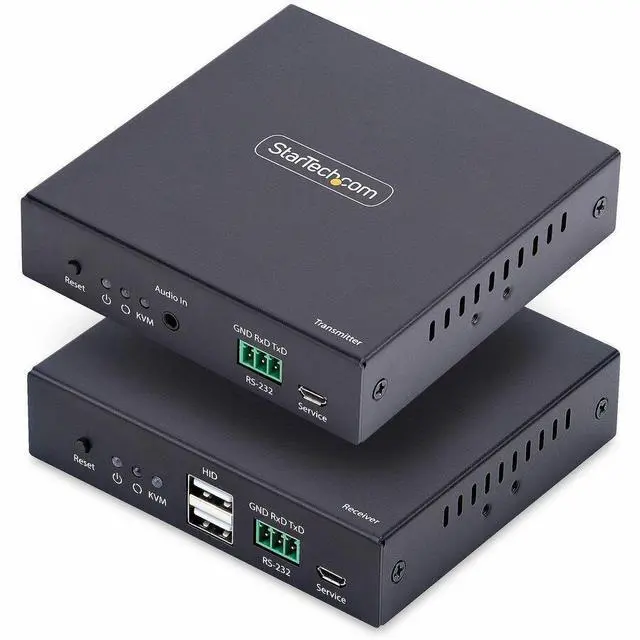
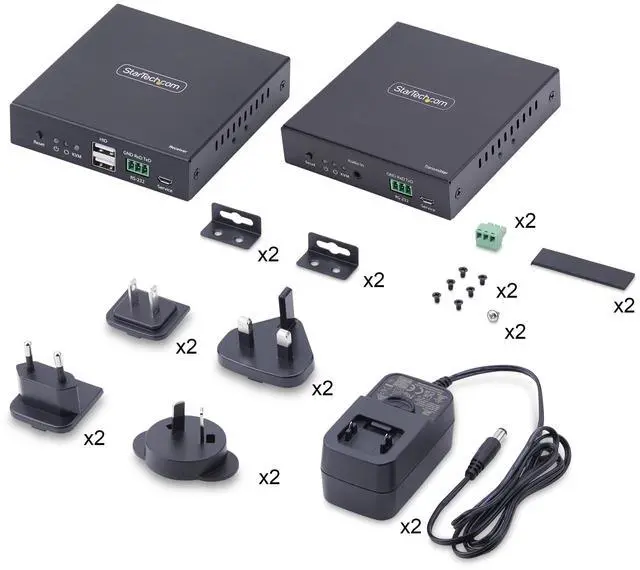
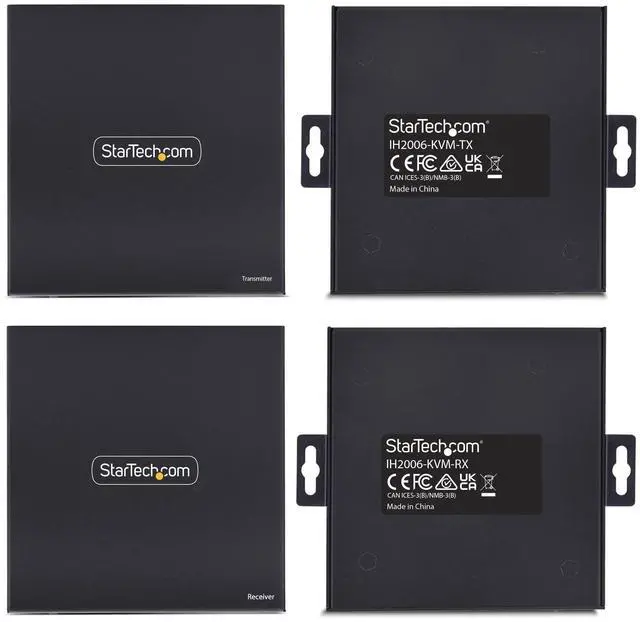
With 1x KVM Transmitter and 1x KVM Receiver


IP Video Distribution kit requires no configuration to get it working; Compatible with any operating system including Windows, macOS and Linux, as well as all hardware platforms such as Intel, AMD, Snapdragon/ARM and Apple Silicon.
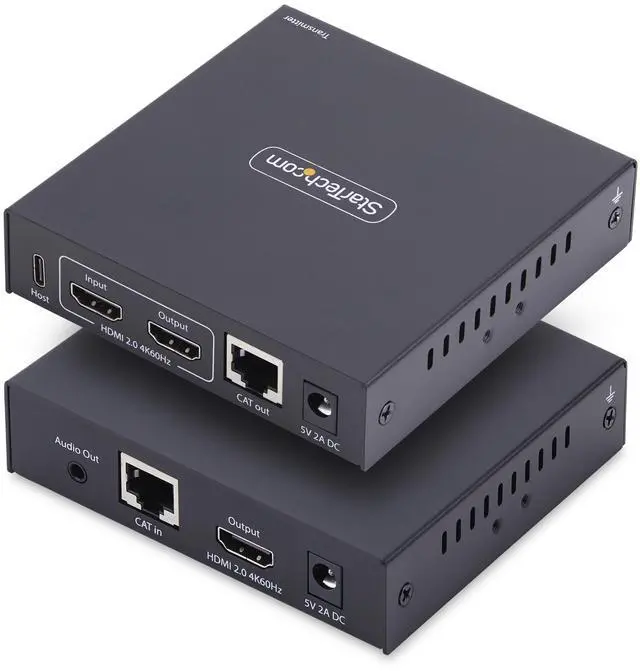
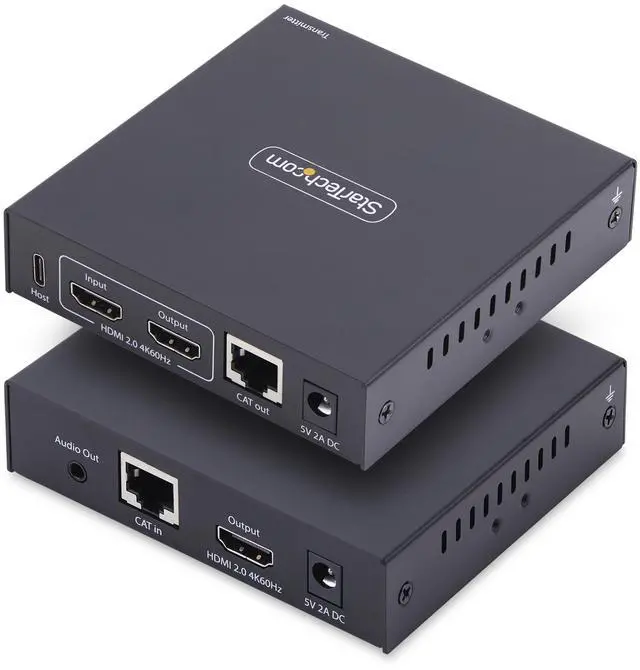
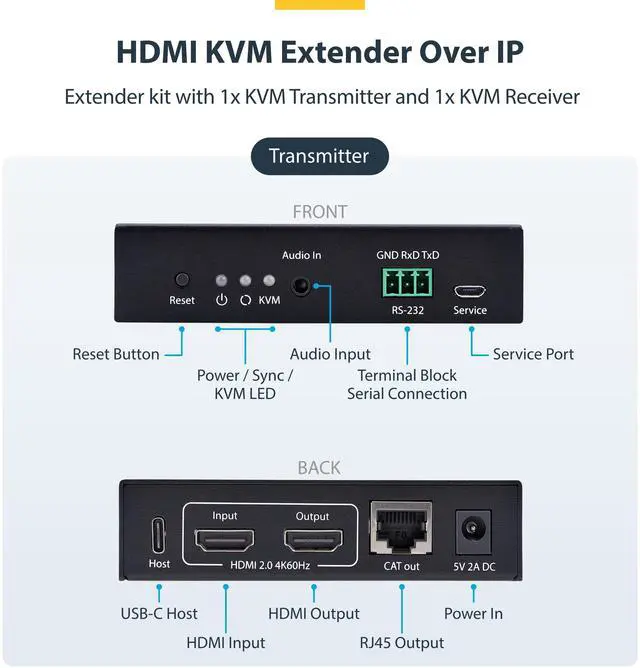
IP KVM Transmitter features an HDMI output to connect a local display, allowing you to view the content without being at the receiver's location
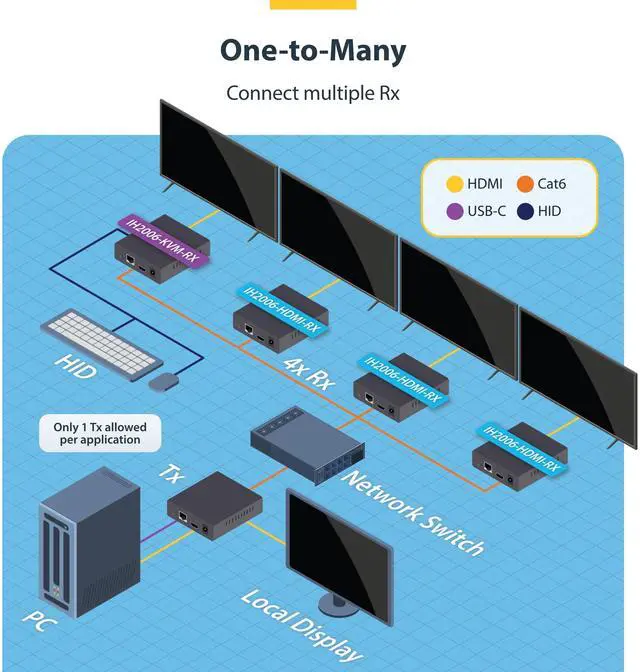
Designed to grow with your business, the KVM extender supports both one-to-one and one-to-many configurations by adding IP KVM receivers (sold separately), ensuring a flexible and future-ready solution.
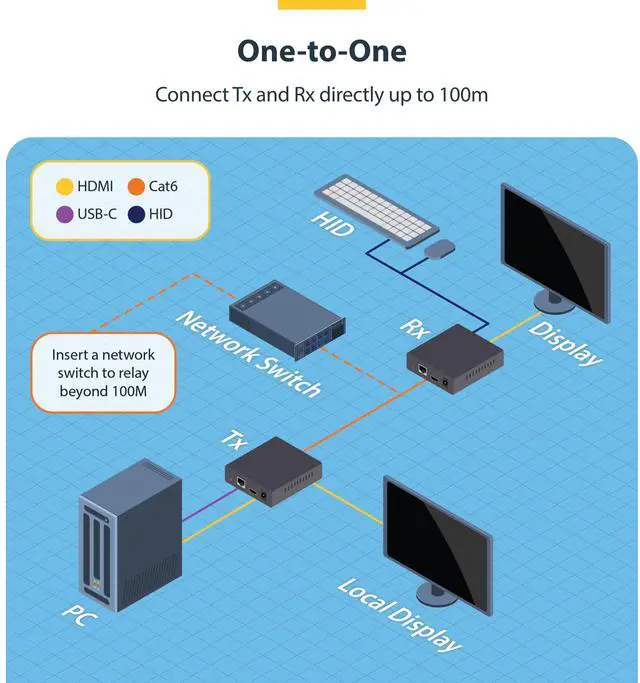
Connect Tx and Rx directly up to 100m

Connect multiple Rx


Experienced Technical Advisors — North American Based


Interfaces:
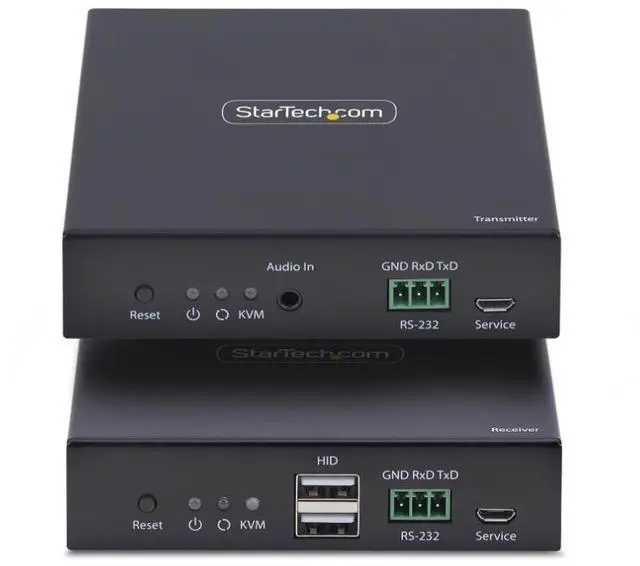
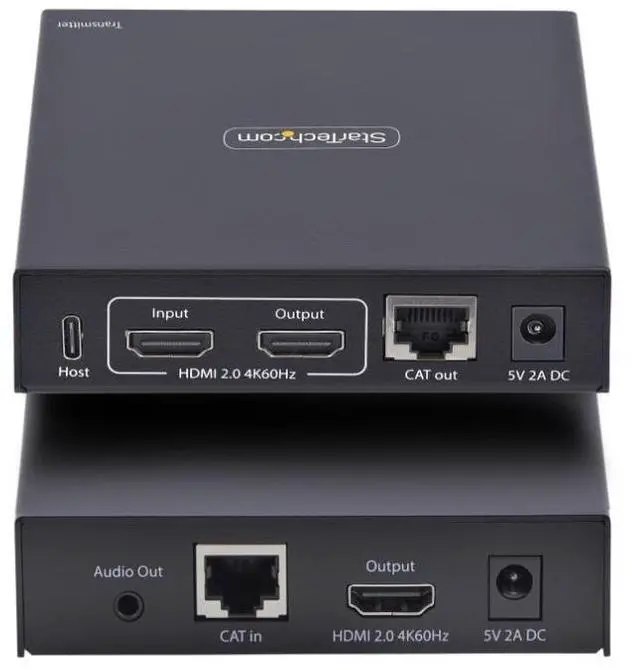
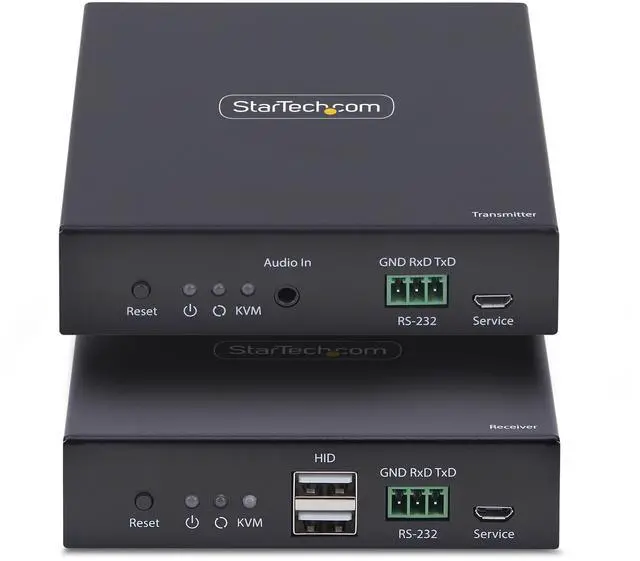
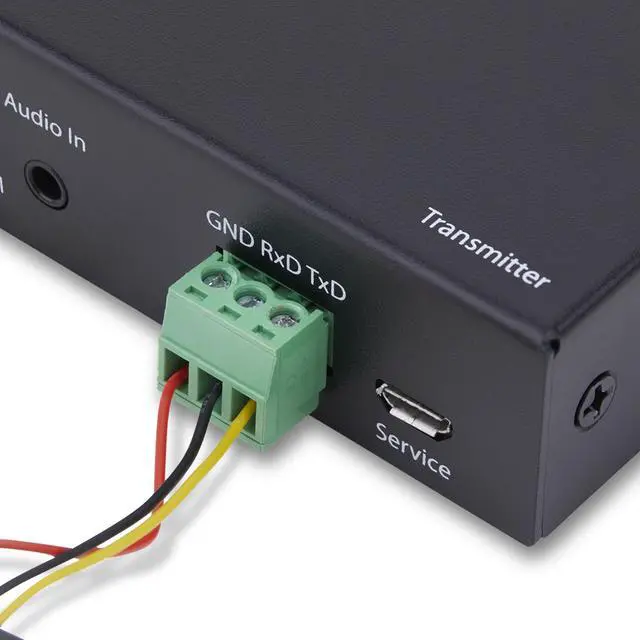
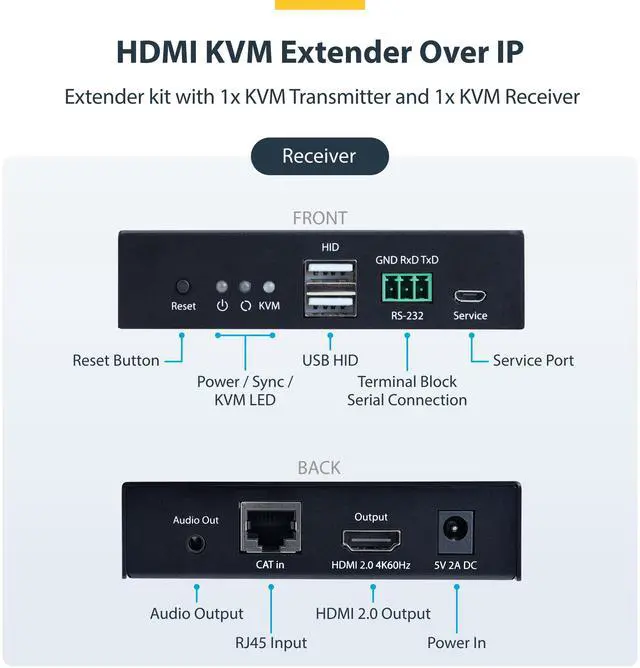
2 - USB 2.0 Type-A; 1 - Terminal Block (3 Wire); 1 - 3.5mm Stereo Female 3 pos; 2 - RJ-45; 2 - HDMI; 2 - USB Micro-B (5 pin). Host Connectors: 1 - Terminal Block (3 Wire); 1 - USB 2.0 Type-C; 1 - HDMI; 1 - 3.5mm Stereo Female 3 pos.
We want to ensure your holiday shopping this year is hassle-free. That’s why we’re automatically extending our return policies on almost every product! For purchases placed between November 1st, 2025 and December 31, 2025 you will have until January 31, 2026 to return your product.
The StarTech IH2006-KVM-EXTENDER is an IP KVM extender kit that lets users control a computer from a remote location with USB keyboard and mouse access and HDMI video up to 4K at 60Hz. It suits control rooms, offices, and professional installations that need to separate a computer from its operators.
| Attribute | Value |
|---|---|
| Best For | Remote operation of a PC with a keyboard, mouse, and HDMI display over an IP network |
| Video And Resolution | HDMI 2.0 video up to 3840 × 2160 at 60Hz; HDMI audio supports 2 channels |
| Ports And Interfaces | Console connections include 2 USB 2.0 Type-A, 2 RJ-45, 2 HDMI, a 3-wire terminal block, and a 3.5mm stereo jack; host connections include HDMI, USB 2.0 Type-C, a 3-wire terminal block, and a 3.5mm stereo jack; also includes 2 USB Micro-B interfaces |
| Network And Control | IP control with remote operation; no drivers or software required |
| Power | 10W power consumption; includes 2 AC adapters with 100–240V AC input and 5V, 2A output; positive center-tip polarity, Type M plug |
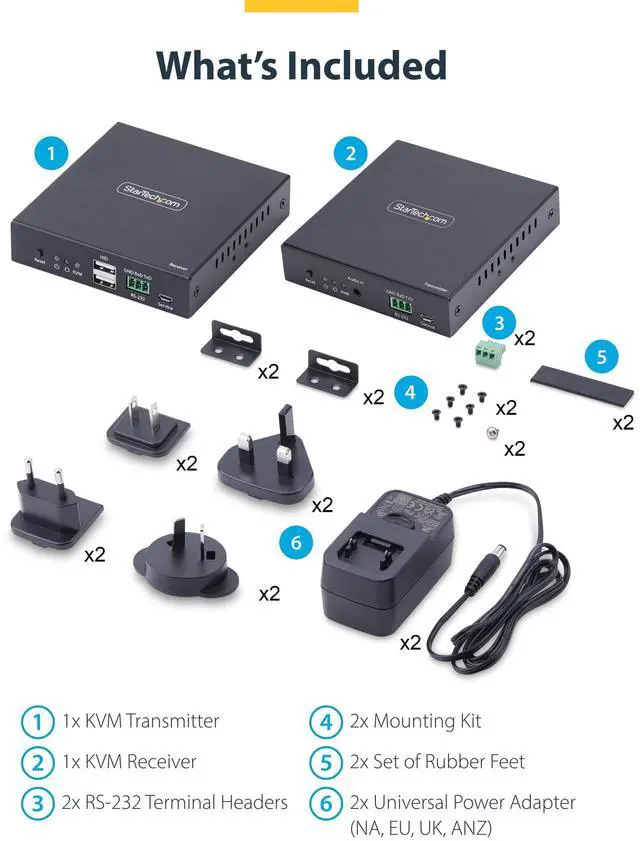
| Installation And Included Accessories | Metal extender with wall, surface, or desktop mounting options; package includes transmitter, receiver, 2 RS-232 terminal headers, 2 mounting kits, 2 sets of rubber feet, 2 universal power adapters, and a quick-start guide |
| Operating Environment | Operating temperature −20°C to 60°C; storage temperature −30°C to 70°C; 0%–90% non-condensing humidity |
| Physical Specifications | 4.2 × 4.1 × 1 in (106 × 103 × 25.1 mm); product weight 11 oz (312 g); black |
| Compliance | RoHS compliant; IP00 rating |
| Model Identifiers | StarTech.com HDMI KVM Extender, series HDMI KVM Extender; model and part number IH2006-KVM-EXTENDER |


