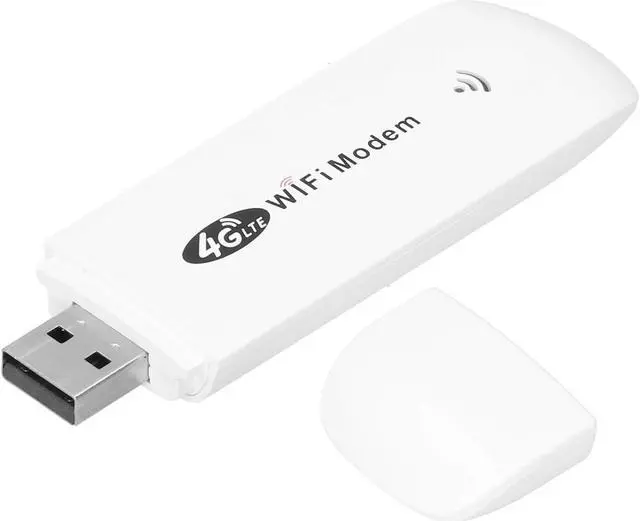
1. The product come with a SIM card slot. Support up to 150mbps (4G LTE CAT4 only)
2. Equipped with USB interface, plug and play, very convenient for you to use
3. With this 4G dongle, you only need to insert a SIM card to use and share network hotspots, no need to connect to broadband
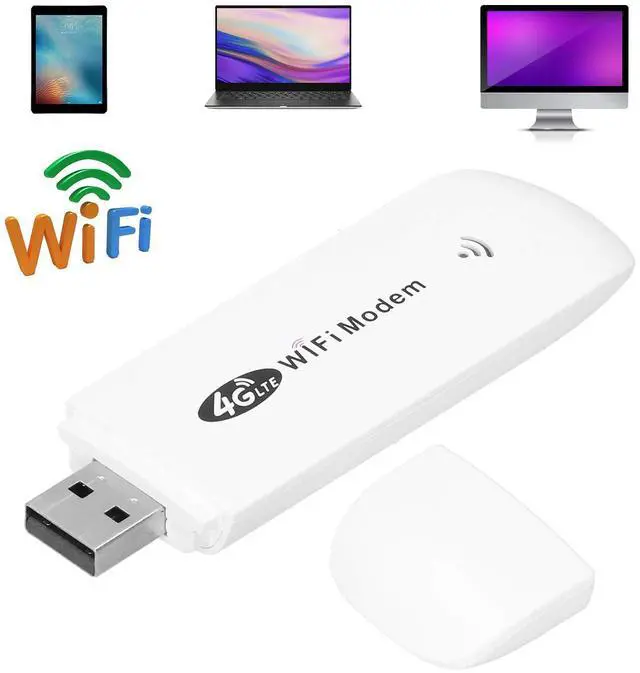
4. Supported operating systems for / Vista / 7/8/10 / OS X / Android / Linux
5. With LED status indicator, you can observe the status, more convenient to use
Spec:
Item Type: Modem Dongle
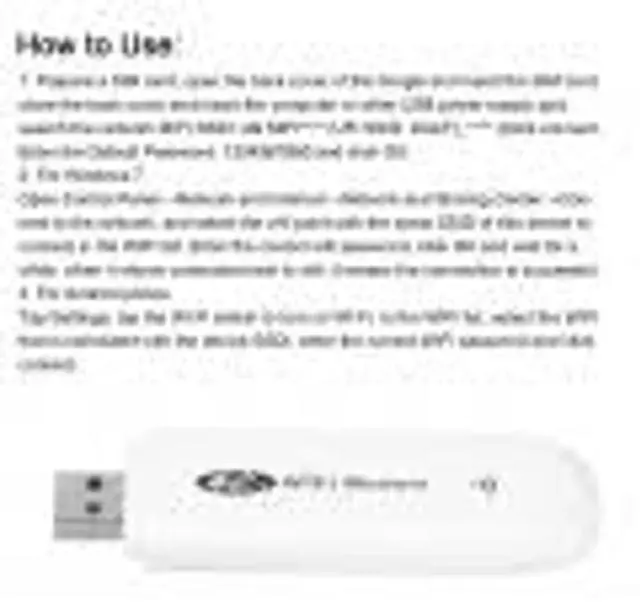
How to Use:
1. Prepare a SIM card, open the back cover of the dongle and insert the SIM card, close the back cover and insert the computer or other USB power supply port, search the network
MIFI SSID: 4G MIFI**** (UFI
SSID: 4GUFI_**** )Click connect, Enter the
Default Password: 1234567890 and click OK.
2. For 7
Open Control PanelNetwork and InternetNetwork and Sharing CenterConnect to the network, and select the point with the same SSID of this device to connect in the list. Enter the correct password, click OK and wait for a while, when it shows connected next to, it means the connection is successful.
3. For Android phone
Tap Settings, tap the Wi-Fi switch to turn on Wi-Fi. In the list, select the that is consistent with the device SSDI, enter the correct password and click connect.
Frequency: 4G /
LTE-FDD: B1 / B3 / B5 (850/1800/2100MHz)
4G / LTE-TDD: B38 / B39 / B40 / B41 (1900/2300/2500/2600MHz)
3G / WCDMA: B1 (2100MHz)
Peak Rate: LTE
FDD: DLUL 150M / 50 Mbps (category 4)
Internet: 2.4G, 802.11 b/g/n
Display Mode: LED status indicator
Power Port: USB 2.0
SIM Card: Micro SIM
Port Input Voltage: 5V / 1A
Operating Systems Supported by: For / Vista / 7/8/10 / OS X / Android / Linux
Associated Users: Up to 10
Language: Chinese and English shared
APN Settings: Support
Network Settings:


 Holiday Shipping Details & Extended Holiday Returns


