Your Browsing History

Any questions? Our AI mode will help you find out quickly.
Try me now
Quick View
Laptop Docking Station, 8 in 1 Type C Hub with 4K HD Multimedia Interface Port, Ethernet 100W PD, USB 3.0 Ports, Memory Card Reader, LCD Screen, Fast Charging
- Model #: TOLJB0F5P7DX7S
- $92.99 –
- Free Shipping
Quick View
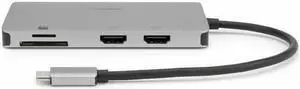
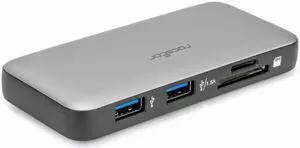
Rocstor Premium Docking Station - for Desktop PC/Notebook/Tablet/Smartphone/Monitor/Memory Card Reader - Charging Capability - Memory Card Reader - SD, microSD - USB Type C - 2 Displays Supported - 4K
- Parts: 3 Year
- Model #: Y10A305-S1
- $50.01
- $44.87 –
- Save: $5.14 (10%)
- Free Shipping
Quick View
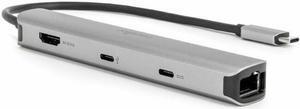
Rocstor Premium Slim Docking Station - for Desktop PC/Notebook/Tablet/Smartphone/Monitor/Mouse/Keyboard - Charging Capability - Memory Card Reader - SD, microSD - USB Type C - 4K @ 60Hz, 4K - 3840 x 2
- Parts: 3 Year
- Model #: Y10A311-S1
- $44.25 –
- Free Shipping
Quick View
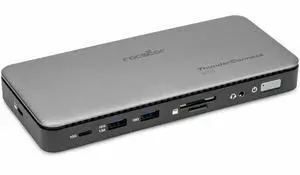
Rocstor Premium RD15 USB-C 11-in-1 Tripple Display Docking Station - for Headset, Monitor, Tablet, Notebook - Charging Capability - Memory Card Reader - SD, TransFlash - 134 W - USB Type C - 3 Display
- Brand: Rocstor
- Parts: 3 Year
- Model #: Y10P027-S1
- $116.17 –
- Free Shipping
Quick View
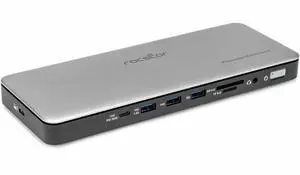
Rocstor ThunderConnect RD12 Thunderbolt 4 Multi-Display Docking Station - Locking Slots - for Desktop PC/Notebook/Mobile Workstation/Headset/Keyboard/Mouse - Charging Capability - Memory Card Reader -
- Parts: 3 Year
- Model #: Y10P036-S1
- $192.08 –
- Free Shipping
Quick View
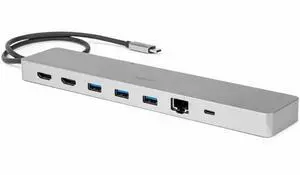
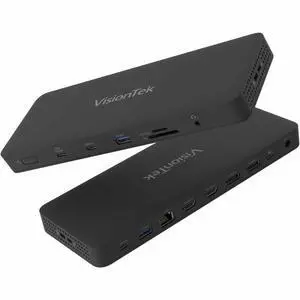
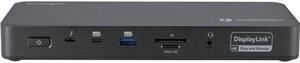
VisionTek VT8100DL Docking Station - for Notebook, Mobile Device, Monitor - Charging Capability - Memory Card Reader - SD, microSD - USB Type C, USB Type A - 4 Displays Supported - 901800
- Brand: VisionTek
- Part Number: 901800
- Parts: 3 Year
- Model #: 901800
- $228.51 –
- More options from $224.99 - $312.00
- Free Shipping
Quick View
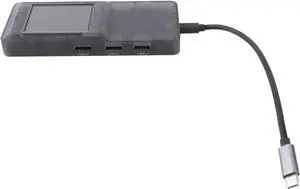
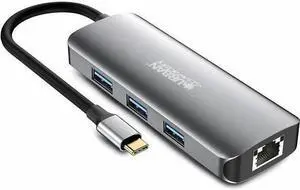
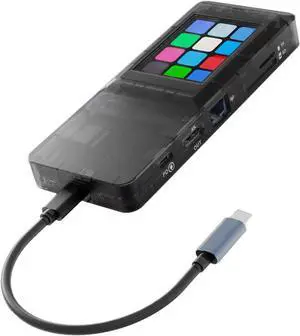
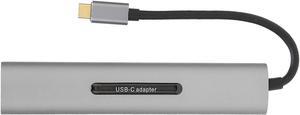
USB Docking Station, Multiport Hub with Touch Screen, 100W Power Delivery, Gigabit Ethernet, USB 3.0 Ports, Memory Card Slot, for Laptop
- Model #: TOLJB0GX292L9B
- $97.99 –
- Free Shipping
Quick View
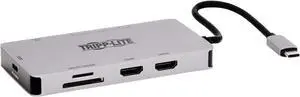
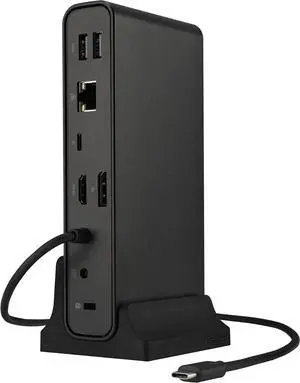
Kensington SD5910T Docking Station - for Desktop PC/Notebook/Tablet/Smartphone/Monitor/Memory Card Reader/Solid State Drive/Smartwatch - Charging Capability - Memory Card Reader - SD, microSD - 149.10
- Brand: Kensington
- Series: K35233NA
- Part Number: K35233NA
- Color: Black
- Model #: K35233NA
- $312.49
- $288.99 –
- Save: $23.50 (7%)
- More options from $288.99 - $396.00
- Free Shipping

Quick View
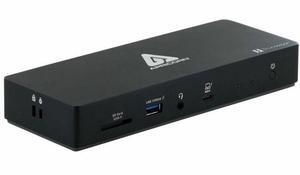
Apricorn Aegis Thunderbolt 4 Docking Station - for Notebook, Tablet, Cellular Phone, Mouse, Keyboard, Speaker, Headphone, Microphone, Hard Drive, MacBook, iPad, ... - Charging Capability - Memory Card
- Brand: Apricorn
- Parts: 3 Year
- Model #: ATB4DS
- $197.99 –
- Free Shipping
Quick View
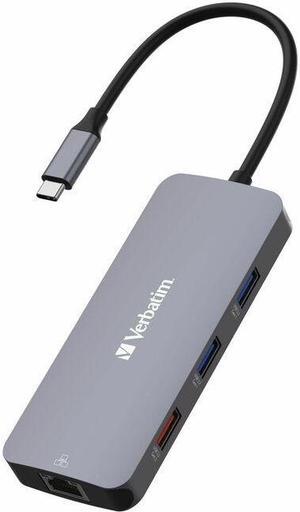
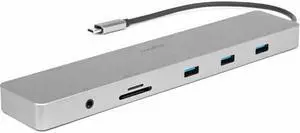
Rocstor Type-C 10-in-1 Dual Displays Portable Dock with Type-C Video - for Desktop PC/Notebook/Tablet/Smartphone/Monitor/Memory Card Reader - Charging Capability - Memory Card Reader - SD, TransFlash
- Parts: 3 Year
- Model #: Y10A323-S1
- $67.81 –
- Free Shipping
Quick View
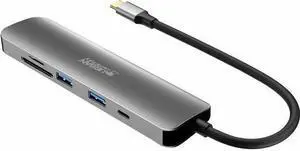
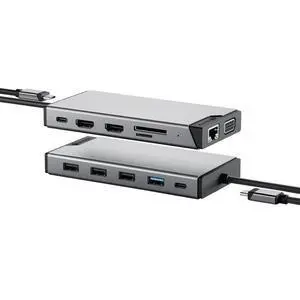
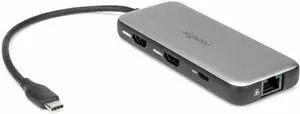
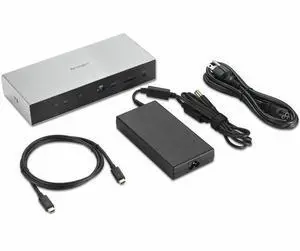
Kensington SD5005T5 EQ Thunderbolt 5 Docking Station (DFS) - for Desktop PC, Notebook, Workstation, Monitor - Charging Capability - Memory Card Reader - SD, microSD, CompactFlash - 180 W - Thunderbolt
- Brand: Kensington
- Series: K35202NA
- Part Number: K35202NA
- Color: Gray
- Model #: K35202NA
- $316.19 –
- More options from $316.19 - $418.07
Quick View

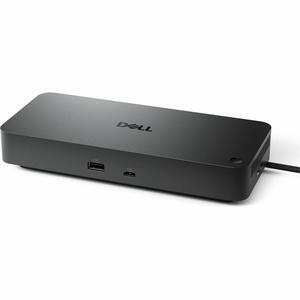
- Brand: Dell
- Part Number: DELL-WD25
- Model #: DELL-WD25
- $274.99
- $204.99 –
- Save: $70.00 (25%)
- More options from $169.00 - $288.00
- Free Shipping
Quick View
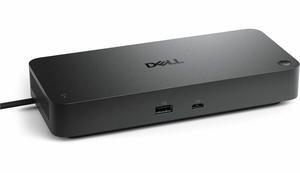
- Brand: Dell
- Part Number: SD25
- Color: Black
- Model #: Dell-SD25
- $347.99
- $297.99 –
- Save: $50.00 (14%)
- More options from $189.99 - $411.00
- Free Shipping
Quick View
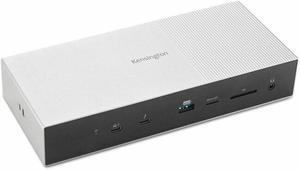
Kensington SD5000T5 Thunderbolt 5 Docking Station – Dual Display for MacBooks, M4/M5 Base & M1/M2/M3/M4 Pro/Max ; Triple Display for Windows TB5; TB4 Compatible, 140W Power Delivery (K35201NA)
- Brand: Kensington
- Series: SD5000T5, K35201NA
- Part Number: K35201NA
- Color: Black
- Model #: K35201NA
- $399.99
- $249.99 –
- Save: $150.00 (37%)
- More options from $249.99 - $436.12
- Free Shipping
Quick View
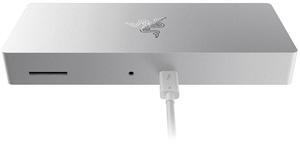
Razer Thunderbolt 4 Dock for Mac : Thunderbolt 4 Certified - 10 Ports in One - Dual 4K or Single 8K Video – Windows, Mac, and Thunderbolt 3 Compatible - Mercury White

- Compatibility: Windows 10 PCs w/Thunderbolt 4 Port or Thunderbolt 3 Port Mac Systems w/M1 Processors* Mac Systems w/Thunderbolt 3 Port Running MacOS 11.1 Big Sur or Later *For M1 MacBooks only one video output is supported
- Ports Spec: 4 x Thunderbolt 4 (USB-C) 3 x USB-A 3.2 Gen 2 1 x Gigabit Ethernet SD Card Reader, UHS-II
- Dimension: 1.06" x 7.48" x 2.93"
- Weight: 338 g / 0.75 lbs
- Model #: RC21-01690200-R3U1
- $319.99
- $267.29 –
- Save: $52.70 (16%)
- Free Shipping
Quick View
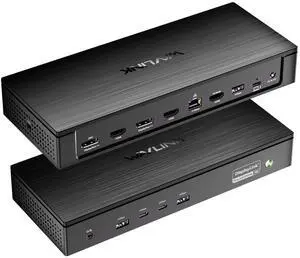
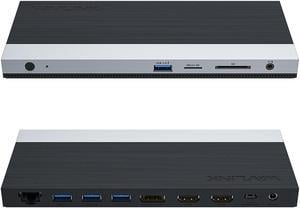
WAVLINK USB C 4K Laptop Docking Station Triple Display With 100W PD3.0 Charging (65W for PC), Dual HDMI, 1 Displayport, 4xUSB-A 3.0 , Gigabit Ethernet, SD&TF Card Slot Audio Jack For Windows, Mac

Limited time offer, ends 09/07
- Compatibility: Installation Before using this dock, please make sure that the latest PC/laptop drivers are installed (including USB, graphics card etc) because the network port needs specific drivers. For Windows 10, the system detects and automatically installs them after the dock is connected to the network. If drivers cannot be automatically installed, the network port can’t perform properly. Please install them manually. For MAC OS system, you need to install the network port driver manually, please visit www.wavlink.com > Support > Driver > PC peripherals > USB Docking. 1. The dock is driver free, therefore you don’t need to install any driver before using it. 2. Plug the power adapter of the dock in a power outlet. 3. Connect the USB-C connector of the dock to your host laptop/PC, the LED light on the dock will turn blue. 4. Connect your monitor(s) to video ports of ...
- Model #: WL-UMD05

Quick View
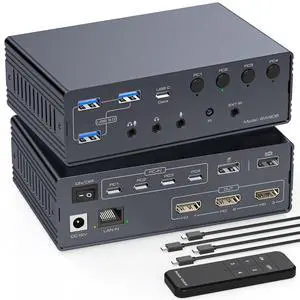
AUTYUE Thunderbolt 4 KVM Switch Docking Station for 3 Monitors 4 Laptops/Macbooks | Extended Triple 4K60Hz HDMI Display with Displaylink USB3.0/USB C, M1/2/3/4 Mac/Windows/Chrome with Audio & Ethernet
Limited time offer, ends 09/05
- Series: KVM Switch Docking Station for 3 Monitors 4 laptops/Macbooks
- Type: Thunderbolt 4 KVM Switch Docking Station for 3 Monitors 4 laptops/Macbooks
- Computer Connections: 4 Ports
- Monitor Connections: 3 Ports
- Model #: Q3306_GR_US