

Your Browsing History
- Free 30-day Returns
$274.97

Meet Your Seller

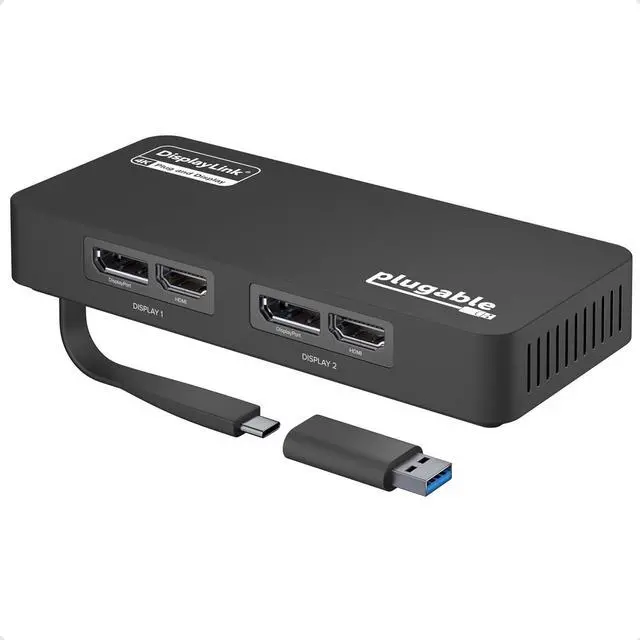


Plugable 4K DisplayPort and HDMI Dual Monitor Adapter for USB 3.0 and USB-C, Compatible with Windows
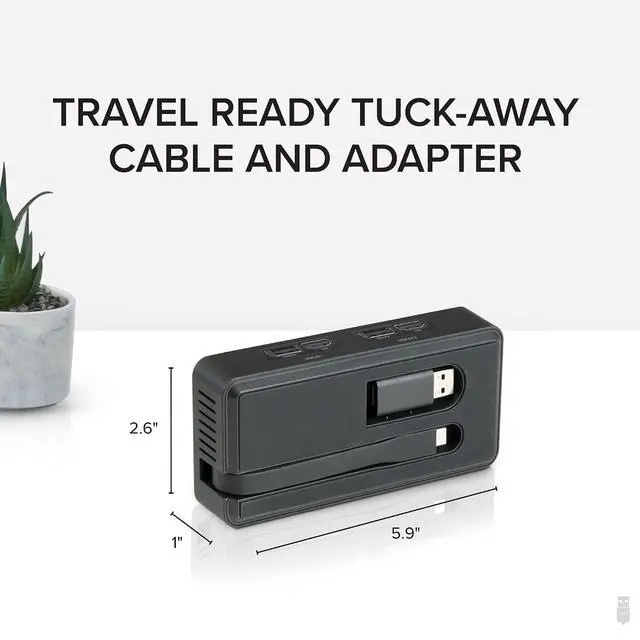
- Product description Add Dual 4K Displays to Your Windows Laptop Instantly add two 4K monitors to your USB 3.0 or USB-C laptop or desktop with the USBC-6950U dual monitor adapter. Choose HDMI or DisplayPort for each display. Perfect for boosting productivity across apps like email, Office, web, and more. Expand Your Workspace Up to Eight Displays The USB to DisplayPort adapter provides users the ability to add up to two additional 4K displays, allowing them to expand their workflow out between different windows, view multiple projects at once, and easily reference materials when needed. Additionally, you can build your own quad or triple display setup by combining the USB video adapter with a single USB-C dock. While it works effectively as a standalone solution, Windows and ChromeOS users can seamlessly integrate the adapter with an existing docking station to expand capabilities, supporting up to eight 1920x1080 (HD) displays when using multiple adapters (two 1080p displays per adapter). Its compact and portable design allows you to extend your display from anywhere - whether at home, in the office, or on the go. Please note: We only recommend a maximum of two external monitors if using 4K resolution monitors.
+
+
Overview
Specs
Reviews

Any questions? Our AI beta will help you find out quickly.
Try me now
Dual 4K
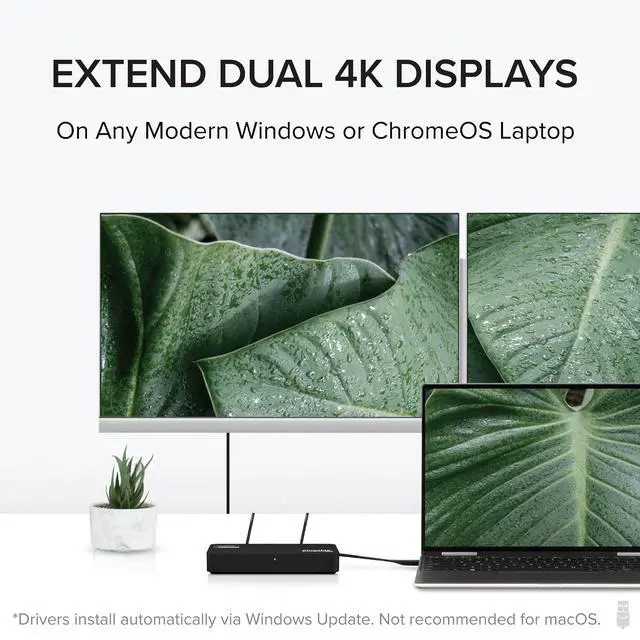
Monitors For Windows & ChromeOS: Equipped with USB to DisplayPort and HDMI outputs, this adapter enables connection to two 4K monitors (3840x2160 @ 60Hz) or lower resolutions like 1080p. DisplayLink driver auto-installs via Windows Update, no manual download for most users. Designed for Windows and ChromeOS.;
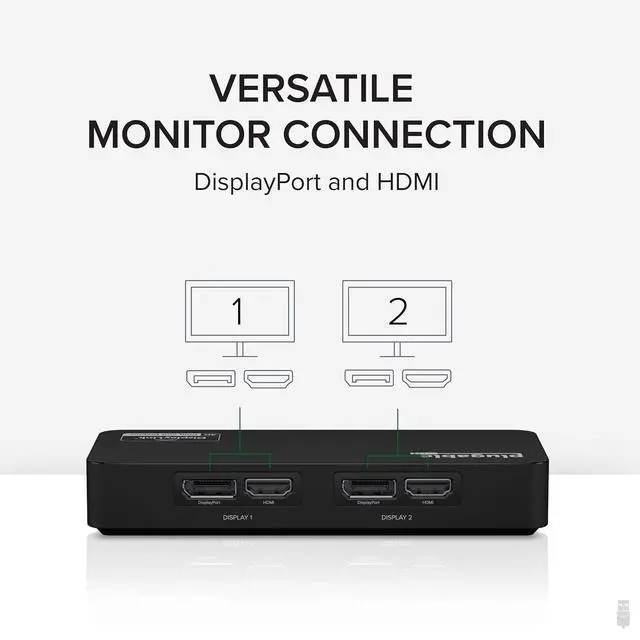
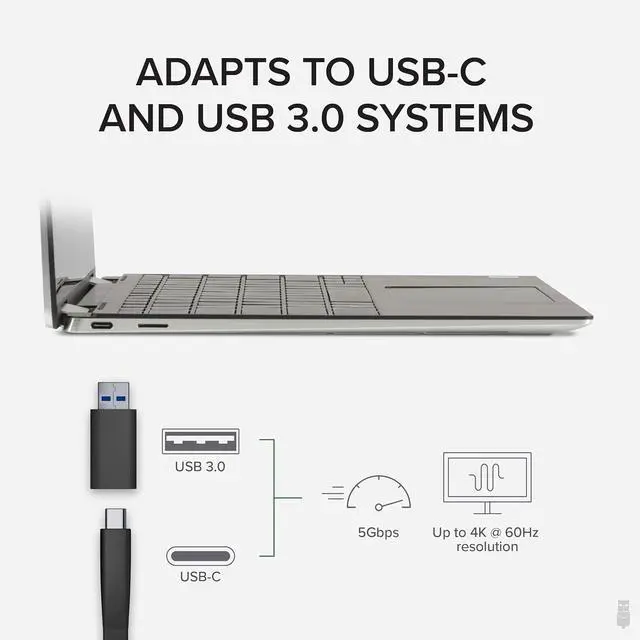
Flexible Connection: Supports DisplayPort and dual HDMI, providing a versatile 1 in 2 out solution for adding 2 monitors; includes a USB-C to USB 3.0 adapter for easy adaptation to USB 3.0 systems, meeting your USB C to Dual HDMI adapter needs.; Expand Your Workspace with
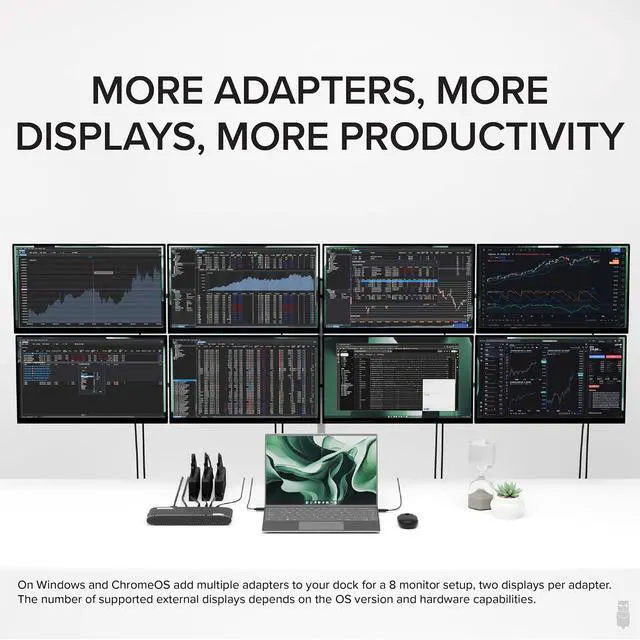
Multiple Monitors: This Dual Monitor Adapter not only allows two additional displays, but also allows you to customize your setup further with the options for a quad or triple display by combining the adapter with a single USB-C dock. Windows and ChromeOS users can use this adapter with an existing docking station to support up to eight 1920x1080 (HD) displays when using multiple adapters (two 1080p displays per adapter).;
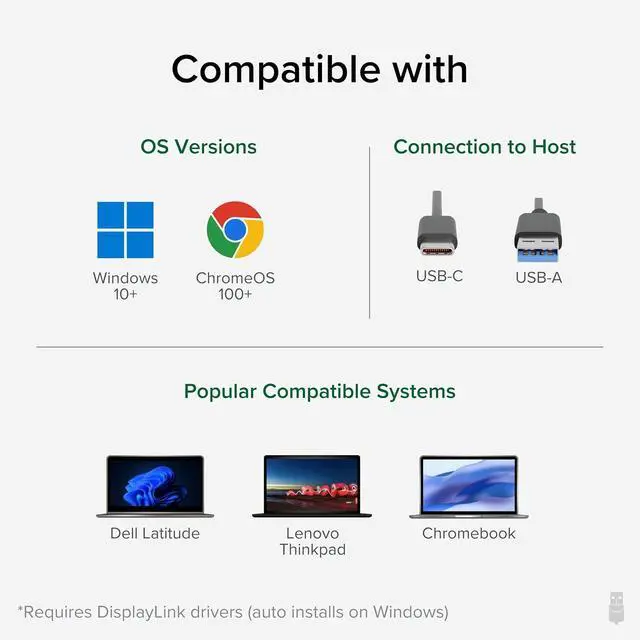
Compatibility: Drivers install automatically via Windows Update. DisplayLink Adapter is compatible with Windows 10 and 11, as well as ChromeOS 1;
Recommended Use: Ideal for web and productivity software in home or office settings; not suitable for gaming and does not support HDCP, preventing playback of encrypted or copy-protected content.
Monitors For Windows & ChromeOS: Equipped with USB to DisplayPort and HDMI outputs, this adapter enables connection to two 4K monitors (3840x2160 @ 60Hz) or lower resolutions like 1080p. DisplayLink driver auto-installs via Windows Update, no manual download for most users. Designed for Windows and ChromeOS.;
Flexible Connection: Supports DisplayPort and dual HDMI, providing a versatile 1 in 2 out solution for adding 2 monitors; includes a USB-C to USB 3.0 adapter for easy adaptation to USB 3.0 systems, meeting your USB C to Dual HDMI adapter needs.; Expand Your Workspace with
Multiple Monitors: This Dual Monitor Adapter not only allows two additional displays, but also allows you to customize your setup further with the options for a quad or triple display by combining the adapter with a single USB-C dock. Windows and ChromeOS users can use this adapter with an existing docking station to support up to eight 1920x1080 (HD) displays when using multiple adapters (two 1080p displays per adapter).;
Compatibility: Drivers install automatically via Windows Update. DisplayLink Adapter is compatible with Windows 10 and 11, as well as ChromeOS 1;
Recommended Use: Ideal for web and productivity software in home or office settings; not suitable for gaming and does not support HDCP, preventing playback of encrypted or copy-protected content.
Warranty & Returns
Warranty, Returns, And Additional Information
Warranty
- Please contact the Seller directly for warranty information. Warranty information may also be found on the Manufacturer's website.
- CONTACT
Return Policies
- Return for refund within: 30 days
- Return for replacement within: 30 days
- This item is covered by Dazan Technology Return Policy
Manufacturer Contact Info
- For a directory of all our manufacturers, please click below.
- Manufacturers Directory
LOADING...