here!
I’m your shopping assistant for PC builds, upgrades, and everything tech.
Got questions? Ask away!
Start a conversation
here!
I’m your shopping assistant for PC builds, upgrades, and everything tech.
Got questions? Ask away!
Start a conversation



Combo Up Savings Up To $280+
The more you add, the more you'll save!
Any questions? Ask CelesteSM will help you find out quickly.


We want to ensure your holiday shopping this year is hassle-free. That’s why we’re automatically extending our return policies on almost every product! For purchases placed between November 1st, 2026 and December 31, 2026 you will have until January 31, 2027 to return your product.
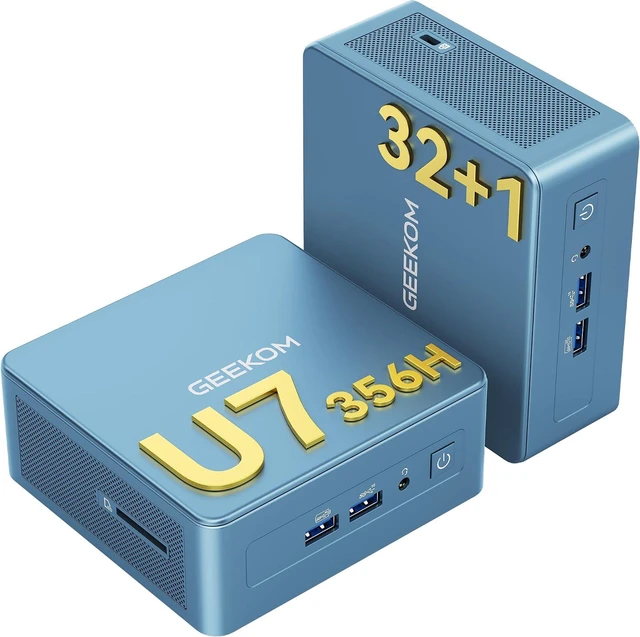
The GEEKOM IT13 is a compact Windows 11 Pro mini PC with an Intel Core Ultra 7 356H, 32GB DDR5 memory, and a 1TB SSD, suited to home and office users who want a capable desktop for multitasking, productivity, and creative work.
| Attribute | Value |
|---|---|
| Best For | Home and personal computing in a compact mini PC, with a processor, memory, storage, and graphics configuration suited to gaming, creative work, and media use |
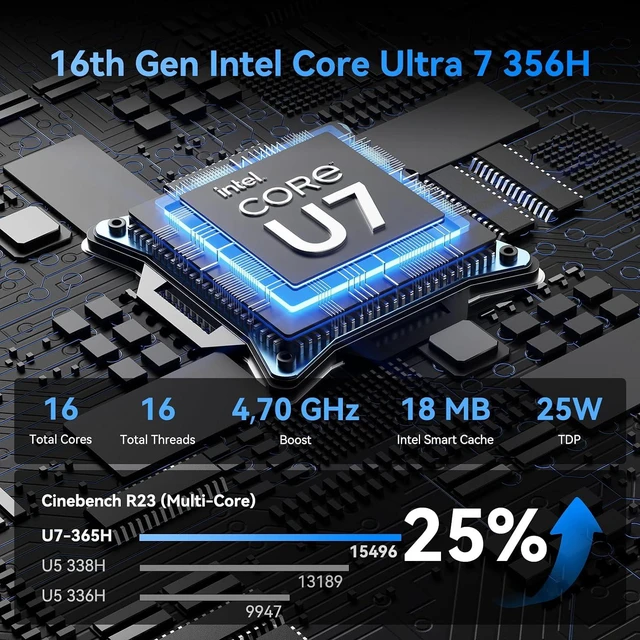
| Processor And Cache | Intel Core Ultra 7 356H (Series 3) processor with 18 MB of L3 cache |
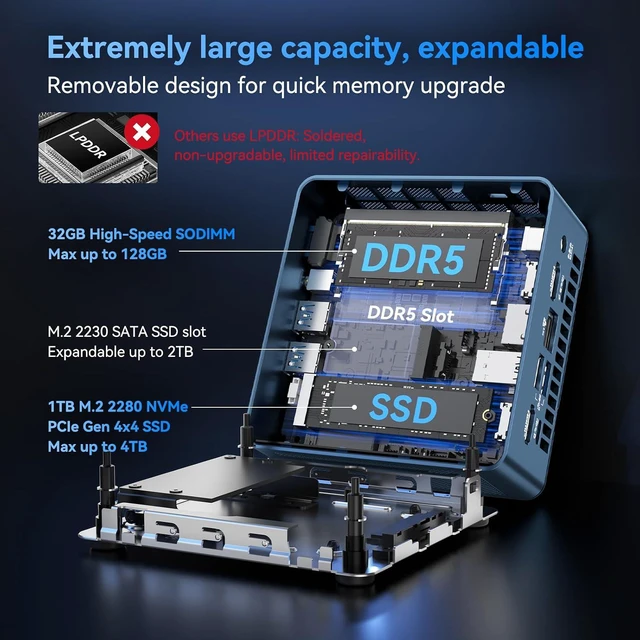
| Memory And Storage | 32GB DDR5 memory and 1TB SSD storage |
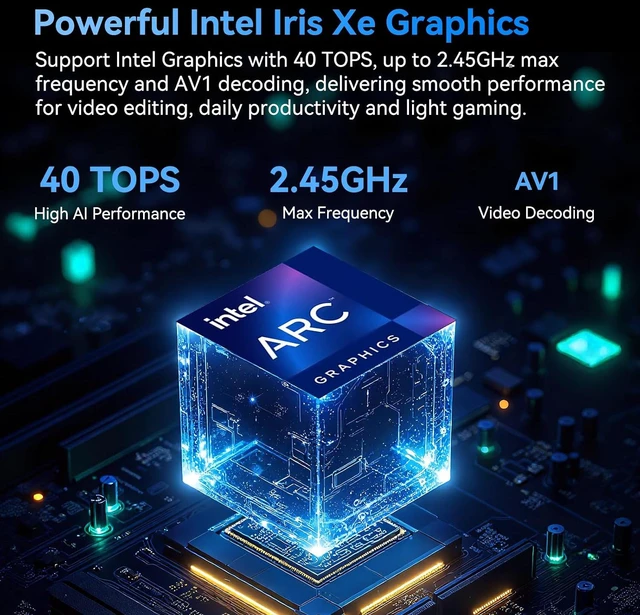
| Graphics | Intel Graphics |
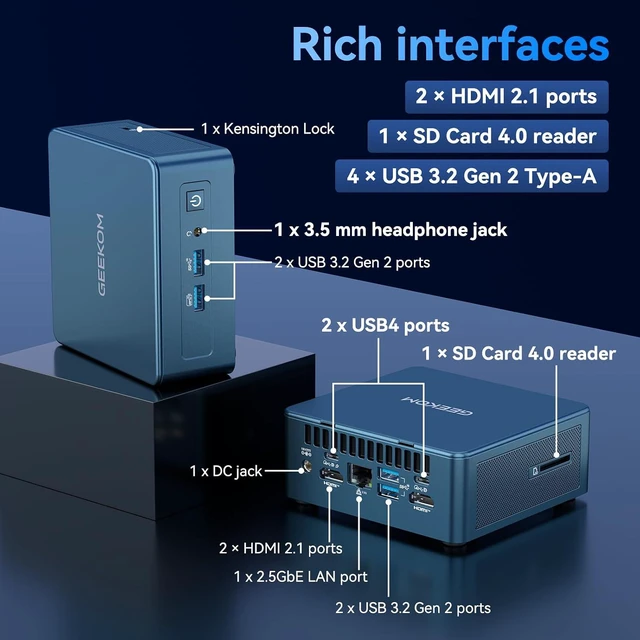
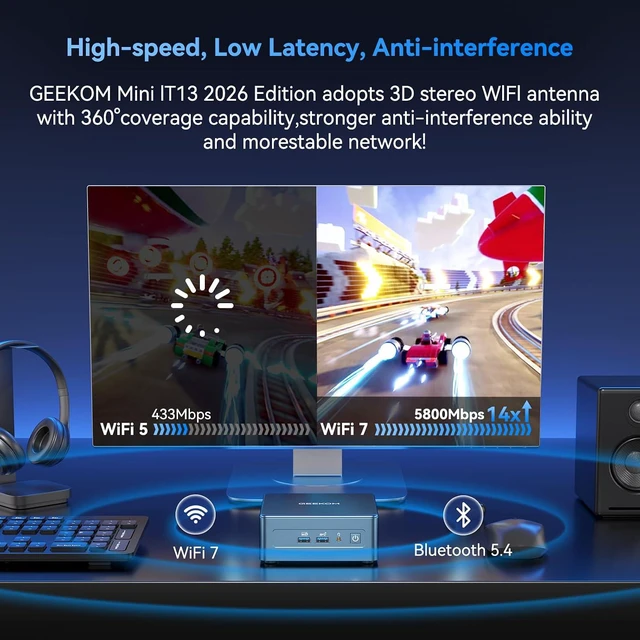
| Wired And Wireless Networking | Dual RJ45 ports with 2.5Gbps LAN, 802.11be Wi-Fi 7, and Bluetooth 5.4 |
| Operating System | Windows 11 Pro |
| Power | 120W power supply |
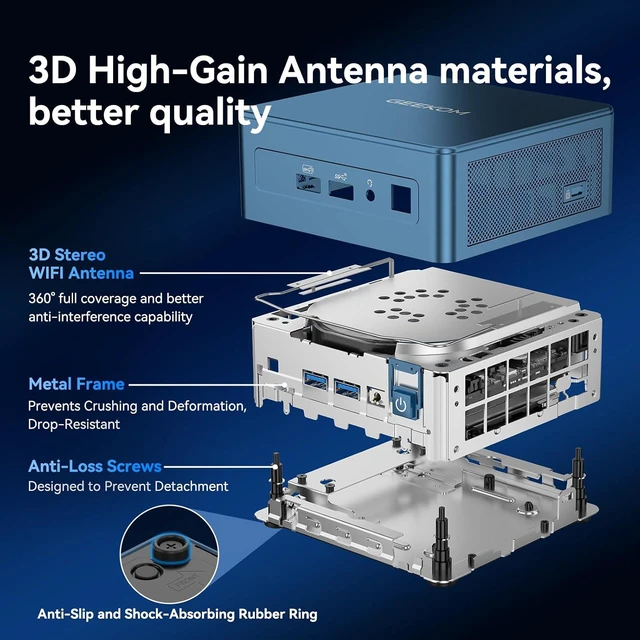
| Design And Portability | Blue PC+ABS exterior with an internal metal frame; 112 × 117 × 49.2 mm and 652 g |
| Included Accessories | VESA mount, HDMI cable (100 cm ±10 cm), user guide, screws, thank-you card, and 120W power adapter |
| Model Identifiers | GEEKOM IT13; model IT13; part number GMIT13U7356H-321-US |
Q: GEEKOM IT13 2026 with Core Ultra 7 356H or IT13 Max with Core Ultra 9 185H—which should I choose?
A: Choose the IT13 2026 Edition for its Core Ultra 7 356H platform, 50-TOPS NPU, and compact 117 × 112 × 49.2 mm chassis. Choose the IT13 Max if its Core Ultra 9 185H, 16-core/22-thread configuration, Intel Arc graphics, or dual 2.5GbE ports better match your workload and network setup. Both models offer USB4 and multi-display support.
Q: Should I get the GEEKOM IT13 2026 or the IT13 2025 with Core i9-13900HK?
A: Choose the IT13 2026 Edition if you want the Core Ultra 7 356H platform, DDR5 memory, Wi-Fi 7, and a 50-TOPS NPU for supported AI tasks. The IT13 2025 Edition pairs a Core i9-13900HK with DDR4 memory and Wi-Fi 6E, making it the alternative for buyers who specifically prefer that processor configuration. The 2026 model is also the more relevant choice when prioritizing the newer integrated-graphics platform.
Q: Is the GEEKOM IT13 with Core Ultra 7 356H worth choosing over the IT13 with Core i5-13500H?
A: Choose the Core Ultra 7 356H configuration if you want the newer platform, its 50-TOPS NPU, and the newer integrated-graphics design for graphics-focused work or gaming. The Core i5-13500H version is positioned as a more affordable IT13 option for buyers whose priority is a lower-cost configuration. Both keep the compact IT13 form factor.
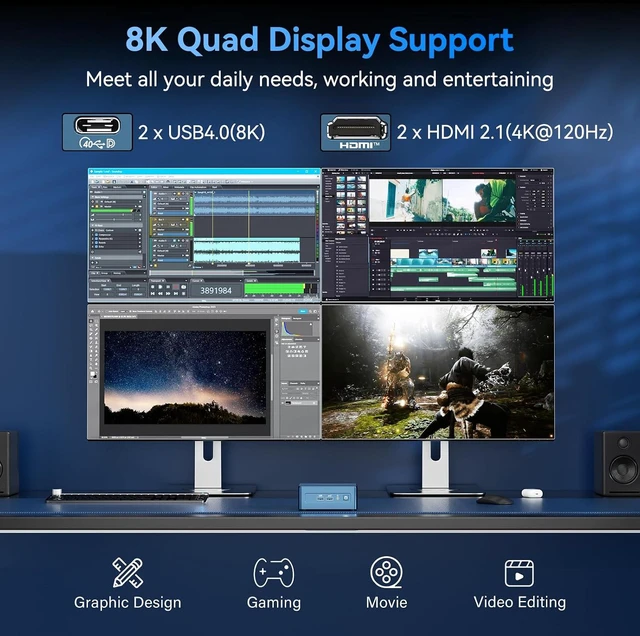
Q: How many monitors can this mini PC support?
A: The product listing specifies support for up to four displays, including 8K output. The listing also notes that actual I/O port configurations may vary, so check the ports on the unit against your monitor setup before buying.
Q: Is this mini PC suitable for gaming?
A: It has integrated Intel graphics, so it is better suited to casual and esports gaming than to consistently demanding gaming at high settings. Actual performance depends on the game, resolution, and graphics settings; the listing does not provide game-specific benchmark results.
Q: Does it come with RAM and storage, or is it barebones?
A: It comes configured with 32GB of DDR5 memory and a 1TB SSD, and the listed operating system is Windows 11 Pro. A monitor, keyboard, and mouse are not listed among the included items.
Q: Is it a good choice for office work and multitasking?
A: It is configured for everyday office work and multitasking, with an Intel Core Ultra 7 processor, 32GB of DDR5 memory, a 1TB SSD, and Windows 11 Pro. Its support for multiple displays and Wi-Fi 7 or dual 2.5GbE networking may also suit a compact workstation setup.
Q: Is the GEEKOM IT13 suitable for work and media-center use?
A: It looks like a reasonable fit for everyday work, video playback, and always-on media-server tasks: the listed configuration has a Core Ultra 7 processor, 32GB RAM, a 1TB SSD, and dual 2.5GbE LAN. An older IT13 owner reported using a different-generation model for Plex, work apps, and 4K streaming, but that experience does not verify this 356H version.
Q: Is the IT13 a good choice for gaming?
A: Consider it for lighter gaming, but do not assume it will replace a desktop with a discrete graphics card for demanding games. This configuration uses integrated Intel graphics; Reddit discussion of earlier IT13 models focused on light gaming and graphics limitations. Look for benchmarks of the exact Core Ultra 7 356H version before buying for specific games.
Q: Could I connect an external GPU for more gaming performance?
A: The product listing includes USB4, and an IT13 owner discussed adding an external GPU for gaming. However, that discussion concerned an earlier IT13 configuration, so it does not confirm compatibility or performance for this 356H model. Check the manufacturer’s specifications for this exact unit and eGPU setup before relying on it.
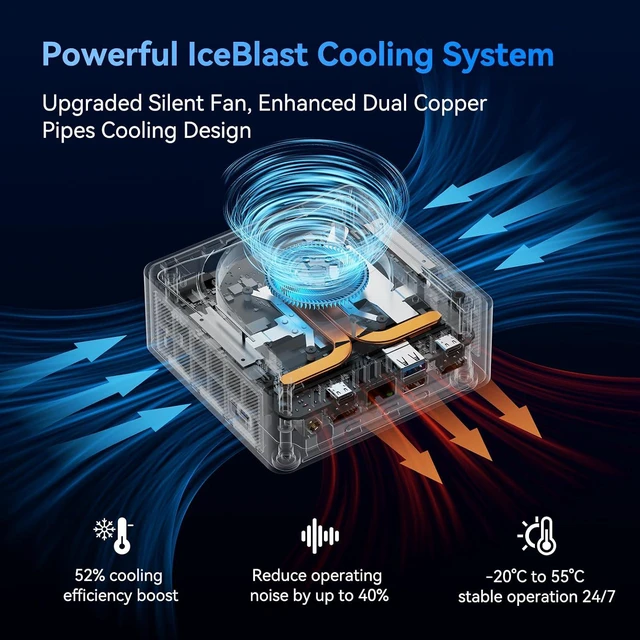
Q: Should I be concerned about fan noise or heat under sustained workloads?
A: It is a trade-off worth checking if you plan to run heavy workloads for long periods. Reddit users discussing older IT13 versions report mixed experiences, including fan noise and thermal throttling as well as trouble-free lighter use. Those reports do not establish how the 356H version behaves under sustained load.