Your Browsing History
- In Stock
- Sold by Newegg
- AI Ready
- Make an Offer
- New

Any questions? Our AI mode will help you find out quickly.
Try me now

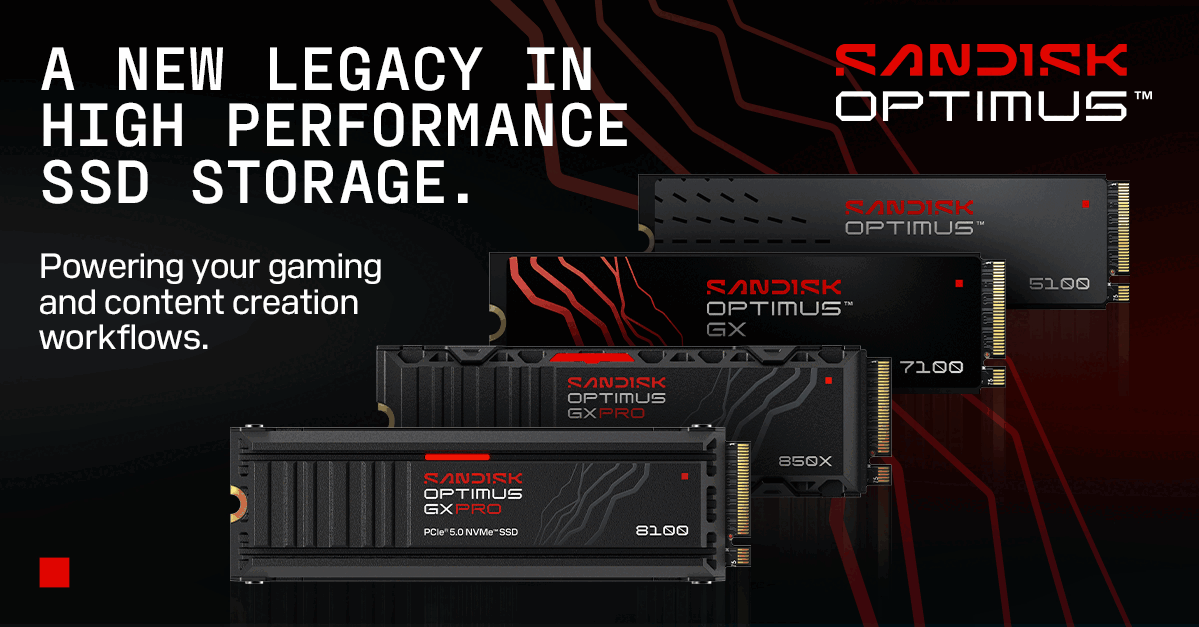
Powering your gaming and content creation workflow
Shop Sandisk Technologies, Inc
Quick View
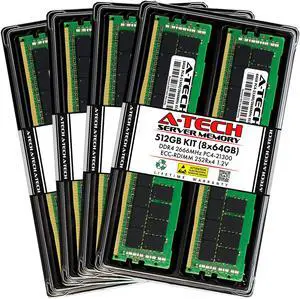
A-Tech 512GB (8x64GB) 2S2Rx4 (4Rx4 3DS) PC4-21300R DDR4 2666 MHz ECC RDIMM Registered DIMM 288-Pin Quad Rank x4 3DS/TSV Server & Workstation RAM Memory Upgrade Kit
- Chipset: Major Brand Chipset
- CAS Latency: CL19
- Voltage: 1.20V
- Rank: 2S2Rx4 (4Rx4 3DS/TSV)
- Model #: AT64G8D4D2666RQ4N12V

Quick View
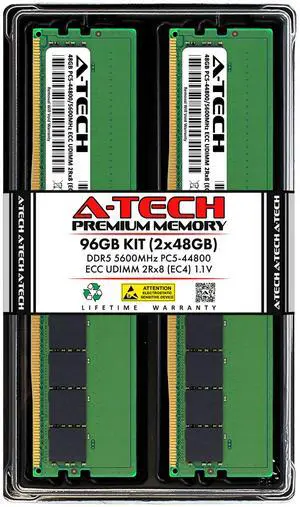
A-Tech 96GB (2x48GB) 2Rx8 PC5-44800E DDR5 PC5-44800 MHz ECC UDIMM Unbuffered DIMM 288-Pin Dual Rank x8 Server & Workstation RAM Memory Upgrade Kit
- Brand: A-Tech
- Series: A-Tech DDR5 Server Memory RAM
- Capacity: 96GB (2 x 48GB)
- Speed: DDR5 5600 (PC5 44800)
- Model #: AT48G2D5D5600UD8EC4N11V
Quick View
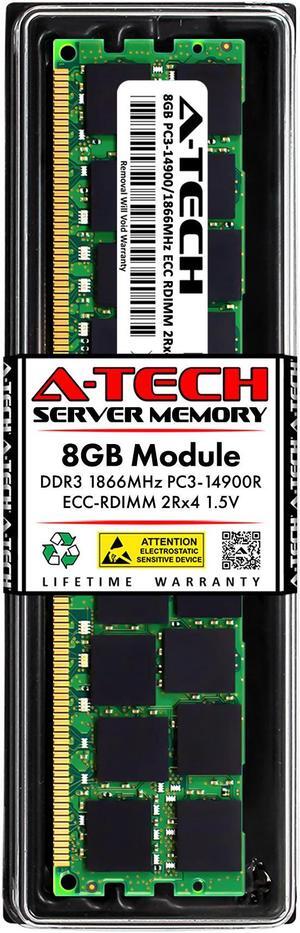
A-Tech 8GB 2Rx4 PC3-14900R DDR3 1866 MHz ECC RDIMM 1.5V Registered DIMM 240-Pin Dual Rank x4 Server & Workstation RAM Memory Upgrade Module
- Chipset: Major Brand Chipset
- CAS Latency: CL13
- Voltage: 1.50V
- Rank: 2Rx4
- Model #: AT8G1D3D1866RD4N15V
Quick View
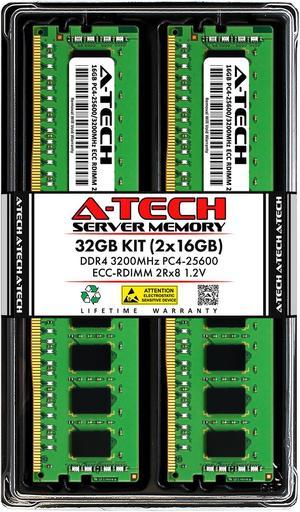
A-Tech 32GB (2x16GB) 2Rx8 PC4-25600R DDR4 3200 MHz ECC RDIMM Registered DIMM 288-Pin Dual Rank x8 Server & Workstation RAM Memory Upgrade Kit
- Chipset: Major Brand Chipset
- CAS Latency: CL22
- Voltage: 1.20V
- Multi-channel Kit: Dual Channel Kit
- Model #: AT16G2D4D3200RD8N12V
Quick View

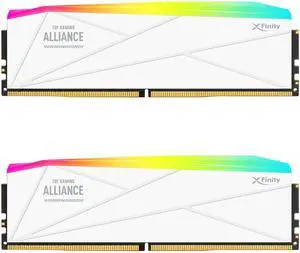
- CAS Latency: CL32
- Multi-channel Kit: Dual Channel Kit
- Timing: 32-38-38-80
- Brand: V-Color
- Model #: GTMXFL3264832WWK
- $1,149.99 –
- Free Shipping
Quick View
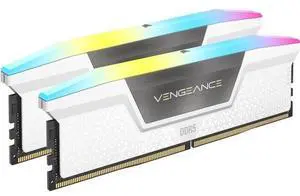
CORSAIR Vengeance RGB 32GB (2 x 16GB) 288-Pin PC RAM DDR5 6000 (PC5 48000) Desktop Memory Model CMH32GX5M2D6000C38W

- CAS Latency: CL38
- Voltage: 1.35V
- Multi-channel Kit: Dual Channel Kit
- Timing: 38-48-48-96
- Model #: CMH32GX5M2D6000C38W
- $569.99 –
- Free Shipping
Quick View
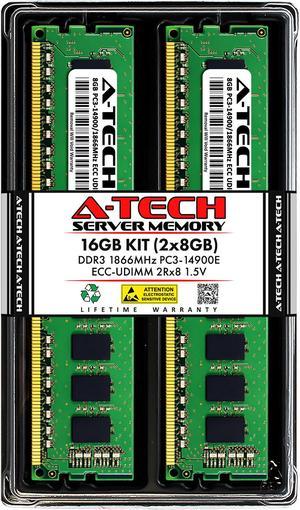
A-Tech 16GB (2x8GB) 2Rx8 PC3-14900E DDR3 1866 MHz ECC UDIMM 1.5V ECC Unbuffered DIMM 240-Pin Dual Rank x8 Server & Workstation RAM Memory Upgrade Kit
- Chipset: Major Brand Chipset
- CAS Latency: CL13
- Voltage: 1.50V
- Multi-channel Kit: Dual Channel Kit
- Model #: AT8G2D3D1866UD8N15V
Quick View

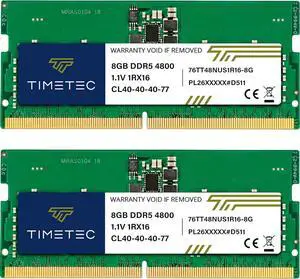
- Capacity: 16GB (2 x 8GB)
- CAS Latency: CL40
- Model #: 76TT48NUS1R16-8GK2
Quick View
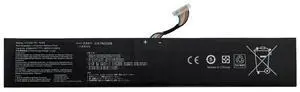
C41N2208 Replacement Battery for ASUS ROG Ally (RC71L/PC71L) - 80Wh/5160mAh High-Capacity Upgrade (vs. Original 40Wh), Li-ion, 1-Year Warranty
- Model #: C41N2208
- $44.99 –
- Free Shipping
Quick View
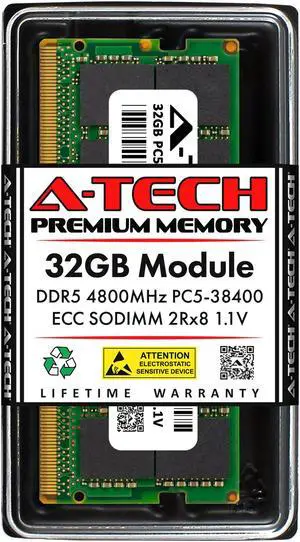
A-Tech 32GB DDR5 4800 MHz ECC SODIMM PC5-38400 ECC Unbuffered SO-DIMM 262-Pin 1.1V 2Rx8 Dual Rank RAM Memory Upgrade Module for Microservers, Mobile Workstations, and NAS Servers
- CAS Latency: CL40
- Voltage: 1.10V
- ECC: Yes
- Buffered/Registered: Unbuffered
- Model #: NE-SS-0586
Quick View
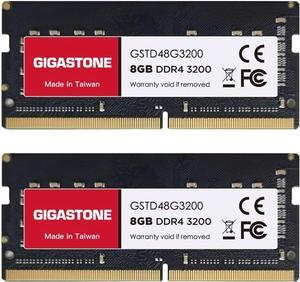
DDR4 RAM GIGASTONE 16GB Kit (2x8GB) DDR4 3200MHz (2933MHz or 2666MHz) PC4-25600 (PC4-23400/21300) CL22 1.2V SODIMM 260 Pin Unbuffered Non ECC High Performance Notebook Laptop Memory Upgrade

Limited time offer! Don't miss it!, ends10/11
- Timing: 18-18-18-38
- Buffered/Registered: Unbuffered
- Features: [Capacity] 16GB Kit (2x8GB) SODIMM RAM Memory Compatible with laptops, notebooks and all-in-one (AIO) computers [Speed] PC Speed ??(PC4-25600), DDR4 3200MHz [Specification] ECC Type = Non-ECC, Form Factor = Unbuffered SODIMM, CL=22, Number of Pins = 260 Pins, Voltage = 1.2V [Compatibility] Compatible with a wide range of devices commonly found on laptops, notebooks, and ALL-IN-ONE computers, ensuring versatile use across multiple systems.
- Recommend Use: AMD & Intel Compatible
- Model #: GS-DDR4-8S-3200-2PK-B
Quick View
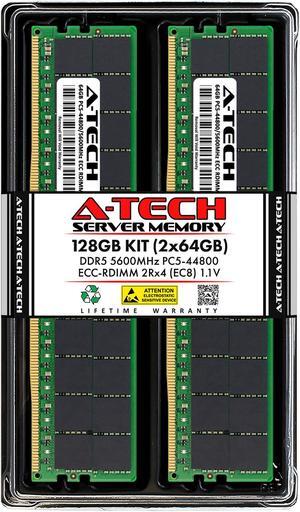
A-Tech 128GB (2x64GB) 2Rx4 PC5-44800R DDR5 5600 MHz EC8 RDIMM ECC Registered DIMM 288-Pin Dual Rank x4 Server & Workstation RAM Memory Upgrade Kit
- Chipset: Major Brand Chipset
- CAS Latency: CL46
- Voltage: 1.10V
- Multi-channel Kit: Dual Channel Kit
- Model #: AT64G2D5D5600RD4EC8N11V
Quick View
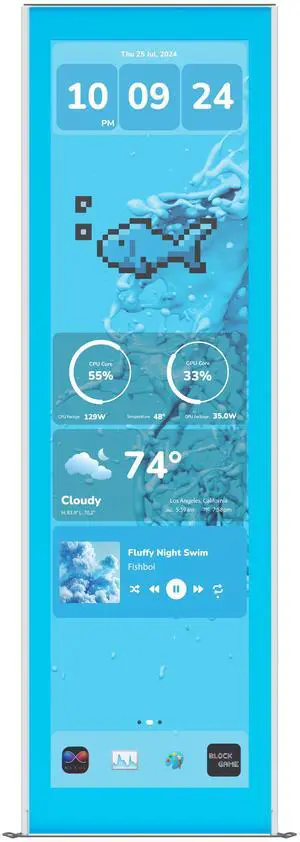
HYTE Y70 Touch Infinite Display Upgrade - Blueberry Milk (Blue)
- Color: Blueberry Milk
- Model #: ACC-HYTE-LK-Y7TTI-BM
- $224.99 –
- More options from $224.99 - $239.99
- $12.85 Shipping
Quick View
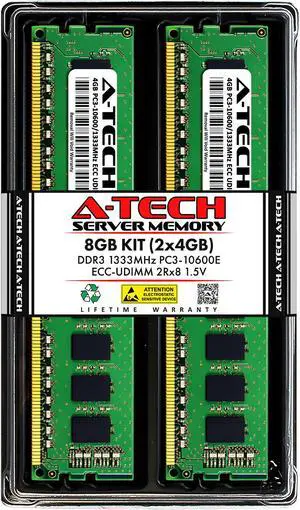
A-Tech 8GB (2x4GB) 2Rx8 PC3-10600E DDR3 1333 MHz ECC UDIMM 1.5V ECC Unbuffered DIMM 240-Pin Dual Rank x8 Server & Workstation RAM Memory Upgrade Kit
- Chipset: Major Brand Chipset
- CAS Latency: CL9
- Voltage: 1.50V
- Multi-channel Kit: Dual Channel Kit
- Model #: AT4G2D3D1333UD8N15V
Quick View
- $227.49 –
- More options from $222.96 - $227.49
- Free Shipping
Quick View
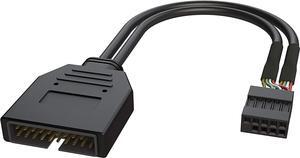
USB 2.0 to USB 3.0/3.1 Upgrade Adapter Noise Reduction Shielded 26 cm Backed by 1-Year Warranty
Limited time offer, ends 10/12
- Model #: B084D58HBP-YIXIN
- $12.19 –
- More options from $12.19 - $14.76
- Free Shipping
Quick View
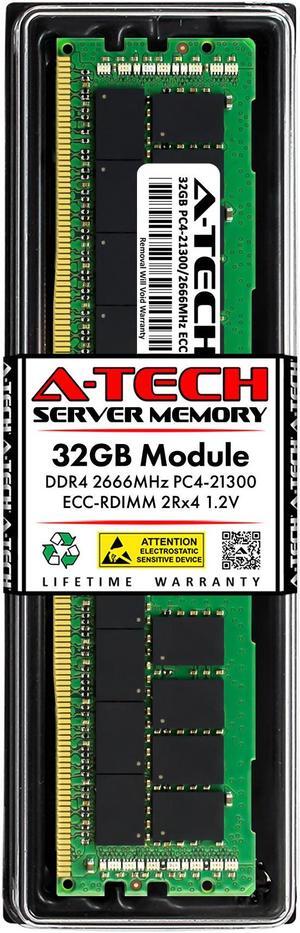
A-Tech 32GB RAM for Apple iMac Pro (Late 2017) | DDR4 2666MHz PC4-21300 ECC RDIMM 288-Pin Memory Upgrade
- Voltage: 1.20V
- Compatible System: Apple Mac Systems
- Rank: 2Rx4
- Parts: Lifetime
- Model #: NE-MAC-0071
Quick View
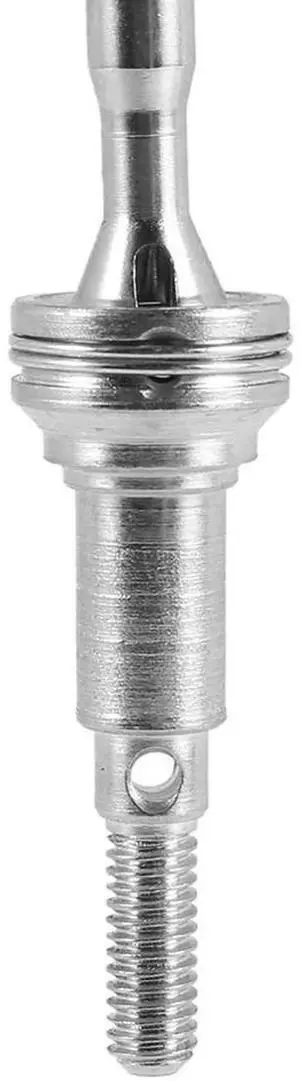
Aomoproing 4Pcs Metal Front CVD Universal Drive Shaft 25-WJ03 For Hosim XLH 9125 RC Car Spare Parts Upgrade Accessories
- Model #: MNB-320
- $39.00 –
- Free Shipping
![[Upgraded Version] SoulBay 30W Universal AC/DC Adapter Switching Power Supply with 8 Selectable Adapter Tips, Including Micro USB Plug, for 3V to 12V Household Electronics and LED Strip - 2000mA Max](https://c1.neweggimages.com/productimage/nb300/ASSAD2012037OLOI.jpg "[Upgraded Version] SoulBay 30W Universal AC/DC Adapter Switching Power Supply with 8 Selectable Adapter Tips, Including Micro USB Plug, for 3V to 12V Household Electronics and LED Strip - 2000mA Max")
Quick View
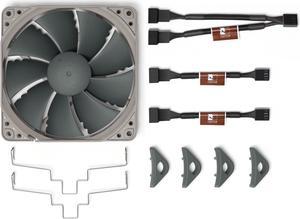
Noctua NA-FK1 redux, Second Fan Upgrade Kit for NH-U12S redux Cooler
- Brand: Noctua
- Type: Accessories
- Parts: 6 years
- Model #: NA-FK1
- $25.55 –
- More options from $18.95 - $29.99
- Free Shipping
Quick View
OWC 32GB DDR4 3200MHz PC4-25600 CL22 2RX4 ECC Registered RDIMM - 1.2V - 288-pin Memory RAM Upgrade for Server (OWC3R2D42R432GB)
- CAS Latency: CL22
- Voltage: 1.2V
- Part Number: 3R2D42R432GB
- Type: 288-Pin DDR4 ECC RDIMM
- Model #: OWC3R2D42R432GB
Quick View
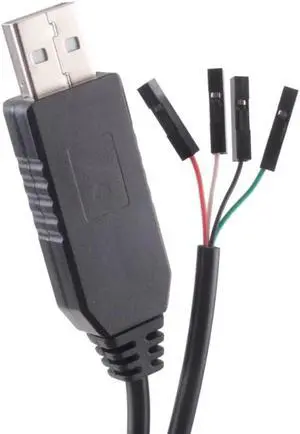
- $11.35 –
- Free Shipping
Quick View

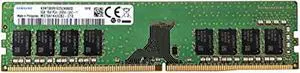
- CAS Latency: CL19
- Voltage: 1.20V
- Chipset: Samsung Chipset
- Buffered/Registered: Unbuffered / Unregistered
- Model #: RNAB08LR1KDQC
- $66.89 –
- Free Shipping
Quick View
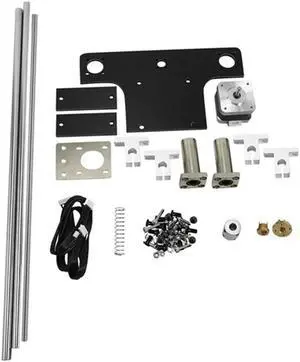
Ruth's sister 1 Set For Creality Ender 5 /Ender5 Pro Dual Z Axis Lead Screw Upgrade Kit Dual Motor Dual Z Axis Support Mod
- Model #: P00P--4251
- $99.99 –
- Free Shipping
Quick View
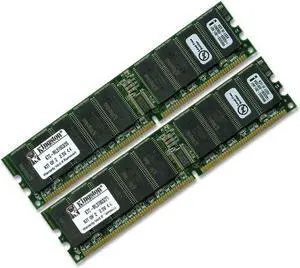
Kingston Technology 2GB (2 x 1GB) 184-Pin PC2100 266Mhz DDR ECC Registered Server RAM Upgrade
- Model #: KTC-ML0G3/2G
- $28.99 –
- Free Shipping
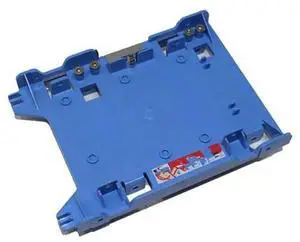
Quick View
R494D 0R494D 2.5" to 3.5" SSD Hard Drive Tray Adapter SFF Caddy, 2.5Inch SATA SSD HDD Mounting Bracket for Dell OptiPlex Precision Desktop Storage Upgrade
- Model #: TECH CABIN - TCH3423
- $17.49 –
- Free Shipping
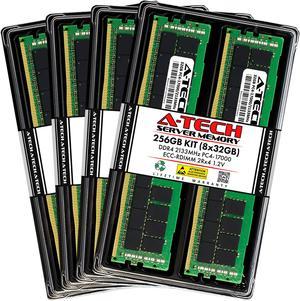
Quick View
A-Tech 256GB (8x32GB) 2Rx4 PC4-17000R DDR4 2133 MHz ECC RDIMM Registered DIMM 288-Pin Dual Rank x4 Server & Workstation RAM Memory Upgrade Kit
- Chipset: Major Brand Chipset
- CAS Latency: CL15
- Voltage: 1.20V
- Rank: 2Rx4
- Model #: AT32G8D4D2133RD4N12V
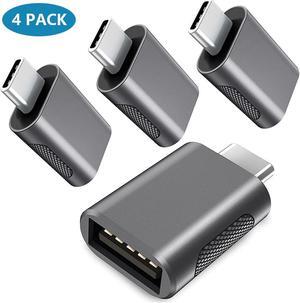
Quick View
Upgrade 10Gbps USB C to USB 3.0 OTG Adapter (4 Pack), USB Type C Male to USB A Female, Thunderbolt 4/3 to USB Converter for M-ac-Book Pro/Air, i-Pad, i-Mac and More Type C Devices - Space Grey
Limited time offer, ends 10/17
- Model #: 279846653
- $12.69 –
- Free Shipping
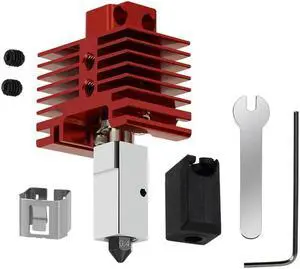
Quick View
Ruth's sister For Bambu Lab Hotend Kit For Bambu P1P/P1S/X1/X1C Extruder Hotend Hardened Steel Nozzle Upgrade 2.0 Hotend Kit
- Model #: P00P--3520
- $16.99 –
- Free Shipping
Quick View
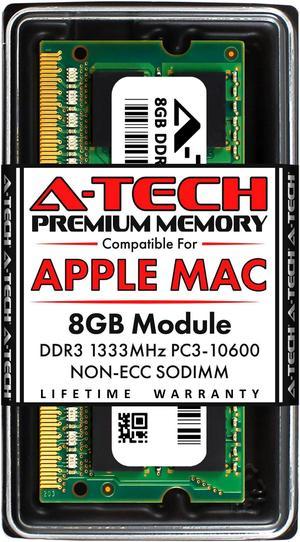
A-Tech 8GB RAM for Apple MacBook Pro (Early/Late 2011), iMac (Mid 2010, Mid 2011), Mac mini (Mid 2011) | DDR3 1333MHz PC3-10600 SODIMM 204-Pin Memory Upgrade
- Voltage: 1.50V
- Compatible System: Apple Mac Systems
- Rank: 2Rx8
- Parts: Lifetime
- Model #: NE-MAC-0044
Quick View
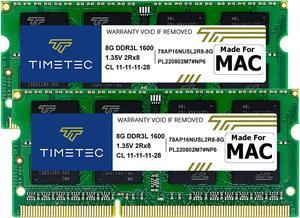
Timetec Hynix IC DDR3L 1600MHz PC3L-12800 SODIMM Compatible with Apple 2011, 2012, 2013, 2014 MacBook Pro, iMac, Mac mini (16GB Kit(2x8GB))
- CAS Latency: CL11
- Voltage: 1.35V
- Buffered/Registered: Unbuffered
- Multi-channel Kit: Dual Channel Kit
- Model #: MM-H8GD316J7D
Quick View
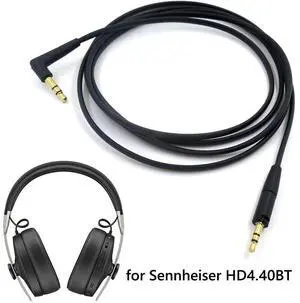
3.5mm to 2.5mm Audio Cable Headset Cord Wire Core Cable Mixed Upgrade Cable for Sennheiser Wireless Headphones
- Model #: acf-128
- $13.99 –
- Free Shipping