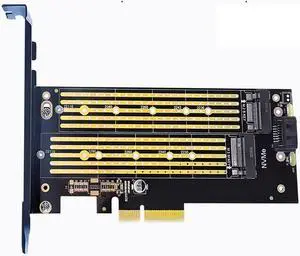
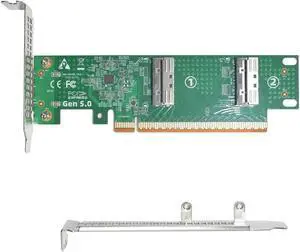
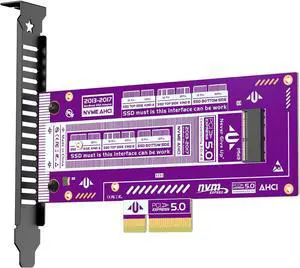
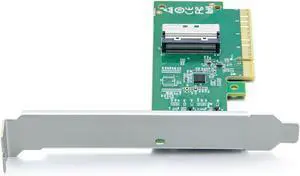
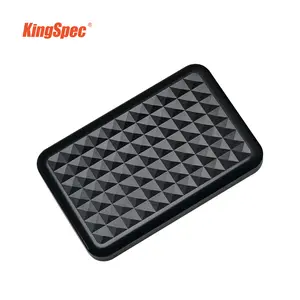
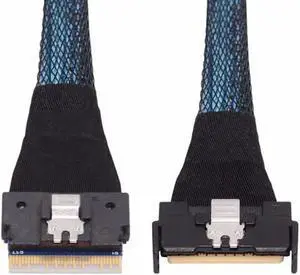
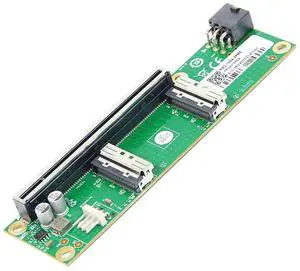
Specifications: Applications: 1. Make sure to move to High Sierra while still on your old drive, so that a newer firmware is installed that can handle NVMe. 2. Do a full backup to your TimeMachine. 3. Create a High Sierra Installer on a bootable USB stick. 4. Open the macbook and disconnect the battery while wsitching out the drive and make sure both adapter and new SSD sit snug. Finally reconnect the battery before closing the shell. 5. Insert the installer USB stick from step2, and press the option key while the machine starts. Once its up you can now go to the disk utils to format.
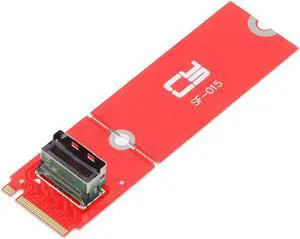
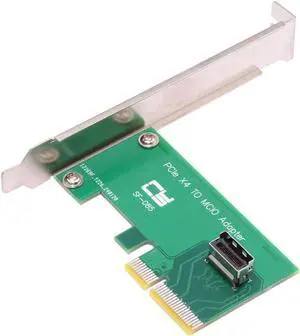
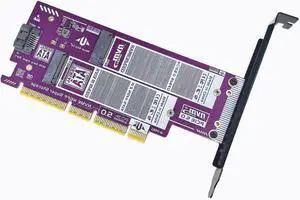
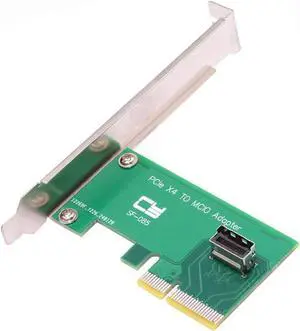
Package Contents: 1x M.2 NVMe SSD Adapter Card for Upgrade of Macbook 2013-2017.
Specifications: Chipset ID: JMicron - JMS580
Drive Size: 22mm - M.2 SATA
Supported Drive Height(s): 2242 / 2260 / 2280
Compatible Drive Types: M.2 (SATA, B-Key, NGFF) / M.2 SATA (NGFF, B+M-Key)
Maximum Data Transfer Rate: 6 Gbps
MTBF: 50,000 hours
TRIM Support:Yes
Type and Rate: USB 3.1 Gen 2 - 10 Gbit/s, SATA III (6 Gbps)
UASP Support: Yes
Drive Connectors: 1 - M.2 (SATA, B-Key, NGFF) Receptacle
Host Connectors: 1 - USB Type-C (24 pin) USB 3.1 (10Gbps) Male
Note:
Not compatible with M.2 NVMe or AHCI PCI-Express SSDs
Windows 7 and earlier Windows versions do not support TRIM with USB to SATA devices.