




 here!
I’m your shopping assistant for PC builds, upgrades, and everything tech.
Got questions? Ask away!
Start a conversation
here!
I’m your shopping assistant for PC builds, upgrades, and everything tech.
Got questions? Ask away!
Start a conversation Hot Seller




Any questions? Ask CelesteSM will help you find out quickly.
We want to ensure your holiday shopping this year is hassle-free. That’s why we’re automatically extending our return policies on almost every product! For purchases placed between November 1st, 2026 and December 31, 2026 you will have until January 31, 2027 to return your product.
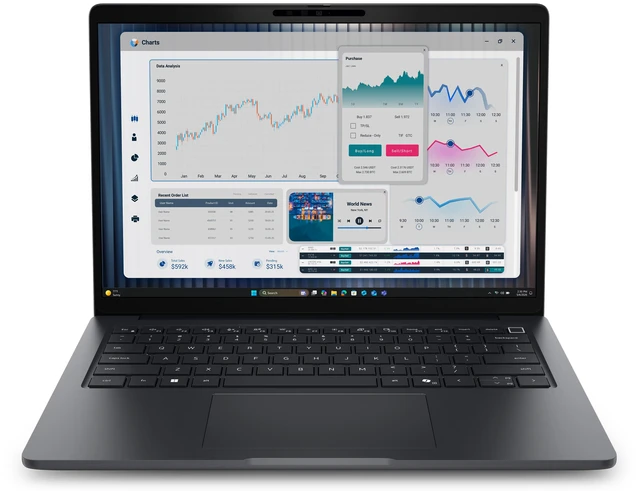
The Dell Pro 3 P314260 is a 14-inch business notebook with an Intel Core 7 350 processor, 16 GB of DDR5 memory, a 512 GB SSD, and Windows 11 Pro, suited to professionals who need a Windows laptop for everyday office work and business tasks.
| Attribute | Value |
|---|---|
| Best For | Business use with a 14-inch display, Intel Core 7 processor, and Windows 11 Pro |
| Processor And Core Count | Intel Core 7 350 with 6 cores, up to 4.8 GHz turbo frequency, and a 17 TOPS NPU |
| Display Spec | 14-inch WUXGA (1920 × 1200) non-touch display with 400-nit brightness, 62.5% sRGB coverage, and anti-glare finish |
| Memory Configuration | 16 GB DDR5 memory in a single-channel 1 × 16 GB configuration, running at 5600 MT/s |
| Storage And Expansion | 512 GB SSD |
| Operating System | Windows 11 Pro |
| Webcam And Privacy | FHD camera |
| Model Identifiers | Dell Pro 3 14 series; model P314260; part number D79KJ |
Q: Dell Pro 3 14 Core 7 350 or Core Ultra 5 335: which configuration should I choose?
A: Choose the Core 7 350 configuration for the listed six-core processor and up-to-4.8 GHz turbo frequency. Choose the Core Ultra 5 335 configuration if your decision prioritizes its eight cores, 47-TOPS NPU, and vPro support; Dell lists the Core 7 350 at 17 TOPS.
Q: Dell Pro 3 14 Core 7 350 or Core Ultra 7 355: which is a better fit for demanding multitasking?
A: The Core Ultra 7 355 is the higher-core option, with eight cores and a 49-TOPS NPU; the Core 7 350 has six cores and a 17-TOPS NPU. Choose the Core Ultra 7 355 when your work can benefit from the additional cores or greater NPU capacity, and the Core 7 350 for the configuration specified in this listing.
Q: Dell Pro 3 14 Core 7 350 or Core 5 320: is the Core 7 configuration worth choosing?
A: Both processor options have six cores. The Core 7 350 is listed with up to 4.8 GHz turbo frequency and a 17-TOPS NPU, compared with up to 4.6 GHz and 16 TOPS for the Core 5 320. Choose the Core 7 350 when you want the higher listed turbo frequency and NPU capacity; choose the Core 5 320 for a six-core option with slightly lower listed specifications.
Q: Dell Pro 3 14 or Pro 3 16: which size is better for work?
A: Choose the Dell Pro 3 14 when a 14-inch laptop is the priority for a more compact work setup. Choose the Pro 3 16 when you prefer a larger 16-inch screen. Dell lists WUXGA resolution options for both sizes; the 14-inch model also has optional touch and higher-brightness display configurations, depending on configuration.


