


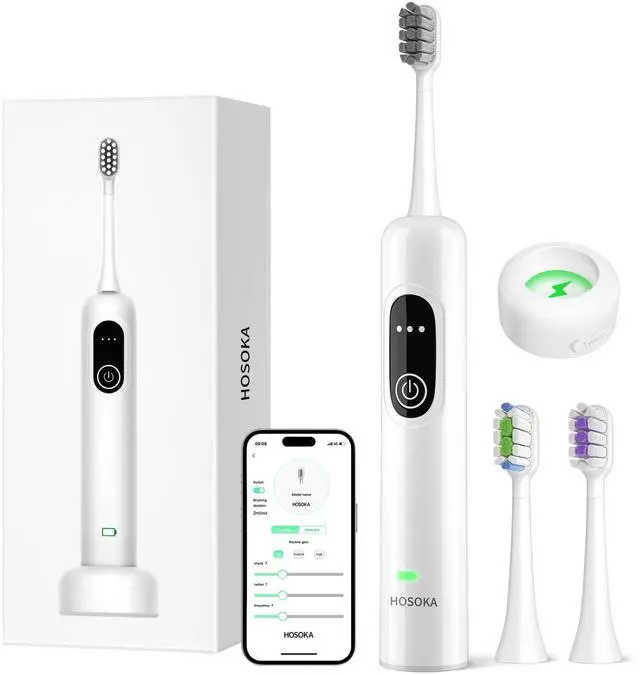


New Generation Toothbrushing By HOSOKA
Merchant Video


Diverse kinds of brush heads
 Electric Toothbrush |  Pointed Bristle |  W-Shaped |  Crescent-Shaped | |
|---|---|---|---|---|
Customer Reviews | — | — | — | — |
Price | — | — | — | — |
Product Type | Electric Toothbrush | Toothbrush Heads | Toothbrush Heads | Toothbrush Heads |
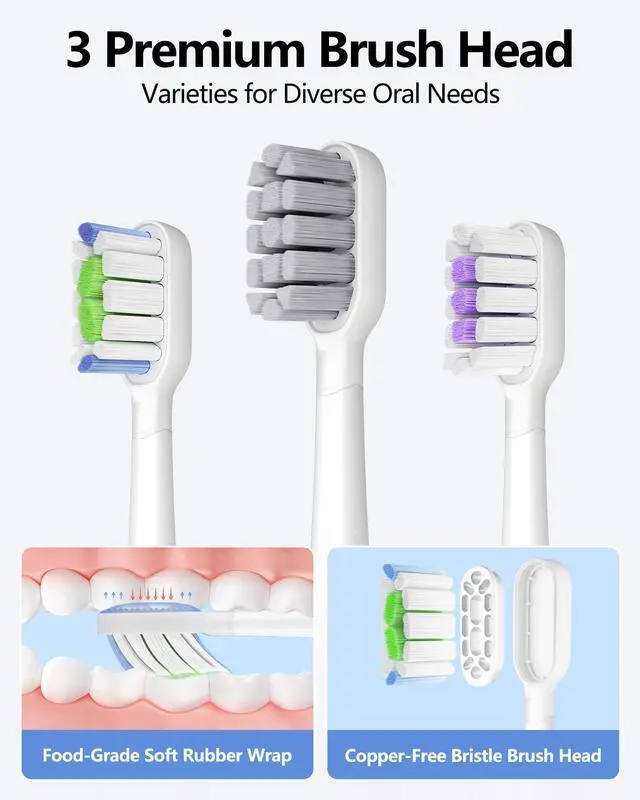
Brushheads | 3 Premium Brush Heads | 6 Pointed Bristle Brush Heads | 6 W-Shaped Brush Heads | 6 Crescent-Shaped Brush Heads |
Colors | White | White | White | White |
Features | Oscillation/Vibrations/APP | Standard Care | Deep-Clean | Whitening Bright |
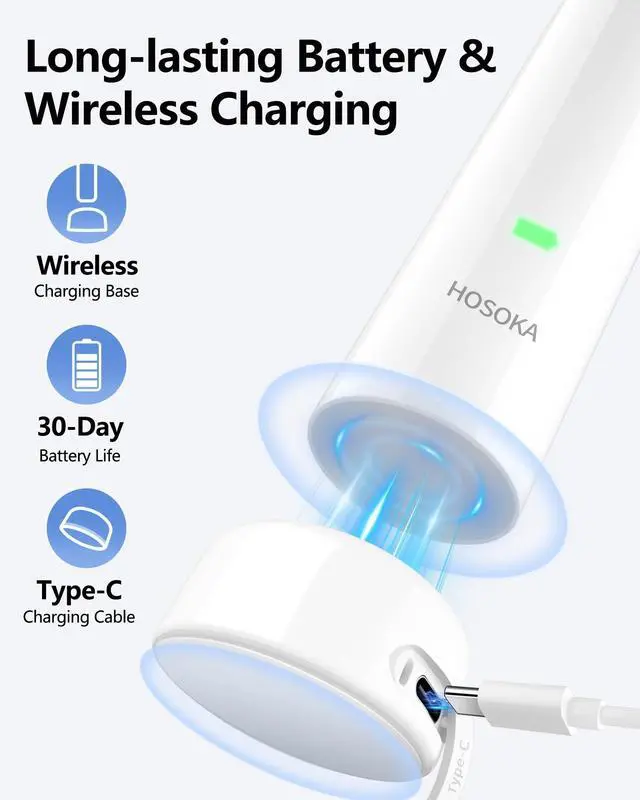
Battery Life | 30 Days | / | / | / |
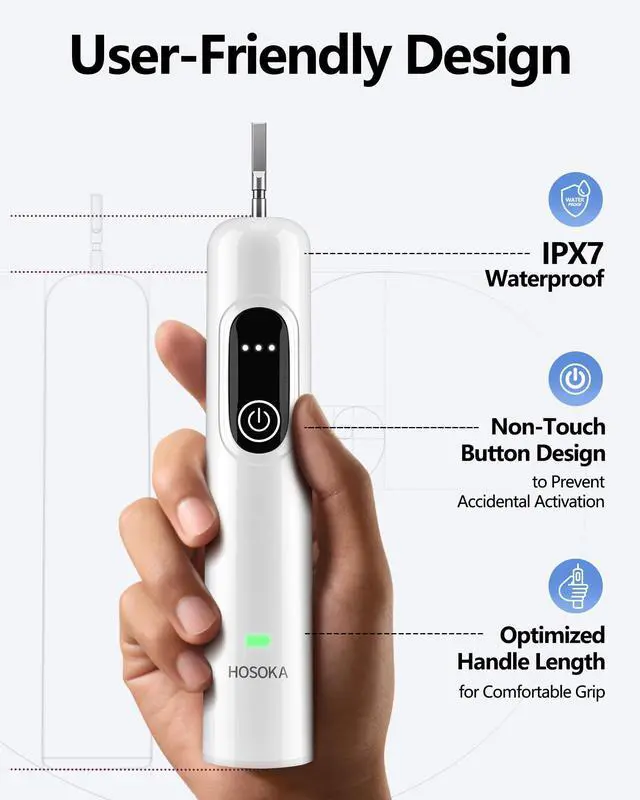
Waterproof Rating | IPX7 | / | / | / |
Charging Type | Wireless Charging | / | / | / |
APP Custom Modes | ? | ? | ? | ? |
How can I ensure my toothbrush has a full 30-day battery life?
Please fully charge the toothbrush before first use to ensure the full 30-day capacity. For a quick start, refer to our video guide or the digital manual sent to you.
How can I check the battery status of my toothbrush while charging and during use?
Charging: Charging: Red breathing light; Fully charged: Solid green light. During Use: Battery > 30%: Green light; Battery < 30%: Red light; Battery = 10%: Red light flashes.
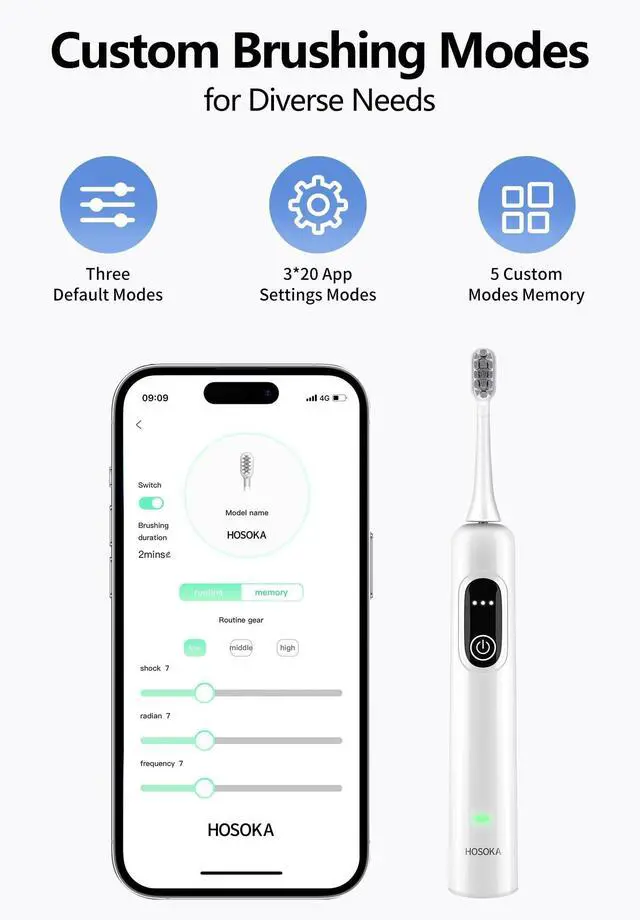
Do I need to register an account to use the app, and do I need to connect to the app to use custom settings?
No registration is required to use the app. The toothbrush has three default modes: Gentle Mode (20°), Standard Mode (24°), and Strong Mode (28°). To use and save custom settings, connect the toothbrush to the app.
Where can I buy replacement brush heads for my toothbrush?
You can purchase the corresponding brush heads directly from our brand store. We will continue to release different types of brush heads in the future to meet personalized needs.
How do I quickly connect the toothbrush to the app?
Press the power button on the toothbrush once to enter standby mode, then press the power button again to switch to brushing mode (default: Gentle Mode, 20°). Open the app on your phone to connect to the toothbrush.


HOSOKA has been dedicated to producing professional electric toothbrushes for over a decade.
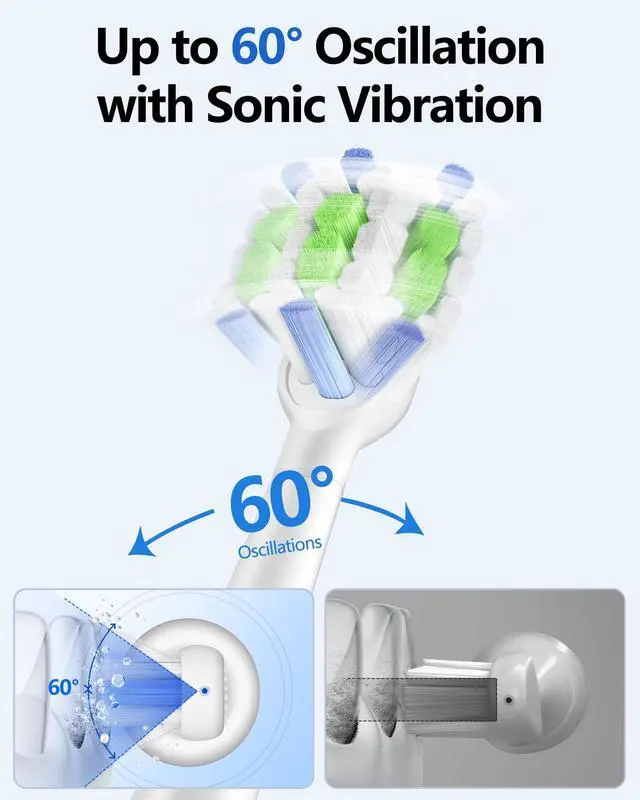
Our next-generation toothbrushes feature a unique 60° oscillation that perfectly complements the healthy Bass brushing technique. This design provides a deeper clean and promotes better oral hygiene.
Millions trust HOSOKA for their daily oral care, and we keep creating high-performance, user-friendly products.
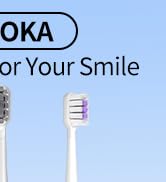
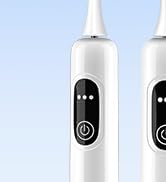
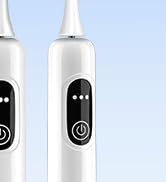
HOSOKA Future Toothbrush


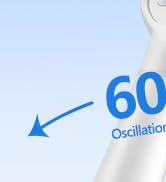
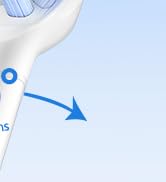
60° Oscillation & Vibration
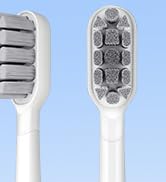
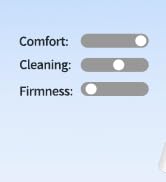
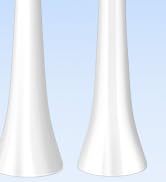
Gun Care Brush Head
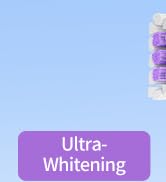
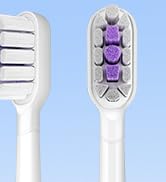
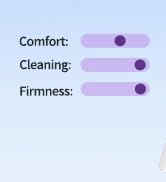
Ultra-Whitenging Brush Head
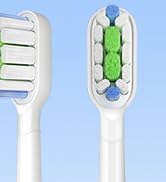
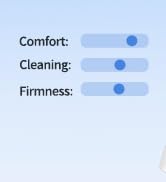
Super-Clean Brush Head
HOSOKA has been dedicated to producing professional electric toothbrushes for over a decade.
Our next-generation toothbrushes feature a unique 60° oscillation that perfectly complements the healthy Bass brushing technique. This design provides a deeper clean and promotes better oral hygiene.
Millions trust HOSOKA for their daily oral care, and we keep creating high-performance, user-friendly products.
HOSOKA Future Toothbrush
60° Oscillation & Vibration
Gun Care Brush Head
Ultra-Whitenging Brush Head
Super-Clean Brush Head
New Generation Toothbrushing By HOSOKA
Merchant Video


Diverse kinds of brush heads
Electric Toothbrush | Pointed Bristle | W-Shaped | Crescent-Shaped |
|---|---|---|---|
| Customer Reviews | |||
| — | — | — | — |
| Price | |||
| — | — | — | — |
| Product Type | |||
| Electric Toothbrush | Toothbrush Heads | Toothbrush Heads | Toothbrush Heads |
| Brushheads | |||
| 3 Premium Brush Heads | 6 Pointed Bristle Brush Heads | 6 W-Shaped Brush Heads | 6 Crescent-Shaped Brush Heads |
| Colors | |||
| White | White | White | White |
| Features | |||
| Oscillation/Vibrations/APP | Standard Care | Deep-Clean | Whitening Bright |
| Battery Life | |||
| 30 Days | / | / | / |
| Waterproof Rating | |||
| IPX7 | / | / | / |
| Charging Type | |||
| Wireless Charging | / | / | / |
| APP Custom Modes | |||
| ? | ? | ? | ? |
How can I ensure my toothbrush has a full 30-day battery life?
Please fully charge the toothbrush before first use to ensure the full 30-day capacity. For a quick start, refer to our video guide or the digital manual sent to you.
How can I check the battery status of my toothbrush while charging and during use?
Charging: Charging: Red breathing light; Fully charged: Solid green light. During Use: Battery > 30%: Green light; Battery < 30%: Red light; Battery = 10%: Red light flashes.
Do I need to register an account to use the app, and do I need to connect to the app to use custom settings?
No registration is required to use the app. The toothbrush has three default modes: Gentle Mode (20°), Standard Mode (24°), and Strong Mode (28°). To use and save custom settings, connect the toothbrush to the app.
Where can I buy replacement brush heads for my toothbrush?
You can purchase the corresponding brush heads directly from our brand store. We will continue to release different types of brush heads in the future to meet personalized needs.
How do I quickly connect the toothbrush to the app?
Press the power button on the toothbrush once to enter standby mode, then press the power button again to switch to brushing mode (default: Gentle Mode, 20°). Open the app on your phone to connect to the toothbrush.