




 here!
I’m your shopping assistant for PC builds, upgrades, and everything tech.
Got questions? Ask away!
Start a conversation
here!
I’m your shopping assistant for PC builds, upgrades, and everything tech.
Got questions? Ask away!
Start a conversation Top Rated
 Hot Seller





Any questions? Ask CelesteSM will help you find out quickly.
We want to ensure your holiday shopping this year is hassle-free. That’s why we’re automatically extending our return policies on almost every product! For purchases placed between November 1st, 2026 and December 31, 2026 you will have until January 31, 2027 to return your product.
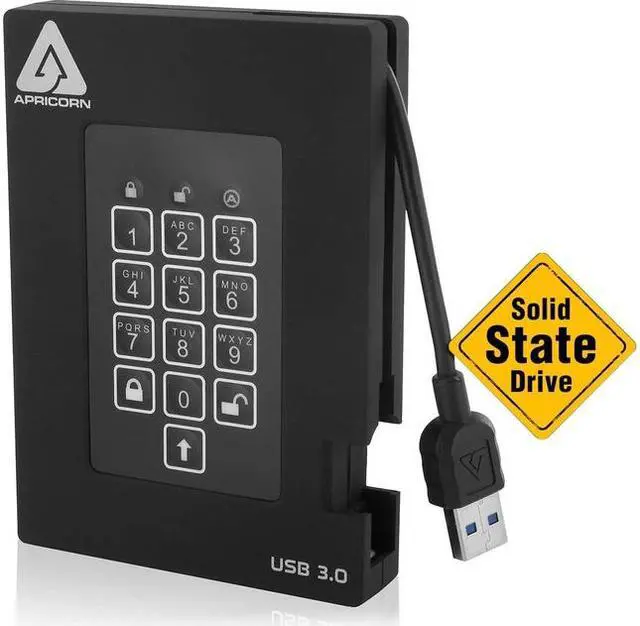
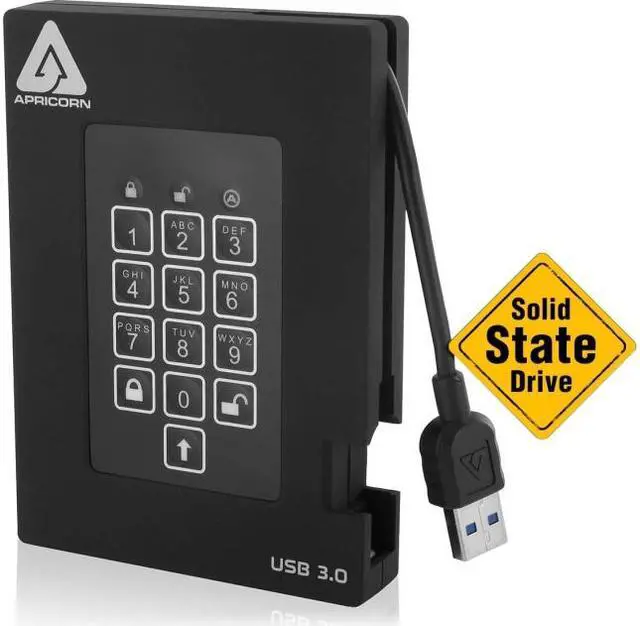
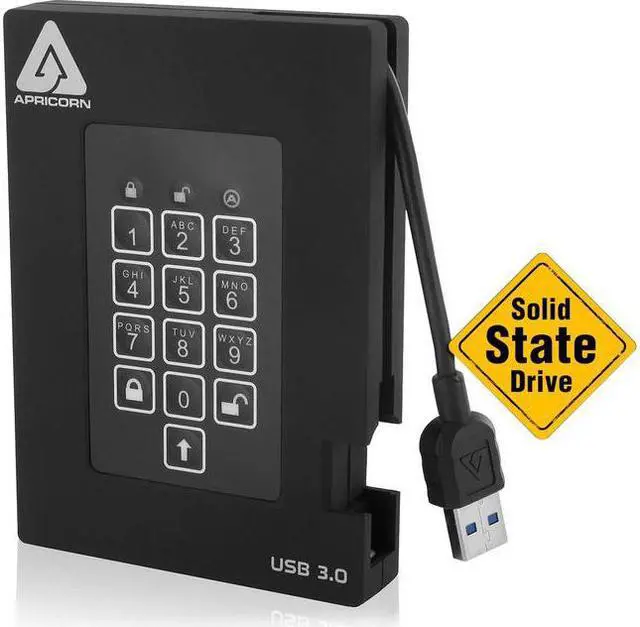
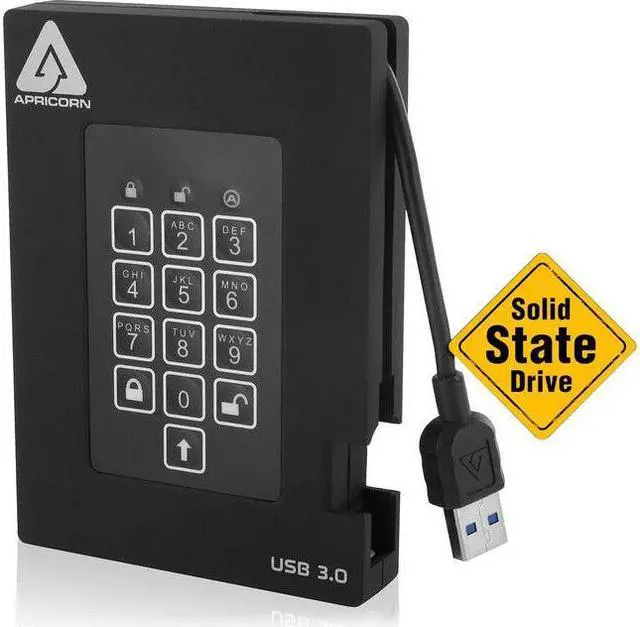
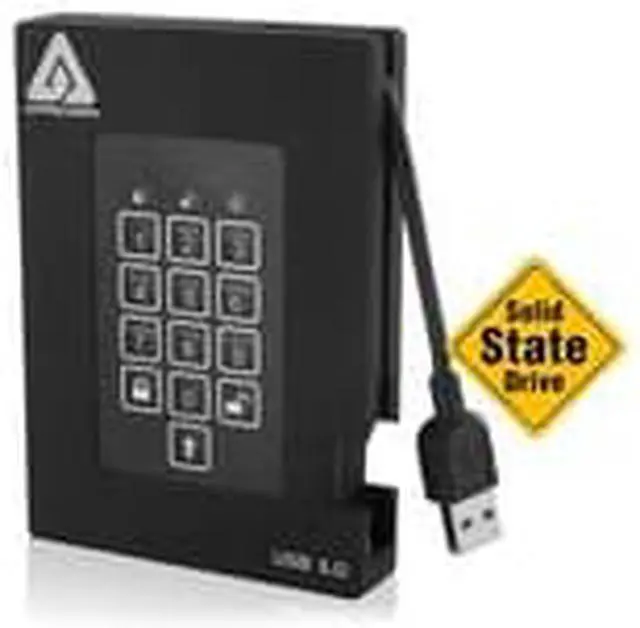
The Apricorn Aegis Fortress A25-3PL256-S4000F is a 4TB external SSD with FIPS 140-2 Level 2 validation, 256-bit AES-XTS hardware encryption, and keypad PIN access, suited to people who need to protect sensitive files on portable storage.
| Attribute | Value |
|---|---|
| Best For | Portable 4TB external SSD storage for business or personal use, with hardware-encrypted data |
| Capacity And Form Factor | 4TB solid-state storage in a 2.5-inch form factor |
| Interface And Compatibility | USB 3.0; backward compatible with USB 2.0 and 1.1. Compatible with Windows, Mac, Linux, Unix, and PC systems; requires a USB port |
| Security And Validation | 256-bit AES hardware encryption; FIPS 140-2 Level 2 validated, with FC and CE approvals |
| Performance And Cache | 8MB DRAM cache and 0.1ms average access time |
| Power And Portability | Bus-powered; portable external drive |
| Durability And Operating Conditions | Virtually shock- and vibration-resistant; maximum shock resistance of 1500G/0.5ms and vibration resistance of 20G/20–2000Hz. Storage temperature: -40°C to +70°C; operating humidity: 95% below 55°C |
| Physical Design | Black enclosure |
| Model Identifiers | Apricorn Aegis Fortress, model A25-3PL256-S4000F |
Q: Apricorn Aegis Fortress or Samsung T7 Shield: which should I choose?
A: Choose the Apricorn Aegis Fortress when you need PIN entry on the drive itself, software-free access, and FIPS 140-2 Level 2 validation. Choose the Samsung T7 Shield when transfer speed is the priority: Samsung rates it for up to 1,050 MB/s reads and 1,000 MB/s writes, compared with Apricorn’s stated maximum of 360 MB/s for the Fortress SSD. The T7 Shield’s password protection is managed through Samsung software.
Q: Should I get the Aegis Fortress or the Aegis Fortress L3?
A: Choose this Aegis Fortress if FIPS 140-2 Level 2 validation and keypad-based, software-free access meet your requirements. Choose the Fortress L3 if your security requirements specifically call for FIPS 140-2 Level 3 validation; its listed features also include USB-A and USB-C cables and recovery PINs. Confirm the required certification level before buying, because Level 2 and Level 3 are different specifications.
Q: Is the 4TB Aegis Fortress worth choosing over the 2TB version?
A: Choose the 4TB version if you need more space for a single portable drive or want to reduce the number of drives you carry. Choose 2TB if that capacity is sufficient. Apricorn lists both capacities in the Fortress SSD range; the available datasheet does not establish a performance advantage for either capacity.
Q: Should I buy the Aegis Fortress or a regular portable SSD?
A: Choose the Aegis Fortress when you need its keypad authentication, hardware encryption, software-free setup, and FIPS 140-2 Level 2 validation. A performance-focused portable SSD may be a better fit if you mainly transfer large files and do not need those security features: Apricorn specifies up to 360 MB/s for the Fortress SSD, while the Samsung T7 Shield is rated for up to 1,050 MB/s reads and 1,000 MB/s writes.
Q: Will this drive work with Windows, Mac, and Linux?
A: Yes. The drive is specified for Windows, Mac, and Linux and connects through USB. It supports USB 3.0 for maximum interface speed and is backward compatible with USB 2.0 and 1.1.
Q: Does the drive need a separate power adapter?
A: No. It is 100% bus powered, so it draws power through its USB connection rather than requiring a separate power adapter.
Q: Do I need to install encryption software to protect files on this drive?
A: No. The drive uses onboard hardware encryption and keypad PIN access, with software-free setup. Its 256-bit AES-XTS encryption operates in real time; the product is specified as FIPS 140-2 Level 2 validated.
Q: Is this a practical drive to carry for work or travel?
A: It is designed as a portable external SSD and is bus powered, so it does not need a separate power adapter. Its keypad PIN access and stated shock resistance may suit carrying sensitive files, but it connects over USB 3.0 and the provided specifications do not state that it is water resistant.
Q: Can I use the drive between computers without installing encryption software?
A: Yes. The drive uses keypad-based hardware encryption and software-free setup; after it is unlocked, it works as USB storage. The listed system support includes Windows, Mac, and Linux. Confirm the connection type and port support on each host.
Q: Is hardware encryption worth choosing over software encryption?
A: It may suit users who need keypad access, host-independent unlocking, or FIPS 140-2 Level 2 validation. If those are not requirements, Reddit discussions also consider software encryption as an alternative; this product’s main trade-off is its specialized security-focused design.
Q: Is an Apricorn keypad drive suitable for carrying sensitive work files between systems?
A: It is a relevant option when you need portable storage with PIN access and hardware encryption. The product is bus-powered and lists Windows, Mac, and Linux compatibility; a Reddit discussion describes Apricorn drives being used for work and transfers between computers. Check your organization’s security and device policies before using it.


