here!
I’m your shopping assistant for PC builds, upgrades, and everything tech.
Got questions? Ask away!
Start a conversation
here!
I’m your shopping assistant for PC builds, upgrades, and everything tech.
Got questions? Ask away!
Start a conversation


Any questions? Ask CelesteSM will help you find out quickly.
We want to ensure your holiday shopping this year is hassle-free. That’s why we’re automatically extending our return policies on almost every product! For purchases placed between November 1st, 2026 and December 31, 2026 you will have until January 31, 2027 to return your product.
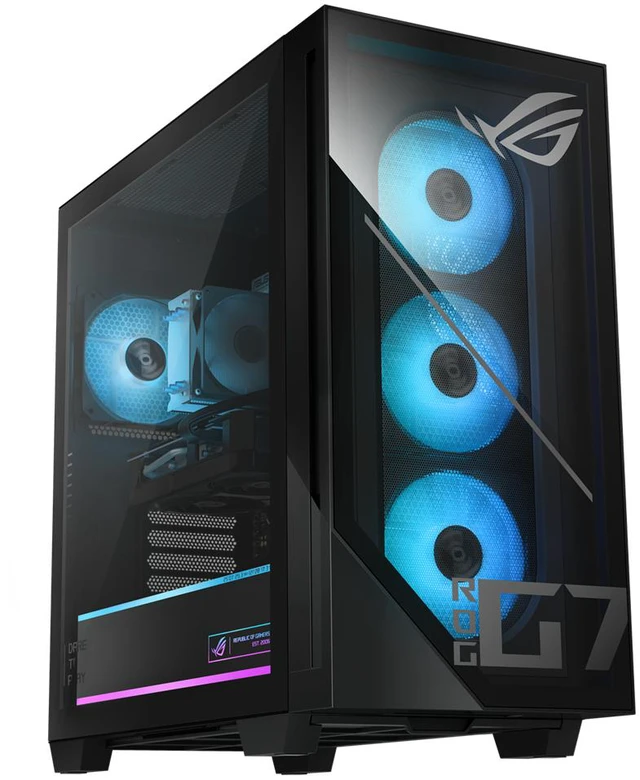
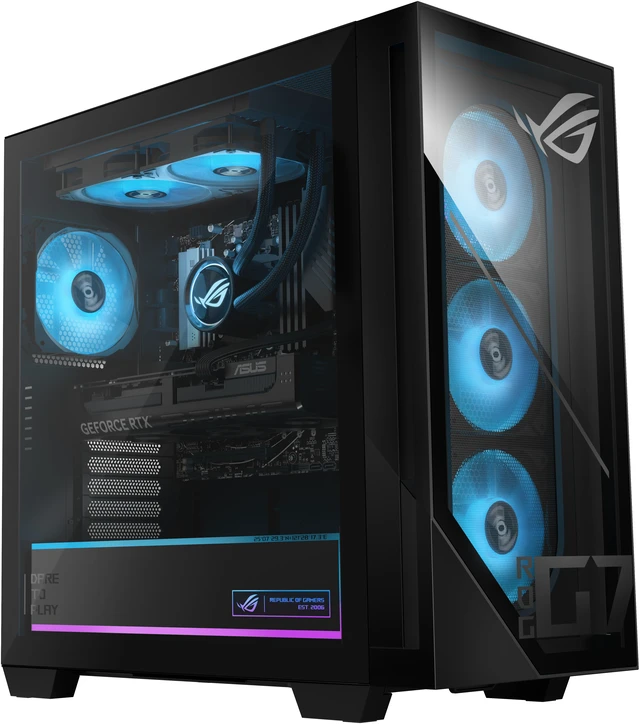
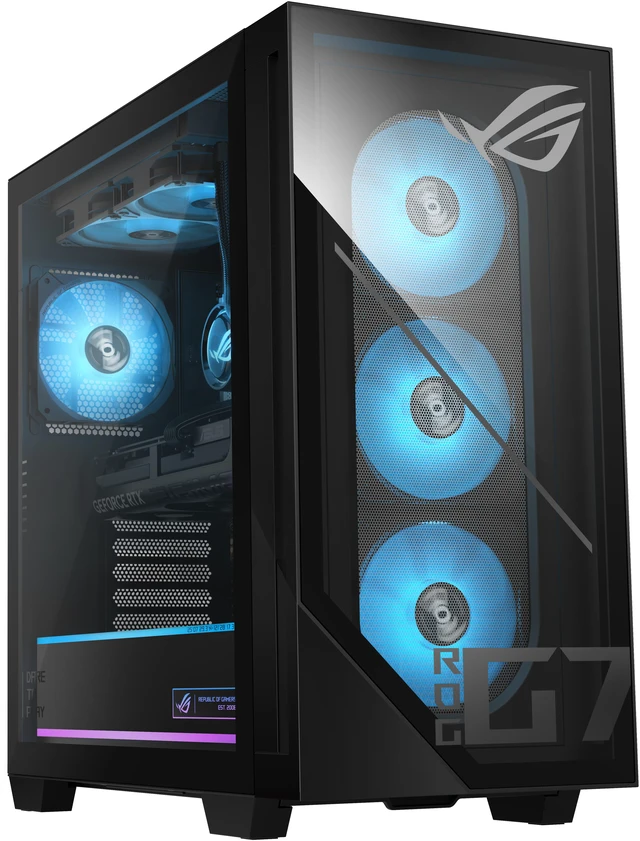
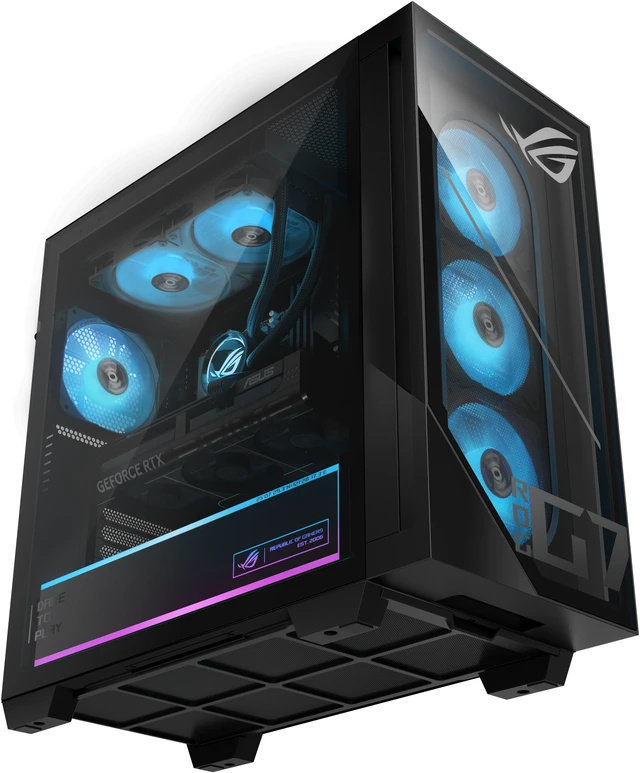
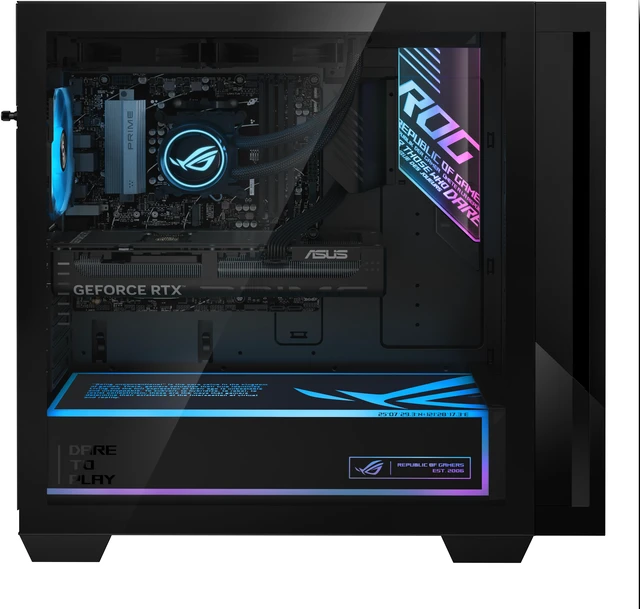
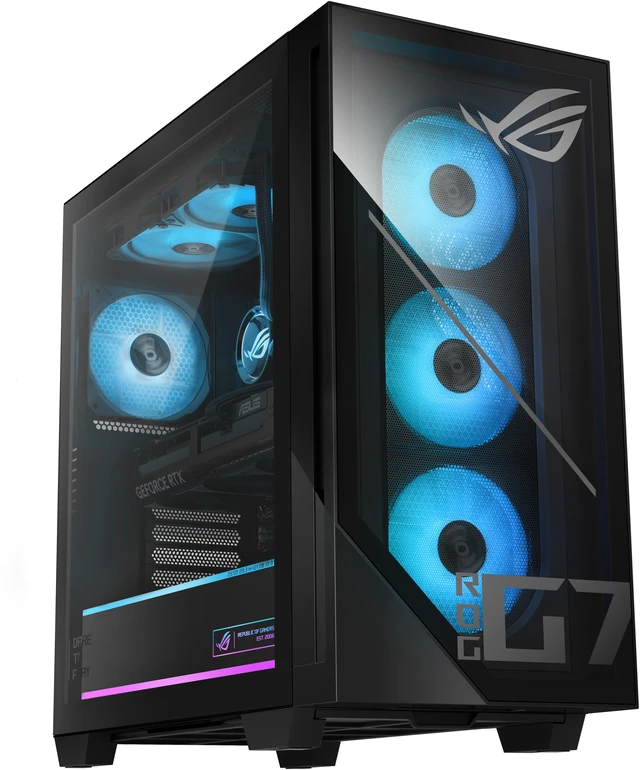
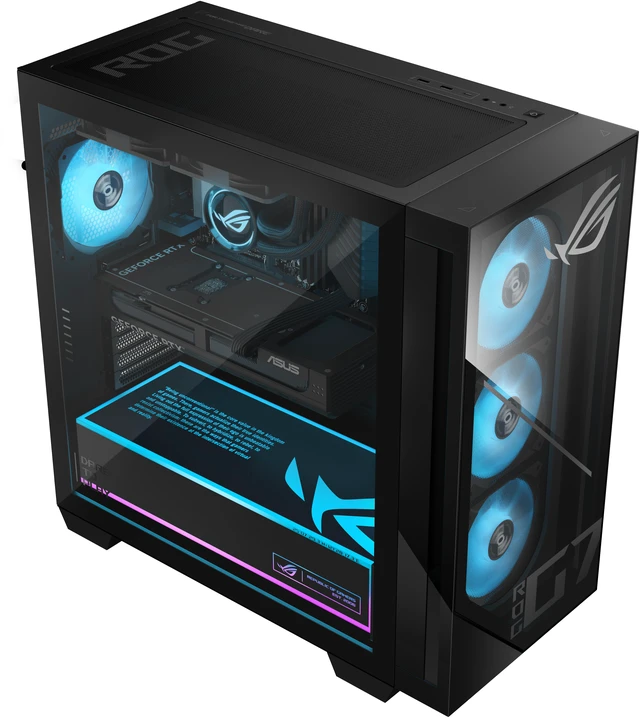
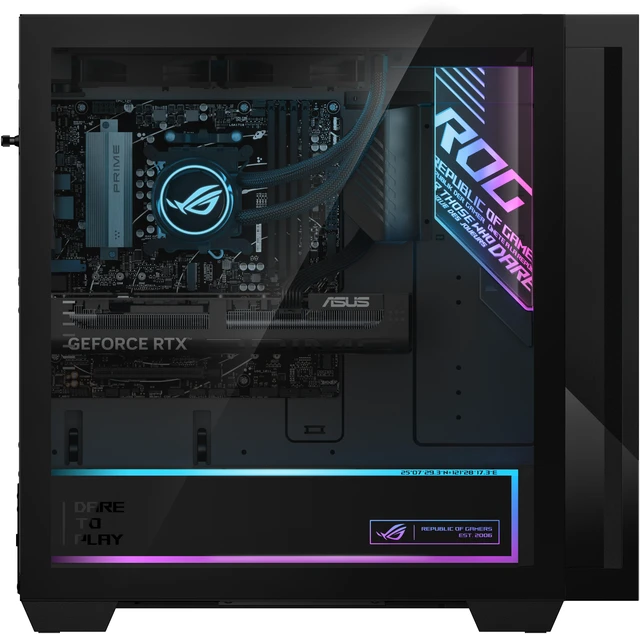
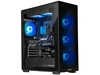
The ASUS GM700TZ-NB766 is a tower gaming desktop with an AMD Ryzen 7 8700F, Radeon RX 9060 XT 16GB graphics, 32GB DDR5 memory, and a 1TB NVMe SSD, suited to gamers who want a ready-to-use Windows 11 PC for gaming and everyday tasks.
| Attribute | Value |
|---|---|
| Best For | Gaming and entertainment on a tower desktop, with an 8-core Ryzen 7 processor, Radeon RX graphics with 16 GB of memory, and 32 GB of DDR5 |
| Processor And Cache | AMD Ryzen 7 8700F from the Ryzen 7 8000 Series, with 8 cores, 8 MB L2 cache, and 16 MB L3 cache |
| Graphics | AMD Radeon RX 9060 XT PRIME OC with 16 GB GDDR6 |
| Memory Configuration | 32 GB DDR5-5600 in a 16 GB × 2 configuration; 4 memory slots total, 2 available, with support for up to 64 GB |
| Storage | 1 TB M.2 2280 NVMe PCIe 4.0 SSD |
| Networking | Gigabit Ethernet via Realtek RTL8111H, plus 802.11ax Wi-Fi 6 and Bluetooth 5.4 |
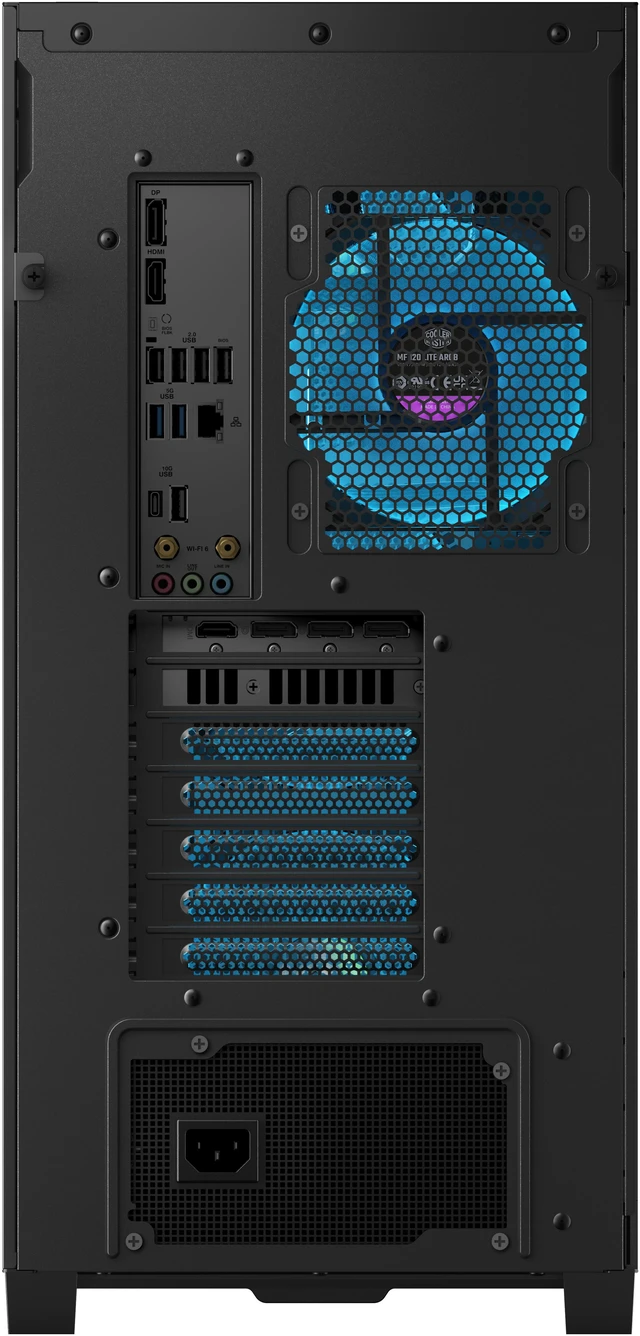
| Ports And Expansion | Video outputs: 1 × DisplayPort 1.4 and 1 × HDMI 1.4. Rear USB: 4 × USB 2.0 Type-A, 2 × USB 3.2 Gen 1 Type-A, 1 × USB 3.2 Gen 2 Type-A, and 1 × USB 3.2 Gen 2 Type-C. Also includes 1 RJ45 port, 3 rear audio ports, and PCIe 4.0 x16 expansion slots |
| Audio | High Definition 7.1-channel audio |
| Power And Cooling | 600 W power supply with 80+ Gold rating and air cooling |
| Included Peripherals | USB gaming RGB keyboard and mouse |
| Operating System | Windows 11 Home |
| Chassis And Dimensions | Black tower measuring 18.88 × 9.45 × 20.05 inches (H × W × D); weighs 39.68 lb |
| Model Identifiers | ASUS GM700TZ-NB766; part number 90PF05V1-M000A0 |
| Optical Drive | No optical drive |
Q: ASUS ROG GM700 with Ryzen 7 8700F or Ryzen 5 8400F?
A: Choose this GM700 configuration if you want the Ryzen 7 8700F paired with the Radeon RX 9060 XT. ASUS also lists a GM700 with a Ryzen 5 8400F and the same RX 9060 XT, making that configuration the alternative for buyers who prefer that processor tier while keeping the same listed graphics card.
Q: Is this ASUS ROG GM700 suitable for 1440p gaming, or should I choose an RX 9070 XT version?
A: This GM700 pairs the Ryzen 7 8700F with a 16GB Radeon RX 9060 XT; Tom’s Hardware describes this configuration as 1440p-ready. Choose an ASUS ROG GM700 with the RX 9070 XT and Ryzen 7 9800X3D if you want a higher-tier graphics card and processor within the same desktop family.
Q: Should I get this GM700 or an ASUS ROG GM700 with an RTX 5080?
A: Choose this configuration for its Ryzen 7 8700F, Radeon RX 9060 XT with 16GB of graphics memory, 32GB DDR5, and 1TB SSD. An ASUS ROG GM700 with an RTX 5080 is a higher graphics tier and is listed with 2TB storage; ASUS highlights NVIDIA features including DLSS 4 for that GPU family.
Q: Is this desktop suitable for gaming and everyday use?
A: It is configured for gaming and general desktop use, with an 8-core Ryzen 7 8700F, 32GB of DDR5 memory, and a Radeon RX 9060 XT with 16GB of graphics memory. Actual game performance depends on the game, settings, and monitor; the listing does not provide specific frame-rate estimates.
Q: Can I upgrade the memory later?
A: Yes. The listed configuration has 32GB of DDR5 memory in two 16GB modules, with two of its four memory slots available. The listed maximum supported memory is 64GB.
Q: Does it include a monitor?
A: A monitor is not listed as included. The product information lists a USB gaming keyboard and mouse, so plan to provide a monitor separately.
Q: Can I connect it to Wi-Fi?
A: Yes. The specifications list built-in Wi-Fi 6, along with Bluetooth 5.4 and Gigabit Ethernet for wired networking.
Q: Are a keyboard and mouse included?
A: Yes. The listing includes a USB gaming RGB keyboard and a USB gaming RGB mouse.
Q: Is this PC suitable for 1440p gaming?
A: It is a reasonable option to consider for mainstream 1440p gaming: it pairs an RX 9060 XT with 16 GB of graphics memory and 32 GB of RAM. Reddit discussion describes this configuration as suited to entry-level to mainstream 1440p play, but actual performance will vary by game and settings.
Q: Is the Ryzen 7 8700F a concern for competitive gaming?
A: It is an 8-core processor, but Reddit discussion raises its lower cache as a possible drawback in CPU-sensitive, high-frame-rate games. If competitive 1080p performance is the priority, compare it with systems using a stronger gaming-focused CPU; for more GPU-heavy 1440p play, the concern may matter less.
Q: Is this ASUS desktop worth buying?
A: Value depends on its price and the alternatives available when you buy. Reddit discussions about this model consider it at different price points and compare it with other prebuilts, so judge the asking price against systems with similar graphics, memory, and storage rather than relying on the model name alone.