EPOMAKER Click Gaming Mouse Wireless 2.4Ghz/Bluetooth/Type-C, 800 to 42,000 DPI Adjustable, 8K Polling Rate, 500mAh, Lightweight Optical Mouse, for PC/Mac/Linux (Black)
  •  
  • $59.49 
  • Save: 15%
  • $126.99
  • Free 30-day Returns
  • Price alert
    Shop it at NeweggBusiness.

    Meet Your Seller

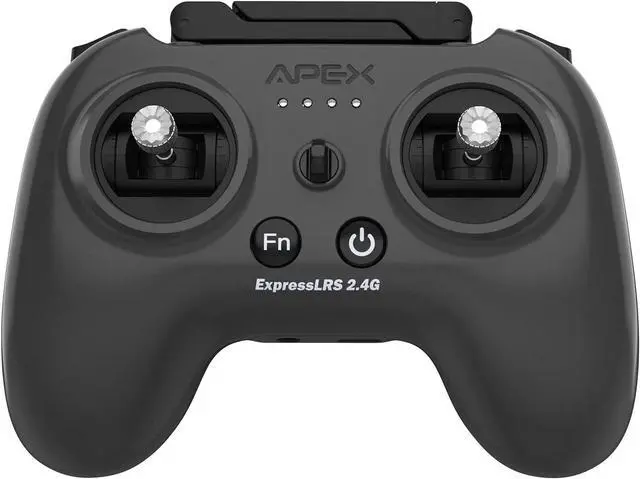
    APEX RC Radio Transmitter FPV Controller with VR70 and ELRS 2.4G V3 or Higher Drone,Supports FPV Simulators,No dongle Required,Suitable for FPV Beginners,Built-in HF Head with 500mW,2000 mAh,G-129

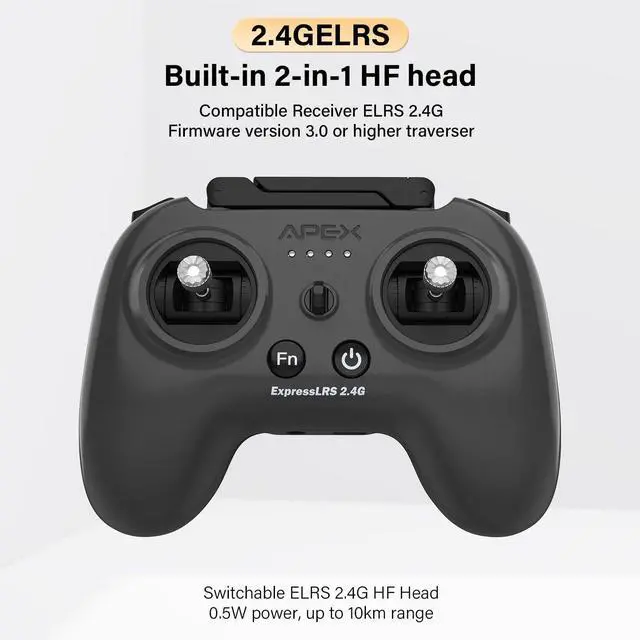
    • Two protocolsG-129 supports both the ELRS 2.4G Firmware version 3.0 or higher protocol and our autonomous TX protocol, allowing for free switching to adapt to your drone and flight simulator. Key pointsTo switch protocols while the device is powered off, press and hold the FN key and the power button simultaneously.(Aquick four beeps indicate the APEX TX protocol, and a slow four beeps indicate the built-in high-frequency head ELRS2.4G protocol).After connecting to an ELRS protocol-based aircraft, it is necessary to configure the settings via the corresponding ground station; otherwise, the remote control may fail to function.
    • The relevant tutorial has been uploaded. Please note that different drones may require different re-pairing methods. Consult the respective drone manufacturer for guidance.
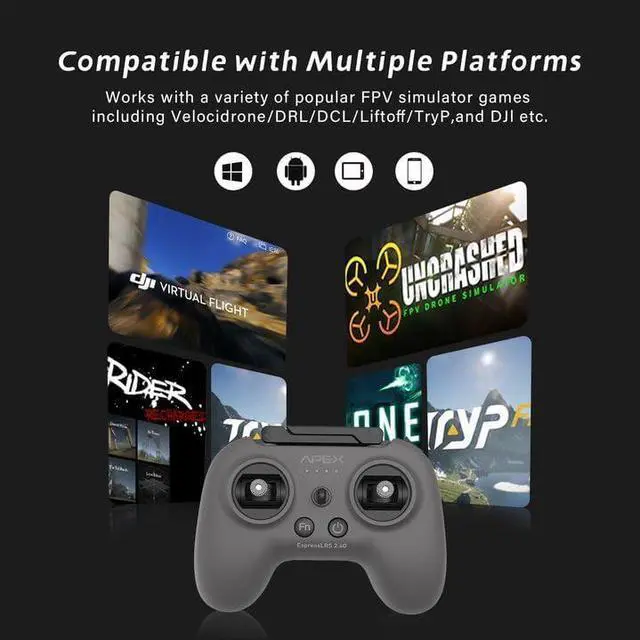
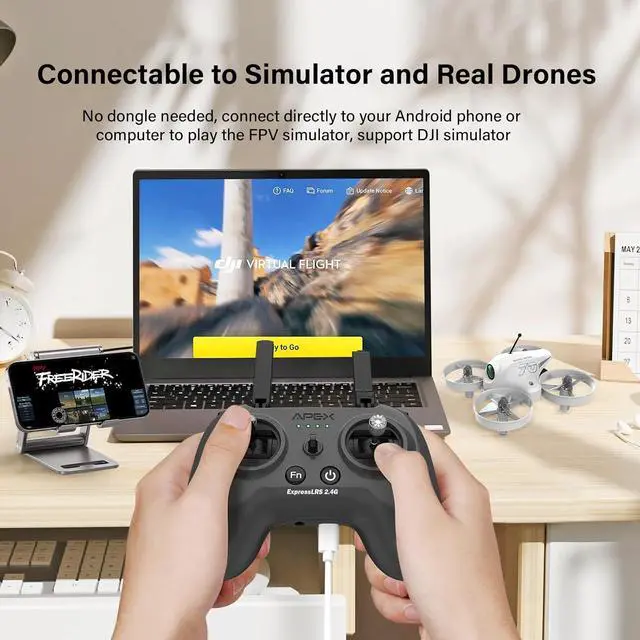
    • FPV Simulator SupportG-129 supports both PC and Android mobile FPV simulators. No dongle required.You can connect your PC or Phone via USB or OTG cable, and then you can play
    +
    +
    Overview
    Specs
    Reviews
    avatar

    Any questions? Our AI beta will help you find out quickly.

    Two protocolsG-129 supports both the ELRS 2.4G Firmware version 3.0 or higher protocol and our autonomous TX protocol, allowing for free switching to adapt to your drone and flight simulator. Key pointsTo switch protocols while the device is powered off, press and hold the FN key and the power button simultaneously.(Aquick four beeps indicate the APEX TX protocol, and a slow four beeps indicate the built-in high-frequency head ELRS2.4G protocol).After connecting to an ELRS protocol-based aircraft, it is necessary to configure the settings via the corresponding ground station; otherwise, the remote control may fail to function.
    The relevant tutorial has been uploaded. Please note that different drones may require different re-pairing methods. Consult the respective drone manufacturer for guidance.
    FPV Simulator SupportG-129 supports both PC and Android mobile FPV simulators. No dongle required.You can connect your PC or Phone via USB or OTG cable, and then you can play FPV simulators such as TYPEFPV, Uncrashed, DJI Virtual Flight, etc. via G-129, which is suitable for beginners.
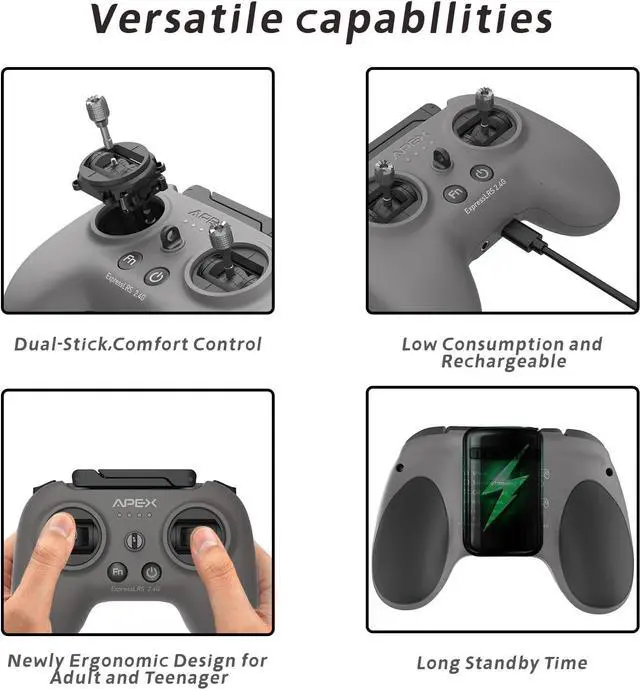
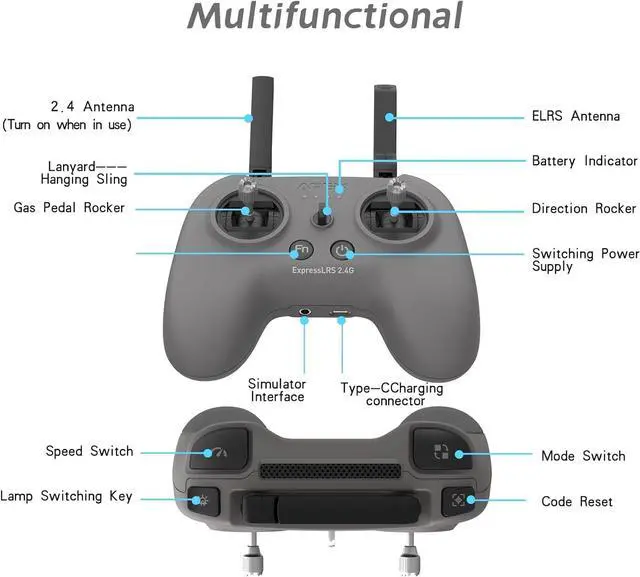
    Long enduranceG-129 is equipped with a 2000mAh rechargeable battery, which can be used continuously for more than ten hours after being fully charged. It has 4 battery indicator lights, indicating the current remaining battery level.
    After sales supportIf there are any issues with the product, please contact us promptly. We will have specialized technicians to handle it for you
    firmware upgradeNot recommended for beginners We have our own ground station that can be used for firmware upgrades. Download ApexFlight from the Google Play Store. You can upgrade the firmware in the app, but please note that during the firmware upgrade, the phone must remain connected to the remote controller and should be kept charged to prevent the remote from malfunctioning if the phone shuts down.

    Warranty & Returns

    Warranty, Returns, And Additional Information

    Warranty

    • Please contact the Seller directly for warranty information. Warranty information may also be found on the Manufacturer's website.
    • CONTACT

    Return Policies

    • Return for refund within: 30 days
    • Return for replacement within: non-replaceable
    • This item is covered by honour_2 Return Policy

    Manufacturer Contact Info

    LOADING...