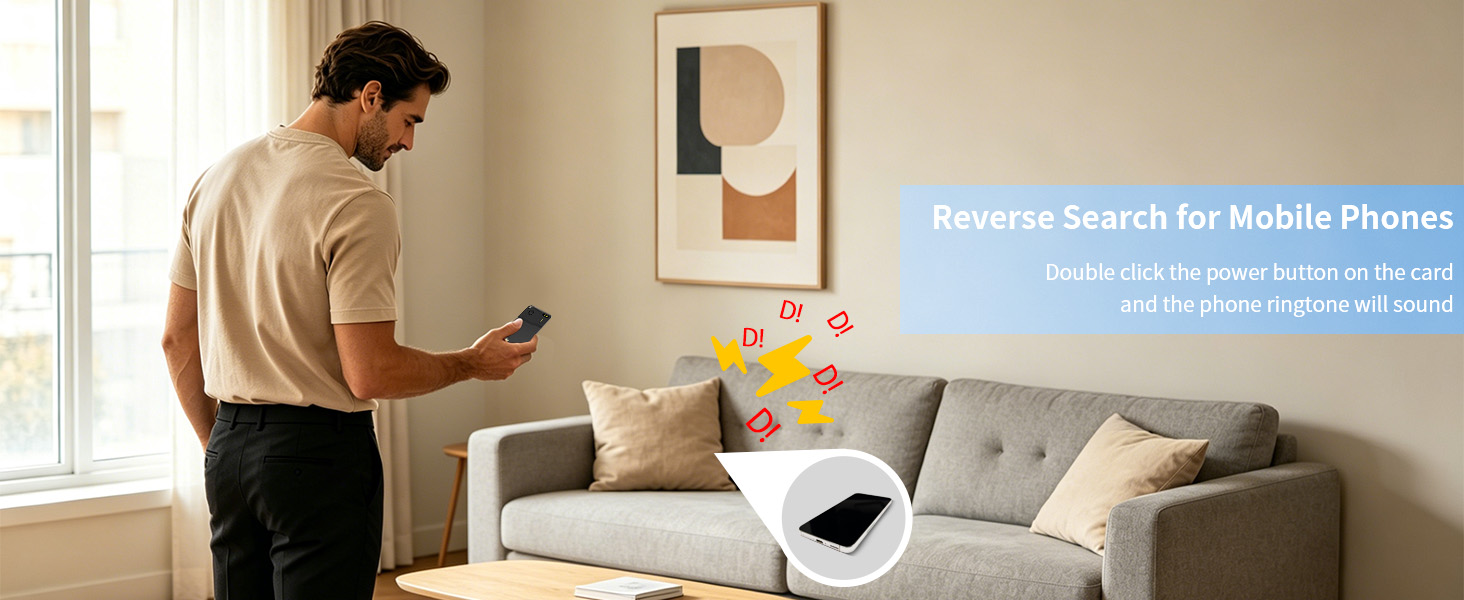
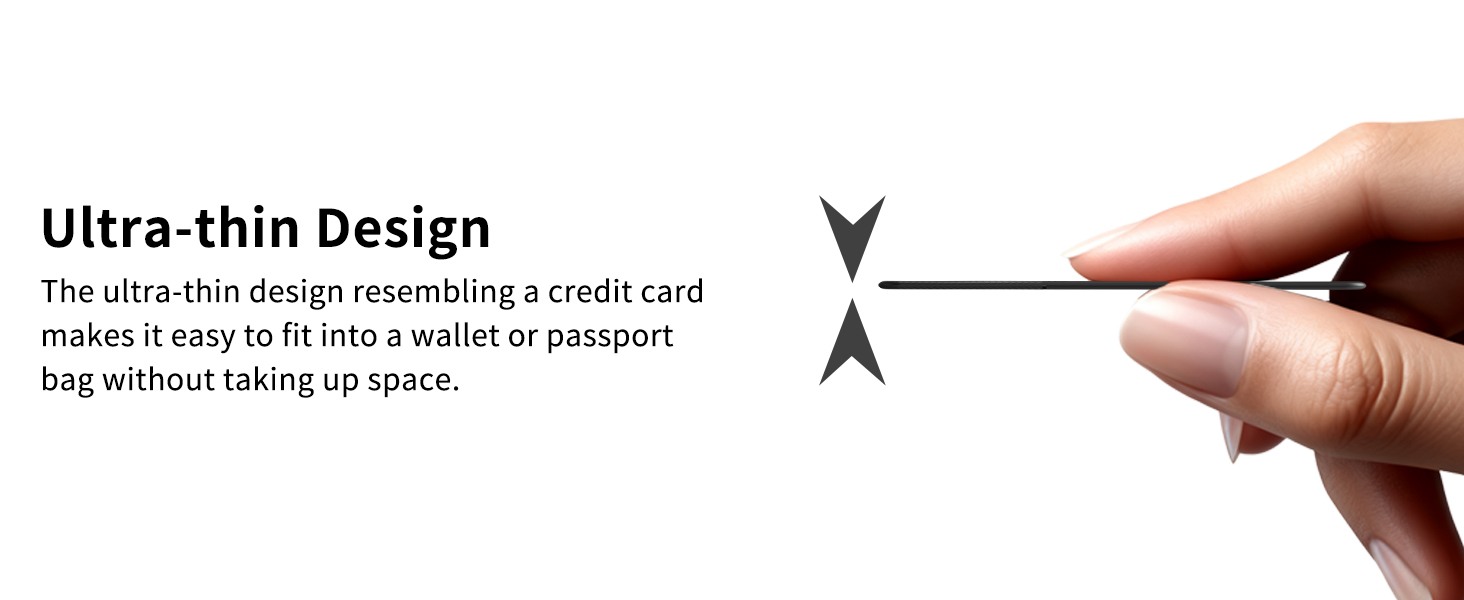
here!
I’m your shopping assistant for PC builds, upgrades, and everything tech.
Got questions? Ask away!
Start a conversation
here!
I’m your shopping assistant for PC builds, upgrades, and everything tech.
Got questions? Ask away!
Start a conversation
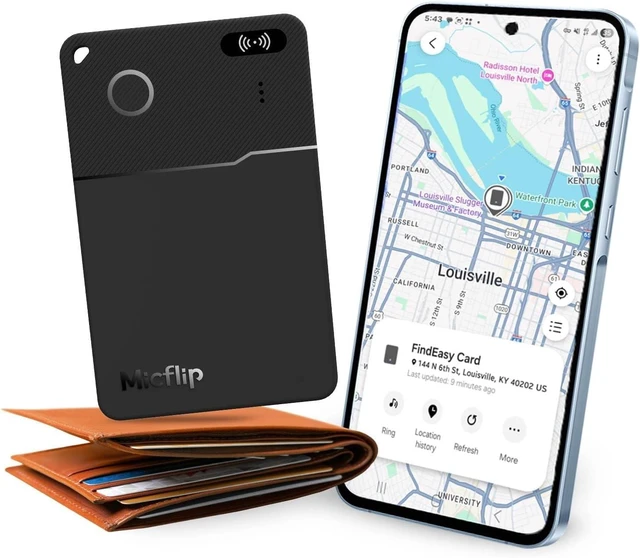
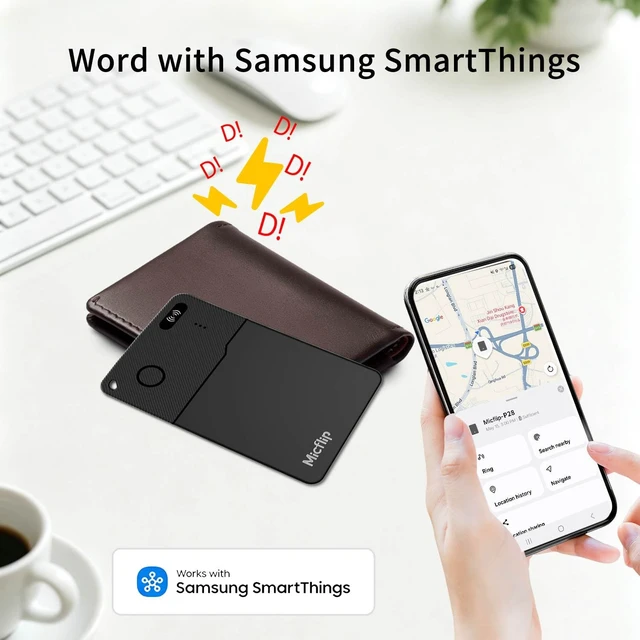



Any questions? Ask CelesteSM will help you find out quickly.
How to reset the product?
Press the button five times, press it the sixth time, and hold down the button. Make six "beeps". Upon hearing two short "beep-beep", immediately release the button. Then a melody prompt will sound, indicating a successful factory reset.
What are the reasons for device disconnection?
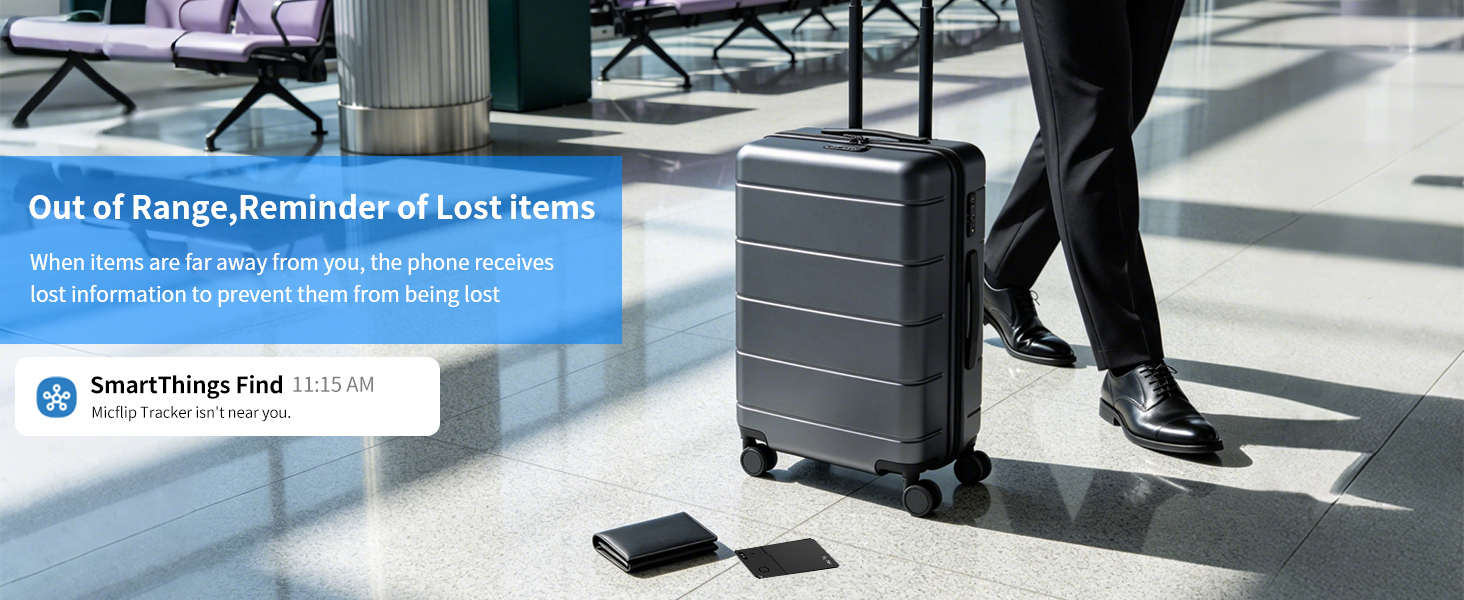
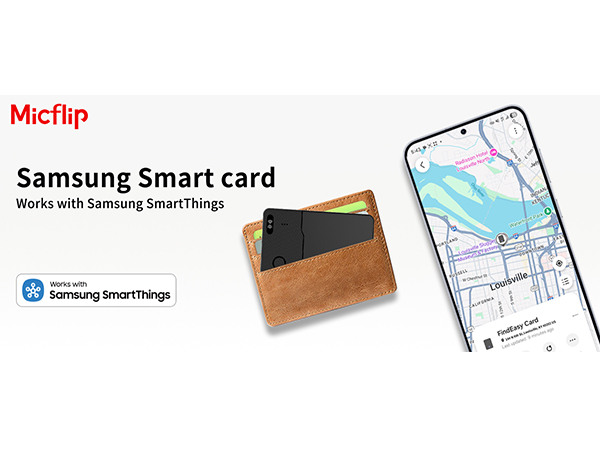
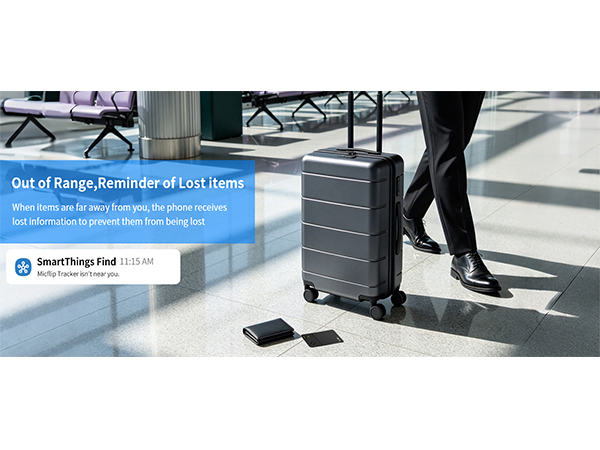
The Samsung Wallet Tracker Card requires support from a nearby Samsung device network when working. If there is no Samsung mobile network near the device, there may be a disconnection.
What is the meaning of the indicator light on the card when charging?
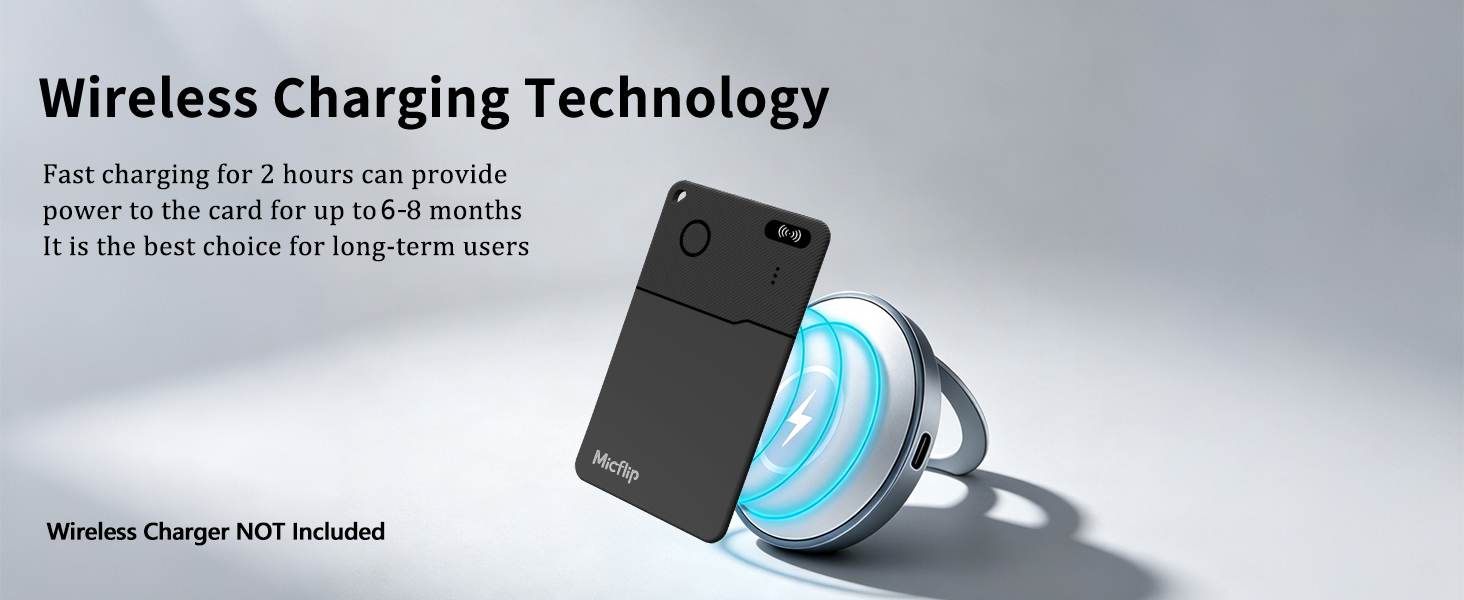
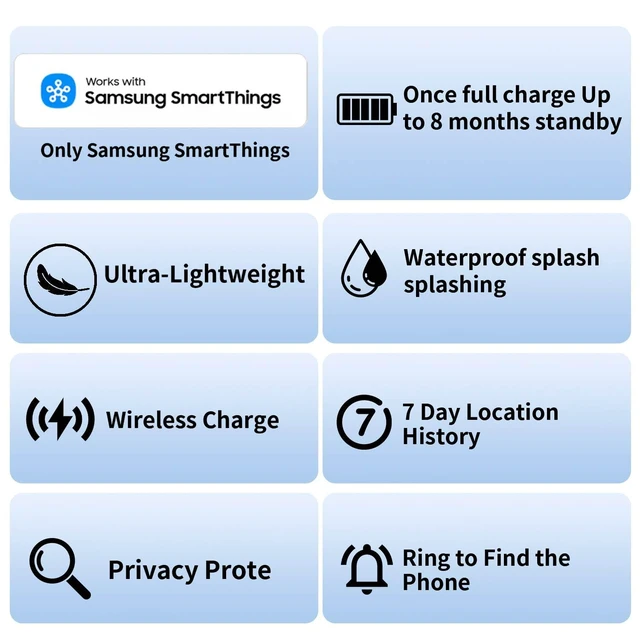
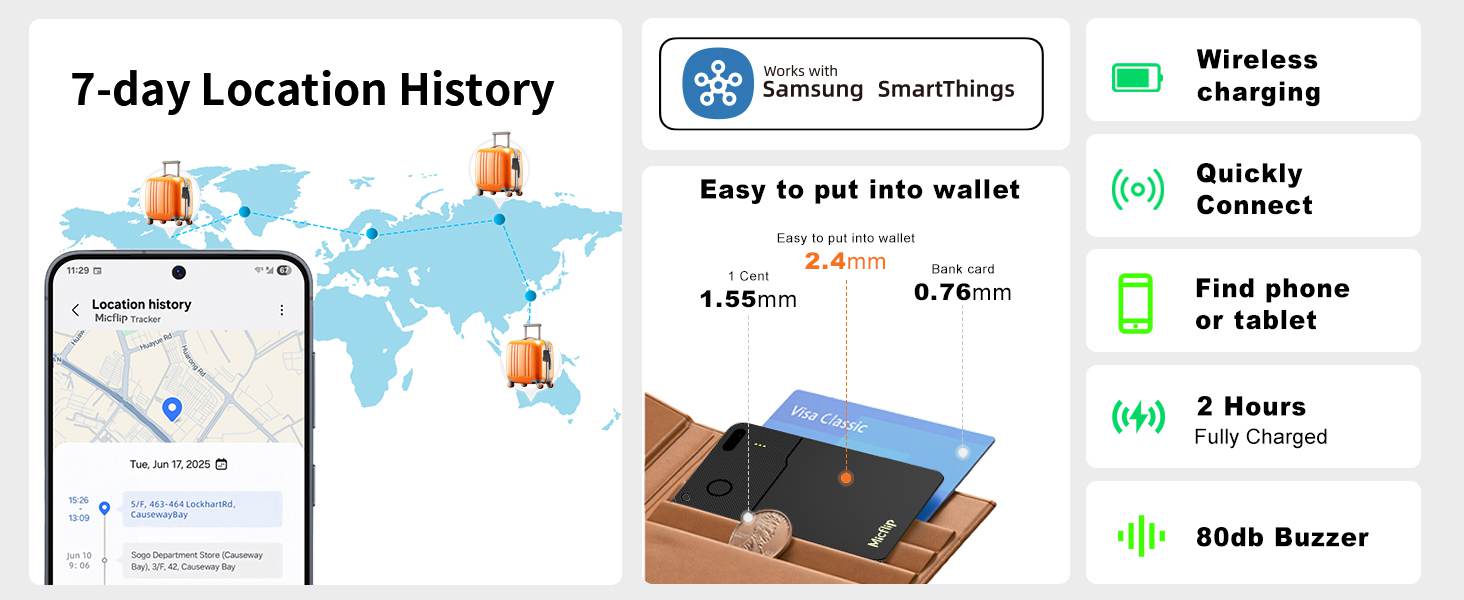
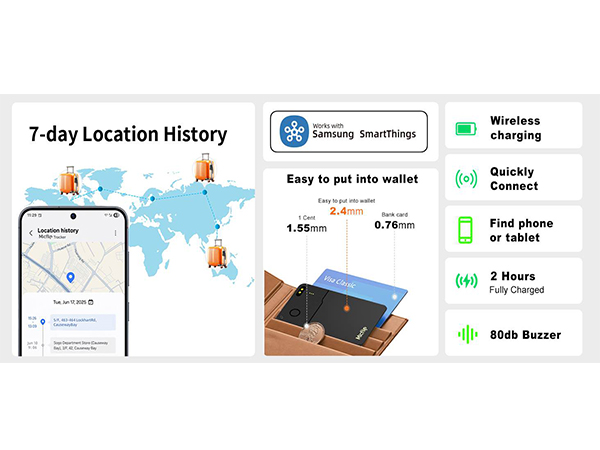
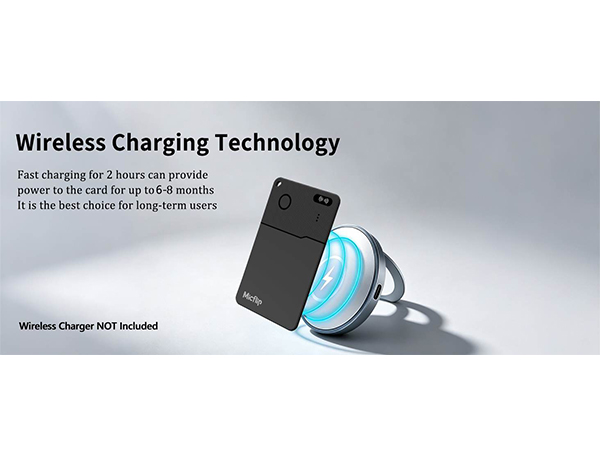
Support wireless charging that complies with the Qi protocol; The red light on the card is always on to indicate that it is charging, and the slow flashing of the red light indicates that the charging is complete.
What should I do if I cannot find the device when reconnecting after removing the card from my phone?
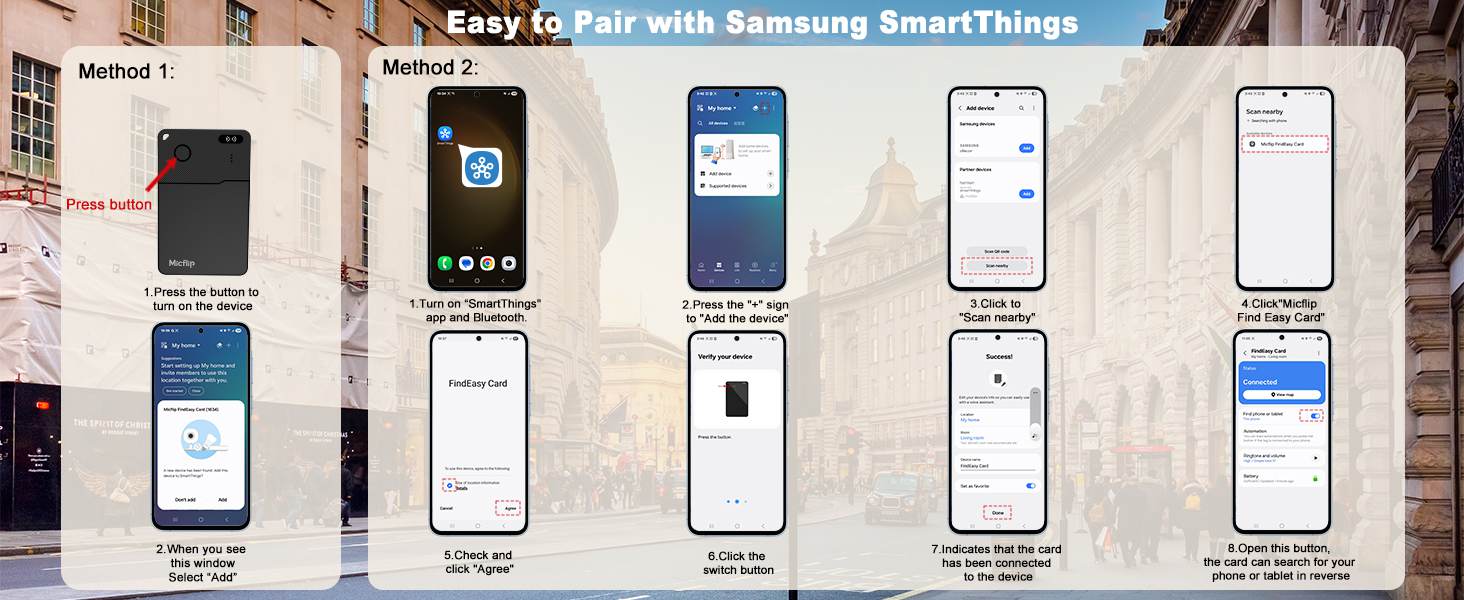
Manually reset the card; If you don't know how to reset the card, you can look for the official Micflip.
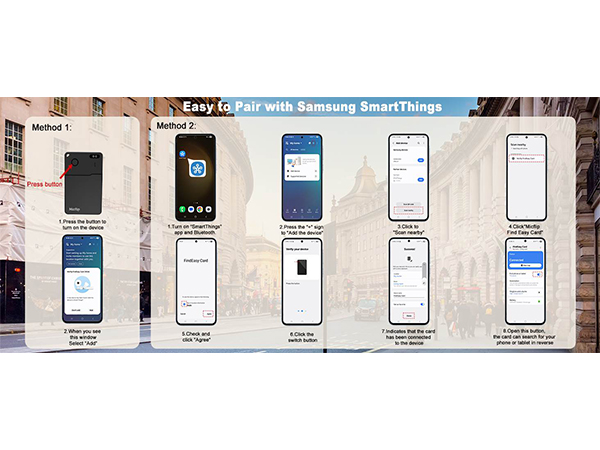
How to reset the product?
Press the button five times, press it the sixth time, and hold down the button. Make six "beeps". Upon hearing two short "beep-beep", immediately release the button. Then a melody prompt will sound, indicating a successful factory reset.
What are the reasons for device disconnection?
The Samsung Wallet Tracker Card requires support from a nearby Samsung device network when working. If there is no Samsung mobile network near the device, there may be a disconnection.
What is the meaning of the indicator light on the card when charging?
Support wireless charging that complies with the Qi protocol; The red light on the card is always on to indicate that it is charging, and the slow flashing of the red light indicates that the charging is complete.
What should I do if I cannot find the device when reconnecting after removing the card from my phone?
Manually reset the card; If you don't know how to reset the card, you can look for the official Micflip.