here!
I’m your shopping assistant for PC builds, upgrades, and everything tech.
Got questions? Ask away!
Start a conversation
here!
I’m your shopping assistant for PC builds, upgrades, and everything tech.
Got questions? Ask away!
Start a conversation




Any questions? Ask CelesteSM will help you find out quickly.

Does this calendar need to stay plugged in?
Yes. The calendar is designed to stay plugged in during use and supports 110-240V power input.
What should I do if my calendar is not connecting to Wi-Fi?
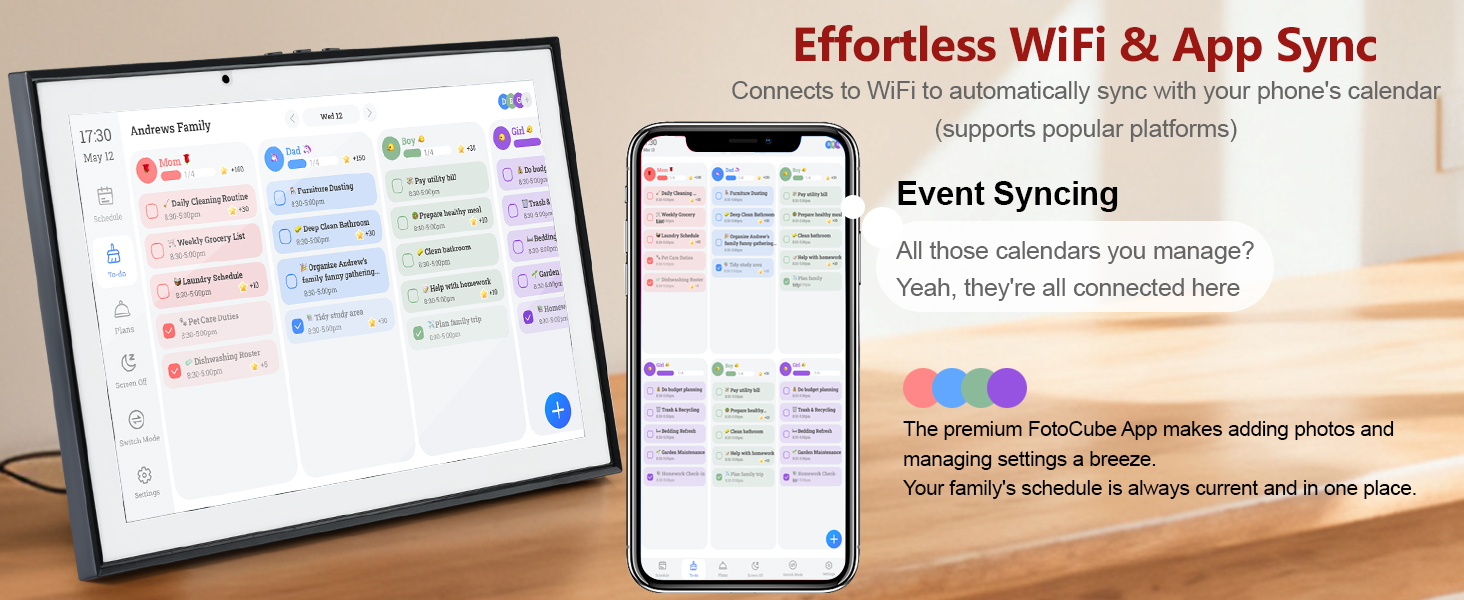
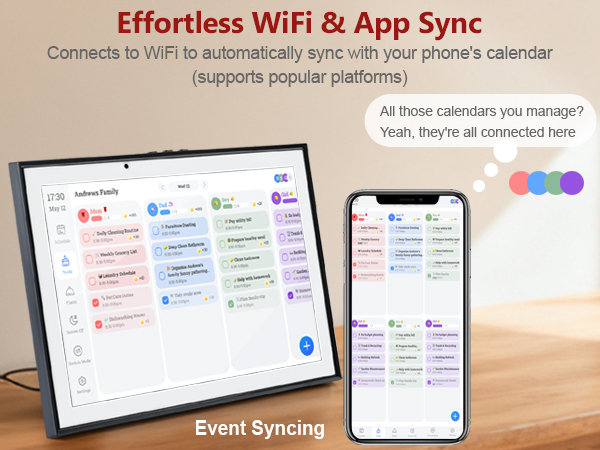
First, connect it to a different Wi-Fi network or a mobile hotspot to complete the initial setup. After setup is successful, you can switch back to the Wi-Fi network you want to use. This often helps solve the problem.
How do I reset the device or remove my information?
On the device, go to Settings > General, scroll down, and select Exit this calendar. This will remove the current calendar from the device and clear all calendar information stored on it.
How do I change the time zone, weather, or language?
You can update these settings on the device by going to Settings > General>Time & Language.


Does this calendar need to stay plugged in?
Yes. The calendar is designed to stay plugged in during use and supports 110-240V power input.
What should I do if my calendar is not connecting to Wi-Fi?
First, connect it to a different Wi-Fi network or a mobile hotspot to complete the initial setup. After setup is successful, you can switch back to the Wi-Fi network you want to use. This often helps solve the problem.
How do I reset the device or remove my information?
On the device, go to Settings > General, scroll down, and select Exit this calendar. This will remove the current calendar from the device and clear all calendar information stored on it.
How do I change the time zone, weather, or language?
You can update these settings on the device by going to Settings > General>Time & Language.