




 here!
I’m your shopping assistant for PC builds, upgrades, and everything tech.
Got questions? Ask away!
Start a conversation
here!
I’m your shopping assistant for PC builds, upgrades, and everything tech.
Got questions? Ask away!
Start a conversation






Any questions? Ask CelesteSM will help you find out quickly.
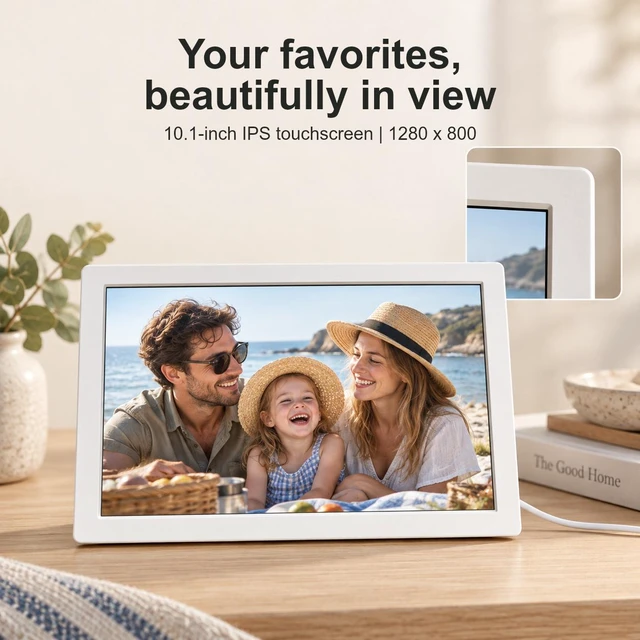
The AOC TPF102-PW is a white 10.1-inch digital photo frame with a 1280 × 800 IPS touchscreen and 4GB of internal storage, suited to households that want to display compatible digital photos on a dedicated screen.
| Attribute | Value |
|---|---|
| Best For | Displaying digital photos on a 10.1-inch touch-screen frame |
| Display | 10.1-inch 1280 × 800 screen with 16:9 aspect ratio, 150 cd/m² typical brightness, and 1000:1 contrast ratio |
| Photo Storage And Formats | 4GB of internal memory; supports JPEG, BMP, GIF, and PNG image files |
| Controls And Connectivity | Touch-screen controls, remote control, and USB port; no card reader or supported memory cards |
| Power | 5V / 2A power supply |
| Physical Specifications | White finish; 12.28 × 7.95 × 1.97 inches and 2.2 lbs |
| Model Identifiers | AOC TPF102-PW |
Q: AOC TPF102-PW vs. AOC 15.6-inch Digital Family Calendar: which is better for a photo-first display?
A: Choose the AOC TPF102-PW for a dedicated 10.1-inch photo frame with a 1280 × 800 touchscreen, remote control, and 4GB of built-in storage. The AOC 15.6-inch model is a larger Full HD display that also combines photos with family-calendar features.
Q: Should I choose the AOC TPF102-PW or the AOC 15.6-inch model for family photos and scheduling?
A: Choose the AOC 15.6-inch model if you want photos alongside family scheduling tools; its listing describes calendar and planning features, a 1920 × 1080 display, and 34GB of storage. Choose the TPF102-PW for a smaller, photo-focused frame with a 10.1-inch, 1280 × 800 display and 4GB of storage.
Q: Which AOC photo frame takes up less tabletop space, the TPF102-PW or the 15.6-inch model?
A: The AOC TPF102-PW has the smaller listed footprint: 12.28 × 7.95 inches, with a 10.1-inch screen. Choose it for a more compact tabletop display; the AOC 15.6-inch model is designed around a larger screen and family-calendar use.
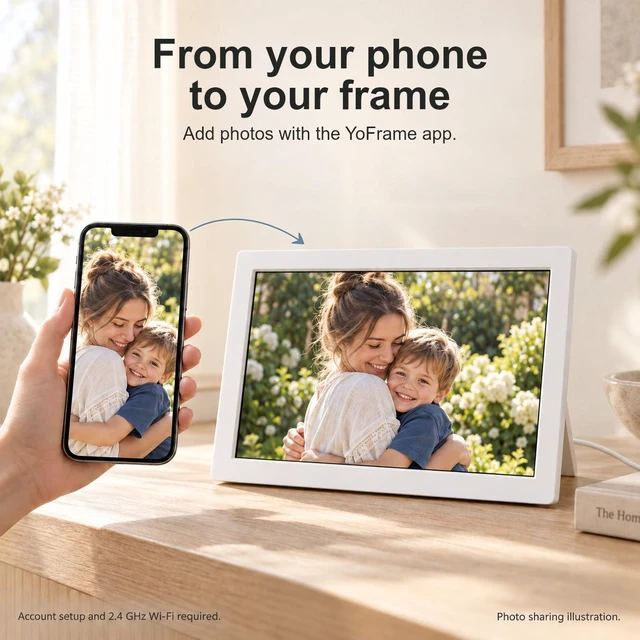
Q: Can I add photos to this frame from my smartphone?
A: The listing identifies a smartphone as a compatible device, but it does not specify whether photos transfer through Wi-Fi, an app, or a direct USB connection. A USB port is listed, but its use for photo transfer is not described. Confirm the transfer method before buying if phone sharing is essential.
Q: Can I use an SD or memory card with this frame?
A: No. The specifications say the frame has no card reader and does not support memory cards. It has 4GB of internal memory and a USB port, but the listing does not explain how the USB port can be used to add or display photos.
Q: What photo file formats does this frame support?
A: The listed supported image formats are JPEG, BMP, GIF, and PNG. Video playback formats are not specified, so check with the seller if you need the frame to play videos.
Q: Is 4GB of storage enough for my photos?
A: The frame has 4GB of internal memory and does not support memory cards, so storage cannot be expanded with a card. Whether 4GB is enough depends on the size and number of your image files; the listing does not give a photo-count estimate.


