
 Holiday Shipping Details & Extended Holiday Returns

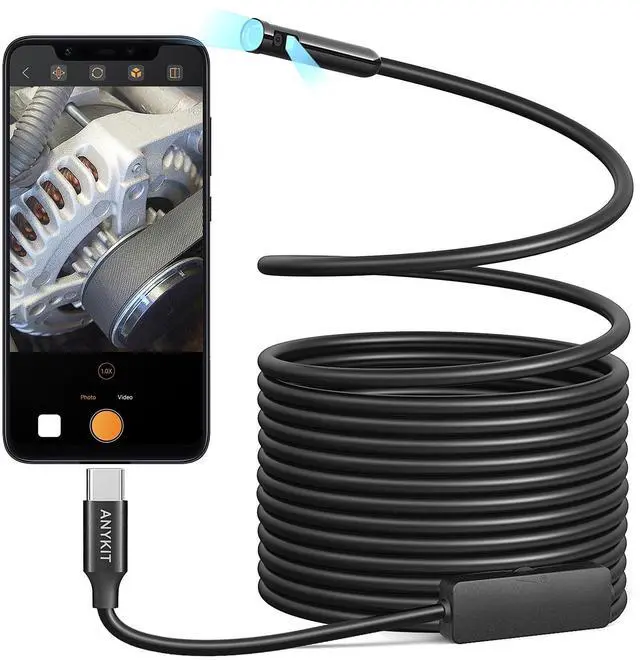
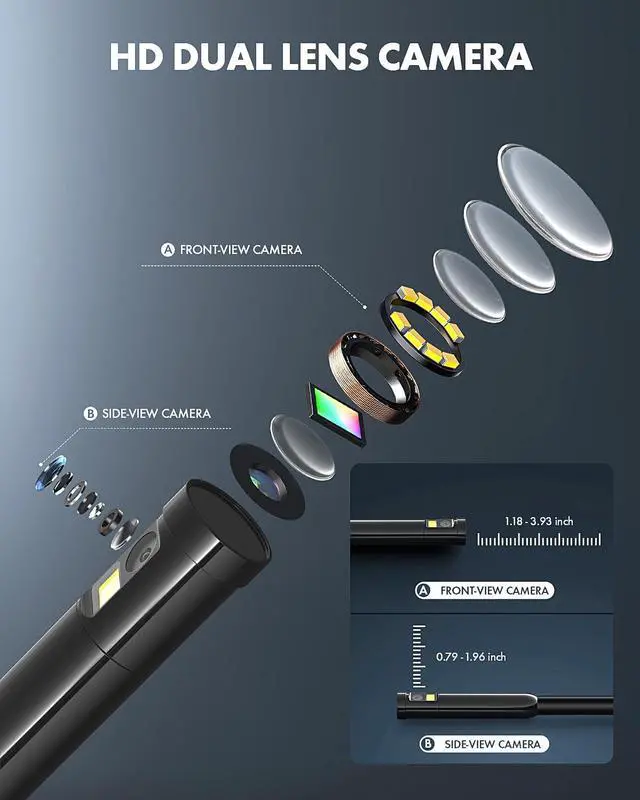
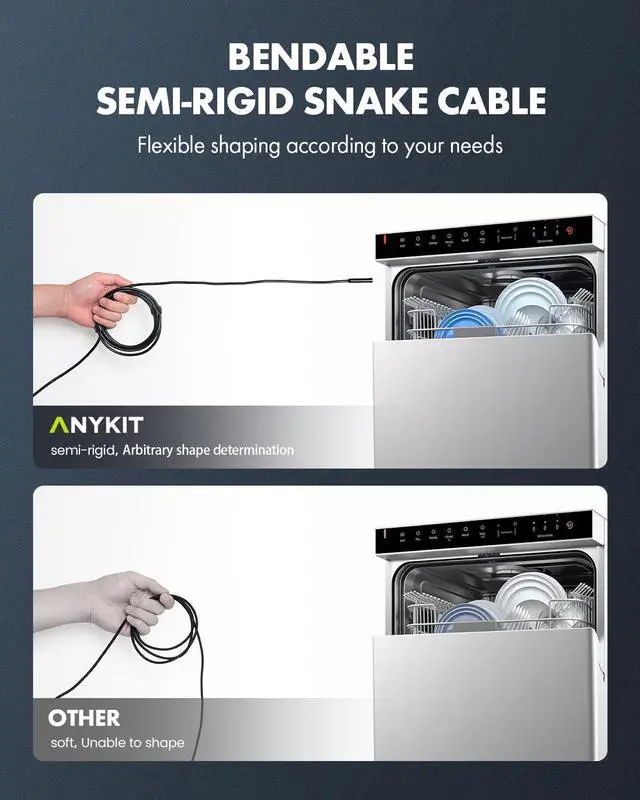
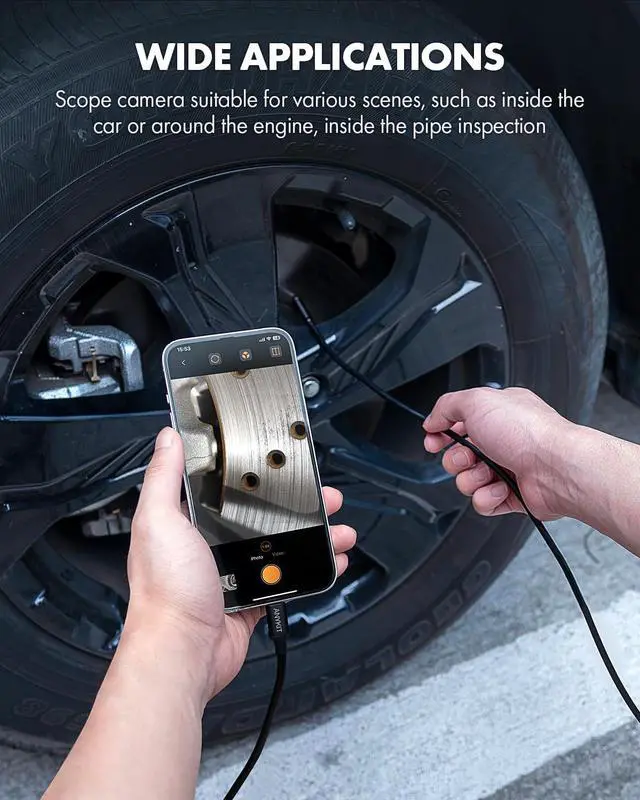
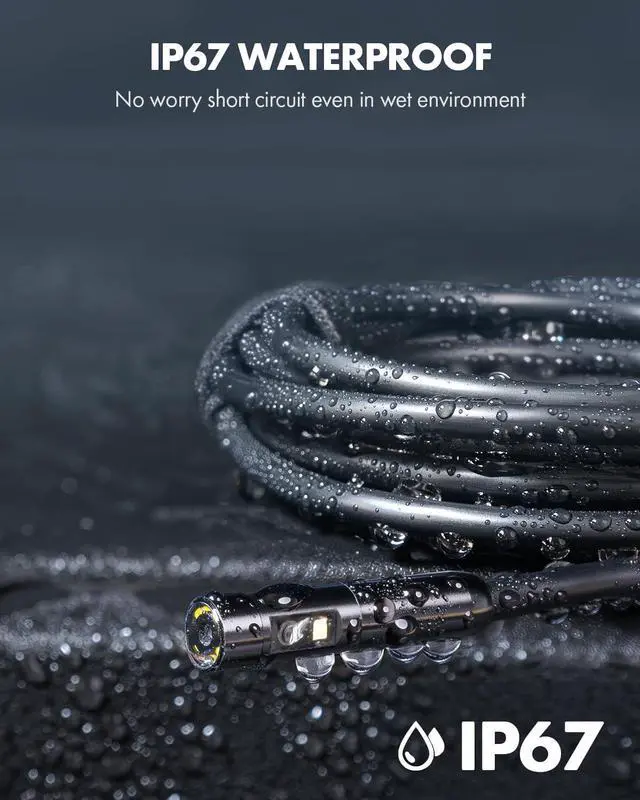




Anykit is a trendy and practical tool brand. We focuse on simplicity and ease of use, providing people with convenience in their everyday lives. Our products including endoscopes, otoscopes and a variety of householdtools to enable DlY enthusiasts to embrace creativity and convenience.
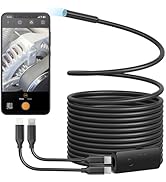
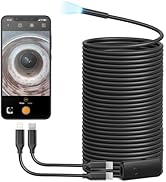
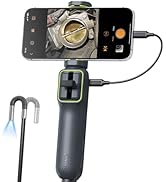
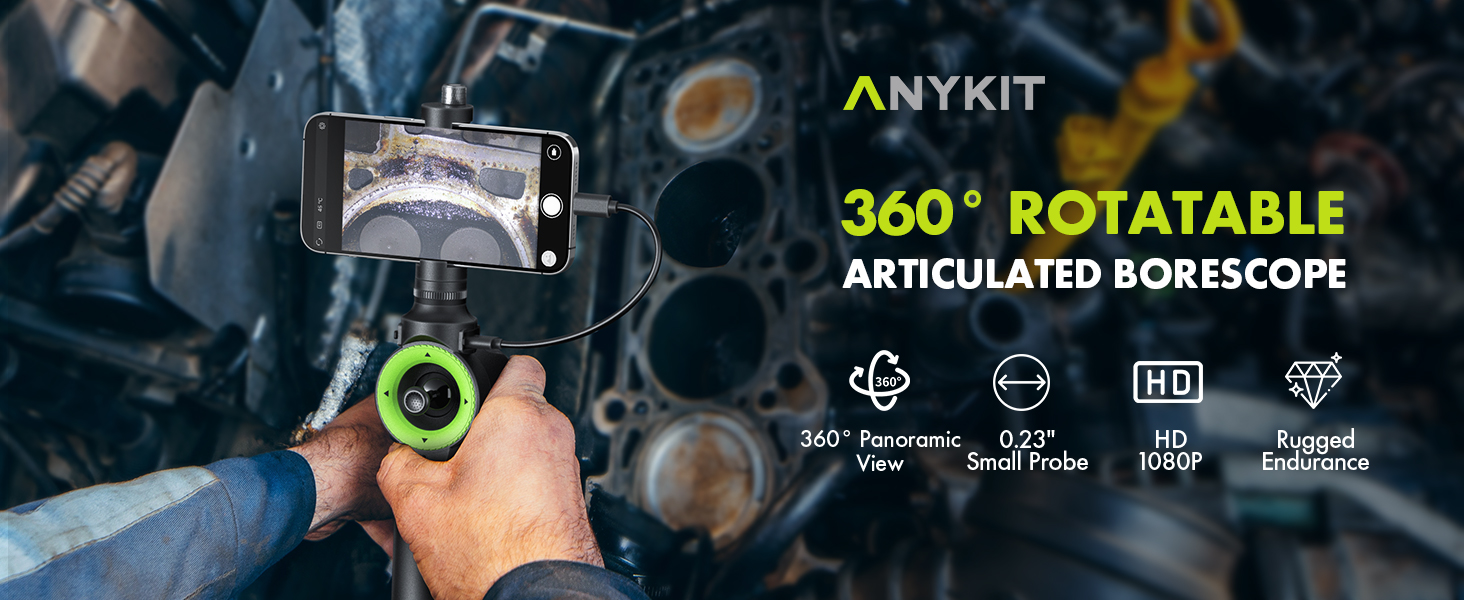
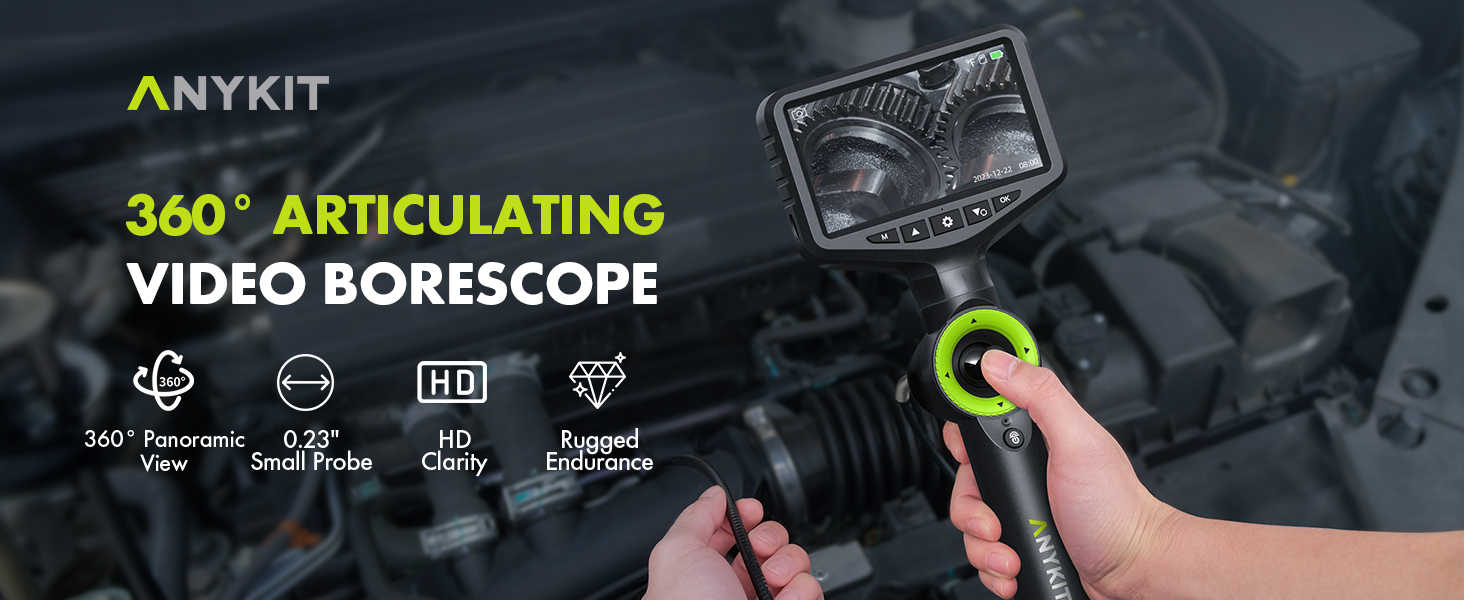
Single Lens Borescope
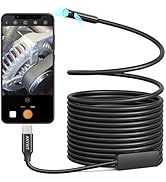
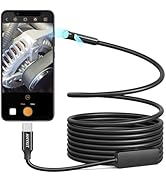
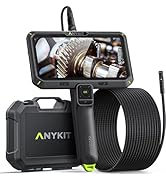
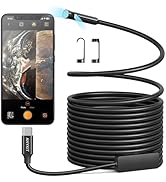
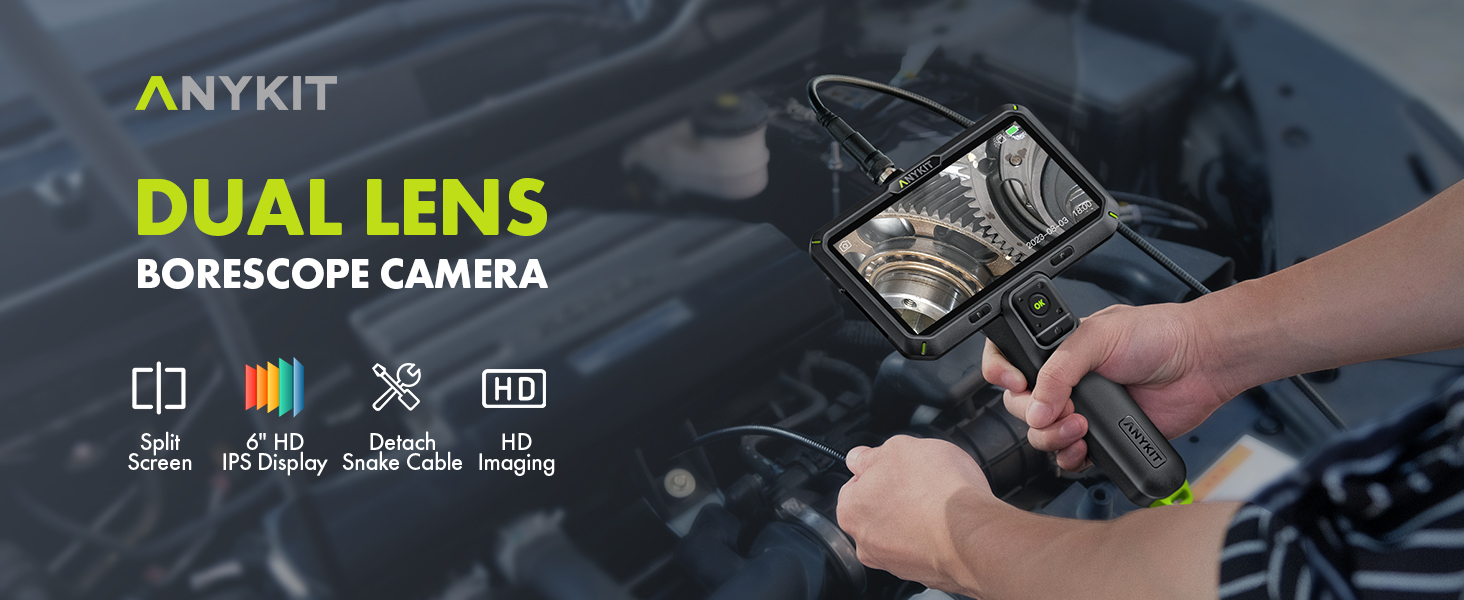
Dual Lens Borescope
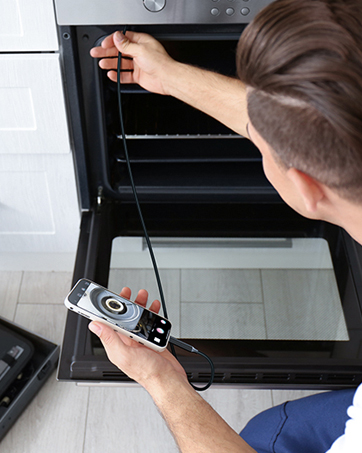
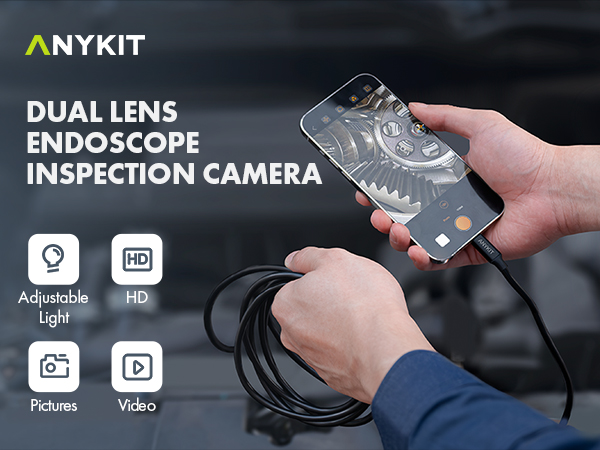
USB INSPECTION CAMERA

ENGINEER'S RECOMMENDATION
Troubleshooting
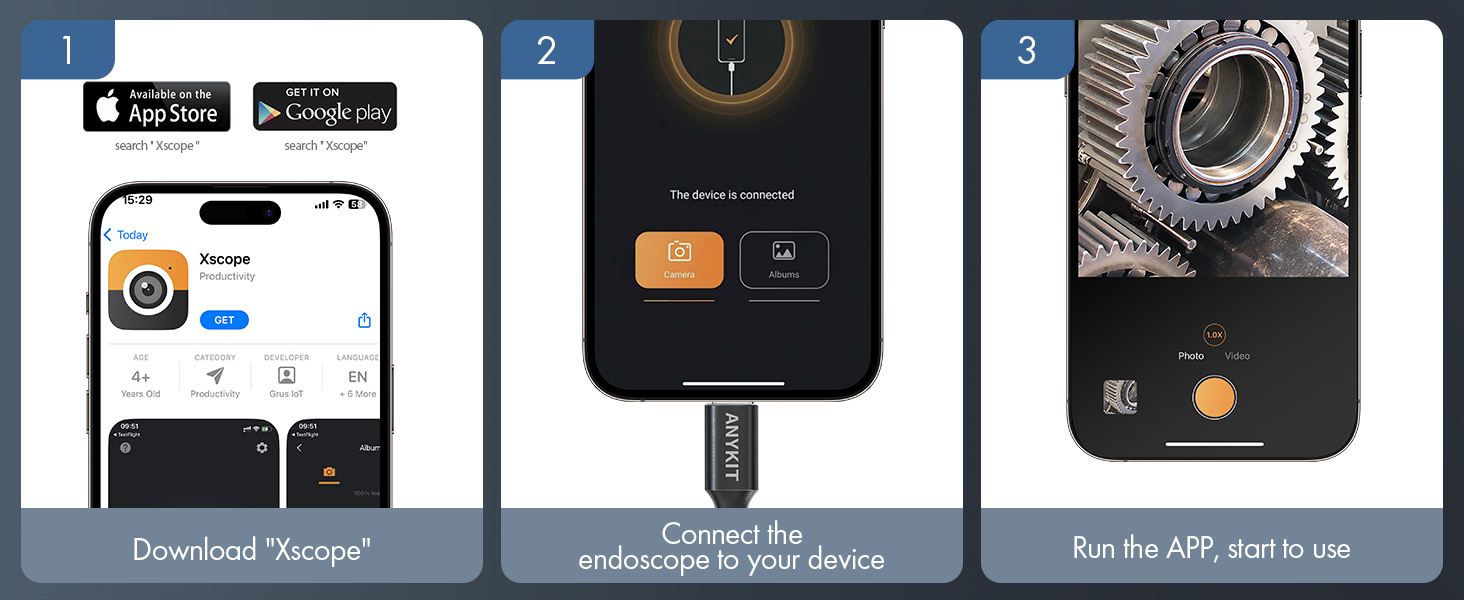
- No response when connecting phone:
- Ensure the phone supports OTG (Android) and is properly connected. Try unplugging and plugging in several times.
- Product drawing is stuck:
- Keep the phone's battery above 20% to prevent this issue.
- Camera is hot:
- It is normal for the camera to heat up, especially with the LED at full brightness. This does not affect normal use or the service life.
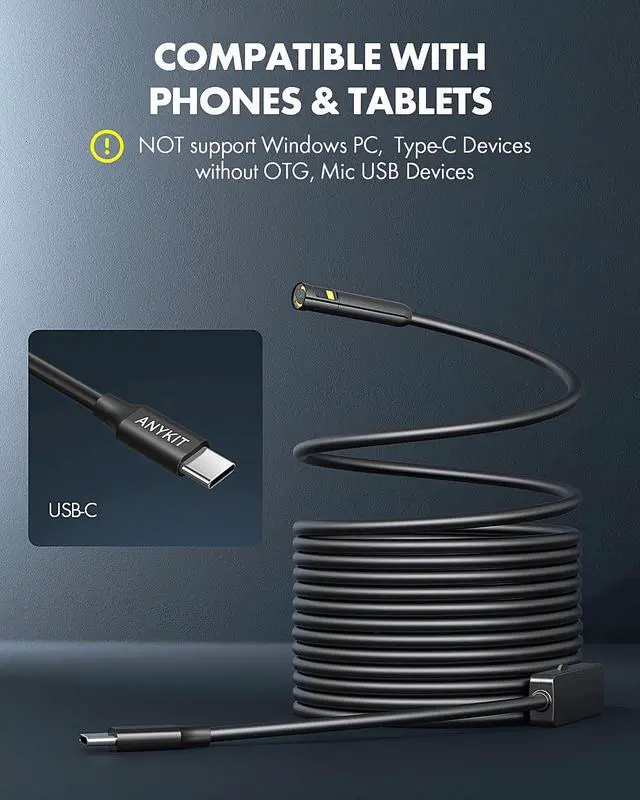
Full compatible devices (Type-C port):
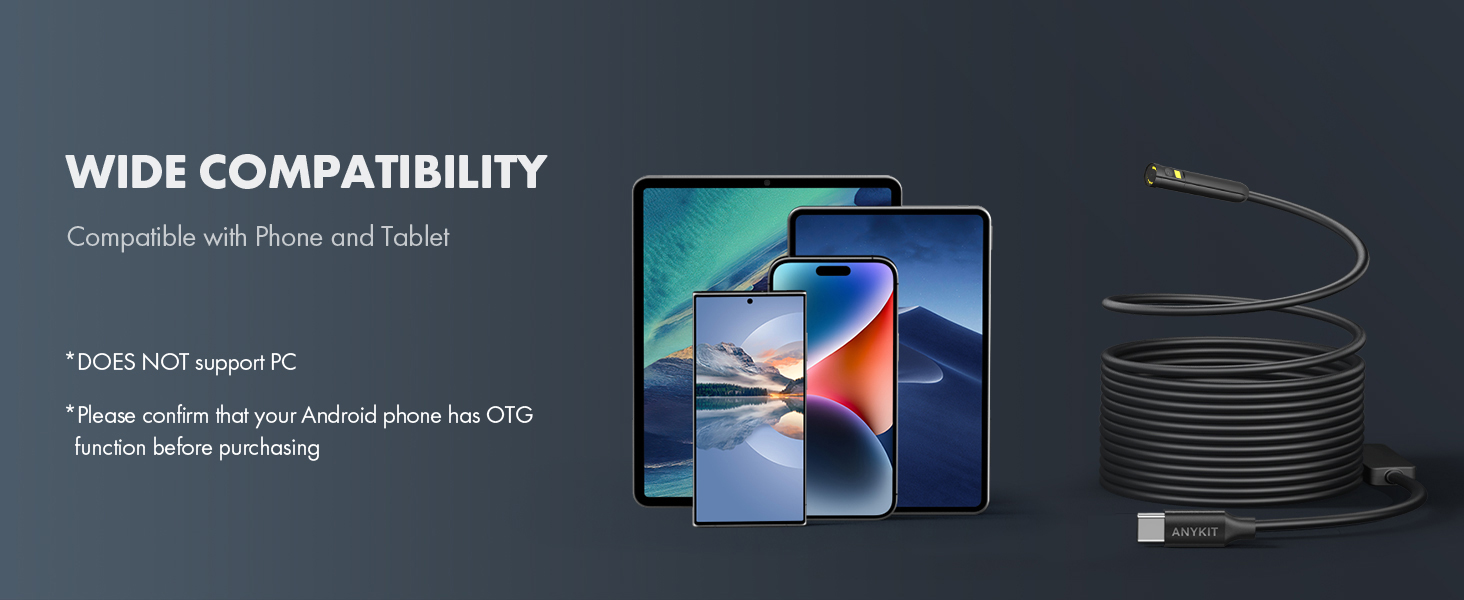
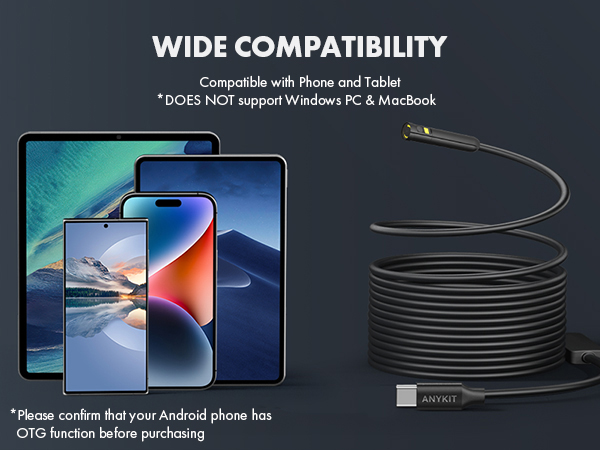
- Compatible with Android 8.0+ devices (supports OTG), iPhone 15/15 Pro/15 Plus/15 Pro Max, and iPad (12th generation and newer).
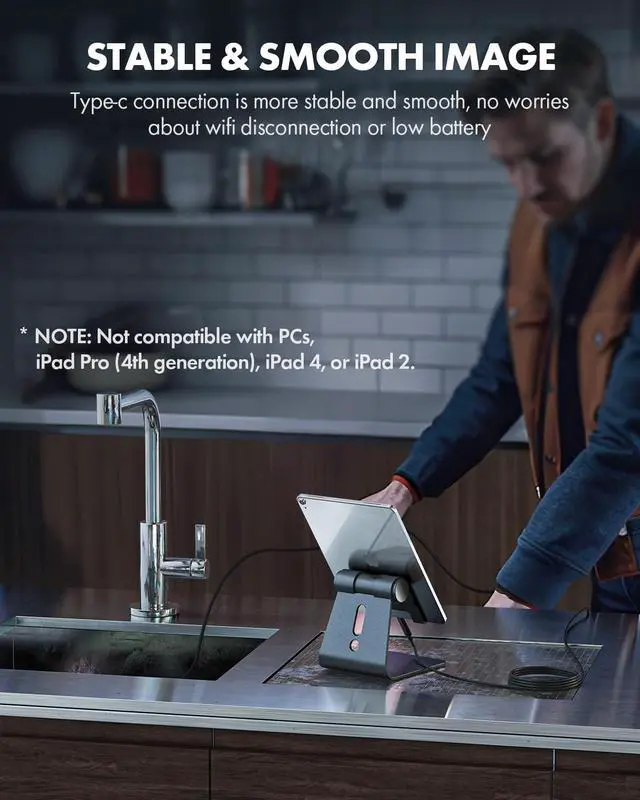
- Note: Not compatible with PCs, iPad Pro (4th generation), iPad 4, or iPad 2. If using a USB-C to Lightning adapter, ensure it supports OTG.
Troubleshooting
- No response when connecting phone:
- Ensure the phone supports OTG (Android) and is properly connected. Try unplugging and plugging in several times.
- Product drawing is stuck:
- Keep the phone's battery above 20% to prevent this issue.
- Camera is hot:
- It is normal for the camera to heat up, especially with the LED at full brightness. This does not affect normal use or the service life.
Full compatible devices (Type-C port):
- Compatible with Android 8.0+ devices (supports OTG), iPhone 15/15 Pro/15 Plus/15 Pro Max, and iPad (12th generation and newer).
- Note: Not compatible with PCs, iPad Pro (4th generation), iPad 4, or iPad 2. If using a USB-C to Lightning adapter, ensure it supports OTG.
MORE FROM ANYKIT
NTC100
AN430
AN400
AN600
AN150
AN150P
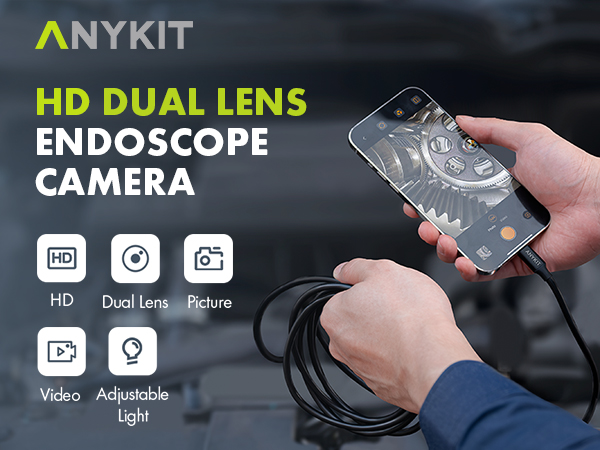
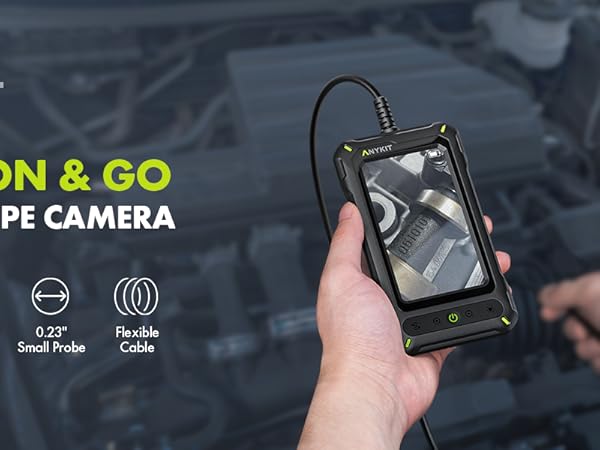
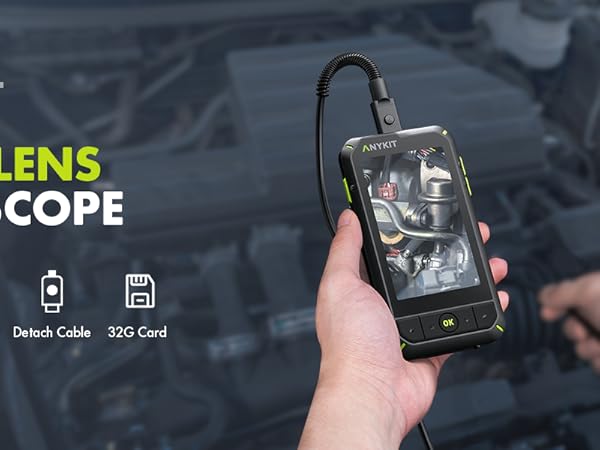
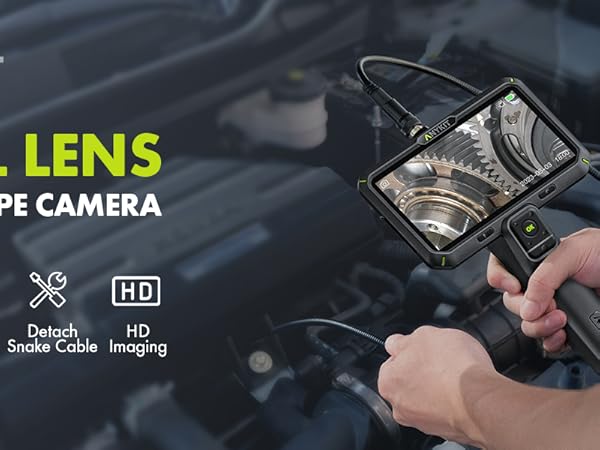
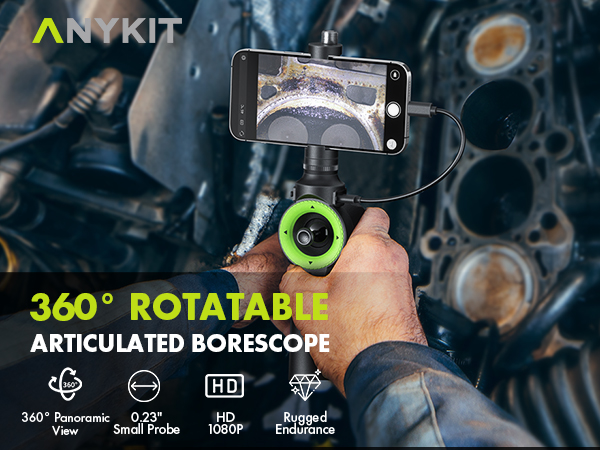
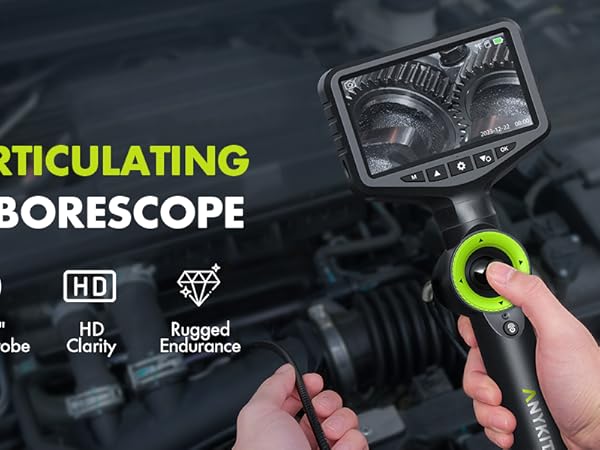
Anykit is a trendy and practical tool brand. We focuse on simplicity and ease of use, providing people with convenience in their everyday lives. Our products including endoscopes, otoscopes and a variety of householdtools to enable DlY enthusiasts to embrace creativity and convenience.
Single Lens Borescope
Dual Lens Borescope
USB INSPECTION CAMERA
ENGINEER'S RECOMMENDATION