








Function about USB Header Splitter with SATA Power Cable
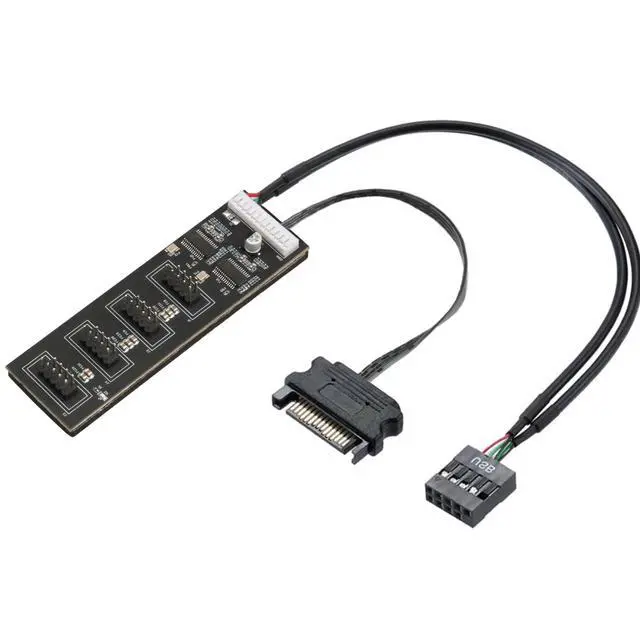
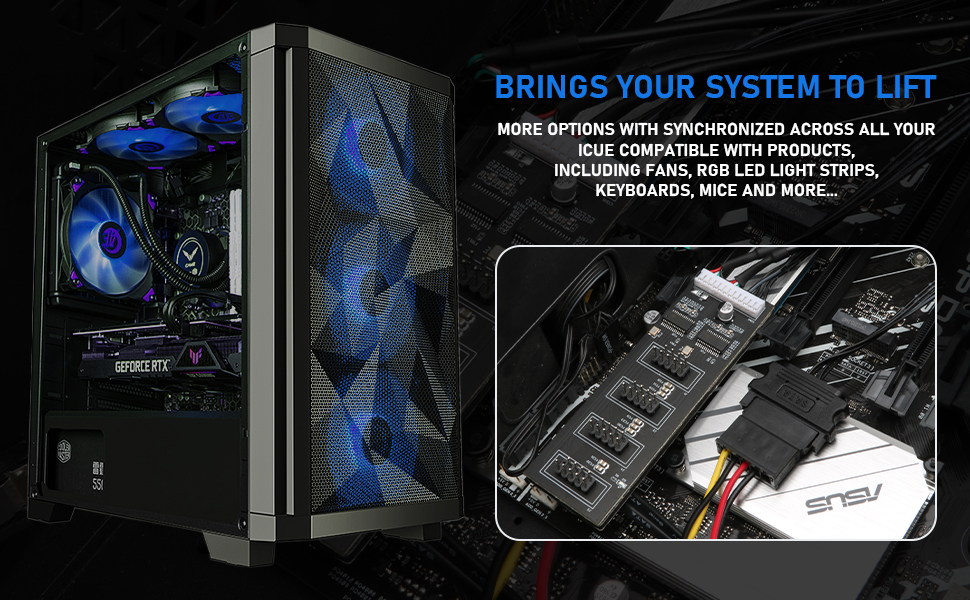
This is a life saver extension, as normal motherboard only have 1 or 2 front USB connections, this USB 2.0 splitter motherboard included 4 USB 9pin connector interface, this adapter allow to add these additional PC components to motherboard, and fully integrate with motherboard in spite of its limited number of built-in USB headers.
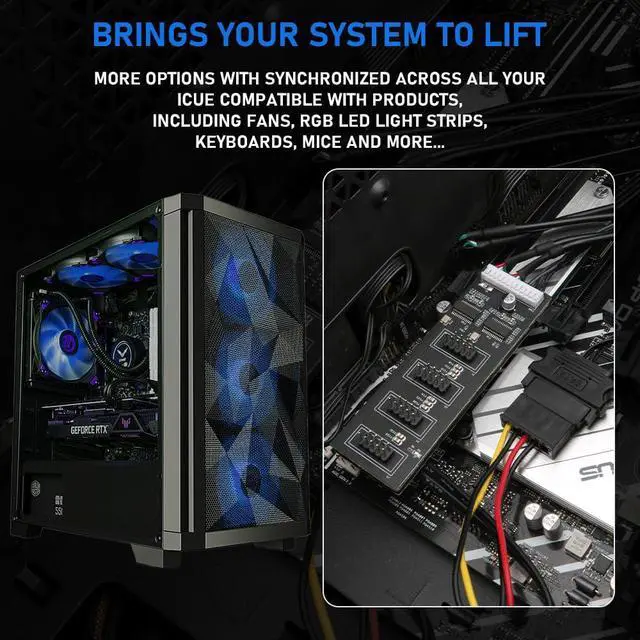
9pin usb splitter plug in RGB hub, it be can used for RGB fan alone with water cooling system, also as an extra Bluetooth connection for motherboard, the entire process is simply plug and play.
- Port Multiplier version: 1 to 4 9pin ports, split to 4 x 9-Pin
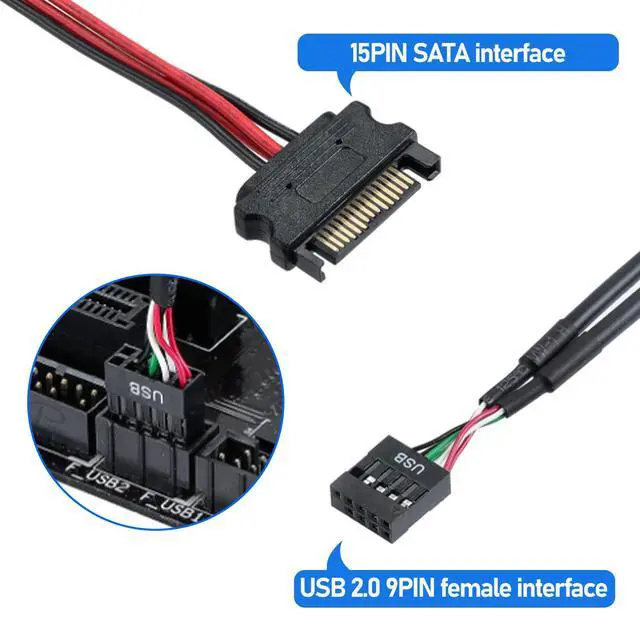
- Connector A: 4 X 9 Pin USB 2.0 Male
- Connector(s) B: SATA Power Cable
- Cable Length: about 50cm/19.7in
- Double chipset included, works well and stable.
Package Included: 1 x Rocketek Motherboard USB 9Pin Header Male 1 to 4 Female Extender
Instruction for installation USB header extension splitter
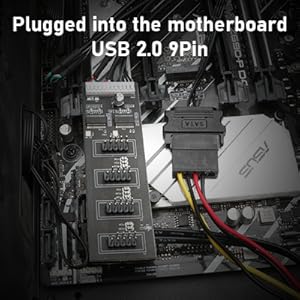
Step 1: Plug into the front USB connection and SATA power port.
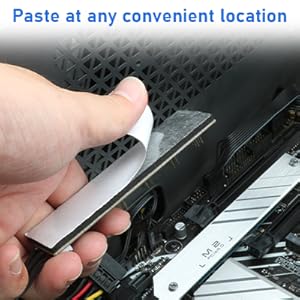
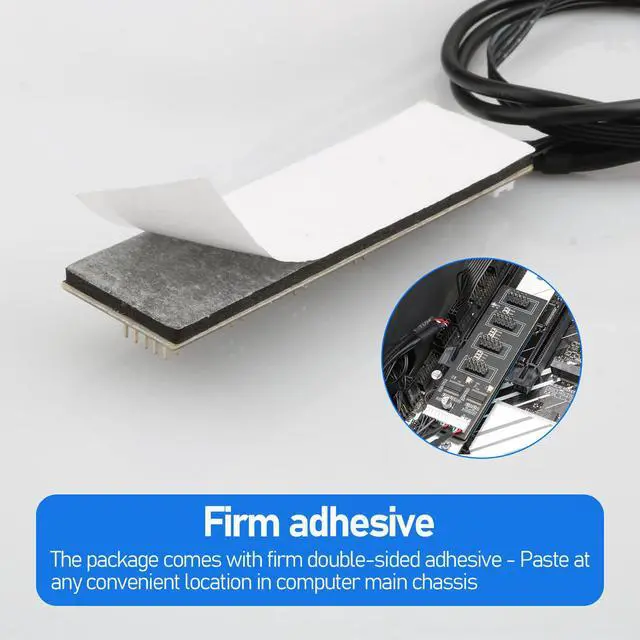
Step 2: Paste at any convenient location.
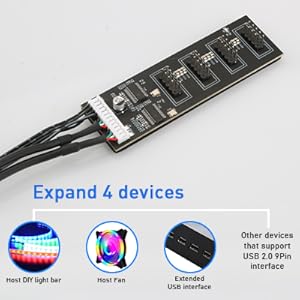
Step 3:Connect with 4 devices, like DIY light bar, cooling fan, and bluetooth devices.
Function about USB Header Splitter with SATA Power Cable
This is a life saver extension, as normal motherboard only have 1 or 2 front USB connections, this USB 2.0 splitter motherboard included 4 USB 9pin connector interface, this adapter allow to add these additional PC components to motherboard, and fully integrate with motherboard in spite of its limited number of built-in USB headers.
9pin usb splitter plug in RGB hub, it be can used for RGB fan alone with water cooling system, also as an extra Bluetooth connection for motherboard, the entire process is simply plug and play.
- Port Multiplier version: 1 to 4 9pin ports, split to 4 x 9-Pin
- Connector A: 4 X 9 Pin USB 2.0 Male
- Connector(s) B: SATA Power Cable
- Cable Length: about 50cm/19.7in
- Double chipset included, works well and stable.
Package Included: 1 x Rocketek Motherboard USB 9Pin Header Male 1 to 4 Female Extender
Instruction for installation USB header extension splitter
Step 1: Plug into the front USB connection and SATA power port.
Step 2: Paste at any convenient location.
Step 3:Connect with 4 devices, like DIY light bar, cooling fan, and bluetooth devices.