







hero-video
Merchant Video


Is there a timer on the white noise sounds? Can it play throughout the night?
The clock can play sounds with or without a timer. It keeps playing until you turn it off if without a timer or keeps playing for 15/30/60/90/120min after the timer runs out(press timer button once to turn on and select different durations).
How do you turn off the alarm?
Pressing any physical button except the “Snooze” button when the alarm is sounding to turn the alarm off for the day.
Does it have any battery backup feature?
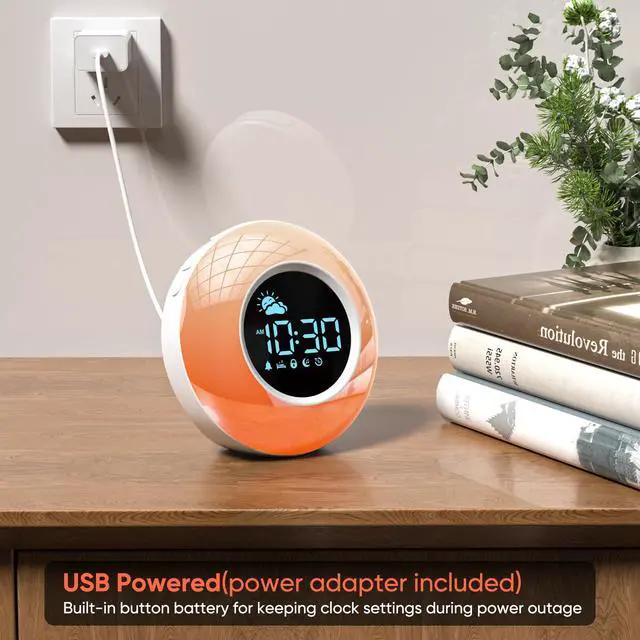
Yes, the toddler clock has a battery backup and it retains clock settings in case of a power outage. Just keep in mind, the kids clock needs to be plugged to power source to work properly.
Can its alarm sound be customized or muted?
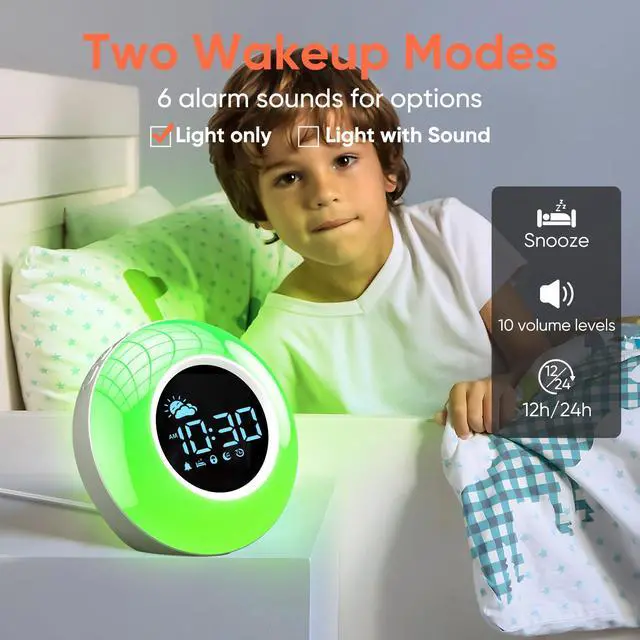
Yes, the alarm sound can be muted. It also has 6 alarm sounds available for options.
How do you set the clock’s time?
To set the time, holding the "Time set" button until the12/24 hour flashes on the display, use the "+" and "-" buttons to choose the time format. Then adjust the hour and minute. Press the "Time set" button again to confirm the setting.
hero-video
Merchant Video


Is there a timer on the white noise sounds? Can it play throughout the night?
The clock can play sounds with or without a timer. It keeps playing until you turn it off if without a timer or keeps playing for 15/30/60/90/120min after the timer runs out(press timer button once to turn on and select different durations).
How do you turn off the alarm?
Pressing any physical button except the “Snooze” button when the alarm is sounding to turn the alarm off for the day.
Does it have any battery backup feature?
Yes, the toddler clock has a battery backup and it retains clock settings in case of a power outage. Just keep in mind, the kids clock needs to be plugged to power source to work properly.
Can its alarm sound be customized or muted?
Yes, the alarm sound can be muted. It also has 6 alarm sounds available for options.
How do you set the clock’s time?
To set the time, holding the "Time set" button until the12/24 hour flashes on the display, use the "+" and "-" buttons to choose the time format. Then adjust the hour and minute. Press the "Time set" button again to confirm the setting.