

Your Browsing History
- Free 30-day Returns
$162.99

Meet Your Seller

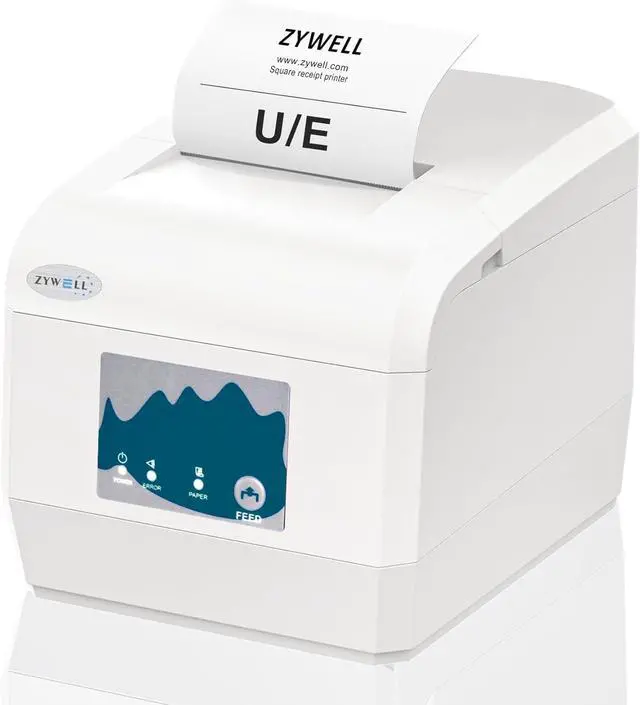


ZYWELL ZY908 Thermal Receipt Printer Works with Android/Linux/Win, Auto-Cutter 80mm USB LAN POS Printer Use for Small Business/Restaurant (Not Support iOS)
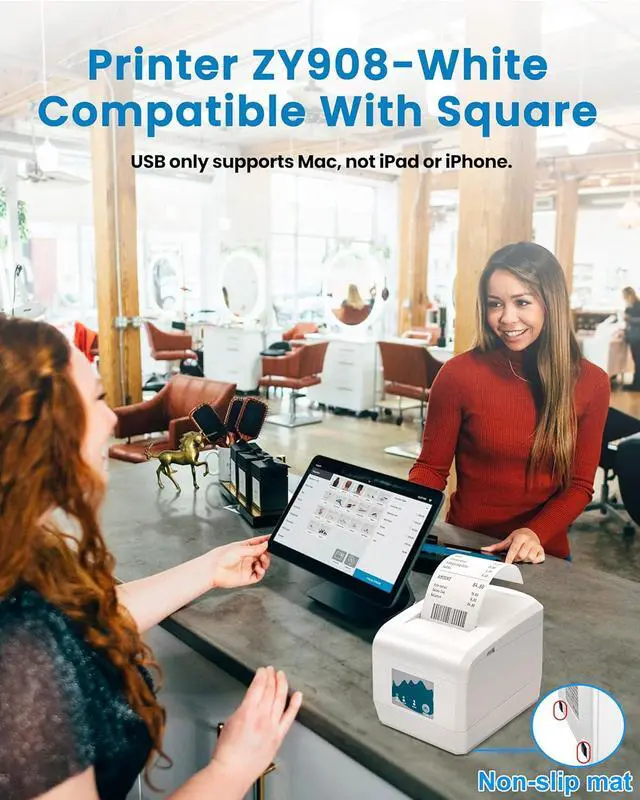
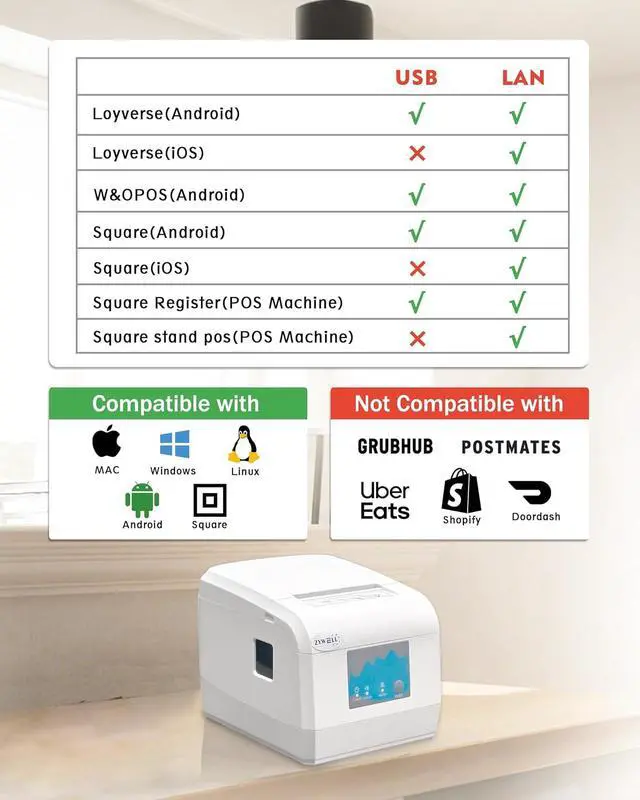
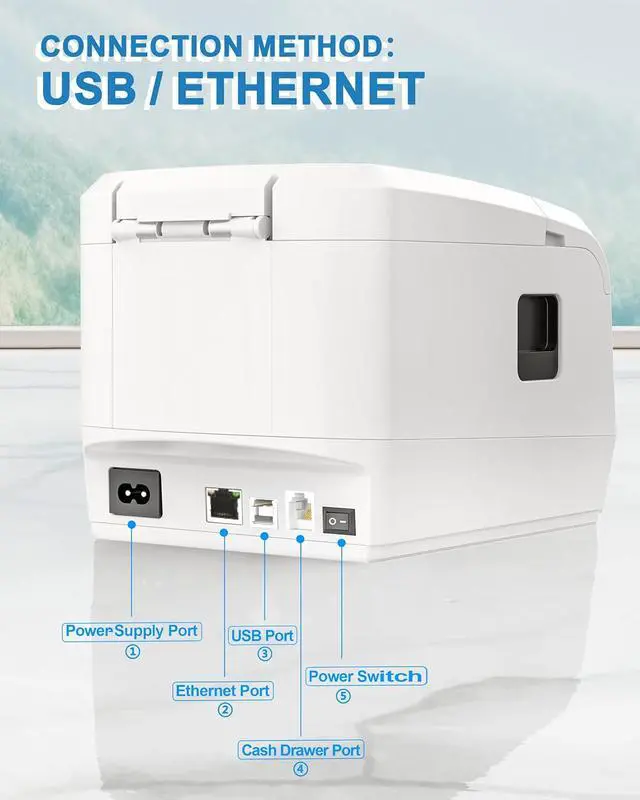
- NO Compatible: USB NO support iOS, NO iPad,iPhoneIf you are using an iPad with squareplease connect it with Ethernet cable. Not compatible with Ubereats/Grubhub/ Doordash/Lightspeed/Postmates/Clover/Shopify. NOT Bluetooth and WIFI
- How to use cash drawerIf you are using ordinary cash drawer for square, you need to use the computer to connect the printer and download the driver. STEPS: USB connect your computer and printer Download and install the appropriate system driver After installing the driver, use the Printer Test V5.2C tool Click on Advanced, find Cutter with Cash Drawer and select ON.
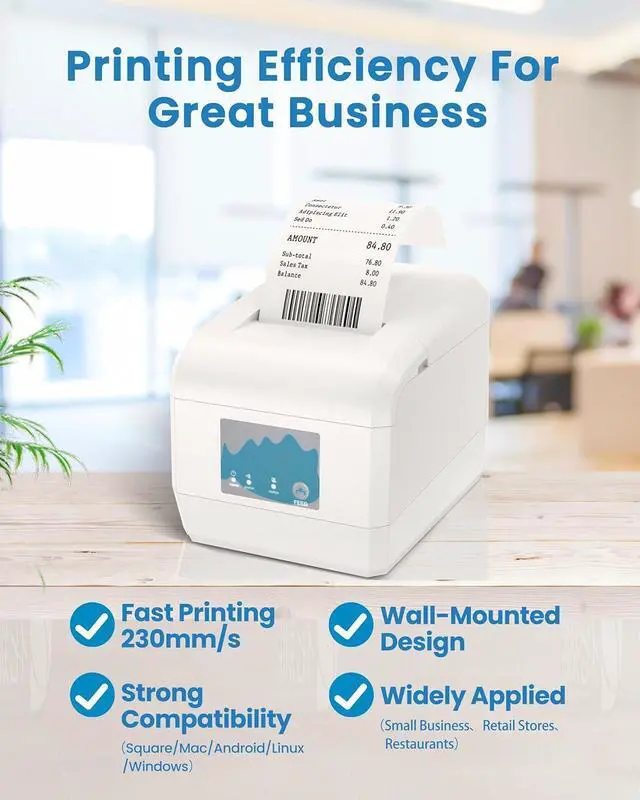
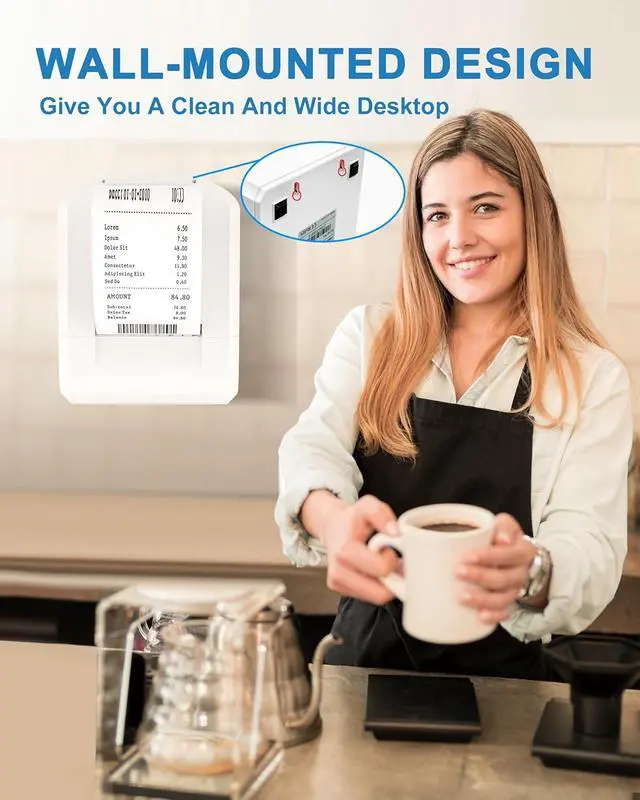
- Wall-mounted design: At the bottom of the Android thermal printer, there are two well-designed hanging holes, making it easy to be wall-mounted. It saves space, keeps the working environment tidy and orderly, and facilitates daily cleaning and maintenance
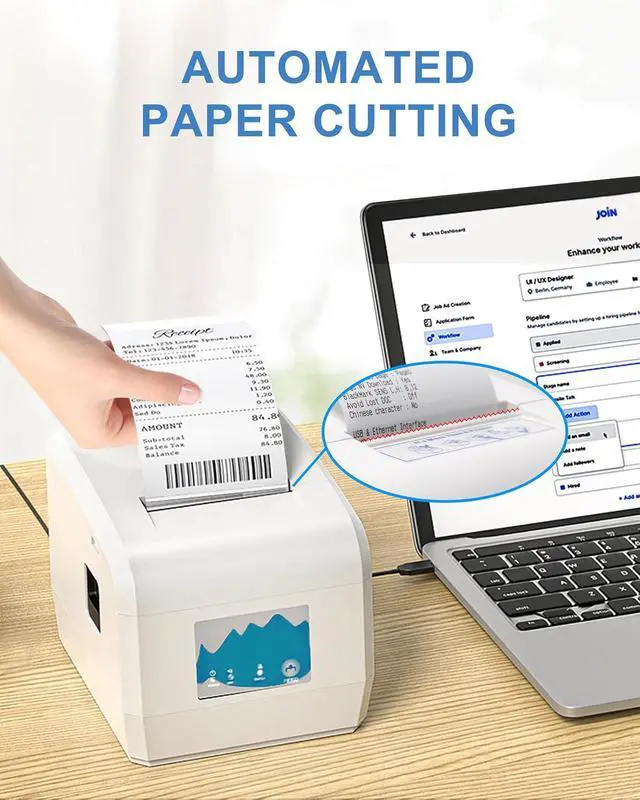
- Printing performance: This 80mm receipt printer is equipped with an automatic cutter, printing speed up to 230mm/s, adopti
+
+
Overview
Specs
Reviews

Any questions? Our AI mode will help you find out quickly.
Try me now
NO Compatible: USB NO support iOS, NO iPad,iPhoneIf you are using an iPad with squareplease connect it with Ethernet cable. Not compatible with Ubereats/Grubhub/ Doordash/Lightspeed/Postmates/Clover/Shopify. NOT Bluetooth and WIFI
How to use cash drawerIf you are using ordinary cash drawer for square, you need to use the computer to connect the printer and download the driver. STEPS: USB connect your computer and printer Download and install the appropriate system driver After installing the driver, use the Printer Test V5.2C tool Click on Advanced, find Cutter with Cash Drawer and select ON.
Wall-mounted design: At the bottom of the Android thermal printer, there are two well-designed hanging holes, making it easy to be wall-mounted. It saves space, keeps the working environment tidy and orderly, and facilitates daily cleaning and maintenance
Printing performance: This 80mm receipt printer is equipped with an automatic cutter, printing speed up to 230mm/s, adoption of high-resolution printing technology, clear and delicate handwriting, satisfy your need for high quality printing
Business Assistant: The ZY908 POS printer is works well Windows/ Linux /Chrome book/MAC systems, is ideal for a wide range of industries such as small businesses, retailers, supermarket
How to use cash drawerIf you are using ordinary cash drawer for square, you need to use the computer to connect the printer and download the driver. STEPS: USB connect your computer and printer Download and install the appropriate system driver After installing the driver, use the Printer Test V5.2C tool Click on Advanced, find Cutter with Cash Drawer and select ON.
Wall-mounted design: At the bottom of the Android thermal printer, there are two well-designed hanging holes, making it easy to be wall-mounted. It saves space, keeps the working environment tidy and orderly, and facilitates daily cleaning and maintenance
Printing performance: This 80mm receipt printer is equipped with an automatic cutter, printing speed up to 230mm/s, adoption of high-resolution printing technology, clear and delicate handwriting, satisfy your need for high quality printing
Business Assistant: The ZY908 POS printer is works well Windows/ Linux /Chrome book/MAC systems, is ideal for a wide range of industries such as small businesses, retailers, supermarket
Warranty & Returns
Warranty, Returns, And Additional Information
Warranty
- Please contact the Seller directly for warranty information. Warranty information may also be found on the Manufacturer's website.
- CONTACT
Return Policies
- Return for refund within: 30 days
- Return for replacement within: 45 days
- This item is covered by Ali Wangwang E-commerce Limited Return Policy
Manufacturer Contact Info
- For a directory of all our manufacturers, please click below.
- Manufacturers Directory
LOADING...