

Your Browsing History
- Sold by Newegg
- New

Any questions? Our AI mode will help you find out quickly.
Try me now
Quick View
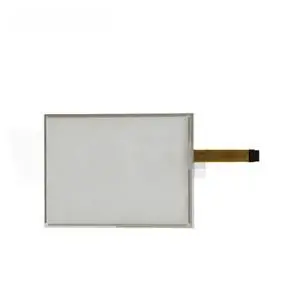
Generic Touch Screen For Panel Only Touch Screen 98-0003-1228-4 Compatible with 98-0003-1228-4
- Model #: 3256808632874907
- $214.00 –
- Free Shipping
Quick View
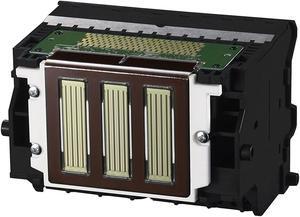
Canon 0861C003AA Print Head
- Product Sort: Printer Accessories
- Product Type: Replacement Parts
- Compatibility: imagePROGRAF PRO-2000 imagePROGRAF PRO-4000 imagePROGRAF PRO-4000S imagePROGRAF PRO-6000S
- Model #: 0861C003AA
- $774.99 –
- Free Shipping
Quick View
- $45.00 –
Quick View
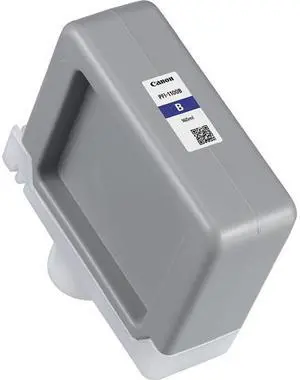
Canon 0859C001AA Ink Cartridges Blue
- Cartridge Quantity: 1
- Compatible Products: Canon imagePROGRAF PRO-2000, PRO-2100, PRO-4000, PRO-4000S, PRO-4100, PRO-6000, PRO-6000S, PRO-6100
- Capacity: 160 ml
- Ink Type: Pigment-based
- Model #: 0859C001AA
- $119.99 –
- Free Shipping
Quick View

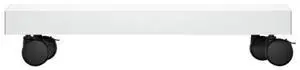
- Brand: HP
- Part Number: 9V9E5A
- Product Sort: Color LaserJet Stand
- Product Type: Stands, Cradles and Holsters
- Model #: 198122291144
- $396.53 –
- More options from $342.52 - $642.99
- Free Shipping
Quick View
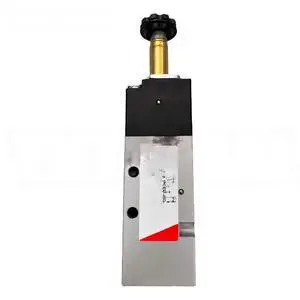
Generic Solenoid Body 358-015-02 Compatible with 358-015-02
- Model #: 3256810232311704
- $83.12 –
- Free Shipping
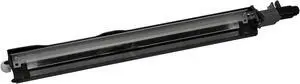
Quick View
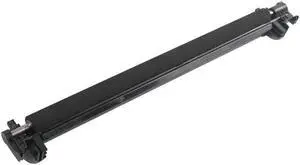
- Type: Image Transfer Cleaner
- Brand: HP
- Type: Image Transfer Cleaner
- Model #: Z7Y81A
- $31.99 –
- Free Shipping
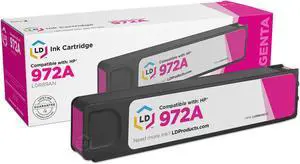
Quick View
LD Compatible Ink Cartridge Replacements for HP 972A L0R89AN (Magenta)
- Compatible Products: Page Yield: 3,000* | Shelf Life: 24-36 Months | *Average cartridge page yield in accordance with ISO IEC 24711
- Model #: 655257893563

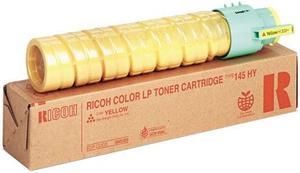
Quick View
Ricoh 888309 Cartridge Yellow
- Cartridge Quantity: Single Pack
- Compatible Products: CL4000 (402325), SP C410DN (402534), SP C411DN (402540)
- Approximate Page Yield: 15000 Pages
- Coverage: 5%
- Model #: 888309
- $244.15
- $108.99 –
- Save: $135.16 (55%)
- $2.99 Shipping
Quick View
- Ink Type: Dye-based
- Model #: 193905951161
- $29.99 –
- More options from $29.99
- $2.99 Shipping
Quick View
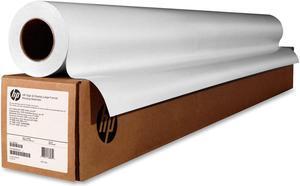
- Part Number: Q7996A-HHO
- Product Type: Other Accessories
- Color: White
- Weight: 40.0000 lb
- Model #: 848412013351
Quick View
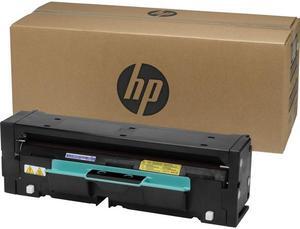
- Part Number: 3MM39A
- Product Type: Roller
- Weight: 7.0700 lb
- Features: HP 110V Heated Pressure Roller
- Model #: 3MM39A
- $424.99
- $318.74 –
- Save: $106.25 (25%)
- More options from $318.74 - $451.99
- Free Shipping
Quick View
Duplexer Unit Roller kit Compatible with HP OfficeJet 7740 8210 8216 8700 8702 8710 8715 8716 8717 8718 8719 8720 8725
- Model #: DARJB0CF9QKZ1S
- $99.99 –
- Free Shipping
Quick View
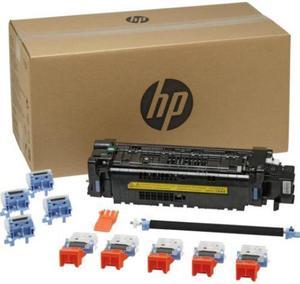
- Part Number: J8J87A
- Product Sort: Printer Accessories
- Product Type: Maintenance/Fuser Kit
- Color: Black
- Model #: J8J87A
Quick View
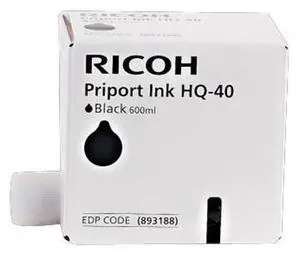
Ricoh 817225 (893188) Black Ink - Box of 5
- Brand: Ricoh
- Part Number: 893188
- Cartridge Color: Black
- Compatible Products: for Ricoh CP6244+; Priport DX4542, DX4545, JP4500
- Model #: 893188
- $81.99 –
- $2.99 Shipping
Quick View
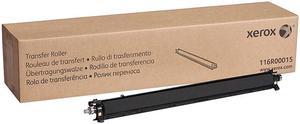
XEROX 116R00015 Transfer Roller
- Product Sort: Printing Supplies
- Product Type: Transfer Roller
- Compatibility: C8000, C9000
- Model #: 116R00015
- $151.71 –
- More options from $151.71 - $207.32
- Free Shipping
Quick View
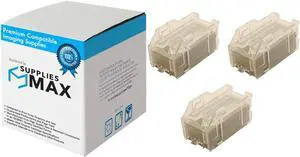
SuppliesMAX Compatible Replacement for TYPE P1 Copier/Printer Staples Cartridge (3/PK-5000 Staples) (008R12941)
- Model #: SPB-XER008R12941-C
- $40.99 –
- $8.99 Shipping
Quick View
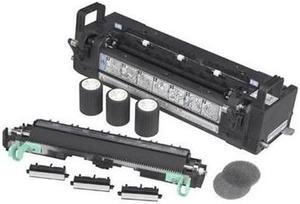
Ricoh 402593 110V Maintenance Kit
- Product Sort: Printer Accessories
- Product Type: Cleaning and Maintenance kits
- Compatibility: Ricoh Aficio SP C410DN Printer Ricoh Aficio SP C411DN Printer
- Specifications: Print Technology: Laser Print Yield: 100000 Page
- Model #: 402593
- $180.00 –
- Free Shipping
Quick View
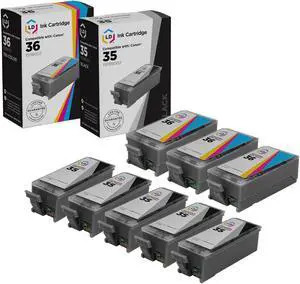
LD Products Canon Pixma iP100 Compatible Set of 8 Ink Cartridges: 5 Black PGI35, 3 Color CLI36
- Cartridge Quantity: 1
- Replacement Brand: Canon
- Ink Type: Dye-based
- Approximate Page Yield: 200 Pages
- Model #: 843964026767
- $23.19 –
- More options from $23.19
- Free Shipping
Quick View
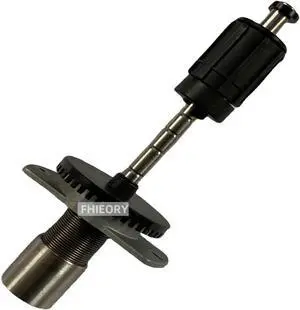
1-040189-90 Ribbon Supply Unit Assembly for Intermec PX4i Thermal Label Printer 203dpi 300dpi 400dpi
- Model #: ENGEB0DNCG2LC8
- $136.99 –
- Free Shipping
Quick View
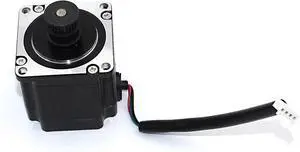
GETPARTS 1-040960-90 Stepper Motor Assy for Intermec PX4i Thermal Barcode Printer 203dpi 300dpi
- Model #: ENGEB0CXMSR6PN
- $178.99 –
- Free Shipping
Quick View
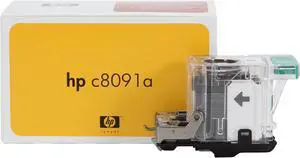
- Product Sort: Printing Supplies
- Product Type: Staple Cartridge Refill
- Color: Black
- Compatibility: HP LaserJet Enterprise M806x+ NFC/Wireless Direct Printer HP Color LaserJet 4700dn Printer HP Color LaserJet 4700dtn Printer HP Color LaserJet 4700n Printer HP Color LaserJet CP6015dn Printer HP Color LaserJet CP6015n Printer HP Color LaserJet CP6015x Printer HP Color LaserJet CP6015xh Printer HP Color LaserJet CM6030 Multifunction Printer HP Color LaserJet CM6030f Multifunction Printer HP Color LaserJet CM6040f Multifunction Printer HP LaserJet Enterprise 700 color MFP M775z HP LaserJet Enterprise 700 color MFP M775z+ HP LaserJet 9040 Multifunction Printer HP LaserJet 9050 Multifunction Printer HP LaserJet Enterprise flow MFP M830z NFC/Wireless Direct HP LaserJet M4345 Multifunction Printer HP LaserJet M4345x Multifunctio...
- Model #: C8091A
- $62.99 –
- $2.99 Shipping
Quick View
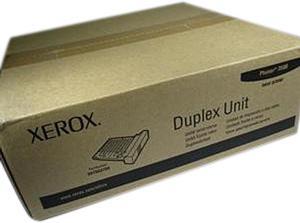
XEROX 097S03756 Duplex Module Option Phaser 3500
- Compatibility: Phaser 3500
- Specifications: Duplex Module Option
- Model #: 097S03756
- $136.00 –
- More options from $136.00 - $189.00
- Free Shipping
Quick View
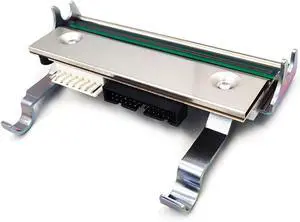
1-040082-900 PRINTHEAD Printhead for Intermec PX4i Thermal Label Printer 203dpi Genuine
- Model #: ENGEB087RN3HWV
- $538.99 –
- Free Shipping

Quick View
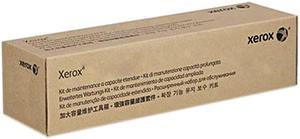
Xerox 008R12990 Waste Toner Cartridge
- Product Sort: Printer Accessories
- Product Type: Waste Toner Box
- Compatibility: Xerox Color 700/700i/770, Xerox Color C60/C70, and Xerox Versant 2100
- Weight: 1.50 lbs.
- Model #: 008R12990
- $51.99
- $50.99 –
- More options from $46.66 - $95.00
- Free Shipping
Quick View
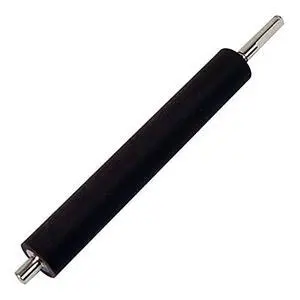
Printer Accesstories Print Roller 058996-010 for Intermec 3400e 3440 4420E 4440E 200dpi 400dpi Barcode Label Printer - (Color: 058996-010)
- Model #: ENGEB0BWS5SPGL
- $92.99 –
- Free Shipping
Quick View
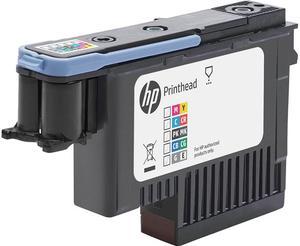
- Product Sort: Printer Accessories
- Product Type: Printhead
- Compatibility: DesignJet Z6 Pro, Z9+ Pro
- Model #: 3EE09A
- $248.00 –
- More options from $245.19 - $248.00
- Free Shipping
Quick View
- Brand: HP
- Model: 972A
- Part Number: L0R89AN
- Cartridge Quantity: Single Pack
- Model #: L0R89AN
- $110.99 –
- Free Shipping
Quick View
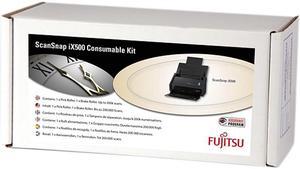
Fujitsu PA03656-0001 Scansnap IX500 Roller Set
- Product Sort: Scanner Accessories
- Color: Black
- Compatibility: Scansnap IX500, IX500 DLX
- Specifications: Technical detailsBrand compatibilityFujitsuDevice compatibilityScannerCompatibilityScanSnap iX500 DeluxeColour of productBlack
- Model #: PA03656-0001
- $71.99 –
- $1.99 Shipping
Quick View
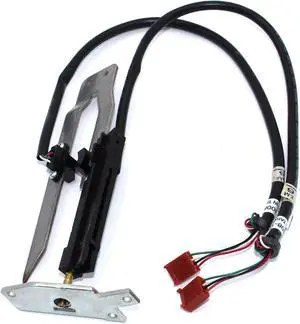
GETPARTS 1-040109-01 Label Stop Assy for Intermec PX4i Thermal Barcode Printer 203dpi 300dpi
- Model #: ENGEB0CXMQBS1H
- $142.99 –
- Free Shipping
Quick View
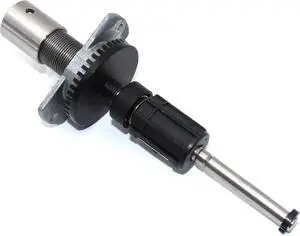
GETPARTS 1-040189-90 Ribbon Supply Unit Assembly for Intermec PX4i Thermal Label Printer 203dpi 300dpi 400dpi
- Model #: ENGEB0CXXY7CJY
- $153.99 –
- Free Shipping
Quick View
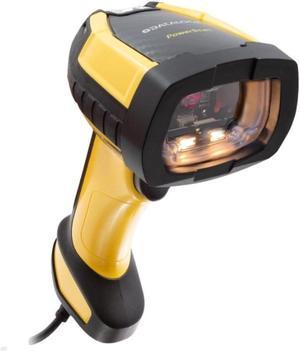
PD9630-HP HIGH PERF USB KIT
- Model #: PD9630-HPK1
- $603.99
- $501.99 –
- Save: $102.00 (16%)
- Free Shipping
Choosing the Right Printer for Your Office Needs
When it comes to office solutions, printers and scanners are essential tools for any business. Whether you need to print important documents, scan invoices, or create professional-quality marketing materials, having the right equipment is crucial. In this article, we will explore the different types of printers and scanners available in the market and provide tips on how to choose the best one for your office.
All-in-One Printers: Versatility and Convenience
all-in-one printers, also known as multifunction printers, are a popular choice for offices. These devices combine the functionality of a printer, scanner, copier, and sometimes even a fax machine into a single unit. They offer versatility and convenience, allowing you to perform multiple tasks without the need for separate devices. All-in-one printers are available in both inkjet and laser options, catering to different printing needs and budgets.
Specialized Printers for Specific Tasks
In addition to all-in-one printers, there are specialized printers designed for specific tasks. For example, 3D printers are ideal for creating prototypes or intricate models, while barcode and label printers are perfect for businesses that require efficient inventory management. laser printers are known for their fast printing speeds and high-quality output, making them suitable for offices with high-volume printing needs. inkjet printers, on the other hand, are more cost-effective and can produce vibrant color prints.
Choosing the Right Supplies
Once you have selected the right printer for your office, it is important to choose the right supplies to ensure optimal performance and longevity. When it comes to inkjet printers, using high-quality ink cartridges is essential to achieve the best print quality and prevent clogging. For laser printers, it is important to choose the right type of toner cartridges that are compatible with your printer model. Additionally, investing in high-quality paper can make a significant difference in the final print results.
FAQs: Common Questions about Printers and Scanners
| Q: How often should I replace the ink cartridges? | A: The frequency of replacing ink cartridges depends on your printing volume. However, it is recommended to replace them when the print quality starts to degrade. |
|---|---|
| Q: Can I use third-party ink cartridges with my printer? | A: While it is possible to use third-party ink cartridges, it is important to ensure compatibility with your printer model. Using incompatible cartridges may result in poor print quality or damage to the printer. |
| Q: How do I clean the scanner glass? | A: To clean the scanner glass, use a soft, lint-free cloth slightly dampened with glass cleaner. Gently wipe the glass surface to remove any smudges or debris. |
| Q: What is the difference between optical and interpolated resolution in scanners? | A: Optical resolution refers to the actual hardware resolution of the scanner, while interpolated resolution is achieved through software enhancements. Optical resolution provides more accurate and detailed scans. |
| Q: How can I improve the scanning speed? | A: To improve scanning speed, reduce the scanning resolution, use black and white mode instead of color, and ensure that the scanner is connected to a high-speed USB port. |