

Your Browsing History
- In Stock
- Sold by Newegg
- New

Any questions? Our AI mode will help you find out quickly.
Try me now
Quick View
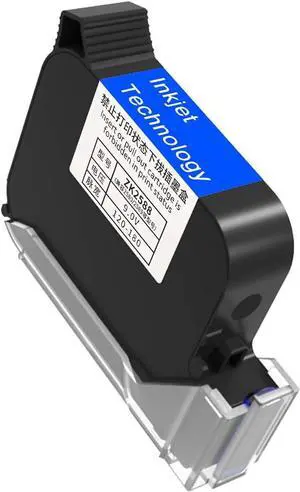
Original Fast Dry Ink Cartridg, Replacement 42ml Ink Cartridge for Handheld Inkjet Printer Coding Machine 0.5 Inch Black, Portable
- Model #: HANWB0D5V38MH1
- $142.19 –
- More options from $142.19
- Free Shipping
Quick View
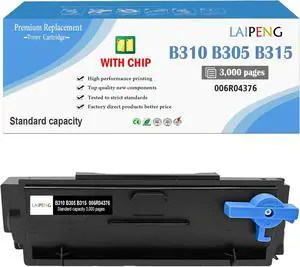
B310 Black Toner Cartridge Remanufactured for Xerox B310 Printer
- Model #: HANWB0F2HNZJ32
- $103.19 –
- More options from $103.19
- Free Shipping
Quick View
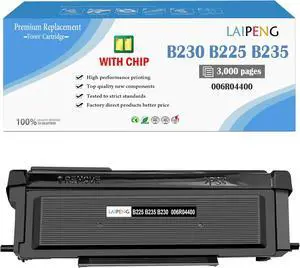
B230 Black Toner Cartridge Remanufactured for Xerox B230 Printer
- Model #: HANWB0DSVNCSF2
- $76.19 –
- More options from $76.19
- Free Shipping
Quick View
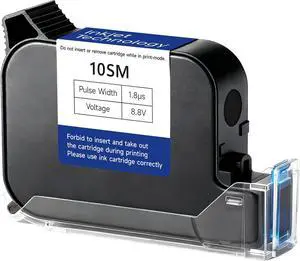
Black Ink Cartridge 42ml Solvent Fast Dry Ink Replacement Non-Encrypted for 0.5inch/12.7mm Handheld Inkjet Printer Coding Machine (Black)
- Model #: HANWB0H3L3B9W2
- $128.19 –
- More options from $128.19
- Free Shipping
Quick View
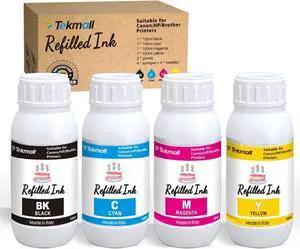
Refill Ink Kit 4 x 100ML for 280XL 281XL 270XL 271XL 250XL 251XL
- Model #: HANWB0GQLQTN4F
- $72.19 –
- More options from $72.19
- Free Shipping
Quick View
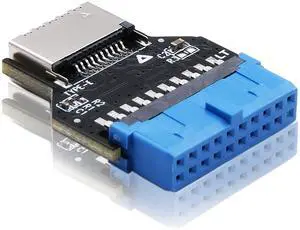
Vszerda USB 3.0 (USB3.1 Gen 2) Internal Header (19-Pin) to USB 3.1/3.2 Type-C (20-Pin) A-Key Front Panel 180 Degrees Adapter, Extend USB Type E Ports to PCs Front Panel USB Ports
Limited time offer, ends 10/17
- Brand: EZDIY-FAB
- Connector Type: USB Type C
- Connector Detail: USB Type C
- Construction: copper
- Model #: EZDPC181
- $18.29 –
- Free Shipping
Quick View
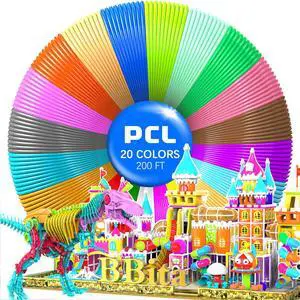
3D Printing Pen PCL Filament Refills 1.75mm, Pack of 20 Colors, Low Melting Temp of 70, High-Precision Diameter, Non-Toxic Non-Clogging(200 FT)not Included 3D Pen
- Model #: TUKO413346154311all
- $35.08 –
- Free Shipping
Quick View
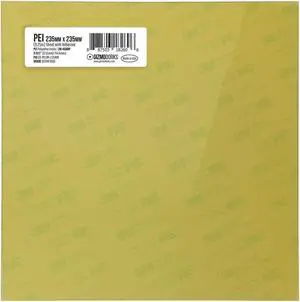
Gizmo Dorks PEI Sheet 3D Printer Build Surface 235mm x 235mm (9.3" x 9.3") with Preapplied Laminated 3M 468MP Adhesive for Creality Ender 3 or CR 20 | Made in The USA
- Model #: TUKO413346154892all
- $31.10 –
- Free Shipping
Quick View
- $3,199.00 –
- More options from $2,364.00 - $3,872.00
- Free Shipping
Quick View
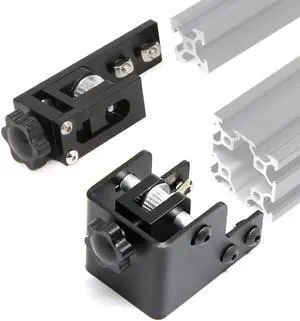
Upgrade 2020 Profile X-axis+4040 Double Slot Profile Y-axis Synchronous Belt Stretch Straighten Tensioner for Ender-3 Pro/Ender3 V2/CR-20 Pro 3D Printer Parts (X2020+Y4040)
- Model #: TUKO413346154519all
- $46.59 –
- Free Shipping
Quick View
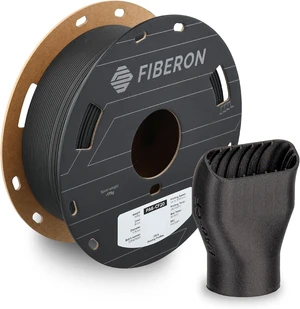
Polymaker Fiberon PA6-CF20 Carbon Fiber Nylon Filament 1.75mm, Black, 0.5kg
- Model #: TUKO413346153413all
- $77.98 –
- Free Shipping
Quick View
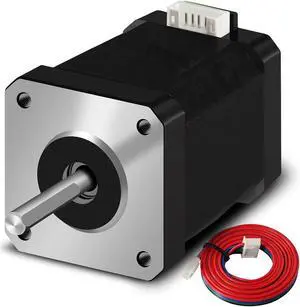
Nema 17 Stepper Motor 42x60mm 2.1A 2 Phase 4 Wires 1.8 Degrees with 1Meter Cable for 3D Printer Motors
- Model #: TUKO413346154830all
- $39.96 –
- Free Shipping
Quick View
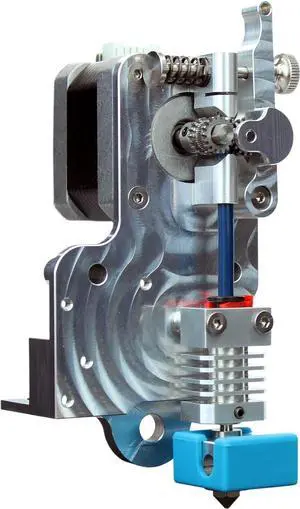
Microswiss Direct Drive Extruder for Creality CR-10 / Ender 3 Printers
- Model #: TUKO413346150757all
- $194.51 –
- Free Shipping
Quick View
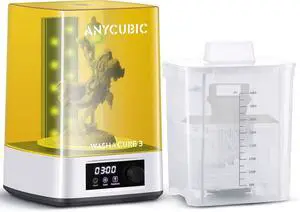
ANYCUBIC Wash and Cure Machine 3.0 with Twistable Gooseneck Light
- Model #: TUKO413346155271all
- $175.48 –
- Free Shipping
Quick View
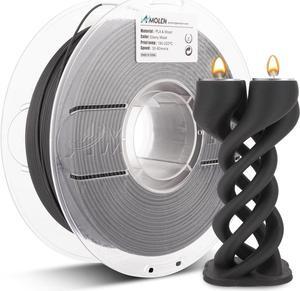
AMOLEN Wood PLA 3D Printer Filament 1.75mm Ebony 20% Real Wood Fiber 1KG
- Model #: TUKO413346151303all
- $58.48 –
- Free Shipping
Quick View
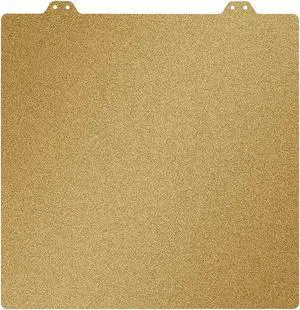
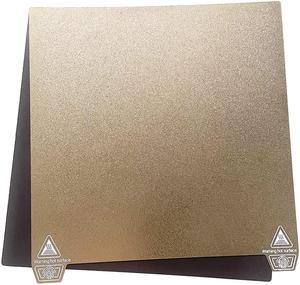
3D Printer Powder Painted PEI Flexi Steel Magnetic Build Plate 235 * 235mm for Creality Ender 3 S1 Pro,Ender 3,Ender 3 Pro,Ender 3 Neo,Ender 3 V2,Ender 3 V2 Neo, Ender 5,Ender 5 Pro
- Model #: TUKO413346154717all
- $27.77 –
- Free Shipping
Quick View
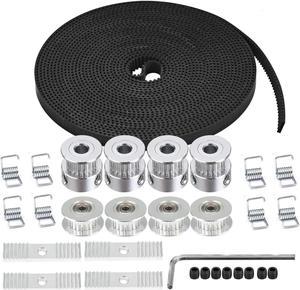
Zeelo 5M GT2 Timing Belt 6mm Width + 4pcs 20 Teeth 5mm Bore Timing Pulley Wheel + 4pcs Idler + 8pcs Tensioner Spring Torsion + 4pcs Gear Clamp Mount Block with Allen Wrench for 3D Printer
- Model #: TUKO413346149225all
- $33.13 –
- Free Shipping
Quick View
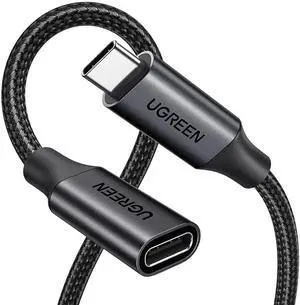
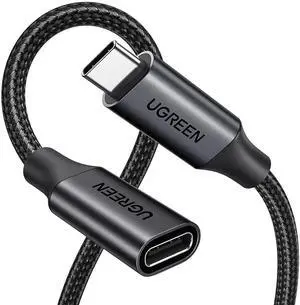
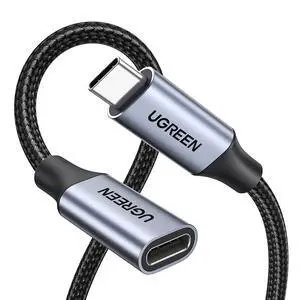
USB C Extension Cable, (10Gbps/100W) USB C Extender, Fast Charging & Transfer Type C Male to Female Cord Compatible with PSVR2/MacBook Air M2 Pro//iPad Pro/Magsafe 3.3 ft
- Cable Length: 3
- Brand: Ugreen
- Type: USB
- Connector Type: USB Type C
- Model #: 915864285610
- $27.09 –
- More options from $27.09
- Free Shipping
Quick View
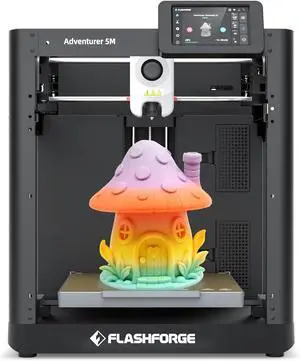
FLASHFORGE Adventurer 5M 3D Printer High Speed Max 600mm/s with Auto Leveling, 3-Second Nozzle Change, 220×220×220mm Printing, 280°C Direct Drive for Kids/Beginners/Home
- Model #: TUKO413346155035all
- $485.55 –
- Free Shipping
Quick View
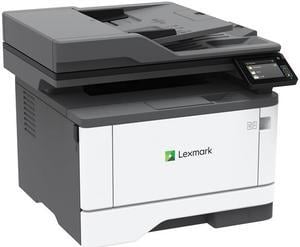
Lexmark MX331adn Multifunction Monochrome Duplex Laser Printer
- Output Capacity, std.: 150 pages 20 lb or 75 gsm bond
- Black Print Quality: 2400 Image Quality, 600 x 600 dpi
- Part Number: 29S0150
- Functions: 4-in-1: Print, Copy, Scan & Fax
- Model #: 29S0150
- $489.01
- $481.96 –
- More options from $409.55 - $803.00
Quick View
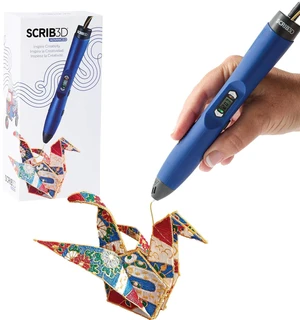
SCRIB3D Advanced 3D Printing Pen with 20 Feet of Filament, Stencil Book, and Project Guide
- Model #: TUKO413346148693all
- $116.98 –
- Free Shipping
Quick View
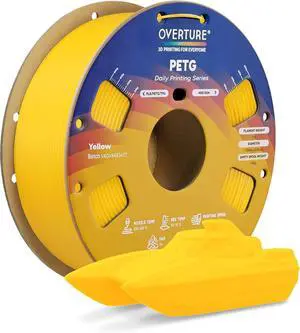
OVERTURE High Speed PETG Filament 1.75mm, 1kg Yellow
- Model #: TUKO413346153192all
- $31.57 –
- Free Shipping
Quick View
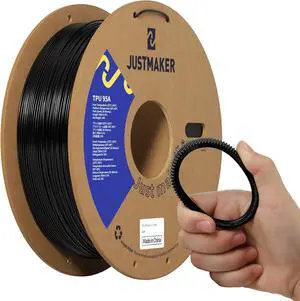
TPU 95A 3D Printer Filament, Suitable Resilience, Upgrade Cardboard Spool, 1kg, Dimensional Accuracy +/-0.05mm, 1.75mm, Black
- Model #: TUKO413346151419all
- $38.98 –
- Free Shipping
Quick View
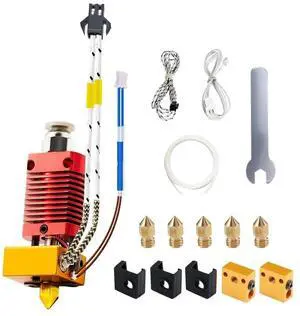
5Aplusreprap Ender 3 pro Hotend Upgrade Compatible for Creality Ender-5
- Model #: TUKO413346149256all
- $33.13 –
- Free Shipping
Quick View
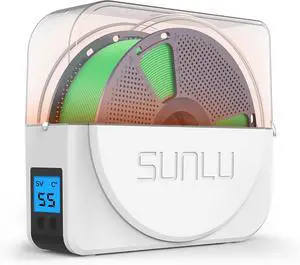
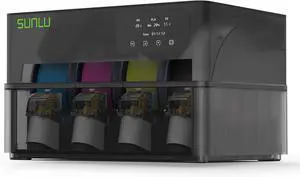
SUNLU AMS Heater, Compatible with Bambu lab AMS Gen 1
- Model #: TUKO413346152034all
- $232.03 –
- Free Shipping
Quick View
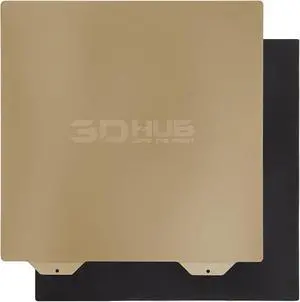
PEI Spring Steel Bed with Magnetic Sheet for Edner 3 pro/Ender 3 v2/S1,Ender 5 3D Printer,235mm*235mm (235-235, Smooth & Textured PEI)
- Model #: TUKO413346149348all
- $30.81 –
- Free Shipping
Quick View
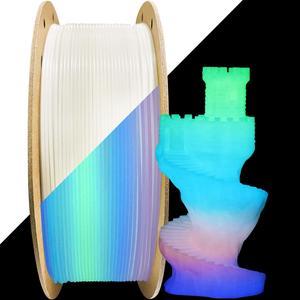
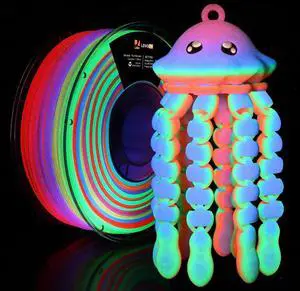
LOVOON 3D Printer Filament, Glow in the Dark Filament, Luminous Rainbow 1KG
- Model #: TUKO413346152270all
- $57.25 –
- Free Shipping
Quick View
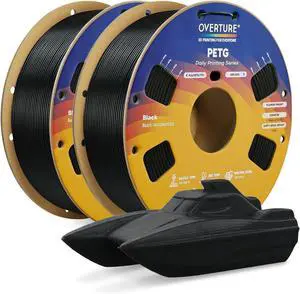
OVERTURE 2KG Bundle High Speed PETG Filament 1.75mm, 3D Printer Filament
- Model #: TUKO413346151730all
- $45.61 –
- Free Shipping
Quick View
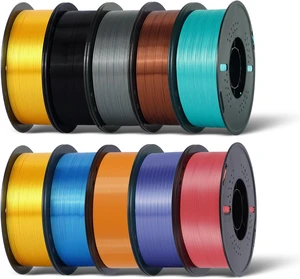
Kingroon Silk PLA Bundle 3D Printer Filament, Dimensional Accuracy +/- 0.03 mm, 10 kg Spool(22lbs), PLA Shiny Filament 1.75 mm2Gold+Orange+Green+Red+Yellow+Blue+Purple+Silver+Copper, Silk PLA
- Model #: TUKO413346152331all
- $233.98 –
- Free Shipping
Quick View
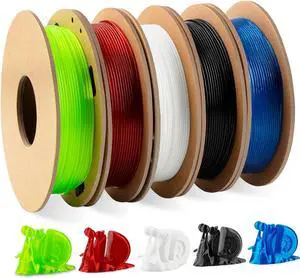
TINMORRY TPU 95A Flexible 3D Printer Filament 1.75mm, 200 G X 5, 5 Colors
- Model #: TUKO413346151365all
- $55.56 –
- Free Shipping
Choosing the Right Printer for Your Office Needs
When it comes to office solutions, printers and scanners are essential tools for any business. Whether you need to print important documents, scan invoices, or create professional-quality marketing materials, having the right equipment is crucial. In this article, we will explore the different types of printers and scanners available in the market and provide tips on how to choose the best one for your office.
All-in-One Printers: Versatility and Convenience
all-in-one printers, also known as multifunction printers, are a popular choice for offices. These devices combine the functionality of a printer, scanner, copier, and sometimes even a fax machine into a single unit. They offer versatility and convenience, allowing you to perform multiple tasks without the need for separate devices. All-in-one printers are available in both inkjet and laser options, catering to different printing needs and budgets.
Specialized Printers for Specific Tasks
In addition to all-in-one printers, there are specialized printers designed for specific tasks. For example, 3D printers are ideal for creating prototypes or intricate models, while barcode and label printers are perfect for businesses that require efficient inventory management. laser printers are known for their fast printing speeds and high-quality output, making them suitable for offices with high-volume printing needs. inkjet printers, on the other hand, are more cost-effective and can produce vibrant color prints.
Choosing the Right Supplies
Once you have selected the right printer for your office, it is important to choose the right supplies to ensure optimal performance and longevity. When it comes to inkjet printers, using high-quality ink cartridges is essential to achieve the best print quality and prevent clogging. For laser printers, it is important to choose the right type of toner cartridges that are compatible with your printer model. Additionally, investing in high-quality paper can make a significant difference in the final print results.
FAQs: Common Questions about Printers and Scanners
| Q: How often should I replace the ink cartridges? | A: The frequency of replacing ink cartridges depends on your printing volume. However, it is recommended to replace them when the print quality starts to degrade. |
|---|---|
| Q: Can I use third-party ink cartridges with my printer? | A: While it is possible to use third-party ink cartridges, it is important to ensure compatibility with your printer model. Using incompatible cartridges may result in poor print quality or damage to the printer. |
| Q: How do I clean the scanner glass? | A: To clean the scanner glass, use a soft, lint-free cloth slightly dampened with glass cleaner. Gently wipe the glass surface to remove any smudges or debris. |
| Q: What is the difference between optical and interpolated resolution in scanners? | A: Optical resolution refers to the actual hardware resolution of the scanner, while interpolated resolution is achieved through software enhancements. Optical resolution provides more accurate and detailed scans. |
| Q: How can I improve the scanning speed? | A: To improve scanning speed, reduce the scanning resolution, use black and white mode instead of color, and ensure that the scanner is connected to a high-speed USB port. |