
Your Browsing History
- In Stock
- Sold by Newegg
- Make an Offer
- New
Quick View
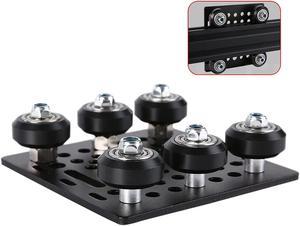
1-Pack Assembled 2040 V Gantry Plate Kit with 6pcs V Solid POM Wheels Only Compatible with 2040 4040 Series V Slot Aluminum Extrusion Profiles Linear Rail 3D Printer CNC Machine
- Model #: vfrtR302951374378
- $37.41 –
- Free Shipping
Quick View
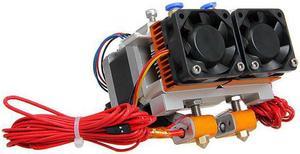
3D Printer Dual Nozzle Extruder Two-color Extrusion Nozzle Kit
- Model #: HT-ID-3239-1062801
- $199.40 –
- Free Shipping
Quick View
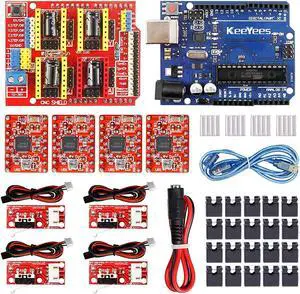
KeeYees Professional 3D Printer CNC Kit with E-Tutorial - CNC Shield Expansion Board V3.0 Board A4988 Stepper Motor Driver DC Power Cable Mechanical Switch Endstop with Jumper caps
- Model #: vfrtR302951376389
- $53.44 –
- Free Shipping
Quick View
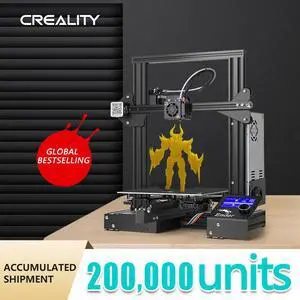
Creality Ender-3 3D Printer-Black(110V)
- Type: 3D Printer
- Model #: OH3-41584885
- $369.99 –
- Free Shipping
Quick View
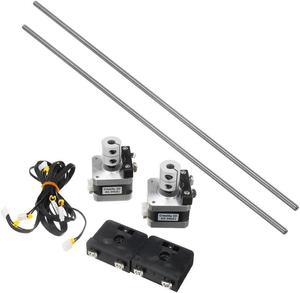
Z Axis Active Shaft Drive Kit For CR-10S PRO/CR-X 3D Printer Part
- Model #: HT-ID-3239-1428223
- $177.84 –
- Free Shipping
Quick View
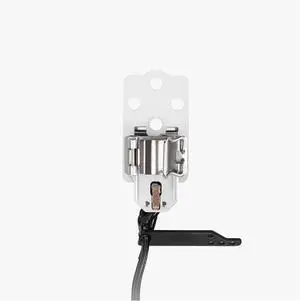
3D Printer Left Hotend Heating Assembly for Bambu Lab H2D and for H2D Laser Extruder Heater Parts
- Model #: DARKB0FR4SN3GM
- $146.99 –
- Free Shipping
Quick View
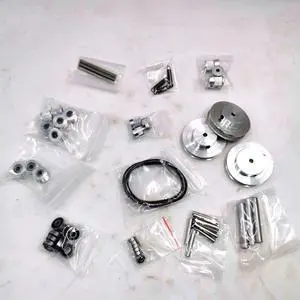
Funssor Gasherbrum Annex K3 3d printer Z motion belt kit
- Model #: ZZL-RNU-ASD1080470
- $86.33 –
- Free Shipping
Quick View
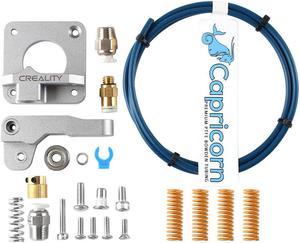
Ender-3/3S/3Pro/5 Gray Extruder+PTEF Tube with 4Pcs Spring Upgrade Kit
- Model #: HT-ID-3239-1734244
- $70.10 –
- Free Shipping
Quick View
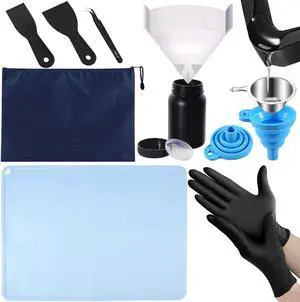
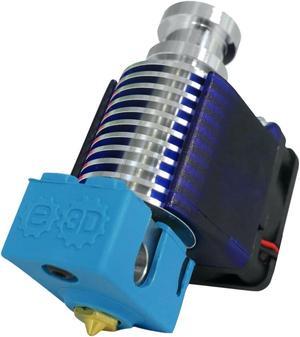
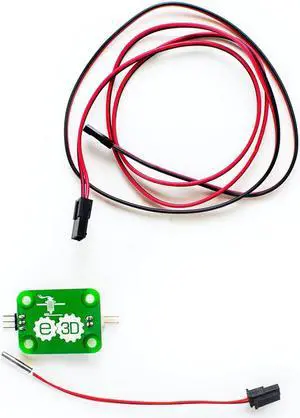
Genuine E3D V6 All-Metal HotEnd - 2.85mm Bowden, 12V, Full Kit
- Model #: V6-300-B
- $89.19 –
- Free Shipping
Quick View
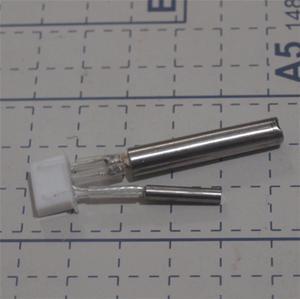
Tiertime UP! Afinia 3D Printer Platform Heater II kit
- Model #: ZZL-RNU-ASD1080382
- $74.53 –
- Free Shipping
Quick View
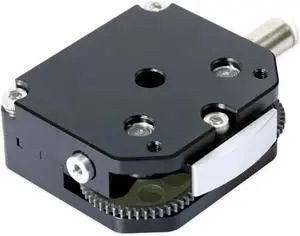
All-Metal Extruder Upgrade Kit OMG V2s Compatible for Ender 3 V2 Compatible for FLSUN Heat Treated HRC60 Metal Gear OMGV2S F1 Set 3D Printer Parts(F1-Black-Set)
- Model #: CHIXB0GDMWQVPV
- $112.99 –
- Free Shipping
Quick View
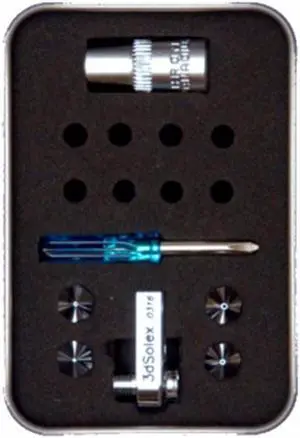
3D Solex UM2/+ Matchless Kit - Medium 4, 1.75mm
- Model #: 7072482001045
- $109.17 –
- Free Shipping
Quick View
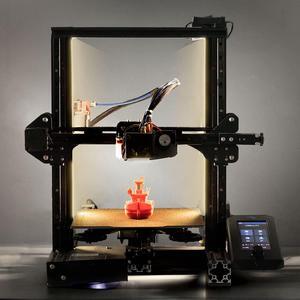
UniTak3D Ender 3 3D Printer LED Light 24V 7.5W Dual Sides Embedded Light Bar Strip Upgrades for Ender 3 V2, Ender 3 Pro,Ender 3 S1,CR6SE, Voxlab Aquila-2020 Profile
- Model #: vfrtR302951372244
- $29.66 –
- Free Shipping
Quick View
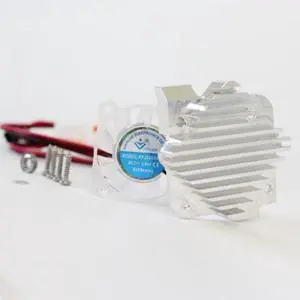
E3D Titan Aero Upgrade Kit - 2.85mm, 24v
- Model #: TITAN-AERO-UP-KIT-ST
- $56.12 –
- Free Shipping
Quick View
E3D Titan Aero Upgrade Kit - 2.85mm, 12v
- Model #: TITAN-AERO-UP-KIT-ST
- $56.12 –
- Free Shipping
Quick View
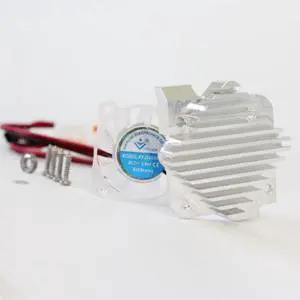
E3D Titan Aero Upgrade Kit - 1.75mm, 12v
- Model #: TITAN-AERO-UP-KIT-ST
- $58.65 –
- Free Shipping
Quick View
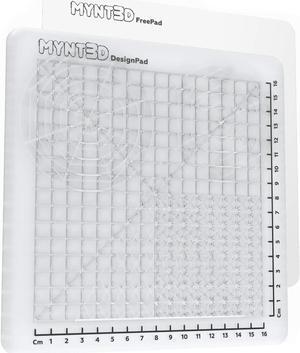
MYNT3D 3D Pen Mat Kit, DesignPad + FreePad,Black
- Model #: vfrtR302951372299
- $39.58 –
- Free Shipping
Quick View
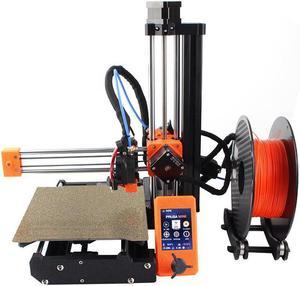
Clone Prusa Mini 3D Printer 2.8inch Color Screen DIY Complete Kit 180*180*180mm Print Size MW Power Supply
- Model #: HT-ID-3239-ID-3239-1779682
- $882.68 –
- Free Shipping
Quick View
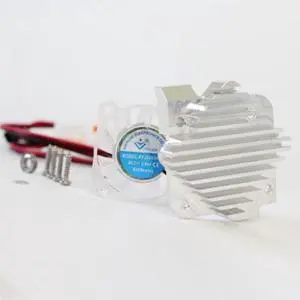
E3D Titan Aero Upgrade Kit - 2.85mm, 12v (Mirrored)
- Model #: TITAN-AERO-UP-KIT-MI
- $56.70 –
- Free Shipping
Quick View
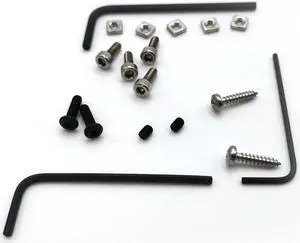
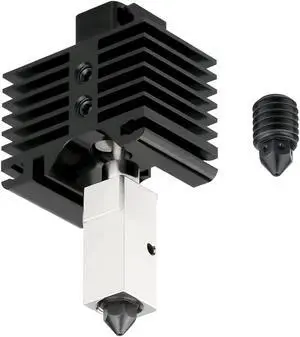
E3D Titan Aero Upgrade Kit - 2.85mm, 24v (Mirrored)
- Model #: TITAN-AERO-UP-KIT-MI
- $56.41 –
- Free Shipping
Quick View
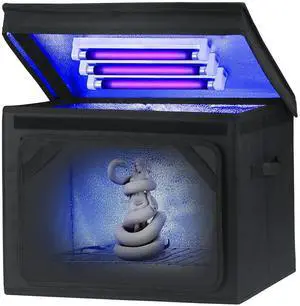
Resin Curing Light Lamp for 3D Printer Large Size Cure Light Box for Machine 3D Printer Led Light 365nm Solidify Photosensitive Resin, 36L/9.5gal, 6w Bulb x3
- Model #: vfrtR302951374668
- $93.04 –
- Free Shipping
Quick View
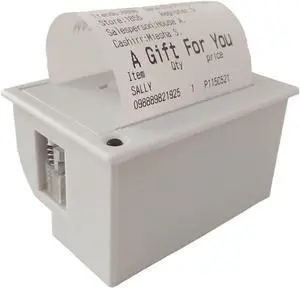
PRIMUZ Micro Thermal Printer Ticket Serial Port Printer Module Can Be Docked with Arduino/ESP32, Supporting Secondary Development TTL/RS232 White
- Model #: CHIDB0CQ1WHFTT
- $84.99 –
- Free Shipping
Quick View
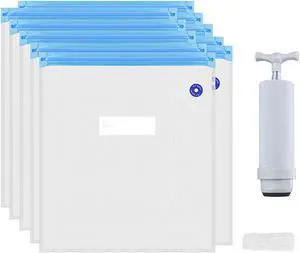
3D Printer Consumables Vacuum Sealing Bags Vacuum Pump PLA TPU Material ABS Wire Compression Storage Bag Set
- Model #: 11JJ401070-104_ES
- $28.99 –
- More options from $27.99
- Free Shipping
Quick View
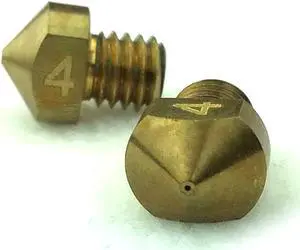
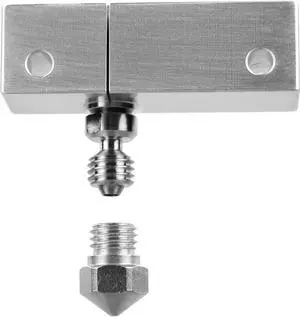
Microswiss All Metal Hotend with Slotted Cooling Block for Wanhao i3 w/.4mm Nozzle
- Model #: vfrtR302951376952
- $98.98 –
- Free Shipping
Quick View
All-Metal Extruder Upgrade Kit OMG V2s Compatible for Ender 3 V2 Compatible for FLSUN Heat Treated HRC60 Metal Gear OMGV2S F1 Set 3D Printer Parts(F1-Black-Set)
- Model #: DARJB0GDMWQVPV
- $112.99 –
- Free Shipping
Quick View
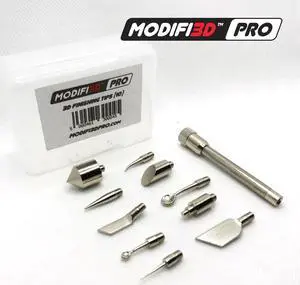
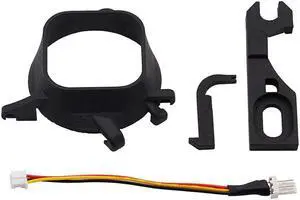
Dreamcast Noctua Fan 3D Print Mod with for Latch & Cable Adapter for SEGA Dreamcast for DC for Women Men
Limited time offer, ends 06/06
- Model #: 7HH303461-A_ES
- $98.00 –
- Free Shipping
Quick View
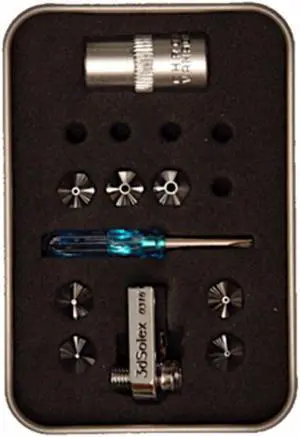
3D Solex UM2/+ Matchless Kit - Grand 7, 1.75mm
- Model #: 7072482001014
- $127.22 –
- Free Shipping
Quick View
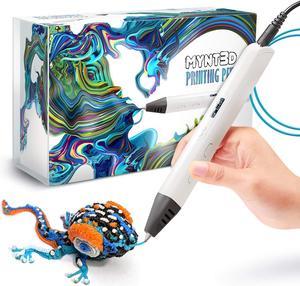
MYNT3D Professional Printing 3D Pen with OLED Display
- Model #: vfrtR302951372008
- $104.98 –
- More options from $104.98 - $111.88
- Free Shipping

Quick View
HP Compatible Q2436-67901 Maintenance Kit RQ2436-67901
- Model #: RQ2436-67901
- $129.95 –
- Free Shipping

Any questions? Our AI beta will help you find out quickly.
Try me now
Choosing the Right Printer for Your Office Needs
When it comes to office solutions, printers and scanners are essential tools for any business. Whether you need to print important documents, scan invoices, or create professional-quality marketing materials, having the right equipment is crucial. In this article, we will explore the different types of printers and scanners available in the market and provide tips on how to choose the best one for your office.
All-in-One Printers: Versatility and Convenience
all-in-one printers, also known as multifunction printers, are a popular choice for offices. These devices combine the functionality of a printer, scanner, copier, and sometimes even a fax machine into a single unit. They offer versatility and convenience, allowing you to perform multiple tasks without the need for separate devices. All-in-one printers are available in both inkjet and laser options, catering to different printing needs and budgets.
Specialized Printers for Specific Tasks
In addition to all-in-one printers, there are specialized printers designed for specific tasks. For example, 3D printers are ideal for creating prototypes or intricate models, while barcode and label printers are perfect for businesses that require efficient inventory management. laser printers are known for their fast printing speeds and high-quality output, making them suitable for offices with high-volume printing needs. inkjet printers, on the other hand, are more cost-effective and can produce vibrant color prints.
Choosing the Right Supplies
Once you have selected the right printer for your office, it is important to choose the right supplies to ensure optimal performance and longevity. When it comes to inkjet printers, using high-quality ink cartridges is essential to achieve the best print quality and prevent clogging. For laser printers, it is important to choose the right type of toner cartridges that are compatible with your printer model. Additionally, investing in high-quality paper can make a significant difference in the final print results.
FAQs: Common Questions about Printers and Scanners
| Q: How often should I replace the ink cartridges? | A: The frequency of replacing ink cartridges depends on your printing volume. However, it is recommended to replace them when the print quality starts to degrade. |
|---|---|
| Q: Can I use third-party ink cartridges with my printer? | A: While it is possible to use third-party ink cartridges, it is important to ensure compatibility with your printer model. Using incompatible cartridges may result in poor print quality or damage to the printer. |
| Q: How do I clean the scanner glass? | A: To clean the scanner glass, use a soft, lint-free cloth slightly dampened with glass cleaner. Gently wipe the glass surface to remove any smudges or debris. |
| Q: What is the difference between optical and interpolated resolution in scanners? | A: Optical resolution refers to the actual hardware resolution of the scanner, while interpolated resolution is achieved through software enhancements. Optical resolution provides more accurate and detailed scans. |
| Q: How can I improve the scanning speed? | A: To improve scanning speed, reduce the scanning resolution, use black and white mode instead of color, and ensure that the scanner is connected to a high-speed USB port. |