

Your Browsing History
- In Stock
- Sold by Newegg
- New

Any questions? Our AI mode will help you find out quickly.
Try me now
Quick View
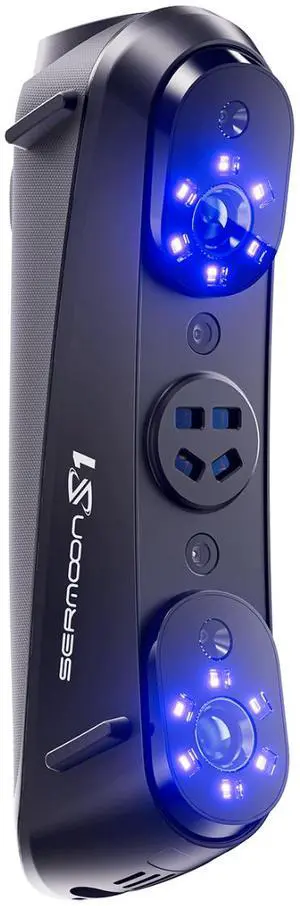
Creality Sermoon S1 3D Scanner, Multi-Light Versatility, 0.02mm Accuracy, up to 90 FPS
- Supported OS: System Support Windows/macOS Android/iOS (Requires Wireless Scanning Accessories) Computer Configuration Requirements Windows: The following or higher configurations are recommended: i7-Gen10 CPU, Nvidia GPU (8GB VRAM), 32GB RAM, Windows 10/11 (64-bit). Minimum configuraiton: i7-Gen7 CPU, Nvidia GPU (6GB VRAM), 16GB RAM, Windows 10/11 (64-bit) macOS:M1/M2/M3/M4 series, 16GB RAM
- Product Size/Dimensions: 225mmx53mmx76mm
- Features: Laser Safety Single Blue Laser Line - Class II (eye safe) 7 Parallel Blue Laser Lines - Class I (eye safe) 34 Cross Blue Laser Lines - Class II (eye safe) Infrared Structured Light - Class I (eye safe)
- Brand: Creality
- Model #: 4008050063
- $2,299.99 –
- Free Shipping
Quick View
#1 Best Seller
in 30 days
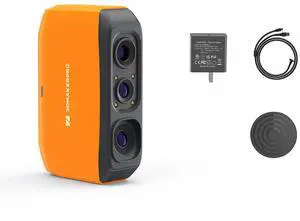
3DMakerpro Fox 3D Scanner, Entry-Level 3D Scanner for 3D Printing, 0.07mm Accuracy for Small to Large Objects Scanning- Supported OS: Windows/Mac/Android/IOS
- Product Size/Dimensions: 115x70x35mm
- Software Compatibility: JMStudio
- Scan Object Sizes: 40-1200mm
- Model #: Fox

Quick View
Sponsored
Quick View
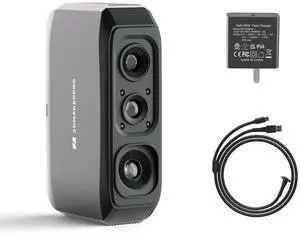
3DMakerpro 3D Scanner Moose Lite, Medium-Format 3D Scanners for Printing, NIR Light Source, Up to 0.05mm Accuracy, Mono Texture Scanning
- Supported OS: Windows/Mac/Android/iOS
- Product Size/Dimensions: 115×70×35mm
- Software Compatibility: JMStuio
- Brand: 3DMakerpro
- Model #: Moose Lite Standard
Sponsored
Quick View
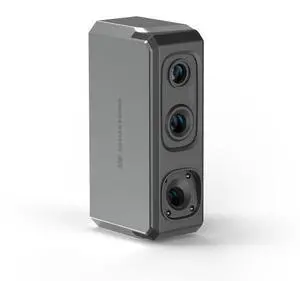
3DMakerpro Seal 3D Scanner, Blue Structured-light 3D Scanners for 3D Printing, Small-Format, Full Color Scanning
- Supported OS: Windows/Mac/Android/iOS
- Product Size/Dimensions: 110×60×35mm
- Software Compatibility: JMStuio
- Brand: 3DMakerpro
- Model #: Seal
Quick View
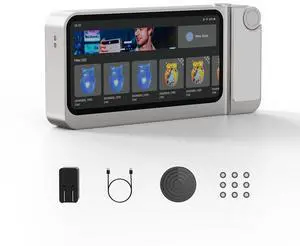
3DMakerpro 3D Scanner Toucan, All-in-One Handheld 3D Scanners for 3D Printing, Easy Scanning for Small to Large Objects, No PC Required, 32GB+256GB
Limited time offer, ends 09/22
- Product Size/Dimensions: 200×93×37.5mm
- Software Compatibility: JMStudio
- Features: Continuous Handheld Scan/ Photo Scan / Table Scan
- Brand: 3DMakerpro
- Model #: Toucan
Quick View
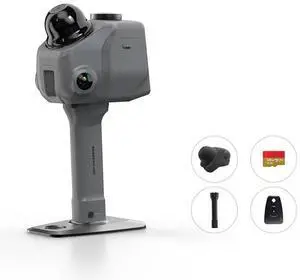
3DMakerpro LiDAR Spatial Scanner Raven, Handheld Personal 3D LiDAR Scanner with 12MP Camera, Up to 100m Scan Range & 4K Imaging, 150,000 points/sec Raven Max
- Supported OS: Windows 11+ (Incompatible with macOS)
- Product Size/Dimensions: 148*288*98mm
- Software Compatibility: RayStudio/Raycraft
- Features: 3DGS/SLAM/Point cloud/360 Camera Mount
- Model #: Raven Max
Quick View
3DMakerpro 3D Scanner Toucan, All-in-One Handheld 3D Scanners for 3D Printing, Easy Scanning for Small to Large Objects, No PC Required, 32GB+256GB
Limited time offer, ends 09/22
- Product Size/Dimensions: 200×93×37.5mm
- Software Compatibility: JMStudio
- Features: Continuous Handheld Scan/ Photo Scan / Table Scan
- Brand: 3DMakerpro
- Model #: Toucan
Sponsored
Quick View
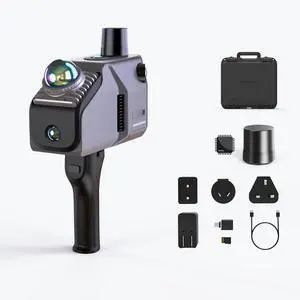
3DMakerpro Eagle LiDAR 3D Scanner, Professional SLAM Spatial Scanner for Film Production, 3DGS, Virtual Reality, 3D Modeling, All-in-one Workflow, 140m Range Max (4 Cameras)
- Supported OS: Windows 11+
- Product Size/Dimensions: 115 × 181 × 106 mm
- Software Compatibility: Raystudio
- Features: 3DGS/SLAM/Point cloud
- Model #: Eagle Max
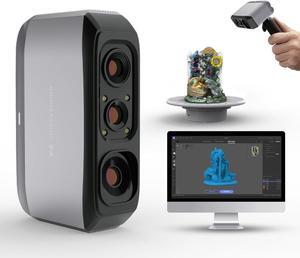
Quick View
3D Scanner for 3D Printing, Handheld 3D Model Scanner with 0.05mm High Detailed Precision, 10FPS Scanning Speed, Anti-Shake Lenses, Compatible with Windows/MacOS, Moose Lite (Premium)
- Scan Object Sizes: Medium
- Model #: BEMoose Lite
- $659.00 –
- Free Shipping
Quick View
#1 Best Seller
in 30 days
3DMakerpro Fox 3D Scanner, Entry-Level 3D Scanner for 3D Printing, 0.07mm Accuracy for Small to Large Objects Scanning- Supported OS: Windows/Mac/Android/IOS
- Product Size/Dimensions: 115x70x35mm
- Software Compatibility: JMStudio
- Scan Object Sizes: 40-1200mm
- Model #: Fox
Sponsored
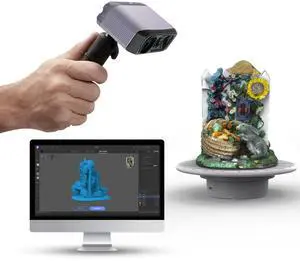
Quick View
3DMakerpro 3D Scanner, NIR Light Technology, Ideal for Medium-size Object Scanning, Include Tripod and Tunrntable, Moose Lite Premuim Version
- Supported OS: Windows/Mac/Android/iOS
- Product Size/Dimensions: 115×70×35mm
- Software Compatibility: JMStuio
- Brand: 3DMakerpro
- Model #: Moose Lite Premuim
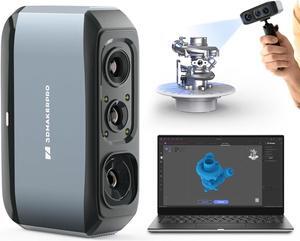
Quick View
3D Scanner for 3D Printing, Handheld 3D Model Scanner with 0.03mm High Detailed Precision, 24-bit Color Camera, Anti-Shake Lenses, Compatible with Windows/MacOS, Moose (Premium)
- Scan Object Sizes: Medium
- Model #: BEMoose Premium
- $999.00 –
- Free Shipping
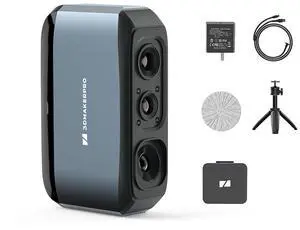
Quick View
3DMakerpro 3D Scanner Moose, Medium-Format 3D Scanners for Printing, Blue Led Light Source, Up to 0.03mm Accuracy, 24-Bit Full-Color Scanning
- Supported OS: Windows/Mac/Android/iOS
- Product Size/Dimensions: 115×70×35mm
- Software Compatibility: JMStuio
- Brand: 3DMakerpro
- Model #: Moose Premium
Sponsored
Quick View
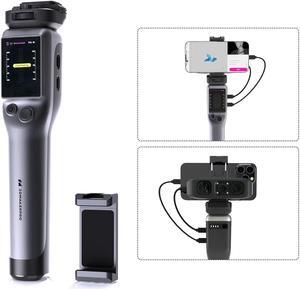
Portable Smart Grip for Moose Series 3D Scanner
- Type: Accessories
- Model #: BE3DM Smart Grip
- $459.00 –
- Free Shipping
Quick View
3DMakerpro 3D Scanner Moose Lite, Medium-Format 3D Scanners for Printing, NIR Light Source, Up to 0.05mm Accuracy, Mono Texture Scanning
- Supported OS: Windows/Mac/Android/iOS
- Product Size/Dimensions: 115×70×35mm
- Software Compatibility: JMStuio
- Brand: 3DMakerpro
- Model #: Moose Lite Standard
Quick View
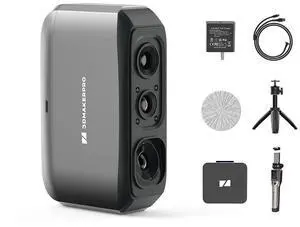
3DMakerpro 3D Scanner Moose Lite, Medium-Format 3D Scanners for Printing, NIR Light Source, Up to 0.05mm Accuracy, Mono Texture Scanning
- Supported OS: Windows/Mac/Android/iOS
- Product Size/Dimensions: 115×70×35mm
- Software Compatibility: JMStuio
- Brand: 3DMakerpro
- Model #: Moose Lite Luxury
Sponsored
Quick View
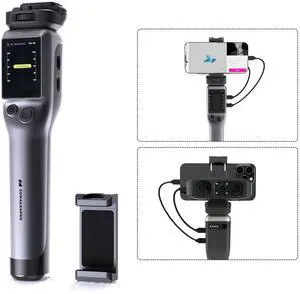
Smart Grip for 3DMakerpro Moose/Seal 3D Scanners, On-The-go Scanning
Limited time offer, ends 09/22
- Model #: Smart Grip
Quick View
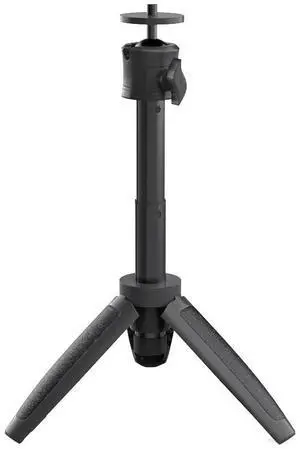
3DMakerpro 3D Scanner Tripod Holder for Moose/Moose Lite Seal/Seal Lite 3D Scanner
Limited time offer, ends 09/22
- Model #: Tripod
Quick View
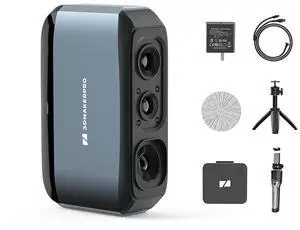
3DMakerpro 3D Scanner Moose, Medium-Format 3D Scanners for Printing, Blue Led Light Source, Up to 0.03mm Accuracy, 24-Bit Full-Color Scanning Moose Luxury
- Supported OS: Windows/Mac/Android/iOS
- Product Size/Dimensions: 115×70×35mm
- Software Compatibility: JMStuio
- Brand: 3DMakerpro
- Model #: Moose Luxury
Sponsored
Quick View
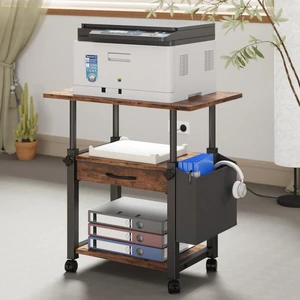
22"x15" Large Printer Stand with Drawer, 3-Tier Rolling Table Cart Storage Drawer and Side Bag,Height Adjustable Cart,Fit printer/fax/3d/scanner,4 lock wheels or feet,Home Office,Rustic Brown
Limited time offer, ends 09/21
- Model #: 949437731241
- $89.99 –
- Free Shipping
Quick View
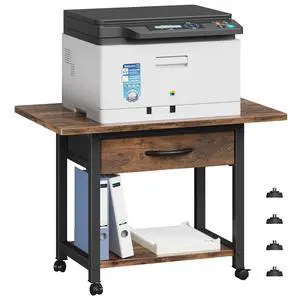
22"x15" Large Printer Stand with Drawer, 2-Tier Rolling Table Cart Under Desk Printer Table,Storage Fabric Drawer,Fit printer/fax/3d/scanner,4 Lock Wheels or Feet,For Home Office Dorms,Brown
Limited time offer, ends 09/21
- Model #: 588959568968
- $74.99 –
- Free Shipping
Quick View
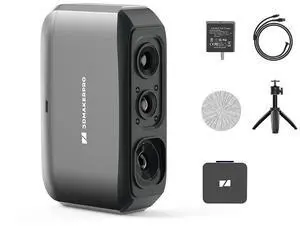
3DMakerpro 3D Scanner Moose Lite, Medium-Format 3D Scanners for Printing, NIR Light Source, Up to 0.05mm Accuracy, Mono Texture Scanning
- Supported OS: Windows/Mac/Android/iOS
- Product Size/Dimensions: 115×70×35mm
- Software Compatibility: JMStuio
- Brand: 3DMakerpro
- Model #: Moose Lite Premium
Sponsored
Quick View
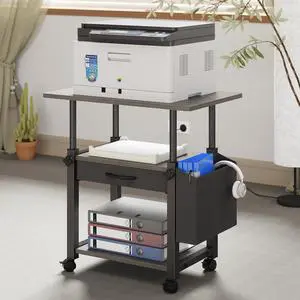
22"x15" Large Printer Stand with Drawer, 3-Tier Rolling Table Cart Storage Drawer and Side Bag,Height Adjustable Cart,Fit printer/fax/3d/scanner,4 lock wheels or feet,Gray
Limited time offer, ends 09/21
- Model #: 949437731234
- $89.99 –
- Free Shipping
Quick View
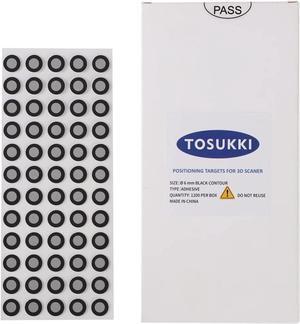
6mm Positioning Targets with Black Contour for 3D Scaner,3D scanning Markers/Dots/StickersReference Point Markers/Reflection Markers/for 3D Scaning and Optical Tracking1200 Per Box
- Model #: 433330050009ComputerzoneGANG
- $41.89 –
- Free Shipping
Quick View
6mm Positioning Targets with Black Contour for 3D Scaner,3D scanning Markers/Dots/StickersReference Point Markers/Reflection Markers/for 3D Scaning and Optical Tracking1200 Per Box
- Model #: STARWELL426253759210Lan
- $41.98 –
- Free Shipping
Quick View
6mm Positioning Targets with Black Contour for 3D Scaner,3D scanning Markers/Dots/StickersReference Point Markers/Reflection Markers/for 3D Scaning and Optical Tracking1200 Per Box
- Model #: vfrtR302951373807
- $49.66 –
- Free Shipping
Quick View
6mm Positioning Targets with Black Contour for 3D Scaner,3D scanning Markers/Dots/StickersReference Point Markers/Reflection Markers/for 3D Scaning and Optical Tracking1200 Per Box
- Type: Spare Part
- Model #: C0A377465010407537
- $40.48 –
- Free Shipping
Quick View
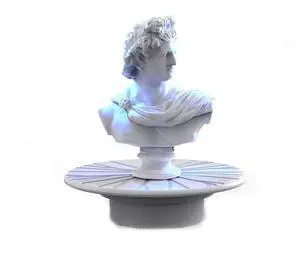
Turntable for 3DMakerpro Moose/Moose Lite Seal/Seal Lite 3D Scanners
Limited time offer, ends 09/22
- Model #: Turntable
Quick View
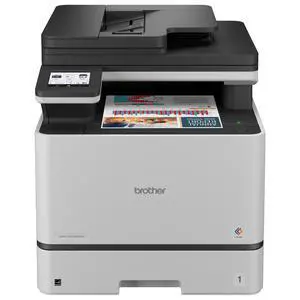
Brother MFC-L8730CDW Wired & Wireless Laser Multifunction Printer - Copier/Printer/Scanner - 33 ppm Mono/33 ppm Color Print - 2400x600 dpi - Automatic Duplex - Gigabit Ethernet - Wireless LAN - USB
- Black Print Speed: Up to 33 ppm
- Brand: Brother
- Part Number: MFC-L8730CDW
- Functions: 3-in-1: Print, Copy & Scan
- Model #: MFC-L8730CDW
- $1,109.99
- $657.99 –
- Save: $452.00 (40%)
- More options from $657.99 - $833.60
- Free Shipping
Quick View
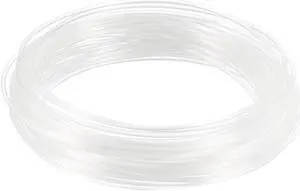
10 Meter/32.5 Ft PLA 3D Pen/3D Printer Filament, 1.75 Mm Transparent
- Brand: Unique Bargains
- Model #: a19082000ux0636

Quick View
3D Printer Nozzle Fit for MK8,for 1.75mm Filament Brass,0.2mm - 1mm Total 10pcs
- Brand: Unique Bargains
- Model #: a19080800ux0036
Quick View
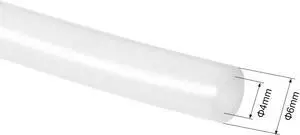
PTFE Tube 4.9Ft - ID 4mm X OD 6mm Fit 3mm Filament for 3D Printer White
- Brand: Unique Bargains
- Model #: a19073000ux0165
Quick View
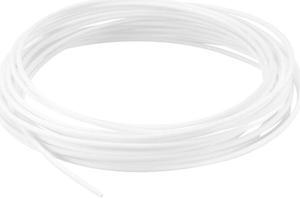
5 Meter/16 Ft PCL 3D Pen/3D Printer Filament, 1.75 Mm White
- Brand: Unique Bargains
- Model #: a19082000ux0662
Quick View
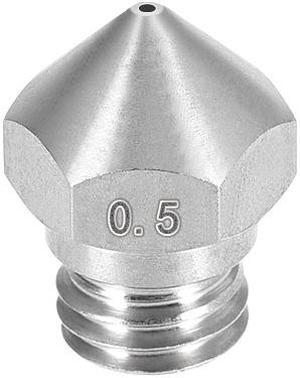
0.5mm 3D Printer Nozzle, Fit for MK10, for 1.75mm Filament Stainless Steel 1pcs
- Brand: Unique Bargains
- Model #: a19080800ux0091
Quick View
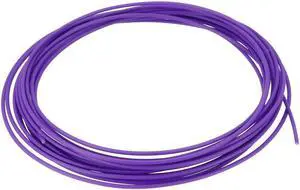
5 Meter/16 Ft PCL 3D Pen/3D Printer Filament, 1.75 Mm Purple
- Brand: Unique Bargains
- Model #: a19082000ux0675
Quick View
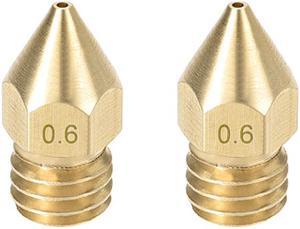
2pcs 3D Printer Nozzle,Brass MK8 Nozzle 0.6mm,Extruder Print Head for 1.75mm Makerbot Creality CR-10 ANET A8 CR-10 M6 3D Printer
- Brand: Unique Bargains
- Model #: a19080800ux0020
Quick View
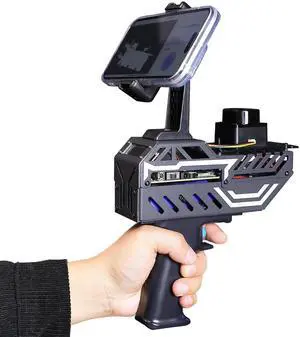
Yahboom Handheld Mapping Navigation Scanning Lidar TOF Ranging Measurement Radius 0.05-12m Supports APP,ROS2,Linux,with Bracket,OLED Screen (with T-mini Plus)
- Scan Object Sizes: Large
- Model #: 919941213908
- $179.99 –
- Free Shipping
Quick View
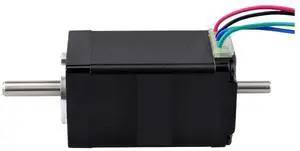
Nema 11 Stepper Motor Dual Shaft Bipolar 1.8deg 12Ncm(17oz.in) 0.67A 28x28x51mm 4 Wires CNC 3D Printer
- Model #: LC6W1JU7-1108
- $78.99 –
- More options from $78.99
- Free Shipping
Quick View
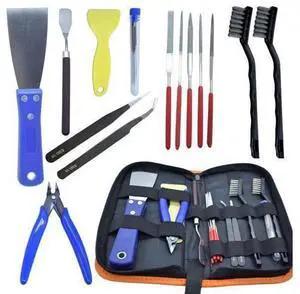
3D Printer Tool Kit, 24pcs 3D Printer Nozzle Cleaning Tool Removal Tool Kit, Wire Brush, Wire Flush Cutter, Scraper Knife, Diamond Files, Tweezer, Putty Knife for 3D Printer, Model Building
Limited time offer, ends 09/19
- Model #: YC7FW0709-oys-411
- $27.07 –
- Free Shipping
Quick View
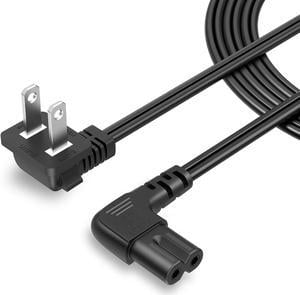
CableCreation 10 Feet 18 AWG Angled 2-Slot Non-Polarized Angle Power Cord for Samsung TV LG TCL Replacement (IEC320 C7 to Nema 1-15P), 3M
- Model #: C0A692465010410681
- $27.48 –
- Free Shipping
Related searches
Choosing the Right Printer for Your Office Needs
When it comes to office solutions, printers and scanners are essential tools for any business. Whether you need to print important documents, scan invoices, or create professional-quality marketing materials, having the right equipment is crucial. In this article, we will explore the different types of printers and scanners available in the market and provide tips on how to choose the best one for your office.
All-in-One Printers: Versatility and Convenience
all-in-one printers, also known as multifunction printers, are a popular choice for offices. These devices combine the functionality of a printer, scanner, copier, and sometimes even a fax machine into a single unit. They offer versatility and convenience, allowing you to perform multiple tasks without the need for separate devices. All-in-one printers are available in both inkjet and laser options, catering to different printing needs and budgets.
Specialized Printers for Specific Tasks
In addition to all-in-one printers, there are specialized printers designed for specific tasks. For example, 3D printers are ideal for creating prototypes or intricate models, while barcode and label printers are perfect for businesses that require efficient inventory management. laser printers are known for their fast printing speeds and high-quality output, making them suitable for offices with high-volume printing needs. inkjet printers, on the other hand, are more cost-effective and can produce vibrant color prints.
Choosing the Right Supplies
Once you have selected the right printer for your office, it is important to choose the right supplies to ensure optimal performance and longevity. When it comes to inkjet printers, using high-quality ink cartridges is essential to achieve the best print quality and prevent clogging. For laser printers, it is important to choose the right type of toner cartridges that are compatible with your printer model. Additionally, investing in high-quality paper can make a significant difference in the final print results.
FAQs: Common Questions about Printers and Scanners
| Q: How often should I replace the ink cartridges? | A: The frequency of replacing ink cartridges depends on your printing volume. However, it is recommended to replace them when the print quality starts to degrade. |
|---|---|
| Q: Can I use third-party ink cartridges with my printer? | A: While it is possible to use third-party ink cartridges, it is important to ensure compatibility with your printer model. Using incompatible cartridges may result in poor print quality or damage to the printer. |
| Q: How do I clean the scanner glass? | A: To clean the scanner glass, use a soft, lint-free cloth slightly dampened with glass cleaner. Gently wipe the glass surface to remove any smudges or debris. |
| Q: What is the difference between optical and interpolated resolution in scanners? | A: Optical resolution refers to the actual hardware resolution of the scanner, while interpolated resolution is achieved through software enhancements. Optical resolution provides more accurate and detailed scans. |
| Q: How can I improve the scanning speed? | A: To improve scanning speed, reduce the scanning resolution, use black and white mode instead of color, and ensure that the scanner is connected to a high-speed USB port. |