
Your Browsing History
- Sold by Newegg
- Make an Offer
- New

Any questions? Our AI beta will help you find out quickly.
Try me now
Quick View
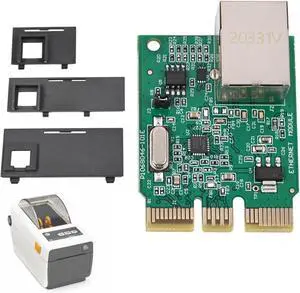
Ennovor P1080383-442 Upgrade Ethernet Module Kit Fit for Zebra ZD410 ZD420 Barcode Printer Card Wired Built-in Network Card PCBA Board
- Model #: JAIB0F6MVP77D
- $146.54 –
- More options from $146.54
- Free Shipping
Quick View
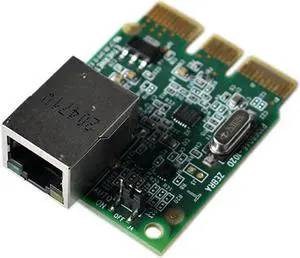
Built-in Wired Network Card P1080383-442 ZD410 ZD420 Barcode Label Printer
- Model #: PB0BHL94Q23
- $242.55 –
- More options from $241.99 - $243.00
- Free Shipping
Quick View
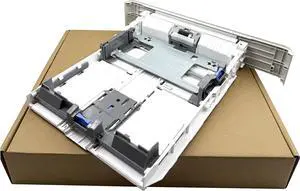
Paper Input Tray 2 Cassette Tray for Canon imageCLASS MF424dw 446dw 449dw 441 442 443 445 423 426dw 214 222 223 225 228x
- Model #: ENGEB0DYYF5SZG
- $228.99 –
- Free Shipping
Quick View
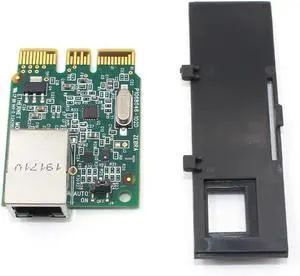
Genuine Kit Ethernet Module for Zebra ZD420D Thermal Label Printer P1080383-442
- Model #: ENGEB0FWC1H62L
- $162.99 –
- Free Shipping
Quick View
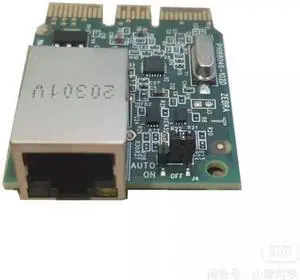
Original Wired Built-in Network Card PCBA Board for Ze bra ZD410 ZD420 Bar code Printer Card P1080383-442
- Model #: 1VG5A-FUVJ553
- $245.00 –
- Free Shipping
Quick View
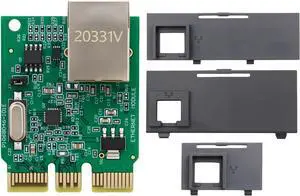
Ethernet Module Kit Compatible with Zebra ZD410 ZD420 Barcode Printer Card Wired Built-in Network Card PCBA Board Replace for P1080383-442
Limited time offer, ends 05/31
- Model #: DARKB0FH6D9D2N
- $109.75 –
- More options from $109.75 - $112.99
- Free Shipping

Quick View
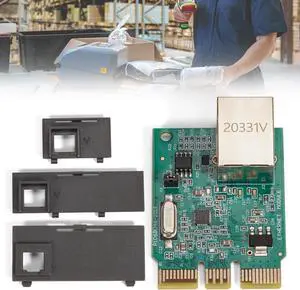
P1080383-442 ZD420 Kit Upgrade Ethernet Module for Zebra ZD420D ZD420T ZD420C Label Printer ZD410 Wired Network Card
- Model #: DARKB0FMJLP9LB
- $121.20 –
- More options from $121.20 - $122.99
- Free Shipping
Quick View
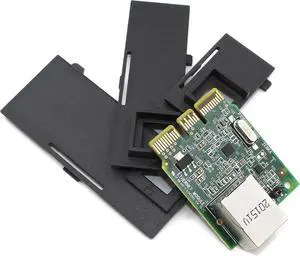
P1080383-442 Kit Upgrade Ethernet Module for Zebra ZD410 ZD420 Thermal Desktop Label Printer Wired 203dpi 300dpi
- Model #: DARKB0CKXQQ9LJ
- $153.99 –
- Free Shipping
Quick View
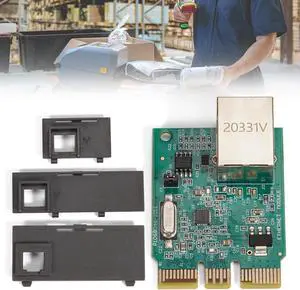
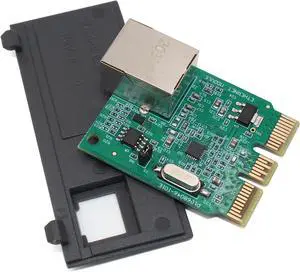
P1080383-442 Upgrade Ethernet Module Kit Fit for Zebra ZD410 ZD420 Barcode Printer Card Wired Built-in Network Card PCBA Board
- Model #: DARKB0F6MVP77D
- $113.99 –
- Free Shipping
Quick View
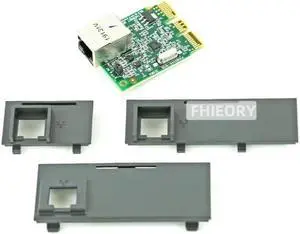
Refurbished P1080383-442 Kit Upgrade Ethernet Module for Ze bra ZD410 ZD420 Thermal Desktop Label Printer Wired 203dpi 300dpi
- Model #: 6YG3-6MJU505
- $173.00 –
- More options from $172.00
- Free Shipping
Quick View
Refurbished P1080383-442 Kit Upgrade Ethernet Module for Ze bra ZD410 ZD420 Thermal Desktop Label Printer 203dpi 300dpi
- Model #: 6YG3-6MJU486
- $173.00 –
- More options from $172.00
- Free Shipping
Quick View
Refurbished P1080383-442 Upgrade Ethernet Module Kit Fit for Ze bra ZD410 ZD420 Bar code Printer Card Wired Built-in Network Card PCBA Board
- Model #: 6YG3-6MJU483
- $173.00 –
- Free Shipping
Quick View
Refurbished Original Wired Built-in Network Card PCBA Board for Ze bra ZD410 ZD420 Bar code Printer Card P1080383-442
- Model #: 6YG3-6MJU553
- $215.00 –
- More options from $214.00
- Free Shipping
Quick View
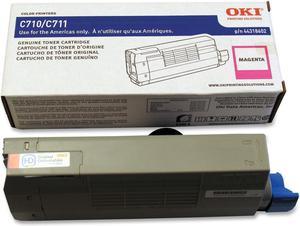
Oki Data 44318602 High Yield Toner Cartridge - Magenta
- Cartridge Quantity: Single Pack
- Compatible Products: C711dn Digital Color Printer C711dtn Digital Color Printer C711n Digital Color Printer C711WT
- Approximate Page Yield: 11500 Pages
- Model #: 44318602
- $263.00
- $192.99 –
- Save: $70.01 (26%)
- Free Shipping
Quick View
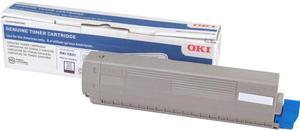
Oki Data 44844512 Toner Cartridge - Black


- Cartridge Quantity: Single Pack
- Compatible Products: OKI Data Printers: C831DN C831N
- Approximate Page Yield: 10000 Pages
- Model #: 44844512
- $124.99 –
- Free Shipping
Quick View
PCI 44315303-PCI Toner Cartridge (OEM#: Okidata 44315303 C15) 6,000 Page Yield; Cyan
- Cartridge Quantity: Single Pack
- Replacement Brand: Oki Data
- Compatible Products: Okidata C610 Okidata C610cdn Okidata C610dn Okidata C610dtn Okidata C610n
- Approximate Page Yield: 6000 Pages
- Model #: 44315303-PCI
- $30.27 –
- More options from $30.27 - $33.74
- Free Shipping

Quick View
41X1193 Main Board Set 41X1189 Control Panel Display for Lexmark MS521 521 Controller Replacement Parts
- Model #: ENGEB0GVLJ4D7D
- $237.99 –
- Free Shipping

Quick View
Canon GI-26 Pigment Magenta Ink Bottle 4422C001
- Ink Type: Dye-based
- Model #: 4422C001
- $54.75 –
- More options from $42.99 - $54.75
- $7.85 Shipping
Quick View
NXT Premium PRMCF294X Black Toner Cartridge
- Cartridge Quantity: 1 Pack
- Replacement Brand: HP
- Compatible Products: HP - LJ Pro M118dw HP - LJ Pro MFP M148dw HP - LJ Pro MFP M148fdw
- Model #: PRMCF294X
- $21.99 –
- $11.62 Shipping
Quick View
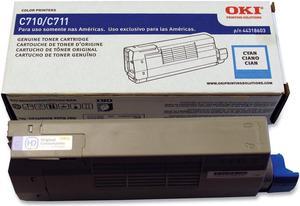
Oki Data 44318603 High Yield Toner Cartridge - Cyan
- Cartridge Quantity: Single Pack
- Compatible Products: C711dn Digital Color Printer C711dtn Digital Color Printer C711n Digital Color Printer C711WT
- Approximate Page Yield: 11500 Pages
- Model #: 44318603
- $263.00
- $228.99 –
- Save: $34.01 (12%)
- Free Shipping
Quick View
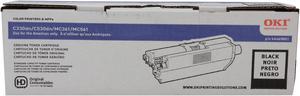
Oki Data 44469801 Toner Cartridge - Black
- Cartridge Quantity: Single Pack
- Compatible Products: C330dn Digital Color Printer, C331dn Digital Color Printer, C531dn Digital Color Printer, MC362w Color MFP, MC562w Color MFP, C530dn Digital Color Printer, MC561 MFP, MC361 MFP
- Approximate Page Yield: 3500 Pages
- Coverage: 5%
- Model #: 44469801
- $106.83 –
- More options from $104.99 - $165.73
Quick View
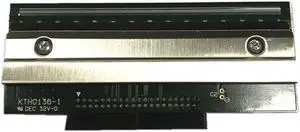
barcode label print head thermal head print head For 4420 4420E
- Product Type: Printhead
- Model #: ZW-dyt-660
- $1,113.57 –
- More options from $1,111.00 - $1,117.97
- Free Shipping
Quick View
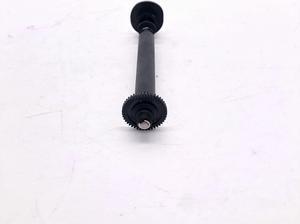
Platen Roller Fits For 4610-2CR 44D0189 4610-2NR
- Product Type: Sheet Feeder
- Model #: LSX-CZL-0064
- $44.69 –
- More options from $44.24
- Free Shipping

Quick View
Thermal Print Head 203DPI 40N4829 44D0189 Compatible with SureMark 4610 2CR 2NR 1NR 1NA 1ND
- Model #: ENGEB0GMFN4NFR
- $109.99 –
- Free Shipping

Quick View
Compatible for IBM 5PC 203DPI Thermal Printhead, Replacement for 40N4829 44D0189 4610 2CR 2NR 1NR 1NA 1ND Printer
- Model #: ENGEB0GLY8DBSK
- $402.99 –
- Free Shipping
Quick View
Thermal Print Head Compatible with SureMark 4610 2CR 2NR 1NR 1NA 1ND Japan 203DPI 40N4829 44D0189
- Model #: ENGEB0GWNJZXTF
- $109.99 –
- Free Shipping
Quick View
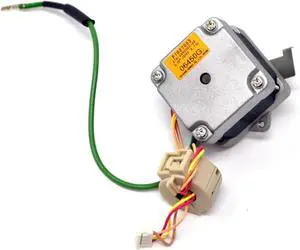
S-epper Motor Replace 1059340-022 Fits for Z-Bra ZP500 ZP505 GK420d GX420d ZP450 ZP550
- Model #: ENGEB0G6Y63KBM
- $95.99 –
- Free Shipping
Quick View
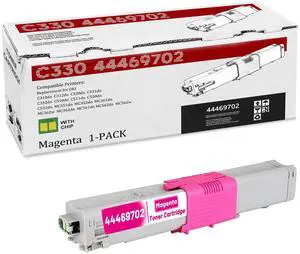
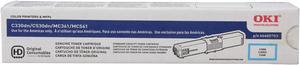
Oki Data 44469703 Toner Cartridge - Cyan
- Cartridge Quantity: Single Pack
- Compatible Products: Oki Data C330dn, C530dn, MC361 MFP and MC561 MFP.
- Approximate Page Yield: 3000 Pages
- Coverage: 5%
- Model #: 44469703
- $144.99 –
- Free Shipping
Quick View
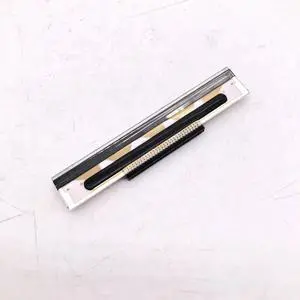
Printhead fits ForIBM ForToshiba-SureMark 44D0189 4610-2CR 4610-1NR 4610-1NA 4610-2NR POS Receipt Printers
- Product Type: Replacement Parts
- Model #: DYJ23-12-2-320
- $113.69 –
- More options from $113.69
- Free Shipping
Quick View
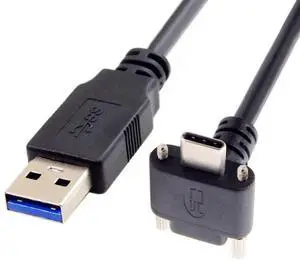
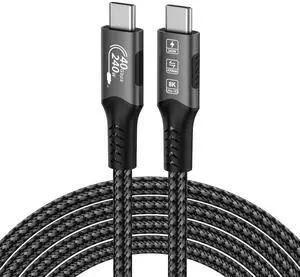
JAENFONG USB 3.0 to USB C 90 Degree Angled Data Cable with Panel Mount Screw for Industrial Camera 6.56FT/2.0M
- Model #: fx-442
- $28.86 –
- Free Shipping
Quick View
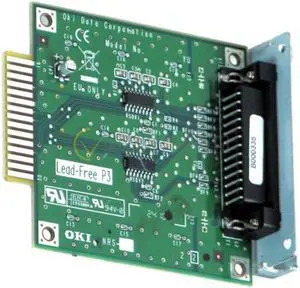
Used - Like New OKIDATA 44455101 RS-232C Serial Card for ML600 Series
- Product Sort: Printer Accessories
- Product Type: Serial Card
- Compatibility: ML600 Series
- Specifications: RS-232C Serial Card for ML600 Series
- Model #: 44455101
- $69.99 –
- Free Shipping
Quick View
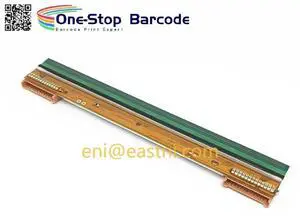
New Original Argox IX4 Printhead Ix4-250 Ix4-240 TPH Module 203dpi Printhead for Bar code Printer Argox IX4-250 Ix4250 Ix4240
- Model #: SUDGE-442
- $210.08 –
- Free Shipping
Choosing the Right Printer for Your Office Needs
When it comes to office solutions, printers and scanners are essential tools for any business. Whether you need to print important documents, scan invoices, or create professional-quality marketing materials, having the right equipment is crucial. In this article, we will explore the different types of printers and scanners available in the market and provide tips on how to choose the best one for your office.
All-in-One Printers: Versatility and Convenience
all-in-one printers, also known as multifunction printers, are a popular choice for offices. These devices combine the functionality of a printer, scanner, copier, and sometimes even a fax machine into a single unit. They offer versatility and convenience, allowing you to perform multiple tasks without the need for separate devices. All-in-one printers are available in both inkjet and laser options, catering to different printing needs and budgets.
Specialized Printers for Specific Tasks
In addition to all-in-one printers, there are specialized printers designed for specific tasks. For example, 3D printers are ideal for creating prototypes or intricate models, while barcode and label printers are perfect for businesses that require efficient inventory management. laser printers are known for their fast printing speeds and high-quality output, making them suitable for offices with high-volume printing needs. inkjet printers, on the other hand, are more cost-effective and can produce vibrant color prints.
Choosing the Right Supplies
Once you have selected the right printer for your office, it is important to choose the right supplies to ensure optimal performance and longevity. When it comes to inkjet printers, using high-quality ink cartridges is essential to achieve the best print quality and prevent clogging. For laser printers, it is important to choose the right type of toner cartridges that are compatible with your printer model. Additionally, investing in high-quality paper can make a significant difference in the final print results.
FAQs: Common Questions about Printers and Scanners
| Q: How often should I replace the ink cartridges? | A: The frequency of replacing ink cartridges depends on your printing volume. However, it is recommended to replace them when the print quality starts to degrade. |
|---|---|
| Q: Can I use third-party ink cartridges with my printer? | A: While it is possible to use third-party ink cartridges, it is important to ensure compatibility with your printer model. Using incompatible cartridges may result in poor print quality or damage to the printer. |
| Q: How do I clean the scanner glass? | A: To clean the scanner glass, use a soft, lint-free cloth slightly dampened with glass cleaner. Gently wipe the glass surface to remove any smudges or debris. |
| Q: What is the difference between optical and interpolated resolution in scanners? | A: Optical resolution refers to the actual hardware resolution of the scanner, while interpolated resolution is achieved through software enhancements. Optical resolution provides more accurate and detailed scans. |
| Q: How can I improve the scanning speed? | A: To improve scanning speed, reduce the scanning resolution, use black and white mode instead of color, and ensure that the scanner is connected to a high-speed USB port. |