

Your Browsing History
- In Stock
- Sold by Newegg
- Make an Offer
- New

Any questions? Our AI beta will help you find out quickly.
Try me now

Quick View
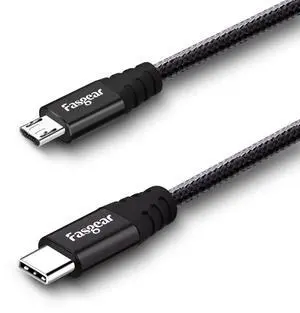
USB C to Micro USB Cable 6ft Nylon Braided Type C to Micro USB Cord Compatible with Galaxy S6/S7, HTC One/10 and More (Black, 6ft)
- Cable Length: 78.74
- Brand: Fasgear
- Type: USB
- Color: Black
- Model #: 205063248130
- $21.99 –
- Free Shipping
Quick View
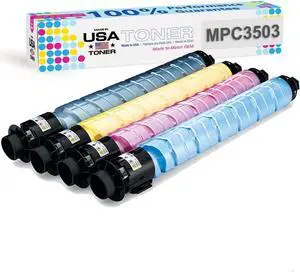
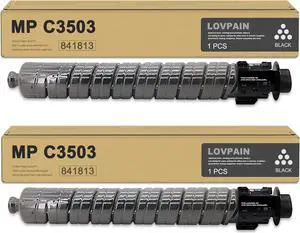
MADE IN USA TONER Compatible Replacement for Ricoh MP C3003 MP C3004 MP C3504 MP C3004ex MP C3504ex (Black, Cyan, Yellow, Magenta, 4 Pack)
- Part Number: 841813 for black, 841814 for yellow, 841815 for magenta, 841816 for cyan
- Cartridge Quantity: Black-1/Cyan-1/Magenta-1/Yellow-1
- Replacement Brand: Ricoh
- Compatible Products: MP C3003, MP C3004, MP C3004ex, MP C3504, MP C3504ex
- Model #: Ricoh MP C3004, MP C3003, MPC3504
Quick View
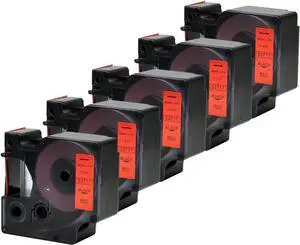
5PK Standard D1 Tape Refills 53717 Black on Red Labeling Cassette Refills 1" x 23 Feet(24mmx7m)
- Model #: ENGEB074TFXK7M
- $85.99 –
- Free Shipping
Quick View
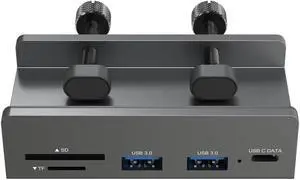
AINEX USB3.2 Gen1 Clamp Hub, A/C Port, SD/TF Card Reader, 5Gbps, Bus Power/Self Power, Securely Fixed with 2 Clamps, HUB-11
- Model #: TOLKB0H39X6K3T
- $87.99 –
- Free Shipping
Quick View
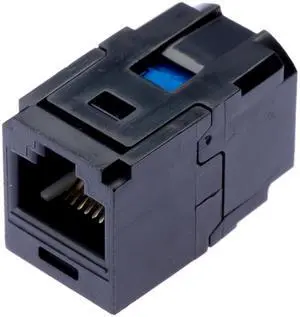
Panduit CC5E88BL Category-5E 1-Port 8-Position 8-Wire Connector Universal Coupler Module, Black
- Model #: TOLKB001JKGTMS
- $96.99 –
- Free Shipping
Quick View
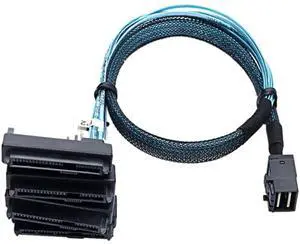
S-AS SFF-8643 to 4X29Pin SFF-8482 Hard Disk Server Cable 3.33TF/1M
- Model #: TOLKB0F6LT3HCZ
- $114.99 –
- Free Shipping
Quick View
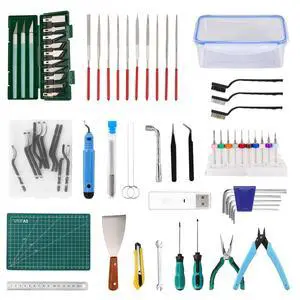
3D Printer Tools Kit, 78 PCS 3D Printer Accessories with Nozzle Cleaning Kit, Removable Multi-Function Screwdriver Kit, Deburring, Removal Tools, Cutters, Hobby Knife Set, Wrench Set
- Brand: Creality
- Part Number: GJTJ
- Specification: 29 L x 20 W x 13 H centimeters, 1.3 kilograms, /, GJTJ
- Features: 78 Pcs, Personal Computer
- Model #: 292216197906
- $46.99 –
- Free Shipping
Quick View
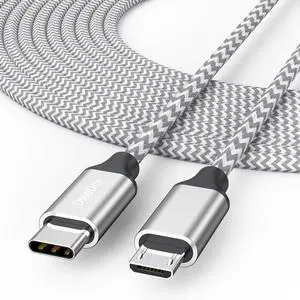
USB C to Micro USB Cable 15 ft, Micro USB Type C Cable Braided Male to Male Adapter USB-C USBC to MicroUSB Cord 4.5M for Charging & Data Transmission
- Brand: DteeDck
- Type: USB C to Micro USB
- Color: Silver
- Connector Number: 29
- Model #: 369845808757
- $19.99 –
- Free Shipping
Quick View
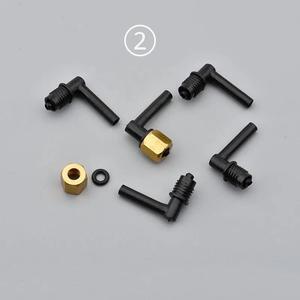
4PCS digital printer DX5 ink damper connector forepson-4880 4800 4450 4400 L shape plastic ink tube fittings with copper nut(No.2 longer one)
- Product Type: Replacement Parts
- Model #: Dyjmh-231221-371
- $53.49 –
- Free Shipping

Quick View
4PCS digital printer DX5 ink damper connector forepson-4880 4800 4450 4400 L shape plastic ink tube fittings with copper nut(longer)
- Product Type: Replacement Parts
- Model #: Dyjmh-231221-372
- $53.49 –
- Free Shipping
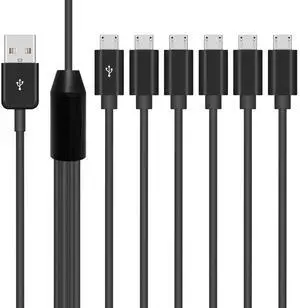
Quick View
Micro USB Splitter Cable, Multi 6 in 1 USB 2.0 Type A Male to 6 Micro USB Male Splitter Adapter Cabel with 3A Fast Charging for Cell Phones and More Android Devices, 5 ft.
Limited time offer, ends 07/29
- Model #: h-29
- $19.89 –
- Free Shipping

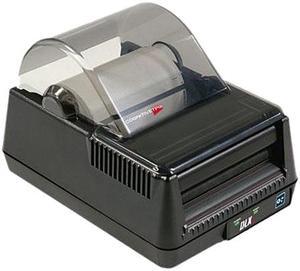
Quick View
Cognitive TPG DLXi 4" Desktop Direct Thermal Label Printer, 203 dpi, USB/Serial/Mini Cent Parallel/Ethernet - DBD42-2085-G1E
- Printer Type: Desktop
- Memory: 8MB
- Fonts Included: Bitmapped: 7 styles with up to 10x10 magnification, variable boldness and spacing International: Sans serif font in 7 pt. sizes, up to 4x4 magnification, variable boldness and spacing Scalable Smooth Fonts: 3 Ultra Font styles for smooth characters in any size and boldness Rotations: 0, 90, 180, 270 degrees
- Barcode Type: 29 standard bar codes, including Add2, Add5, Codabar, Code39, Code93, Code 128A/B/C, D2of5, I2of5, EAN8/8+, EAN13/13+, EAN128, Maxicode mode 0, MSI/MSI1, PDF417, Plessey, Postnet, UPCA/A+, DataMatrix, Aztec, QR Code, RSS
- Model #: DBD42-2085-G1E
- $599.99
- $502.99 –
- Save: $97.00 (16%)
- Free Shipping
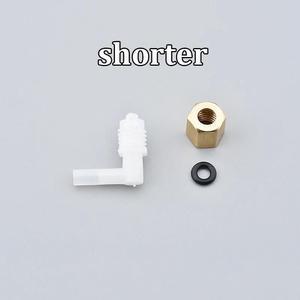
Quick View
4PCS digital printer DX5 ink damper connector forepson-4880 4800 4450 4400 L shape plastic ink tube fittings with copper nut(shorter)
- Product Type: Replacement Parts
- Model #: Dyjmh-231221-370
- $53.49 –
- Free Shipping
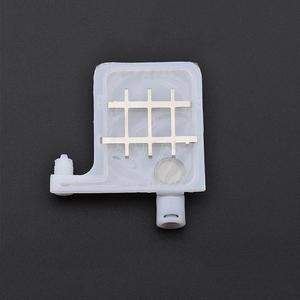
Quick View
10pcs Forepson-DX4 DX5 Big Ink Damper For Roland PS SP RS VS XJ VP XC540 640 300 740 420 Printer Connector 4X3mm Dumper(4x3mm)
- Product Type: Replacement Parts
- Model #: Dyjmh-231221-265
- $58.49 –
- Free Shipping
Quick View
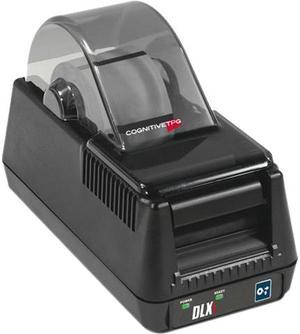
CognitiveTPG DLXi DBD24-2085-G1P Thermal Barcode Printer
- Printer Type: Desktop
- Memory: RAM: 16 MB Flash: 8 MB
- Fonts Included: Bitmapped: 7 styles with up to 10x10 magnification, variable boldness and spacing International: Sans serif font in 7 pt. sizes, up to 4x4 magnification, variable boldness and spacing Scalable Smooth Fonts: 3 Ultra Font styles for smooth characters inany size and boldness Rotations: 0, 90, 180, 270 degrees
- Barcode Type: 29 standard bar codes, including Add2, Add5, Codabar, Code39, Code93, Code 128A/B/C, D2of5, I2of5, EAN8/8+, EAN13/13+, EAN128, Maxicode mode 0, MSI/MSI1, PDF417, Plessey, Postnet, UPCA/A+, DataMatrix, Aztec, QR Code, RSS
- Model #: DBD24-2085-G1P
- $580.99
- $390.99 –
- Save: $190.00 (32%)
- Free Shipping
Quick View
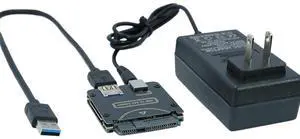
USB 3.0 to SAS Adapter SAS 29-Pin to USB Converter for 2.5/3.5" SFF-8482 HDD with Power Supply
- Model #: TOLKB0G3K79N46
- $73.99 –
- Free Shipping
Quick View
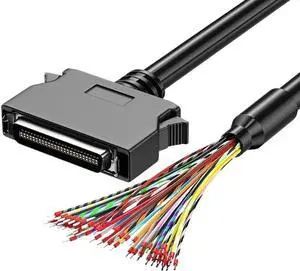
D46B SCSI Connection Cable with Terminal CN14P 20P 26P 36P 50P for Data Transfer(0.5m,Press Model CN50P)
- Model #: TOLKB0GDM2HXR8
- $72.99 –
- Free Shipping
Quick View
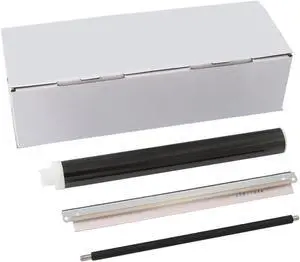
Drum Unit Rebuild Kit DK3130-Kit DK3172-Kit DK3192-Kit DK3100-Kit Compatible with MP 501SPF 601SPF SP 5300DN 5310DN
- Model #: ENGEB0GT3YJXNJ
- $511.99 –
- Free Shipping
Quick View
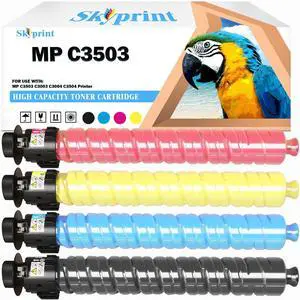
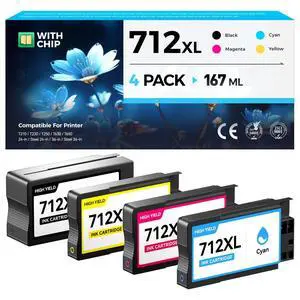
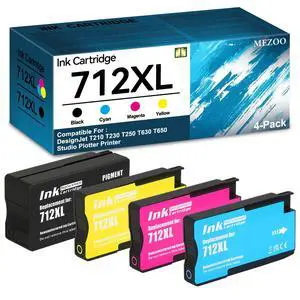
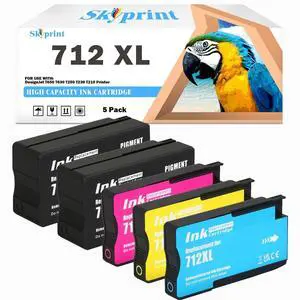
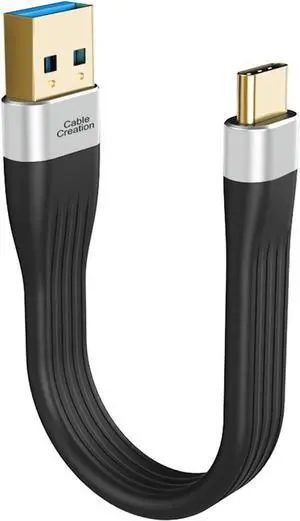
SkyPrint 712 712XL Ink Cartridges Compatible with 712 Ink Cartridge DesignJet T650 T630 T250 T230 T210 Printer Ink.80-ml 29-ml(2 Black 1 Cyan 1 Magenta 1 Yellow)
- Model #: 439480346696
- $123.99 –
- $5.99 Shipping
Quick View
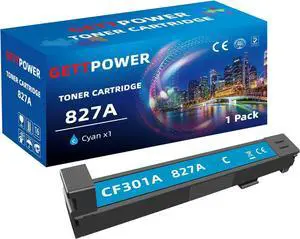
827A Toner Cartridge: CF301A Toner M880z Toner M880 Toner Compatible for Color Laserjet Enterprise Flow MFP M880 Toner, M880z, M880z+, Cyan
- Model #: ENGEB0DNQCK9M5
- $162.99 –
- Free Shipping
Choosing the Right Printer for Your Office Needs
When it comes to office solutions, printers and scanners are essential tools for any business. Whether you need to print important documents, scan invoices, or create professional-quality marketing materials, having the right equipment is crucial. In this article, we will explore the different types of printers and scanners available in the market and provide tips on how to choose the best one for your office.
All-in-One Printers: Versatility and Convenience
all-in-one printers, also known as multifunction printers, are a popular choice for offices. These devices combine the functionality of a printer, scanner, copier, and sometimes even a fax machine into a single unit. They offer versatility and convenience, allowing you to perform multiple tasks without the need for separate devices. All-in-one printers are available in both inkjet and laser options, catering to different printing needs and budgets.
Specialized Printers for Specific Tasks
In addition to all-in-one printers, there are specialized printers designed for specific tasks. For example, 3D printers are ideal for creating prototypes or intricate models, while barcode and label printers are perfect for businesses that require efficient inventory management. laser printers are known for their fast printing speeds and high-quality output, making them suitable for offices with high-volume printing needs. inkjet printers, on the other hand, are more cost-effective and can produce vibrant color prints.
Choosing the Right Supplies
Once you have selected the right printer for your office, it is important to choose the right supplies to ensure optimal performance and longevity. When it comes to inkjet printers, using high-quality ink cartridges is essential to achieve the best print quality and prevent clogging. For laser printers, it is important to choose the right type of toner cartridges that are compatible with your printer model. Additionally, investing in high-quality paper can make a significant difference in the final print results.
FAQs: Common Questions about Printers and Scanners
| Q: How often should I replace the ink cartridges? | A: The frequency of replacing ink cartridges depends on your printing volume. However, it is recommended to replace them when the print quality starts to degrade. |
|---|---|
| Q: Can I use third-party ink cartridges with my printer? | A: While it is possible to use third-party ink cartridges, it is important to ensure compatibility with your printer model. Using incompatible cartridges may result in poor print quality or damage to the printer. |
| Q: How do I clean the scanner glass? | A: To clean the scanner glass, use a soft, lint-free cloth slightly dampened with glass cleaner. Gently wipe the glass surface to remove any smudges or debris. |
| Q: What is the difference between optical and interpolated resolution in scanners? | A: Optical resolution refers to the actual hardware resolution of the scanner, while interpolated resolution is achieved through software enhancements. Optical resolution provides more accurate and detailed scans. |
| Q: How can I improve the scanning speed? | A: To improve scanning speed, reduce the scanning resolution, use black and white mode instead of color, and ensure that the scanner is connected to a high-speed USB port. |