

Your Browsing History
- In Stock
- Sold by Newegg
- New

Any questions? Our AI mode will help you find out quickly.
Try me now
Quick View
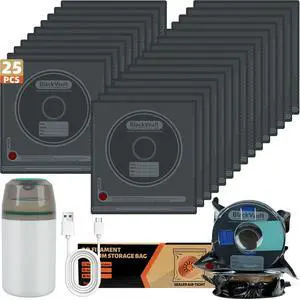
25 Pcs 3D Filament Vacuum Storage Bags Kit with 5 Sealing Clip and 1Pump PA/DP/PC/PLA/ABS/TPU/ASA/PETG Lightproof Dustproof Humidity Resistant Reusable Vacuum Storage Seal Bag(12.6" X 13.4")
- Brand: Hifree
- Part Number: 25PCS 3D Filament Storage Bags
- Compatible System: Convenient pack of 25, high-quality material
- Specification: Convenient pack of 25, high-quality material
- Model #: 596638320091
- $51.99 –
- Free Shipping

Quick View
3D Printer Tools Trimmer Cutter Cutting Nippers Wire Models Grinding DIY Pliers For PLA ABS PA PETG PC PVA Carbon Fiber Filament
- Model #: WLC78S.0807.Pallet1041
- $32.18 –
- More options from $32.18
- Free Shipping
Quick View
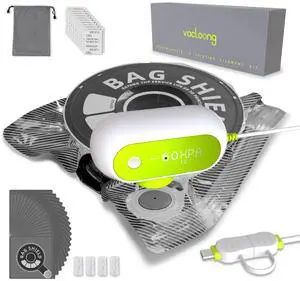
Vacuum-Sealed 3D Printing Filament Kit, 20 Packs Lightproof Storage Bags with Vacuum Pump, Moisture-Proof Bags, Sorting & Storage of PA/DP/PC/PLA/ABS/TPU/ASA/PETG with Desiccant
- Material: ABS (Machine); PA+PE (Bags)
- Diameter: 1.75
- Color: White (Machine); Dark Gray (Bags)
- Brand: vacloong
- Model #: 784879485966
- $46.99 –
- Free Shipping
Quick View
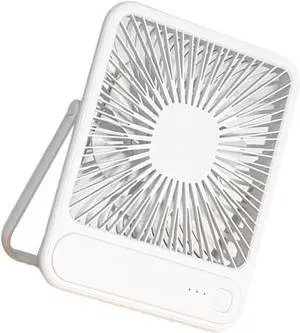
Rechargeable Desktop Fan Quiet USB Charging with Adjustable 3 Speed Airflows ABS Texture Suitable for Office or Home Use
- Model #: DEEUB0F9S3BVY3
- $64.99 –
- Free Shipping
Quick View
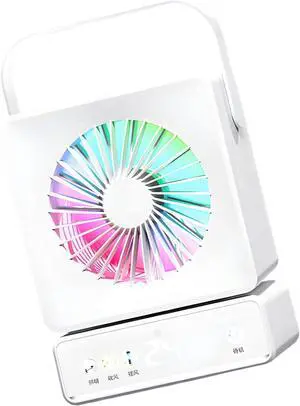
Lightweight ABS Desktop Fan with Built in 6000mAh Battery and Adjustable Wind Settings USB C Fast Charging Fan
- Model #: DEEUB0GR6RK7HQ
- $77.99 –
- Free Shipping
Quick View
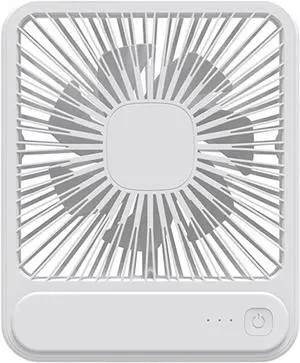
Rechargeable Desktop Fan Quiet USB Charging with Adjustable 3 Speed Airflows ABS Texture Suitable for or Home Use
- Model #: DEEUB0H4VK3422
- $65.99 –
- Free Shipping
Quick View
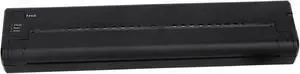
Ymiko Mini Thermal Transfer Printer, Portable USB Copier 1200mAh Printer, Stencil, ABS Material for Phone PC Black, High Resolution with Long Battery Life
- Model #: ENGEB0G3PGV36K
- $155.99 –
- Free Shipping

Quick View
3D Print Filament ConnectorCompatible for Sunlu Filament Connector FC01 Fusion Splicer Weldable to 1.75mm PLA ABS PETG PCL PA PC(Kit 1)
- Model #: DARKB0FJ634ZSY
- $149.99 –
- Free Shipping
Quick View
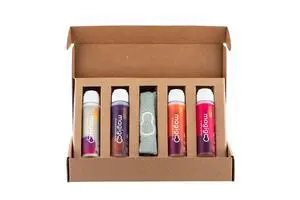
Dioche Thermal Transfer Printer Mini Portable USB Thermal Transfer Copier for Phone PC Black ABS Material 262x57x29mm 1200mAh Battery
- Model #: ENGEB0GF35CXY8
- $159.99 –
- Free Shipping
Quick View
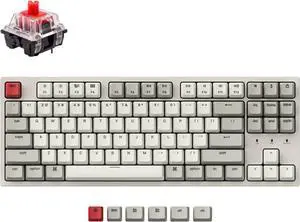
Keychron C1 Hot-swappable Wired Mechanical Keyboard for Mac Layout, Keychron Mechanical Red Switch/USB Type-C Cable/Double-Shot ABS Keycaps Tenkeyless 87 Keys Computer Keyboard for Windows PC
- Model #: Tong409397174781miao
- $104.88 –
- Free Shipping
Quick View
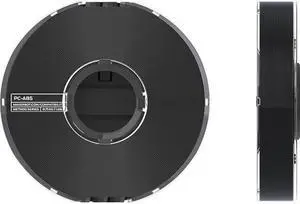
MakerBot PC-ABS Filament Spool for Method X 3D Printer (Black, 0.63kg/1.39lb)
- Product Type: Other Accessories
- Model #: 375-0057A
- $79.99 –
- Free Shipping
Quick View
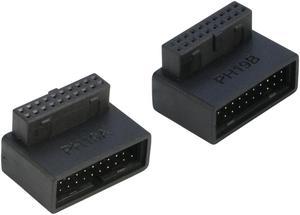
Right Angled USB 3.0 20-pin Male to Female Extension Adapter, Desktop Motherboard 90 Degree Angled USB 3.0 19-Pin Motherboard Internal Header-Black 2Pack
Limited time offer, ends 09/18
- Connector Type: buffer_79656
- Model #: 20P90L-UT-AB
- $11.99 –
- Free Shipping
Quick View
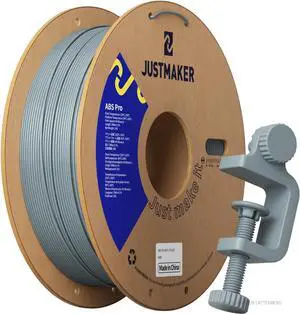
ABS PRO (ABS+) 3D Printer Filament, Upgraded Strength Heat Resistant Filament, Cardboard Spool, Dimensional Accuracy +/-0.03mm, 1.75mm, 1kg (2.2 lbs), Blue Gray
- Material: ABS
- Model #: 433330055745ComputerzoneGANG
- $47.89 –
- Free Shipping
Quick View
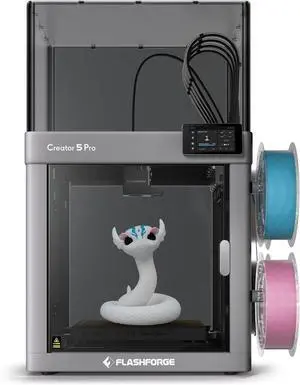
Flashforge Creator 5 Pro 4-Toolheads Enclosed Multi-Color 3D Printer | 500% Faster, Zero Purge Waste
- Technology: FDM (Fused Deposition Modeling)
- Type: FDM 3D Printer
- Brand: FlashForge
- Body Material: Metal
- Model #: Creator 5 Pro
- $849.00 –
- Free Shipping
Quick View
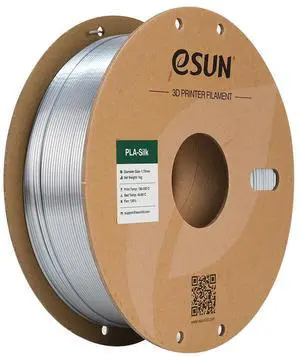
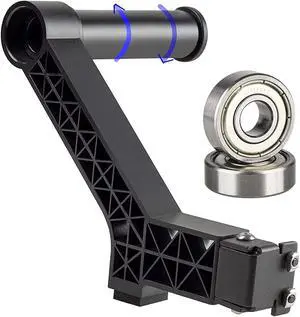
eSUN Silk PLA Filament 1.75mm, Silky Shiny 3D Printer Filament PLA, Dimensional Accuracy +/- 0.05mm, 1KG Spool (2.2 LBS) 3D Printing Filament for 3D Printers, Silk Sliver
- Type: Filament
- Material: PLA Silk Filament
- Model #: EPLA-SILK-P175S1A

Quick View
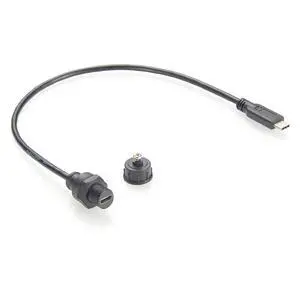
USB 3.1 Type C Male to Female Extension Cable Flush Panel Mount 480Mbps USB C 2.0 Data Transfer & Charging Cable IP67 Waterproof Threaded Fixed Recessed for Cabinet, Embedded PC, Dashboard(0.3M)
Limited time offer, ends 09/19
- Model #: C6T1824-XMHCD0839
- $47.28 –
- Free Shipping
Quick View
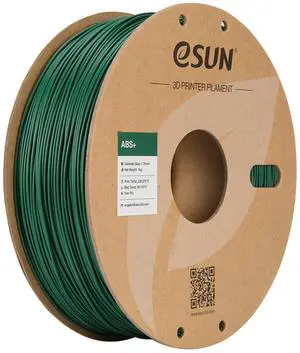
eSUN ABS+ Filament 1.75mm, 3D Printer Filament ABS Plus, Dimensional Accuracy +/- 0.05mm, 1KG Spool (2.2 LBS) 3D Printing Filament for 3D Printers Green
- Type: Filament
- Material: ABS+
- Color: Green
- Brand: eSUN
- Model #: ABS+175G1A
Quick View
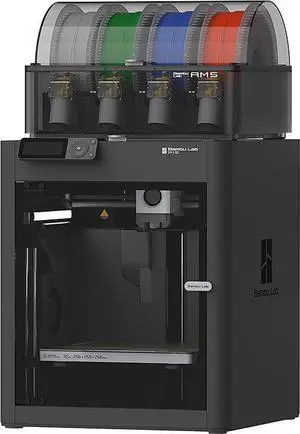
Bambu Lab P1S Combo Enclosed CoreXY 3D Printer w/ AMS
- Technology: FDM (Fused Deposition Modeling)
- Brand: Bambu Lab
- Series: P1S
- Part Number: PF001-U+SA001-US
- Model #: PF001-U+SA001-US
- $749.99 –
- Free Shipping
Quick View
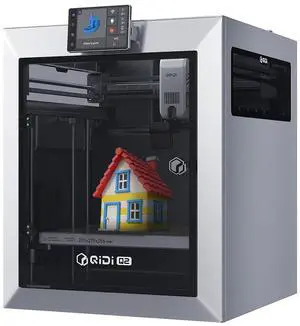
QIDI TECH Q2 3D Printer 65 Heated Chamber for Beginner,600mm/s High-Speed 370°C Hot End,Enclosed Chamber with Auto Leveling AI Camera,Large Build Volume 270×270×256mm compatible with PLA/ABS/PETG
- Technology: FDM (Fused Deposition Modeling)
- Parts: 1 Year
- Labor: 1 Year
- Model #: 8683769243363
- $499.00 –
- Free Shipping
Quick View
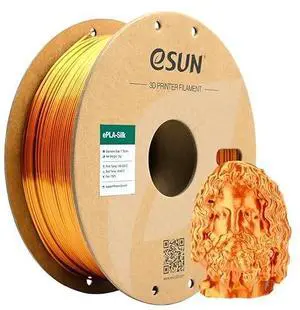
eSUN Silk Metal PLA Filament 1.75mm, Silky Metallic 3D Printer Filament PLA, Dimensional Accuracy +/- 0.05mm, 1KG Spool (2.2 LBS) 3D Printing Filament for 3D Printers,Silk Copper
- Type: Filament
- Material: PLA Silk Filament
- Diameter: 1.75 mm
- Color: Copper
- Model #: ESILK-PLA175CO1A
Quick View
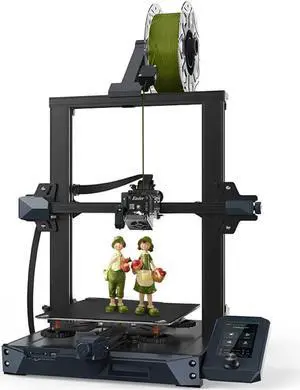
Official Creality Ender 3 S1 3D Printer with Direct Drive Extruder CR Touch Auto Leveling High Precision Double Z-axis Screw Silent Board Printing Size 8.6X8.6X10.6in, Upgrade Ender 3 V2 for Beginners
- Technology: FDM (Fused Deposition Modeling)
- Model #: ISDPDE3055
- $478.19 –
- More options from $478.19 - $479.99
- Free Shipping
Quick View
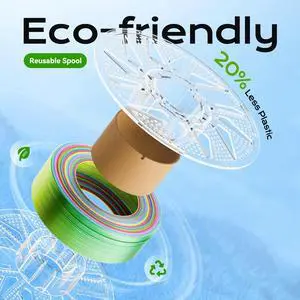
3D Printer Reusable and Removable Filament Spool, Clear Transparent Plastic Reusable Spool Fit for Bambu Lab 1.75mm PETG,PLA,ABS,TPU Refill 1kg (Filament Not Include)
- Model #: 433330055653ComputerzoneGANG
- $24.89 –
- Free Shipping

Quick View
220x220mm Square Heating Bed for 3D Printer with Sticker Nonmagnetic Composite Material
- Brand: Unique Bargains
- Type: Heated Bed
- Model #: a19081300ux0476
Quick View
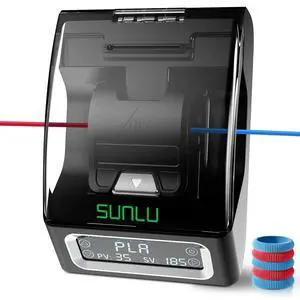
Official Filament Connector, Fast Heating Filament Splicer for 3D Printer Filament 1.75mm, Up to 240°C, Compatible with PLA PETG TPU ABS PA Nylon, Easy to Use, Pack with 200PCS PTFE Sleeve
- Material: PLA, PETG, ABS, PA, Nylon
- Diameter: 1.75
- Color: Filament Connector - 200pcs Ptfe
- Brand: SUNLU
- Model #: 123190207842
- $74.99 –
- Free Shipping
Quick View
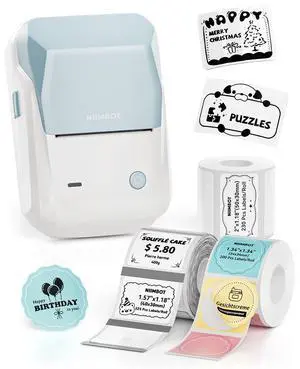
B1 Label Maker Machine with 3 Roll Tapes, 2Inch Portable Printer
- Brand: NIIMBOT
- Series: printer +3 rolls labels
- Part Number: B1
- Cutter: Portable
- Model #: 061436866755
- $72.99 –
- Free Shipping
Quick View
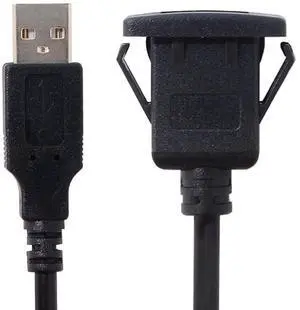
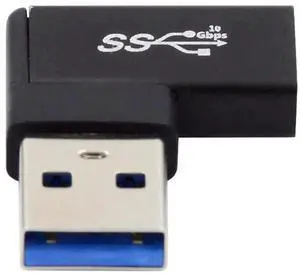
WRIARICH 1m Waterproof Single USB 2.0 Extension Latch Mount Car AUX Cable for Dashboard Panel (100cm)
- Model #: 78182G4E9S84111
- $19.79 –
- Free Shipping
Quick View
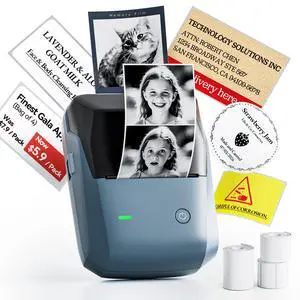
B1 Pro Label Maker, 300DPI HD Label Printer with 3 Roll Label, Blue
- Brand: NIIMBOT
- Series: B1 Pro printer
- Part Number: printer + label
- Cutter: Portable
- Model #: 571161166299
- $91.99 –
- Free Shipping
Quick View
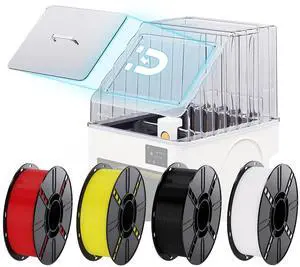
PopCap Clear Top Cover for Snapmaker-U1 with 4KG(2.2lbs×4) PLA Filament, High-Temp Resistant PC Transparent Enclosure Insulated & Dustproof Magnetic Hatch Integrated Tool Tray with PLA Filament
Limited time offer, ends 09/19
- Model #: C6T1812-XMTT088
- $637.28 –
- Free Shipping
Quick View
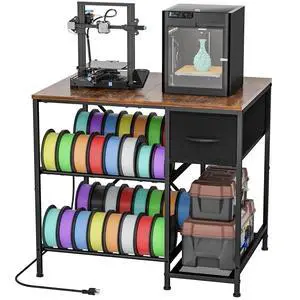
3D Printer Table with Filaments Storage, 3D Printer Stand Storage Rack with Drawer, Wood Desktop Printing Workstation with 4-Tier Spool Holder for Workshop Studio Office
- Model #: HANWB0H14VHGZ8
- $180.99 –
- Free Shipping
Quick View
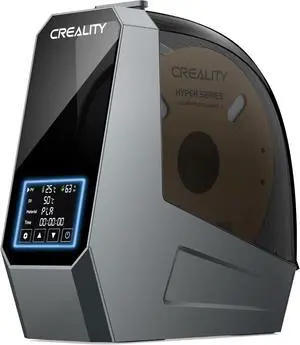
2026 New Official CREALITY Space Pi Filament Dryer, 360° 110W PTC Hot-Air Heating 3D Printer Filament Dryer Box with Fan, Upgraded Filament Dehydrator Storage for PLA ABS PETG PA Filament 1.75 2.85mm
- Model #: 433330055370ComputerzoneGANG
- $128.68 –
- Free Shipping
Quick View
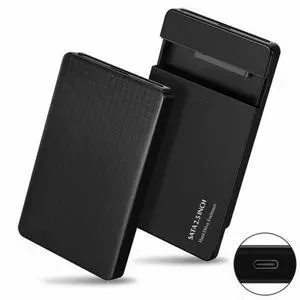
5Gbps Type-C USB-C to 2.5 Inch SATA SSD HDD External Hard Disk Enclosure for Laptop PC (Black)
- Model #: UC-079-BK_NG2
- $14.88 –
- Free Shipping
Related searches
Choosing the Right Printer for Your Office Needs
When it comes to office solutions, printers and scanners are essential tools for any business. Whether you need to print important documents, scan invoices, or create professional-quality marketing materials, having the right equipment is crucial. In this article, we will explore the different types of printers and scanners available in the market and provide tips on how to choose the best one for your office.
All-in-One Printers: Versatility and Convenience
all-in-one printers, also known as multifunction printers, are a popular choice for offices. These devices combine the functionality of a printer, scanner, copier, and sometimes even a fax machine into a single unit. They offer versatility and convenience, allowing you to perform multiple tasks without the need for separate devices. All-in-one printers are available in both inkjet and laser options, catering to different printing needs and budgets.
Specialized Printers for Specific Tasks
In addition to all-in-one printers, there are specialized printers designed for specific tasks. For example, 3D printers are ideal for creating prototypes or intricate models, while barcode and label printers are perfect for businesses that require efficient inventory management. laser printers are known for their fast printing speeds and high-quality output, making them suitable for offices with high-volume printing needs. inkjet printers, on the other hand, are more cost-effective and can produce vibrant color prints.
Choosing the Right Supplies
Once you have selected the right printer for your office, it is important to choose the right supplies to ensure optimal performance and longevity. When it comes to inkjet printers, using high-quality ink cartridges is essential to achieve the best print quality and prevent clogging. For laser printers, it is important to choose the right type of toner cartridges that are compatible with your printer model. Additionally, investing in high-quality paper can make a significant difference in the final print results.
FAQs: Common Questions about Printers and Scanners
| Q: How often should I replace the ink cartridges? | A: The frequency of replacing ink cartridges depends on your printing volume. However, it is recommended to replace them when the print quality starts to degrade. |
|---|---|
| Q: Can I use third-party ink cartridges with my printer? | A: While it is possible to use third-party ink cartridges, it is important to ensure compatibility with your printer model. Using incompatible cartridges may result in poor print quality or damage to the printer. |
| Q: How do I clean the scanner glass? | A: To clean the scanner glass, use a soft, lint-free cloth slightly dampened with glass cleaner. Gently wipe the glass surface to remove any smudges or debris. |
| Q: What is the difference between optical and interpolated resolution in scanners? | A: Optical resolution refers to the actual hardware resolution of the scanner, while interpolated resolution is achieved through software enhancements. Optical resolution provides more accurate and detailed scans. |
| Q: How can I improve the scanning speed? | A: To improve scanning speed, reduce the scanning resolution, use black and white mode instead of color, and ensure that the scanner is connected to a high-speed USB port. |